Batch brewers are bought for a kitchen as much as for the coffee. This illustrative filter coffee maker appears here in four of its six gloss and metallic finishes, with a glass or thermal carafe recorded in the build summary.
People choosing one usually know the brew method already. What they are weighing is how the machine sits on the worktop and how the coffee will be drunk. A glass carafe on a warming plate suits a household that pours two cups straight away. A thermal jug suits an office, or a slow weekend, where the pot sits for an hour and a hotplate would stew the coffee.
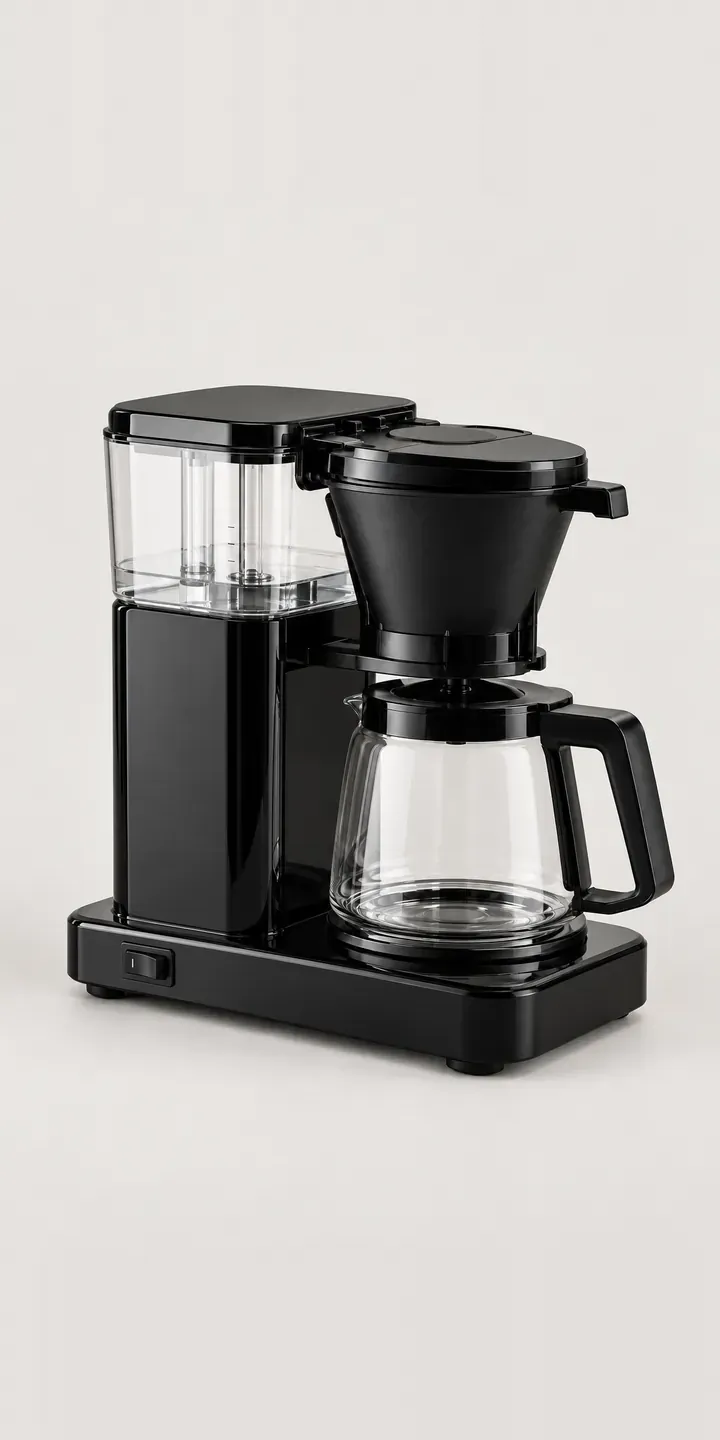
Coffee Configurator demo
Filter Coffee Maker
- Product
- Filter Coffee Maker
- Colour
- Gloss Black
- Carafe
- Glass
Illustrative product. The design and images are generated examples, not a real model for sale.
What you can configure
Clicking gloss black, gloss white, silver or deep red loads a photograph taken from one angle, so the shower outlet and filter holder stay put. Gloss panels reflect everything around them, so consistent lighting matters more here than on a matte appliance. The carafe choice appears in the summary but does not change the photo in this demo. A production build would swap the carafe image, since a glass jug and a steel jug change the whole lower half of the machine.
- Colour: Gloss Black, Gloss White, Silver, Deep Red
- Carafe: Glass, Thermal
Why a configurator suits coffee makers
Coloured kitchen appliances are bought to match. A deep red coffee maker is chosen against a red kettle or toaster, and powder blue or stone gets picked to sit with painted cabinets. If the product page only shows black, the colour buyer has to trust a small swatch, and an opened appliance that comes back for being the wrong shade is costly to resell.
Six finishes with two carafes is twelve sellable versions. Many retailers list them as separate products, which splits reviews and buries the less common colours on page three of a category. One configurable page keeps the reviews together, lets the customer see each pairing, and still sends a distinct SKU to the warehouse.
The office market behaves differently. Facilities buyers often order several units at once, nearly always with thermal carafes, and want a quote or account invoice rather than a card payment. A configurator that can end in a quote request suits them, while household buyers go straight to the basket from the same page. One product, two routes to an order.
How a production version would be built
Layering works well because the carafe occupies a defined space at the base. Each body finish is photographed with that area left clear, and the two carafes are shot separately and dropped in. Gloss bodies need a controlled studio set so reflections stay the same from colour to colour, and renders avoid the problem altogether if CAD exists. The retailer supplies SKUs, carafe compatibility, any finishes reserved for particular stockists, and bundle rules for filter papers or descaler. On Shopify the build maps to a variant; trade customers can be routed to a quote form instead.
Build sheet for this range
- Colours in the full range: 6 (4 shown in this demo)
- Carafe choices: 2
- Combinations to support: 6 × 2 = 12
- Images for one photograph per combination at 3 angles: 36
- Images if carafes can be shown as separate layers, at 3 angles: 24
- Data each of the 12 combinations needs: a SKU or variant ID, price, stock or lead time, and any dimensions or specification that change
Questions about coffee maker configurators
How do you stop gloss finishes looking different from one swatch to the next?
By fixing the lighting and camera before the first shot and leaving them untouched until the last. Gloss panels mirror the studio, so a moved softbox shows up as a different reflection on the red than on the black. When renders are used instead, the same virtual lighting is applied to every finish, which removes the problem.
Can office customers order several machines through the configurator?
Yes. A quantity field and a quote route can sit alongside the normal basket. Business buyers send a request with the finish, carafe and number of units, and it reaches your inbox or CRM with those details already structured. Your team can then reply with account pricing without re-keying anything.
Should each colour have its own product page for SEO?
Usually not. One strong page with colours as variants gathers all the reviews and links, and colour searches can still land on it through variant URLs and product structured data. Separate pages make sense when a finish is a limited edition with its own story. I set the variant URLs up so search engines can crawl them.
Can the configurator suggest a kettle or toaster in the same colour?
It can. Once a buyer picks deep red, the configurator can show matching appliances from the range in that finish as optional add-ons, each going to the basket separately. It only looks right when the matching products were photographed under the same conditions, so it is worth planning the shoot as a set rather than product by product.
More coffee equipment configurator demos
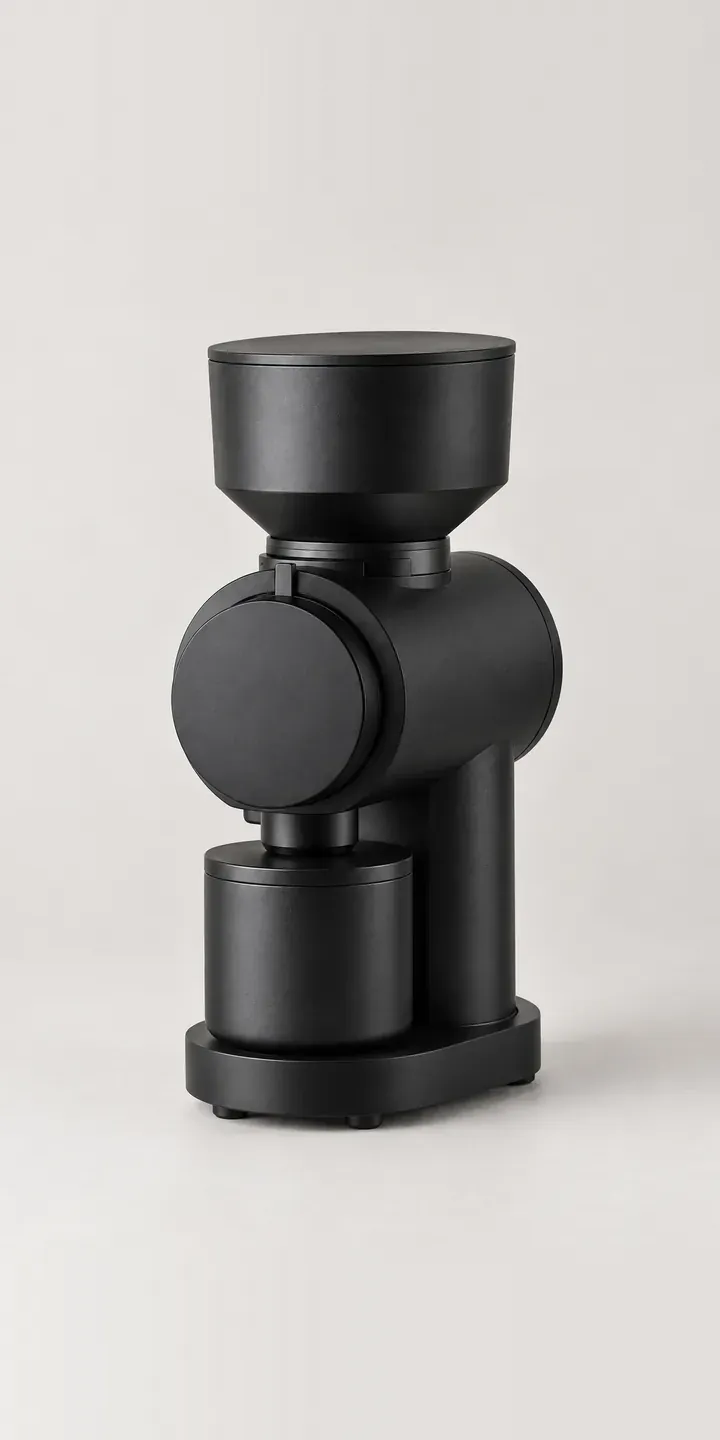
Flat Burr Grinder
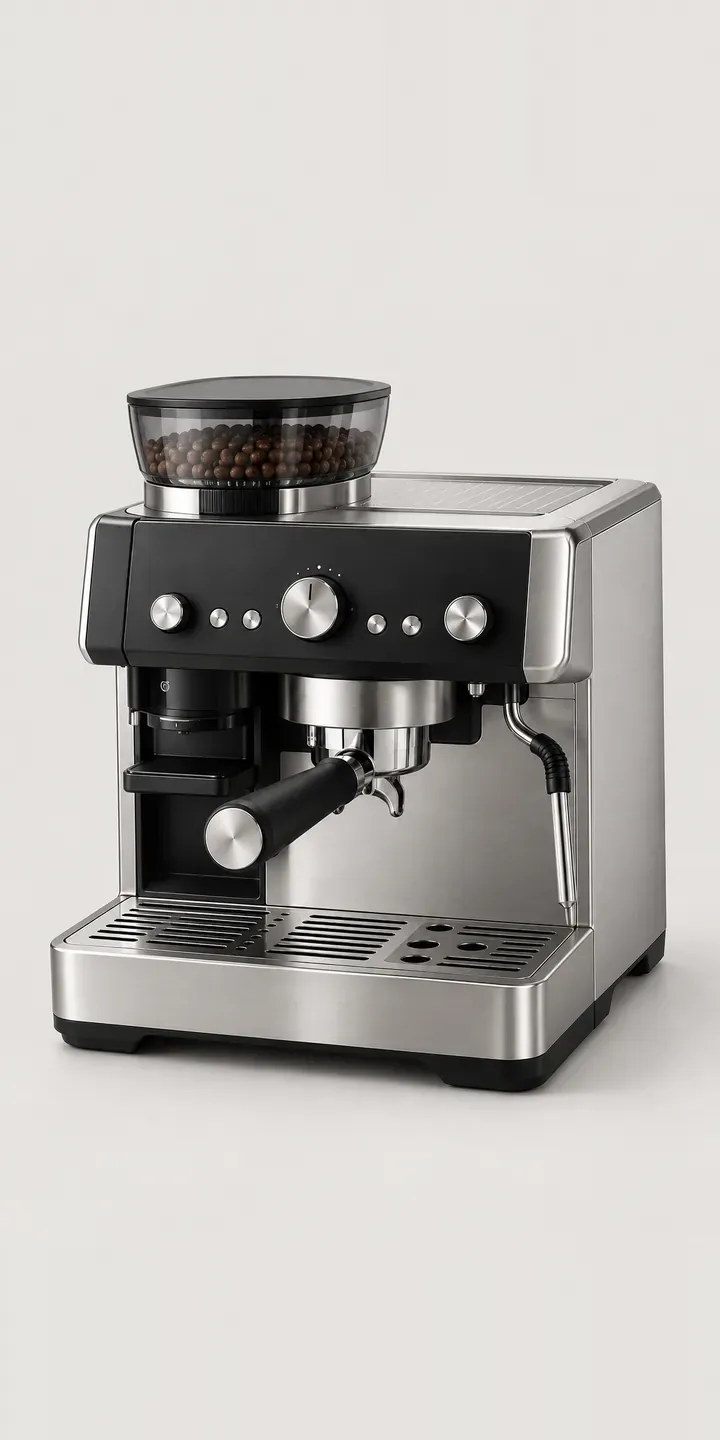
Home Espresso Station
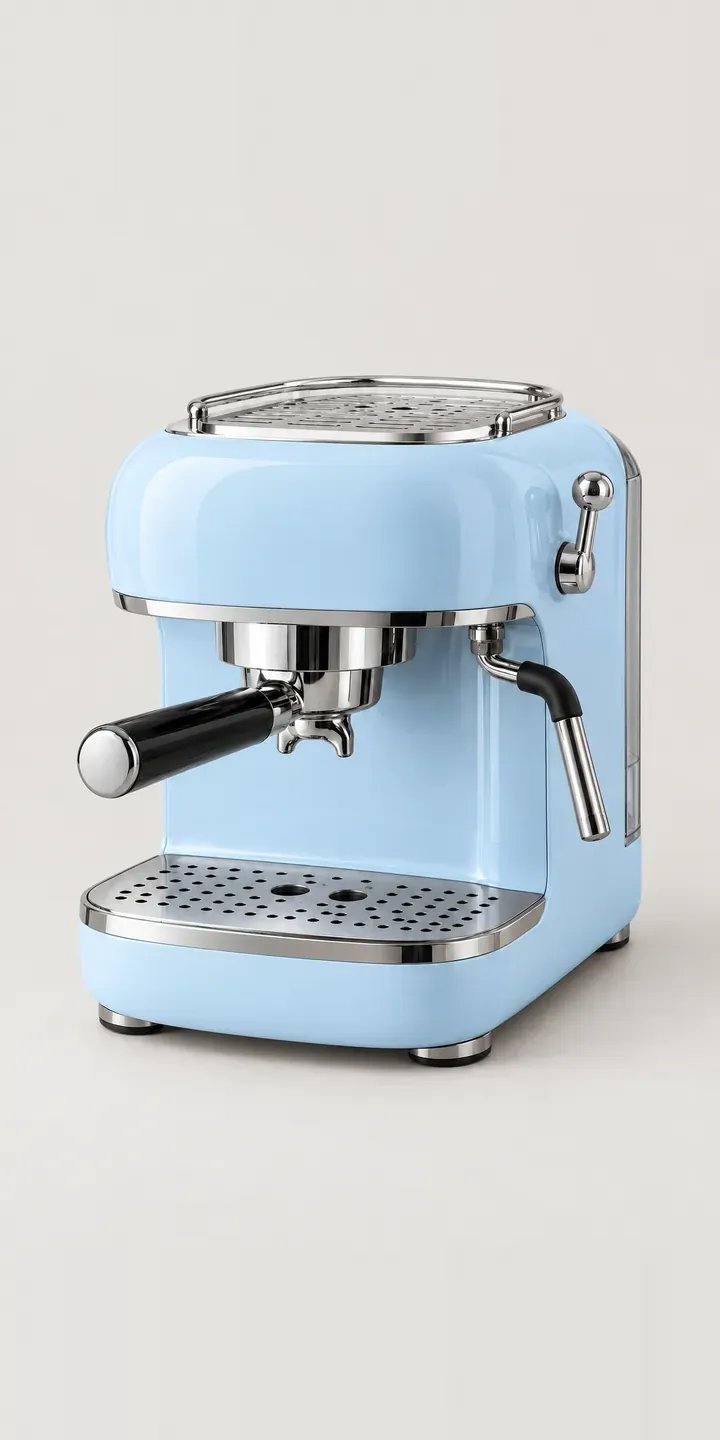
Retro Espresso Machine
Slim Espresso Machine
Touchscreen Espresso
Batch Coffee Brewer
All coffee machine configurator demos
A configurator for your coffee makers
This demo uses an illustrative product. If you sell coffee makers, I can build the same experience around your own range, photography and ordering process, connected to Shopify, WooCommerce or a quote workflow. I reply to enquiries within two UK working days.