This illustrative chassis pairs a finely perforated mesh front with a separate lower compartment behind the glass, keeping the power supply and spare cable out of sight. You can set its colour and decide whether it ships with fans, then send the build as a quote.
Mesh-front cases are chosen for temperatures and noise, but people picking muted finishes like stone grey, navy or sand are thinking about the room as well. A PC that lives beside a sofa or at the end of an oak desk is closer to furniture than gaming kit. The buyer is deciding whether the case will sit quietly in the space, and whether they need new fans or already own good ones.
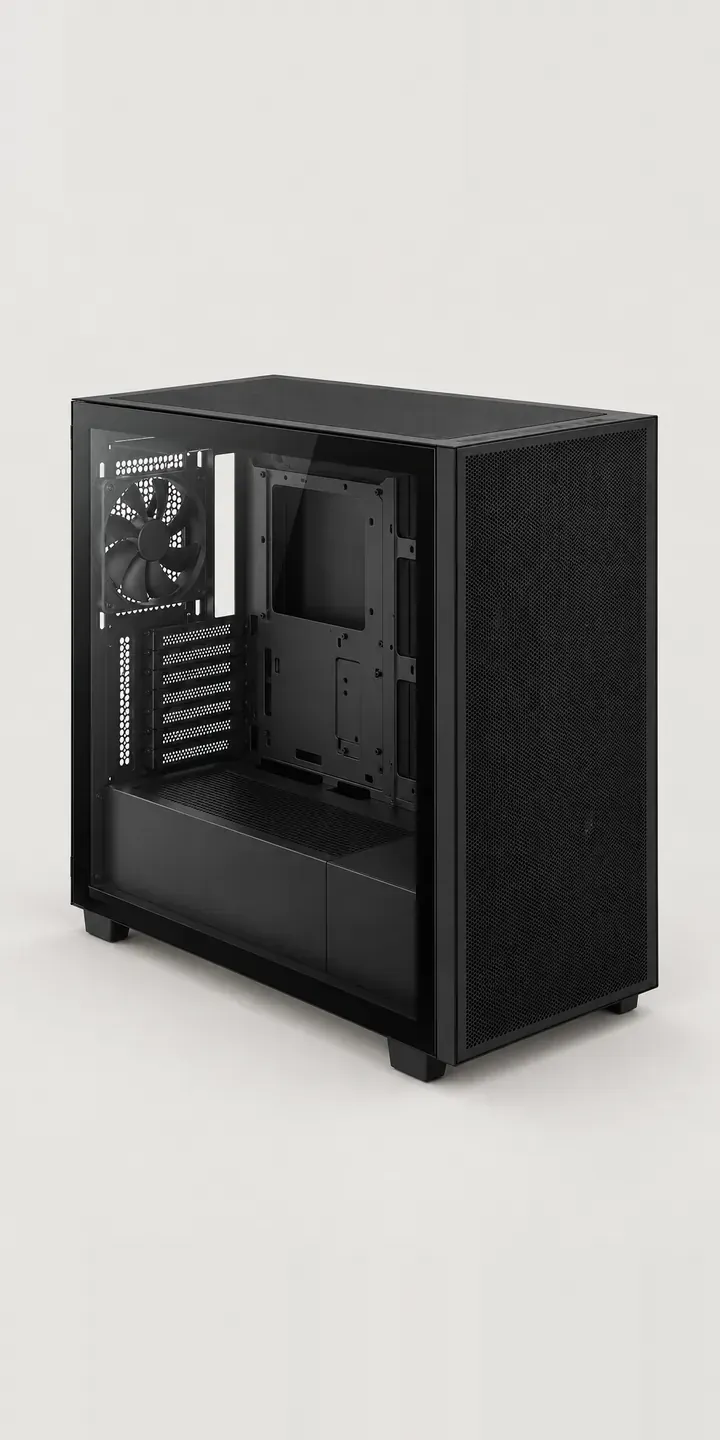
PC and gaming hardware Configurator demo
Mesh Airflow Chassis
- Product
- Mesh Airflow Chassis
- Colour
- Matte Black
- Fans
- None
Illustrative product. The design and images are generated examples, not a real model for sale.
What you can configure
Matte black, white, stone grey and navy are in the demo; sage and sand are the other two finishes. The fan option is a choice between none and a four fan pack, recorded in the summary without changing the image. The no-fan option exists for a real reason: upgraders often move a set of fans they already trust from their old case.
- Colour: Matte Black, White, Stone Grey, Navy
- Fans: None, 4 Fans
Why a configurator suits PC cases
Twelve combinations is a modest range on paper. The difficulty is that mesh is hard to show. Fine perforations create moiré patterns on screen, look solid in small thumbnails, and change colour depending on whether light passes through them. Someone comparing stone grey with sage needs a close view of the mesh in each, not a small product shot.
Muted finishes also sell to a different buyer from the usual gaming audience. These customers compare the case with their shelving and care how it looks with the glass side facing the room. Copy written around frame rates misses them. A configurator lets the retailer pair each finish with notes on texture and material, which is the language this buyer uses.
The fan option heads off a common support problem. Buyers who choose a bare case sometimes forget they need fans, then ask why the PC runs hot. Making fans an explicit choice, with a note on the minimum the case needs, prevents that. Buyers who take the pack get a matched set that fits the mounts and the colour.
How a production version would be built
A production version would combine full views and close-ups. Each finish gets a front-quarter render with the glass side visible, plus a tight crop of the mesh so the perforation reads properly. Fans can be layered behind the mesh and glass rather than rendered as separate full images, which keeps the asset count close to the number of finishes. The retailer provides SKUs, finish names, fan pack contents and minimum cooling guidance. Orders go to the basket, and a shareable configuration link lets a build be checked with a partner or flatmate first.
Build sheet for this range
- Colours in the full range: 6 (4 shown in this demo)
- Fans choices: 2
- Combinations to support: 6 × 2 = 12
- Images for one photograph per combination at 3 angles: 36
- Images if fan packs can be shown as separate layers, at 3 angles: 24
- Data each of the 12 combinations needs: a SKU or variant ID, price, stock or lead time, and any dimensions or specification that change
Questions about PC case configurators
How do you show fine mesh clearly in product images?
With a dedicated close-up per finish. At full-view sizes, fine perforations either disappear or create moiré on screen. A cropped detail at a fixed scale shows the texture honestly. I would also render the mesh with a little light behind it, because that is how it looks with fans running inside.
Why offer a case with no fans at all?
Because experienced builders often already own fans they like, and paying for a second set feels wasteful. A no-fan option keeps those buyers. The configurator should still state how many fans the case needs to run properly, so first-time builders do not choose it by mistake.
Can the configurator show the lower compartment and cable space?
Yes, as an extra view. A side view with the glass removed, or a rear view with the cable side open, shows where the power supply and drives go. That matters to anyone planning a tidy build, and because the view is the same for every finish it costs little to add.
Do I need 3D for a PC case configurator?
Not to start with. Image swaps handle finish and fan choices well, and they load quickly on a phone. A 3D case configurator becomes worthwhile when buyers need to rotate the case to check ports and mounts, or when a range shares many parts across models.
More PC and gaming hardware configurator demos
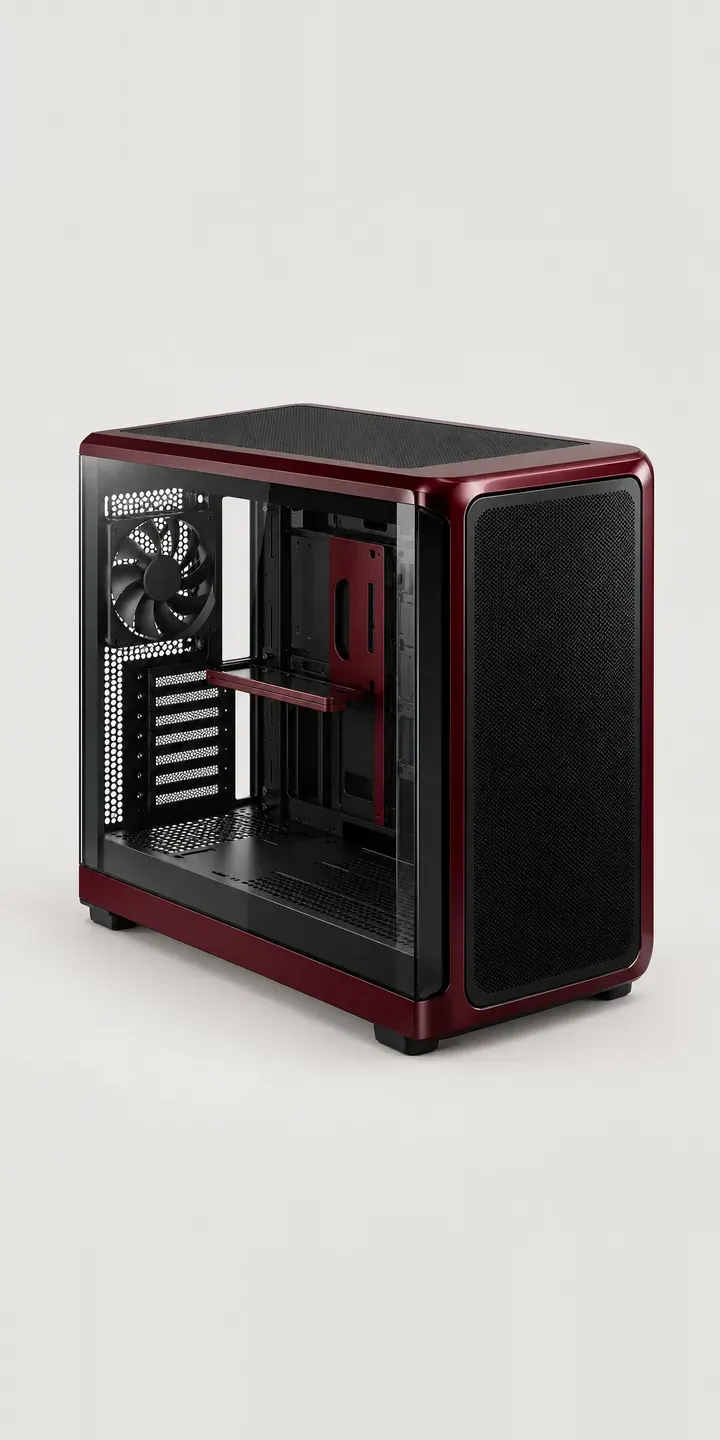
Panoramic Glass Tower

Portable Games PC

Pro Gamepad
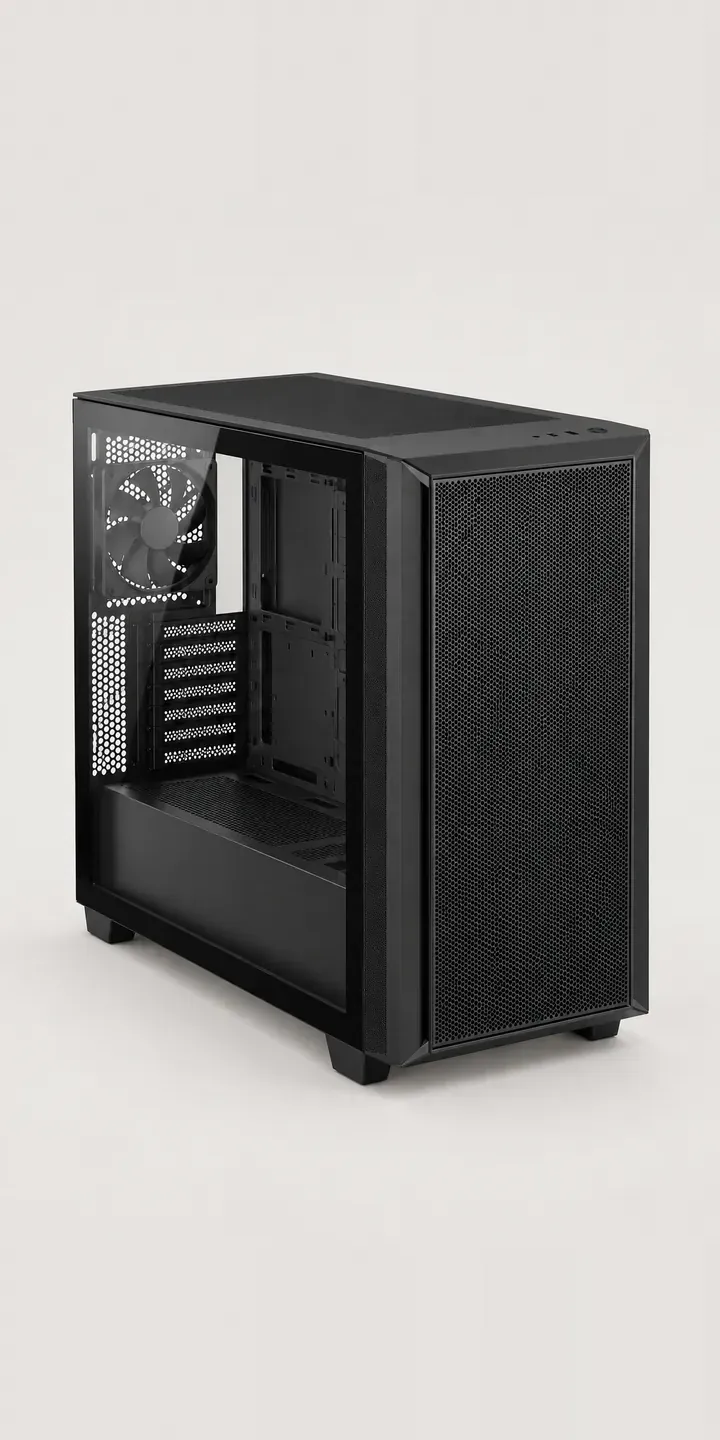
Silent Mesh Chassis
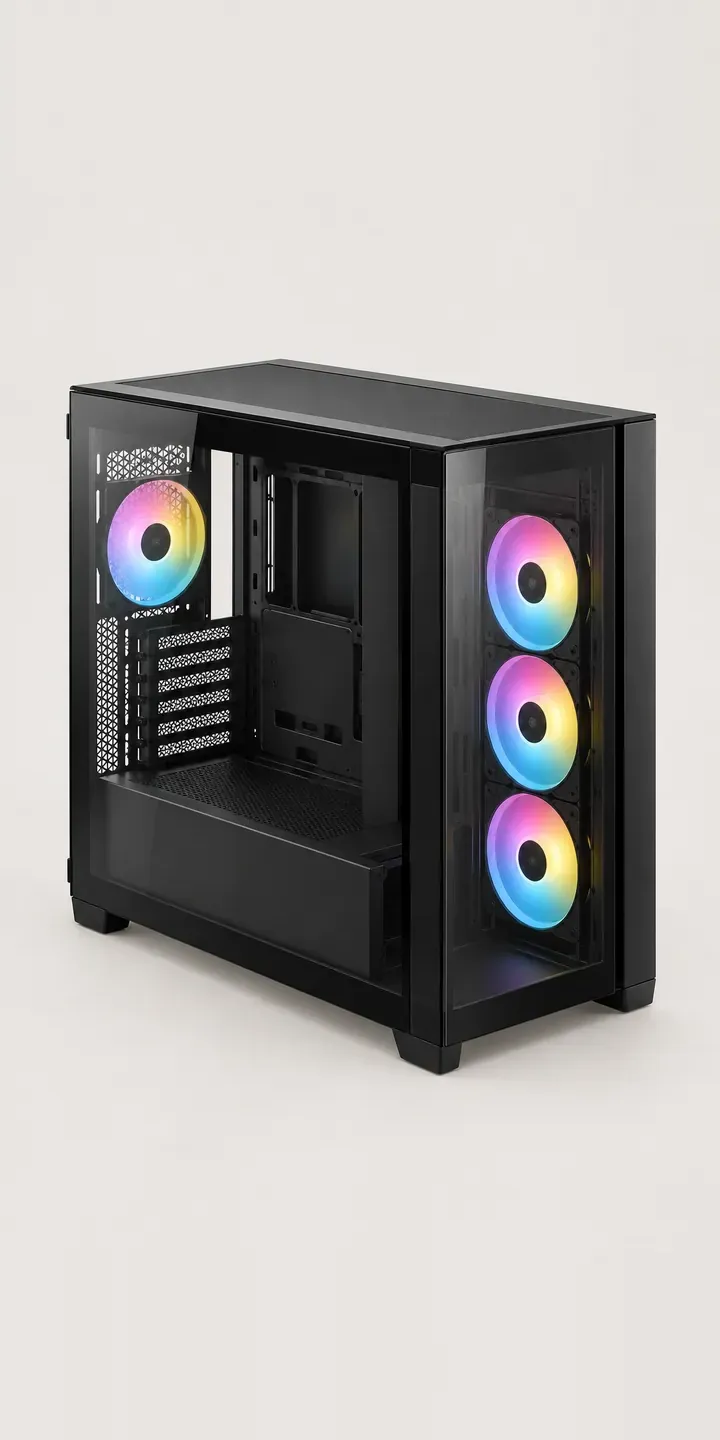
Split-Level Chassis
Studio Grade Display
All PC and gaming hardware configurator demos
A configurator for your PC cases
This demo uses an illustrative product. If you sell PC cases, I can build the same experience around your own range, photography and ordering process, connected to Shopify, WooCommerce or a quote workflow. I reply to enquiries within two UK working days.