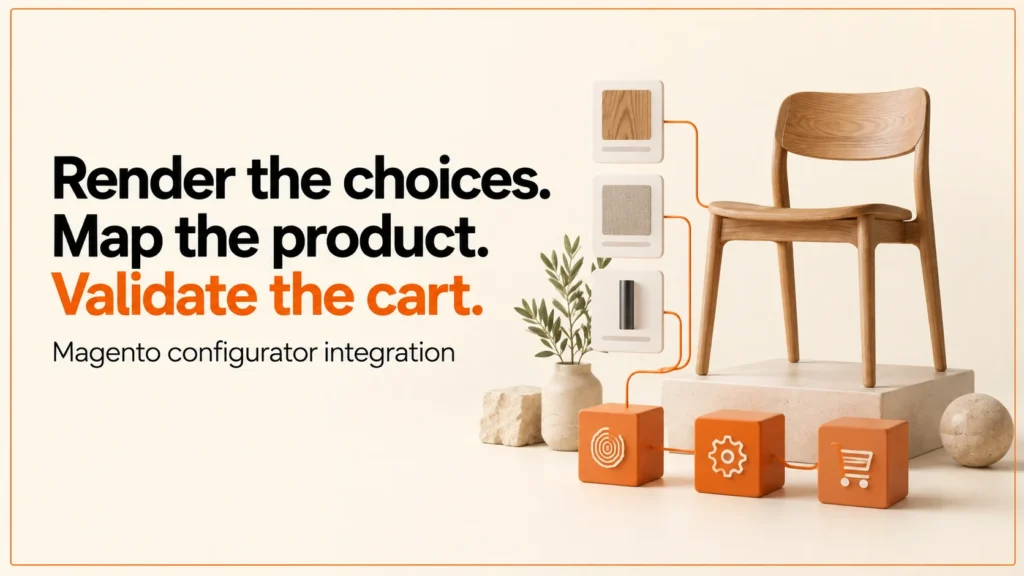
A Magento configurator is a product selection interface, often with a 3D viewer, connected to a Magento Open Source or Adobe Commerce catalogue. The viewer helps a shopper understand the choice. The integration must turn that choice into recognised products and options, then handle what the platform sends back.
Discuss your product rangeTry the demos
This guide covers how I plan a Magento 2 product configurator: the product model, a mapping worksheet, the cart hand-off and the tests. The worksheet and test register are planning examples. I have not published a Magento integration, so nothing here claims a live Magento project.
Who needs a Magento configurator
Magento and Adobe Commerce are often chosen for large catalogues, several storefronts and B2B selling. That is also where configurators appear most. The usual cases are:
- B2B suppliers whose buyers choose a range, a size and a finish, then expect trade pricing and an account-based checkout. See my notes on B2B ecommerce SEO for the search side.
- Made-to-measure sellers where the buyer enters dimensions or text. These products often need review before they can be made. I cover them in made-to-measure product configurators.
- Large catalogues where many products share a set of options, and a visual picker is easier than a long list of dropdowns.
If your catalogue is small and simple, a standard product page may be enough. A configurator earns its place when the choice is complex and a picture helps the buyer decide.
Define the product model first
Adobe documents a configurable product as a parent linked to child simple products, one for each offered combination. Customisable options are a separate concept. They attach choices or entered values to a product without creating a child SKU for each one.
A visual finish picker could map to a child product, a custom option or another agreed process. The right answer comes from the catalogue and from fulfilment. Ask who owns stock, price, tax and approval before anyone writes an add-to-cart action.
Do not create catalogue combinations just because a preview can render them. A 3D scene can show thousands of looks. A catalogue cannot sensibly hold a child product for each of them.
Configurable products, custom options or a specification record
- Configurable products with child simple products. Best for stocked combinations. Each child has its own SKU, stock and price. The cost is catalogue growth when the option count rises.
- Custom options. Best for extra choices and entered values, such as engraving text. They keep the catalogue small, but you must check how stock, pricing and reporting behave for your store.
- A specification record. Best for complex or made-to-measure products. The cart carries a reference to a stored specification, and a person or system reviews it before production. The cost is extra build work and a clear owner for the record.
Many stores mix these. A stocked frame might be a configurable product, an engraving a custom option and a bespoke build a specification record. I describe the data side in more detail on my configurator development page.
An original mapping worksheet
| Viewer choice | Example application identity | Platform mapping to confirm | Acceptance evidence |
|---|---|---|---|
| Product family | demo-chair | Parent product and approved product type | Correct product is returned in the cart. |
| Stocked size and finish | wide / oak | Child SKU or selected option identities | The combination resolves to the intended sellable item. |
| Entered custom value | engraving-text | Entered option identity and validation | The accepted value remains visible to fulfilment. |
| Complex specification | configuration-ref | An agreed server-side specification record | The order can retrieve the approved version. |
| Displayed price | price-status | Authoritative commercial response | The summary explains estimates, errors or changes. |
The application identities above are fictional labels, not API values you can submit. Replace every mapping with data from the target catalogue. Keep stable identifiers when customer-facing labels change language or wording.
Make the hand-off a defined contract
Readable choices
Approved identities
Current rules
Confirmed item or error
Adobe documents a GraphQL addProductsToCart mutation that takes a SKU, a quantity, selected options and entered options. Magento also offers REST endpoints for cart work. Choose an approach against the exact edition and API version your store runs. The documentation shows request shapes. It does not supply your store’s option identities or product policy.
Keep privileged credentials in the trusted integration layer. The browser should receive only what a shopper needs. If the configurator sits on another origin, define the message schema, the allowed sender and the failure behaviour in writing.
Where the 3D viewer sits
There are three common places to put the viewer. I describe them in general terms, because the right one depends on your build.
- Inside the theme. The viewer loads on the product page as part of the storefront. This is the simplest route when the theme is under your control. You must still keep the heavy scripts and model files from slowing the page.
- In a PWA or headless front end. The storefront talks to Magento through its APIs, and the viewer is a component in that front end. This gives more freedom over design, but it adds more to build and maintain.
- In an iframe. The viewer runs as a separate app and sends the selection to the page. It is easy to isolate, but you must secure the messages passed between the two.
Whichever you choose, the viewer should never decide price or availability. It should show a selection and pass it on. Commerce rules stay in Magento.
How this compares with Shopify and WooCommerce
The idea is the same on every platform: map a visual choice to a purchasable item, then confirm it. The data model differs. Shopify leans on variants and metafields, and I explain that in Shopify metafields for configurable products. WooCommerce handles extra choices through product options, covered in WooCommerce product options. Magento sits between them, with a strong configurable product model plus custom options.
If you are still choosing a route, my comparison of configurator platform alternatives sets out the trade-offs without pushing one product.
Test more than the happy path
Use a register with the product, option identities, expected outcome, observed cart item and timestamp. This is how I test other platforms. My Shopify example has 33 offline checks. My WooCommerce example has 23 checks under each of two order-storage modes. A Magento register would follow the same habit, shaped to your catalogue.
Include these cases:
- One valid stocked selection.
- A missing required option.
- An unavailable child product.
- An invalid entered value.
- A changed catalogue mapping.
- An expired session.
- A repeated confirmation click and a modified submission.
The integration should give a clear result without an unexplained duplicate. If the commercial response changes a price or rejects a choice, keep the visitor’s selection and explain the next step.
Common mistakes
- Building the 3D scene before the data model. The viewer then promises combinations the store cannot sell.
- Using labels as identifiers. A renamed finish breaks the mapping. Use stable IDs.
- Trusting the browser. Prices and rules must be checked on the server side.
- Treating a rendered image as a confirmed order. The cart response is the only proof.
- Forgetting search. Option pages and filters can create thin or duplicate URLs if nobody plans them.
- Skipping failure states. Shoppers will hit out-of-stock, expired sessions and bad input.
My background
I am an independent designer-developer based in Manchester, working across the UK. I led development of the Praxis Digital 3D configurator platform, used by 20+ UK businesses from 2021 to 2025, and worked on a KTP with Manchester Metropolitan University. That experience shapes how I treat the viewer, the data and the cart as three separate parts that must agree.
Try it and plan the brief
Review a real model in the GLB viewer, explore the site’s demonstration journeys and use the configurator brief to document the complete requirement.
FAQ
What is a Magento 2 product configurator?
It is an interface that lets a shopper choose options for a product, often with a live 3D or image preview, and adds the result to a Magento cart. The key part is the link between the visual choice and the catalogue.
Is an Adobe Commerce 3D configurator different?
The concepts are the same: products, options and a cart. Adobe Commerce and Magento Open Source differ in features and support, so check the edition you run before choosing an approach.
Should I use configurable products or custom options?
Use configurable products when each combination is a stocked item with its own SKU. Use custom options for extras and entered values. Complex made-to-measure items may need a specification record instead.
Do I need a headless build?
No. A viewer can sit in the theme, in a PWA front end or in an iframe. Headless gives more control, but it also adds more work. Pick the simplest option that meets your design and speed needs.
Selling on BigCommerce or building the front end in WordPress? See the BigCommerce and WordPress configurator guide.
Next step
If you are planning a Magento or Adobe Commerce configurator, send me your catalogue shape and the options you want to offer. I will tell you which model fits and what to test. Start with the configurator development page or get in touch.
References: Adobe’s configurable product tutorial and addProductsToCart documentation. The mapping worksheet, diagram and test register are original project examples. Reviewed 14 October 2026.