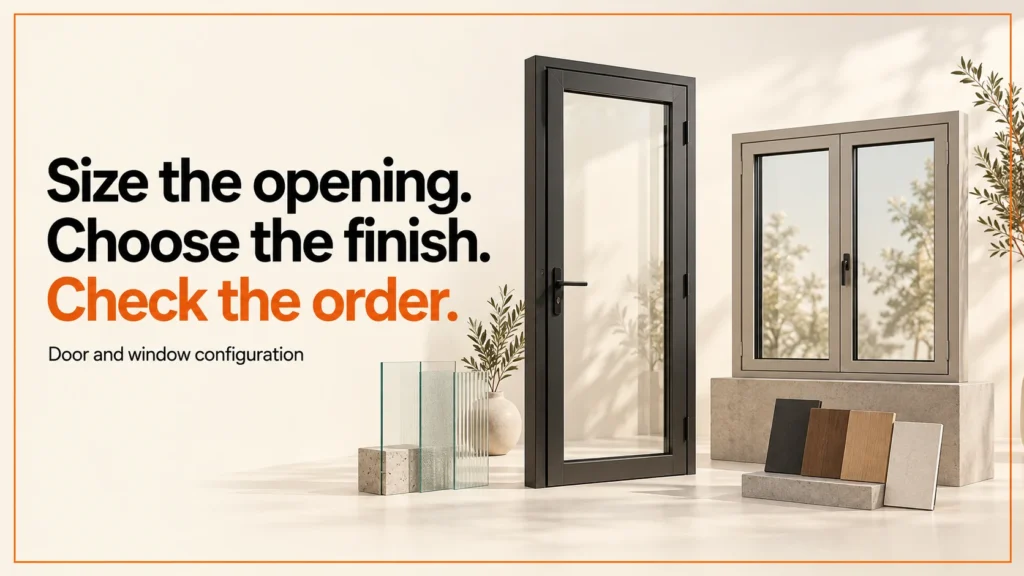
A door and window configurator turns an opening size and a product choice into a specification a supplier can check. This guide covers the options buyers pick, how to agree every measurement, and when a quote should wait for a survey.
Discuss your product rangeTry the demos
A door and window configurator needs to turn an opening size and a product choice into an unambiguous specification. A convincing preview can help a customer compare finishes. The product policy and review process decide what the supplier can accept.
I led development of the Praxis Digital 3D configurator platform, used by 20+ UK businesses from 2021 to 2025. The worksheet on this page is a separate, original example. It shows dimensional rules for two fictional product families. It is not a measurement guide, a compliance check, an installation specification or a list of real product sizes.
Try a fictional family and dimension rule
Choose a family (window or door), enter a width and height in whole millimetres and pick a finish. In this fictional policy, windows run from 400 to 1800 mm in both directions, and doors from 700 to 1000 mm wide and 1900 to 2300 mm high. The summary below the form shows the record a supplier would receive, including the units and whether the demonstration rule passes.
The default 900 × 1200 mm window passes the fictional policy. Switching to the door family keeps those dimensions but explains why the height is outside that family's demonstration limits. Changing the height to 2100 mm resolves the conflict. The summary records explicit units and whether the demonstration rule passes.
Who uses door and window configurators
Three groups use these tools most often. Each one needs a different result from the form. A useful test is whether each group can explain the summary in one sentence.
- Manufacturers who sell made-to-measure ranges and want clean orders.
- Installers who want a rough quote before a site visit.
- Retailers and showrooms that need a clear record of what a customer chose.
Many of these projects are made-to-measure, so the same rules apply. For a wider view, read about made-to-measure product configurators.
The options customers choose
Most door and window configurators ask for the same core choices. Keep the list short. Each option should map to one field in the supplier's record.
- Product family: window, door, bifold or sash. Some ranges add composite doors.
- Size: width and height, with the convention stated beside the field.
- Opening direction: which side hinges, slides or folds.
- Frame material and colour: a finish code the supplier can match.
- Glazing: panel type and layout, where the range offers choices.
- Hardware: handles, locks and hinges, shown as options with clear names.
If your store runs on WooCommerce, options are often built with WooCommerce product options. Test the saved values there as well as on screen.
Agree what every measurement means
Each row in the table below is a question to answer before an order is placed.
| Specification field | Question before implementation |
|---|---|
| Width and height | Which precisely defined dimensions does the supplier need, and who confirms them? |
| Opening direction | From which viewing side is the choice described? |
| Frame and finish | Which stable range identifiers map to the displayed labels? |
| Panels and glazing | Which combinations are offered, and which need review? |
| Commercial status | Is this an indicative enquiry, approved quote or order-ready specification? |
A bare field called "width" leaves too much interpretation. Put the measurement convention beside the input. Is the figure the opening, the frame or the finished unit? Then carry the same convention into the supplier's record. If measurements need a professional survey, the customer journey should make that stage clear.
Here is an illustrative example, not a real product. A customer enters 900 mm wide and 1200 mm high. The form should say whether 900 mm means the opening or the frame, and where the height is taken from. Without that note, two people can read the same numbers in two different ways.
Surveys and what you must confirm
Some ranges need a site survey before a price or order is final. A configurator can collect the first figures. A survey should confirm them on site.
Real sizes, building regulations, safety glazing and installation must be confirmed by the supplier or a qualified professional. This page does not set out any regulation details. The sizes here belong to a fictional demonstration and are not a guide to any real product.
Quote flow or order flow
Many ranges cannot go straight to an order. Decide early which path a selection follows. The configurator should say which one applies.
- Quote flow: the customer submits sizes and options, and the supplier reviews them before pricing.
- Order flow: the selection can be placed as entered, after the supplier's own checks.
- Survey first: the supplier books a survey before any final figures are agreed.
Keep unresolved review fields visible in the summary. Do not show a selection as accepted just because the preview rendered.
Build assets around the real range
Decide whether the viewer uses approved fixed models, module assembly or parametric geometry. Changing an overall size may affect frame sections, panel layout and hardware positions. Maintain recognisable proportions and review the extremes of the offered range.
Glass and frame materials need a consistent viewing setup. A transparent material can behave differently in a web viewer and an AR export, so review each actual deliverable. Use the GLB viewer for the web asset and the material lab to explore basic surface behaviour. If you offer an AR view on iPhone and iPad, check the USDZ AR Quick Look export separately.
Accept the data as well as the picture
Test each family. Check dimensions at and outside approved boundaries. Check missing values, a family change and a restored saved specification. Confirm that translated labels do not change the underlying option identifiers. A submission changed outside the form still needs validation before it becomes a commercial order.
Start with a short test list. Write down each family, each boundary and each saved state. Run the list again after every change to the form, the labels or the export. A list you can repeat is more useful than a single test run.
In my own work I ran 33 offline checks on a Shopify configurator integration example, and 23 checks under each of two order-storage modes on a WooCommerce example. Those counts describe the testing. They are not a result for any client.
Common mistakes
- Using a bare "width" field with no convention for opening, frame or finished size.
- Testing only the default size and skipping the edges of the range.
- Showing a selection as accepted because the preview rendered.
- Letting translated labels change option identifiers.
- Trusting a submission that changed outside the form without validation.
- Skipping the survey step for ranges that need one.
Beyond windows and doors
The same method works for other made-to-measure products. A garden building configurator has its own size limits, options and quote rules. Start with the same questions. What does each measurement mean, and who confirms it?
FAQ
What is a door and window configurator?
It is a web tool that turns an opening size and a product choice into a specification. The customer sees a preview, and the supplier gets a clear record of what was chosen.
Do I always need a survey before ordering?
No. It depends on the range and the supplier's process. A configurator should show which path applies, quote or order, so the customer is not surprised.
Can a configurator check building regulations?
Not on its own. Real sizes, building regulations, safety glazing and installation must be confirmed by the supplier or a qualified professional.
Are the sizes on this page real?
No. The limits in the widget are fictional and show how a dimension rule works. Do not use them as product sizes.
Related reading: bike configurator guide, table and desk configurators and kitchen configurators.
Next step
Begin with the project brief or discuss a range through configurator development. You can also reach me through the contact page. The fictional policies and worksheet are original examples for this site.