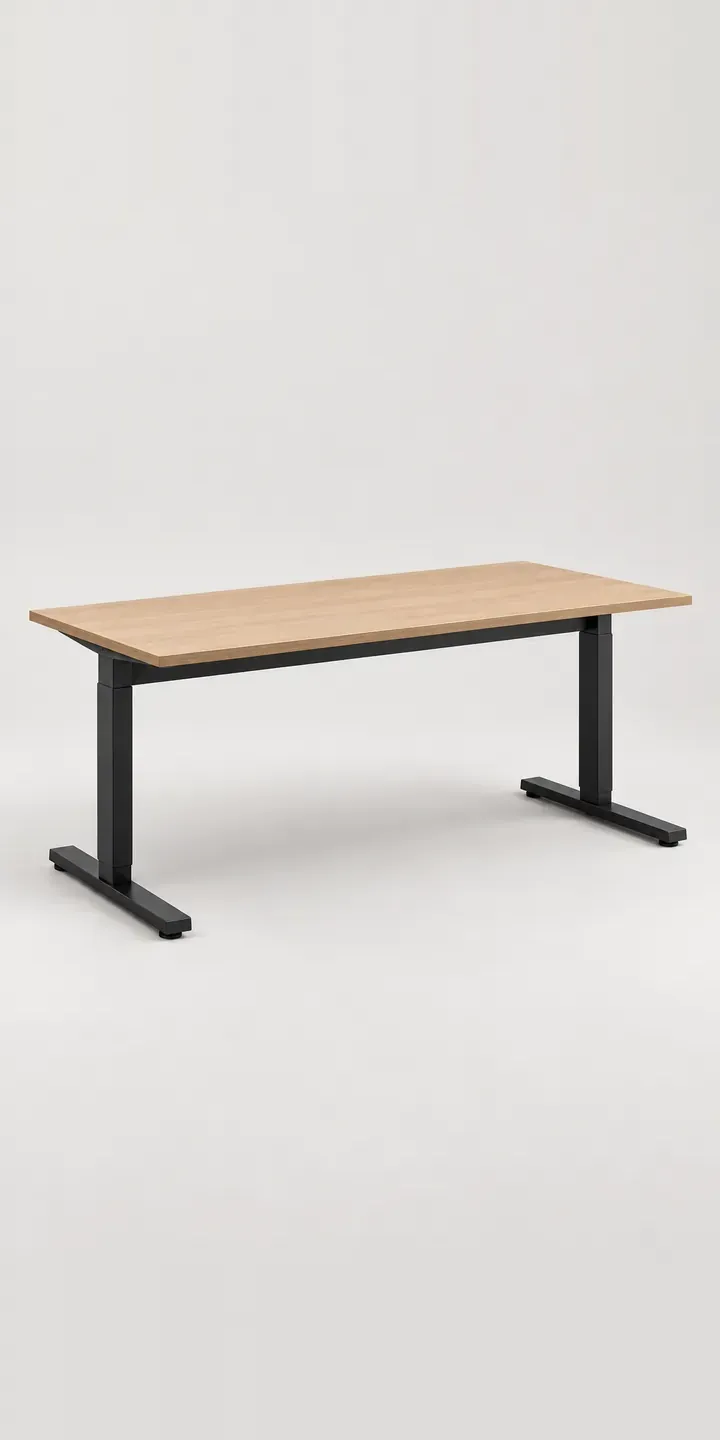
Here you can configure an illustrative electric sit-stand desk by top finish and width. Each choice updates the summary, which ends in a quote request rather than a basket, because desks like this are often bought by the business rather than the person using them.
People choosing a height-adjustable desk care about things a still photo cannot show: how far the frame travels, whether it wobbles at standing height and how loud the motors are. Top finish and width are the visible part of that decision. Together they decide whether the desk suits a converted warehouse office or a row of matching workstations on an open-plan floor.
Home office Configurator demo
Sit-Stand Desk
- Product
- Sit-Stand Desk
- Colour
- Light Oak
- Width
- 120 cm
Illustrative product. The design and images are generated examples, not a real model for sale.
What you can configure
Top finish is the first click: light oak, white, walnut or dark grey, four of the six tops, with pale grey and black left for production. Width comes next, at 120, 150 or 180 cm. It is logged in the summary, but this demo keeps one picture for every width. On a sit-stand desk, width is not only about desk space. It changes the load the frame carries at full height and whether a dual-monitor arm fits comfortably.
- Colour: Light Oak, White, Walnut, Dark Grey
- Width: 120 cm, 150 cm, 180 cm
Why a configurator suits desks
Workplace buyers rarely order a single desk. A facilities team fitting out a floor might want most desks in one width and one top, plus walnut for a few private offices. Each top and width pairing, 18 in all, carries its own code in the supplier's price list, and getting one wrong means a heavy item shipped twice.
A configurator turns that specification into structured data. Each line arrives with top, width and quantity attached, which makes it easier to check against stock and quote accurately. It also cuts the calls that follow when a frame set for 150 cm turns up alongside a 180 cm top.
For direct-to-consumer brands the case is different. Home workers compare sit-stand desks closely and want to see the walnut before paying for a bulky two-box delivery that is awkward to send back. Consistent images of every top and width, with dimensions and height range alongside, answer the questions that otherwise end up in live chat.
How a production version would be built
A sit-stand desk benefits from two views: seated height and standing height. In an image-based build that means one render per top, width and position, so a 3D model of the frame is the efficient route, with the top material and length changed by script. The retailer supplies frame and top codes, minimum and maximum heights, and which tops pair with which frames. Orders can go to a Shopify basket for home buyers or to a quote form for trade, with the full specification attached.
Build sheet for this range
- Colours in the full range: 6 (4 shown in this demo)
- Width choices: 3
- Combinations to support: 6 × 3 = 18
- Images for one photograph per combination at 3 angles: 54
- Images if widths can be shown as separate layers, at 3 angles: 27
- Data each of the 18 combinations needs: a SKU or variant ID, price, stock or lead time, and any dimensions or specification that change
Questions about desk configurators
Can the configurator show the desk at both sitting and standing height?
Yes, and it is worth doing. A toggle can switch between the lowest and highest positions using two renders per combination, so buyers see the column extension and how the raised desk sits in a room. The exact height range should appear next to the image, because that number matters more than any animation.
We sell frames and tops separately. Can the configurator handle that?
It can. The frame and top become two linked products, and the configurator only allows pairs that fit, for example blocking a 180 cm top on a frame that does not extend that far. The order then lands as two lines with matching codes, which suits most warehouse and dealer systems.
Can corporate buyers save a desk specification and reorder it later?
Saving is built in. Every configuration gets a link or reference code, so a facilities manager can reorder the same top and width for new starters. Approved specifications can also be restricted to a particular account, which keeps a fit-out consistent across floors and sites without anyone retyping codes.
Is it worth adding cable trays, monitor arms and other accessories?
Usually, yes. Accessories are where sit-stand desk orders tend to grow, and they are simple to add as optional extras with their own images or layers. I would place them after the main choices so the buyer settles the desk first. Each accessory needs a code, an image and any compatibility rules.
More home office configurator demos
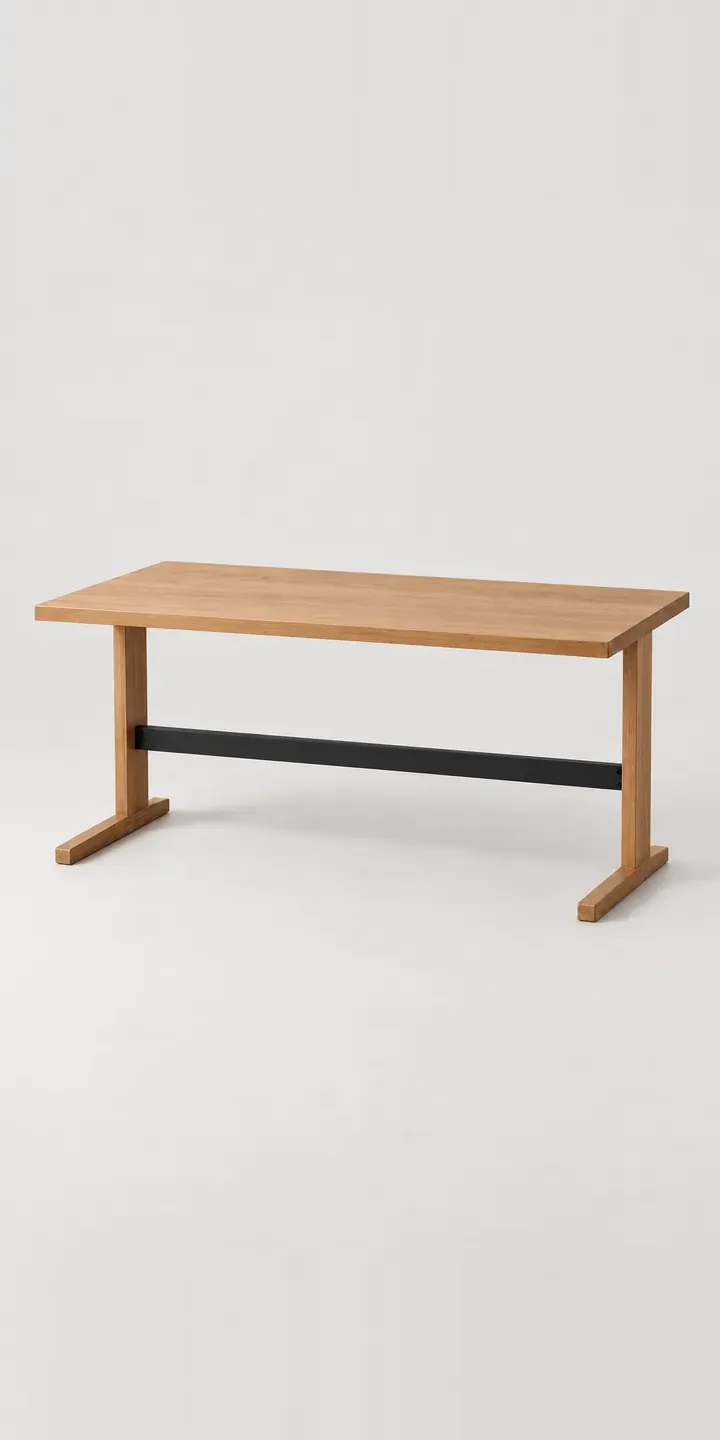
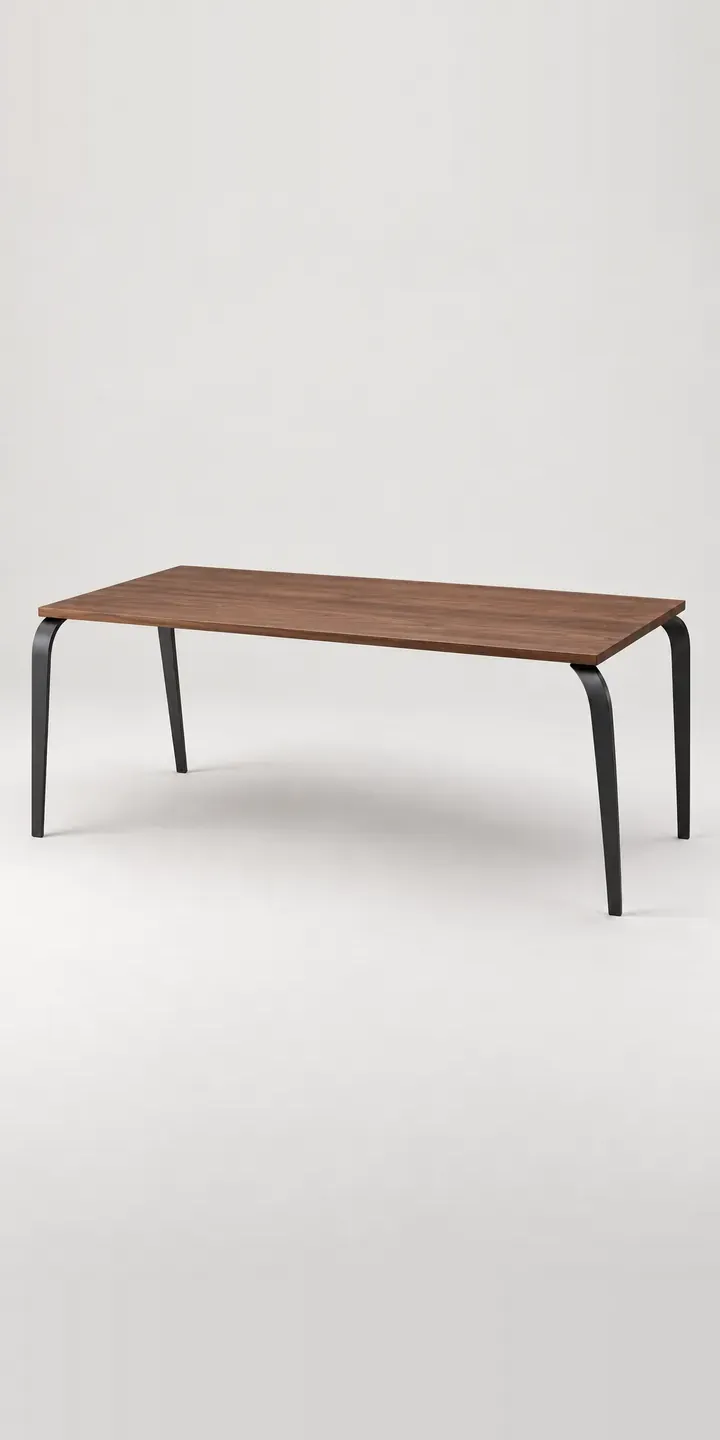
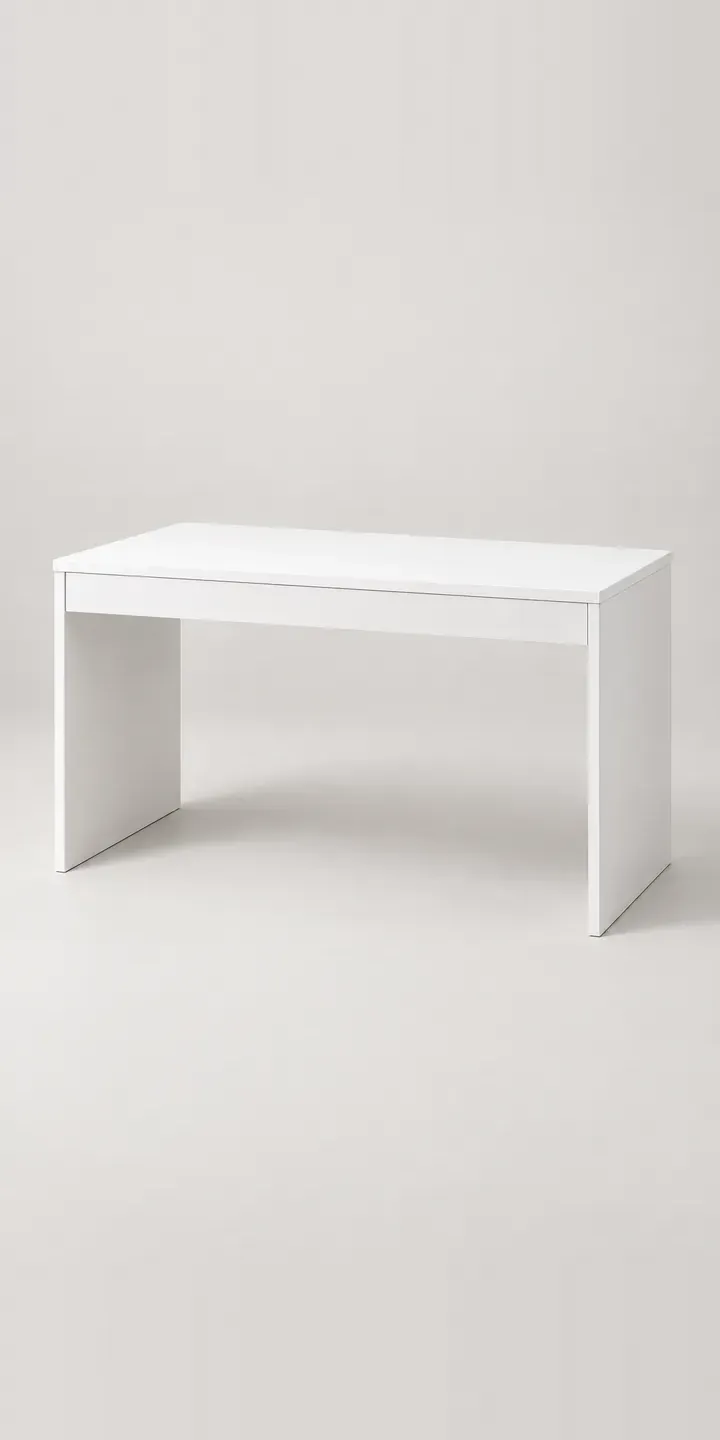
All desk and home office configurator demos
A configurator for your desks
This demo uses an illustrative product. If you sell desks, I can build the same experience around your own range, photography and ordering process, connected to Shopify, WooCommerce or a quote workflow. I reply to enquiries within two UK working days.