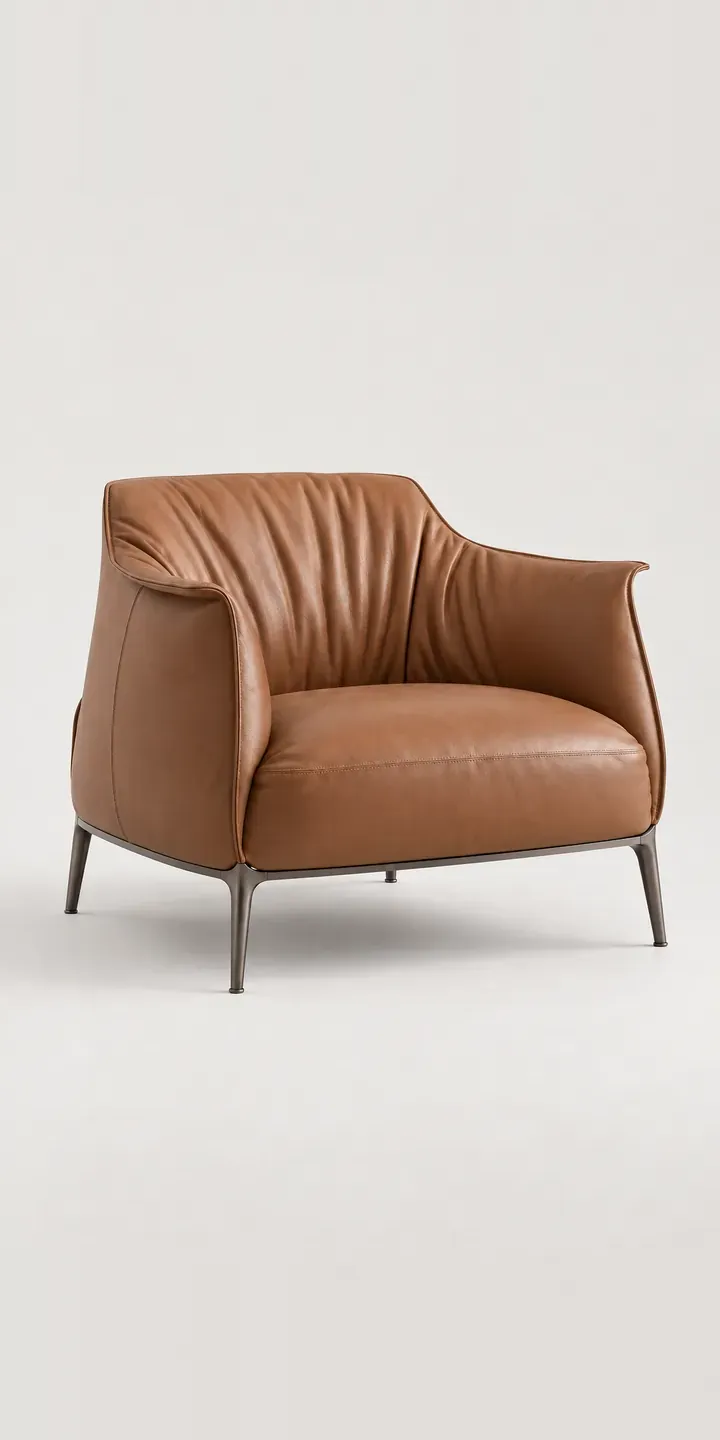
An illustrative club armchair is the subject of this demo, with a deep, enveloping body, contrast stitching along the arm seams and a cast aluminium foot. Pick a colour, choose leather or fabric, and the summary is ready to send.
A club chair carries a lot of associations. In cognac leather it belongs in a panelled library, yet in slate grey fabric the same shape sits quietly in a modern flat. Buyers are often choosing between those two versions of the chair as much as between colours. The material question also covers ageing: leather takes on creases and sheen, while fabric stays closer to how it arrived.
Furniture Configurator demo
Club Armchair
- Product
- Club Armchair
- Colour
- Cognac
- Cover
- Leather
Illustrative product. The design and images are generated examples, not a real model for sale.
What you can configure
Swap between Cognac, Black, Ivory and Slate Grey to see the chair change character. Forest Green and Burgundy are the remaining colours in the range. Leather or fabric goes into the summary, but the image itself does not switch material. That is the first thing a production build would add, because cognac leather and cognac fabric are not the same colour. Leather has sheen and depth, and fabric absorbs light.
- Colour: Cognac, Black, Ivory, Slate Grey
- Cover: Leather, Fabric
Why a configurator suits armchairs
Offering the same colour names in two materials creates a quiet problem. Customers assume cognac is cognac, then receive a fabric chair that looks flatter and lighter than the leather in the hero image. Showing all twelve colour and cover pairs honestly prevents that mismatch better than any product description.
Leather and fabric versions also tend to follow different supply routes. Hides are cut and stitched by hand, fabric is often ordered by the metre against each order, and the two can carry different lead times. A configurator can show the lead time for the chosen cover at the moment of choice, so the buyer is not surprised after paying.
There is a merchandising benefit in the other direction. A retailer with one floor model in cognac leather can sell the fabric version without stocking it, because the configurator shows what the floor model cannot. Over time, configured enquiries reveal which colour and material pairs are actually wanted, which is useful when choosing the next floor model.
How a production version would be built
For this chair I would shoot or render one image per colour per cover, twelve in total, rather than layering. Material changes how light falls across the whole body, so compositing leather onto a fabric shape tends to look wrong. The cast foot and stitching should stay identical in every image, which is easier to guarantee with rendering than photography. The retailer supplies colour names, the material for each, any colours offered in only one material, and lead times. On WooCommerce the colour and cover map to attributes, so pricing and stock work as normal.
Build sheet for this range
- Colours in the full range: 6 (4 shown in this demo)
- Cover choices: 2
- Combinations to support: 6 × 2 = 12
- Images for one photograph per combination at 3 angles: 36
- Images if covers can be shown as separate layers, at 3 angles: 24
- Data each of the 12 combinations needs: a SKU or variant ID, price, stock or lead time, and any dimensions or specification that change
Questions about armchair configurators
Can the configurator show leather and fabric as different colours under the same name?
Yes, and it should. Each colour and material pair gets its own image, so cognac leather and cognac fabric appear as they really look. If the difference is large, the swatch labels can say so, for example by naming the fabric shade separately. The aim is to stop the buyer assuming the two are identical.
How do you show contrast stitching clearly?
With a detail view. At full-chair scale, stitching is a few pixels wide and disappears on a phone. A close crop of the arm seam for each colour shows the thread against the cover. That matters, because the same thread reads differently on ivory and on black. The detail image can update with the swatch, just like the main one.
Can different lead times show for leather and fabric?
Yes. Lead times are stored per option in the product data, so choosing leather can show one estimate and fabric another. If your workshop updates lead times weekly, the configurator can read them from your stock or ERP system rather than a hand-edited page. That keeps the promise on the page in line with the workshop.
Is it possible to add a matching footstool or sofa later?
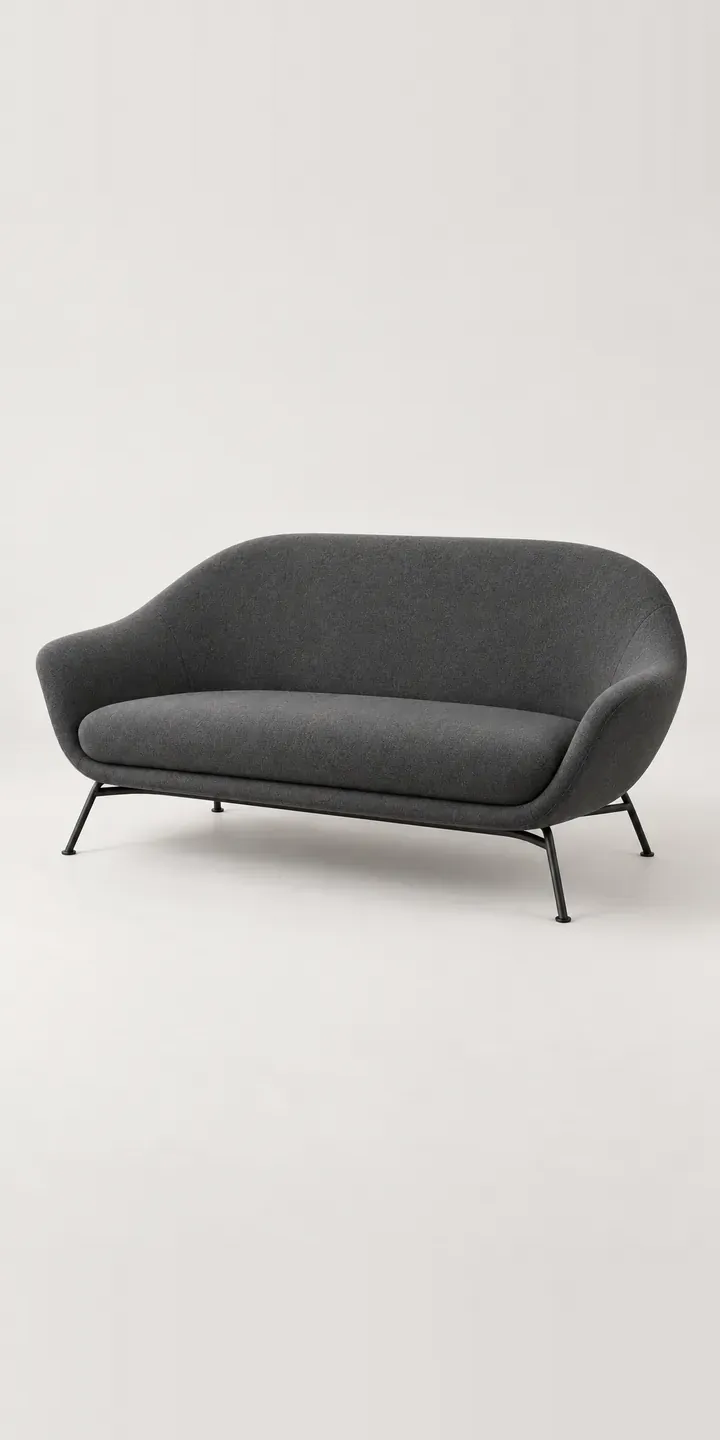
Yes. A configurator is built around product families, so a matching footstool or sofa can share the same colour and cover list. A buyer who configures the chair can add the matching piece in the same finish with one click. The order then keeps both items together for the workshop.
More furniture configurator demos
All furniture configurator demos
A configurator for your armchairs
This demo uses an illustrative product. If you sell armchairs, I can build the same experience around your own range, photography and ordering process, connected to Shopify, WooCommerce or a quote workflow. I reply to enquiries within two UK working days.