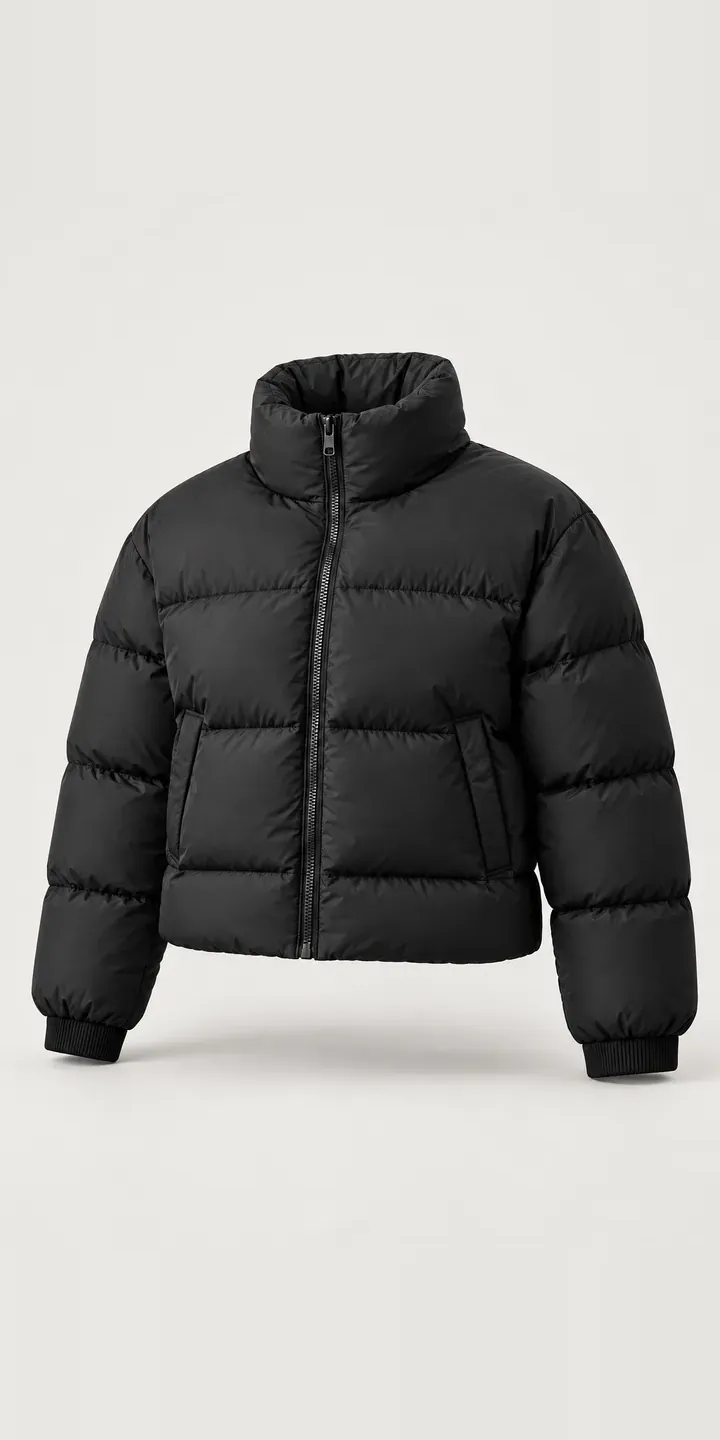
Shown here is an illustrative cropped puffer with a configurator for colour and size. The chosen build ends in a quote request rather than a basket.
A cropped puffer is a proportion decision. Where the hem lands against a waistband decides whether it looks deliberate or simply short. That depends on the wearer's height and what goes underneath. Colour is a trend decision. Black is the safe buy, while ecru, sage and chocolate follow the season and can date quickly. Buyers weigh both before adding one to a basket, and they need help with each.
Fashion Configurator demo
Cropped Puffer
- Product
- Cropped Puffer
- Colour
- Black
- Size
- XS
Illustrative product. The design and images are generated examples, not a real model for sale.
What you can configure
In the demo you can switch between black, ecru, sage and chocolate; sky blue and burgundy round out six. Each colour has its own image, so the stand collar with its front zip and the horizontal box-quilted baffles show in true shade. XS, S and M sit beside the swatches and are saved to the summary. On a body, size changes where a cropped hem falls. Here the picture stays the same.
- Colour: Black, Ecru, Sage, Chocolate
- Size: XS, S, M
Why a configurator suits puffers
Fashion brands with short product cycles rarely have time to shoot every colour on a model. The usual compromise is on-model shots for one or two colours and flat lays for the rest. Buyers are left guessing how a sage or chocolate version sits on the body. That is the very thing a cropped cut depends on.
A configurator built on a consistent on-body image per colour fixes that, and it can go further. The model's height and size can sit beside the image. A second view with the jacket worn over high-waisted trousers shows exactly where the hem lands. For a cropped style, that single image answers more questions than any size chart.
Trend colours also have a short life. A brand might drop chocolate after one season and introduce a new shade mid-winter. When colours live in product data rather than page templates, adding or retiring one is quick. The configurator can also suggest pieces from the same colour story, which suits brands that design in small capsules.
How a production version would be built
I would build this around one on-body photograph per colour, taken with the same model, pose and light. A second view showing the hem against a waistband suits a cropped cut. The brand supplies colour names, SKUs by size, garment length per size and the model's height and size. That length data matters here, because it lets the configurator state exactly where the jacket ends. Orders pass to Shopify as standard variants, and retired colours can be hidden in the data without touching the page.
Build sheet for this range
- Colours in the full range: 6 (4 shown in this demo)
- Size choices: 3
- Combinations to support: 6 × 3 = 18
- Images for one photograph per combination at 3 angles: 54
- Images if sizes can be shown as separate layers, at 3 angles: 27
- Data each of the 18 combinations needs: a SKU or variant ID, price, stock or lead time, and any dimensions or specification that change
Questions about puffer configurators
Can the configurator show where a cropped jacket ends on different heights?
It can show garment length per size and the model's height beside the image, which most buyers use to estimate. A production build can add a line per size describing where the hem sits against a standard waistband. Photographing several heights is possible, but it needs a model for each, so it is usually limited to one or two key colours.
Do we need to shoot every colour on a model?
For a cropped style, I would recommend it, because the cut only makes sense on the body. If the budget allows one model day, shoot all colours in the same session with a fixed pose. Switching colour in the configurator then feels like a change of jacket, not a change of photograph.
Can we suggest matching pieces from the same colour story?
Yes. Each colour can link to related products, such as trousers or knitwear in a coordinating shade. The suggestion appears after a colour is chosen, so it feels relevant rather than random. The links come from your product data, which keeps them under the merchandising team's control rather than a developer's.
Is an image-based configurator enough for a fashion brand, or do we need 3D?
For most fashion brands, image-based is the right starting point. Drape and fit read better in good photography than in most real-time 3D. 3D earns its cost when a garment has many component choices, such as trims or contrast panels. For a cropped puffer in six colours, a well-shot image set is simpler and more convincing.
More fashion configurator demos
Fitted Studio Jacket
Five-Pocket Jeans
Hooded Field Jacket
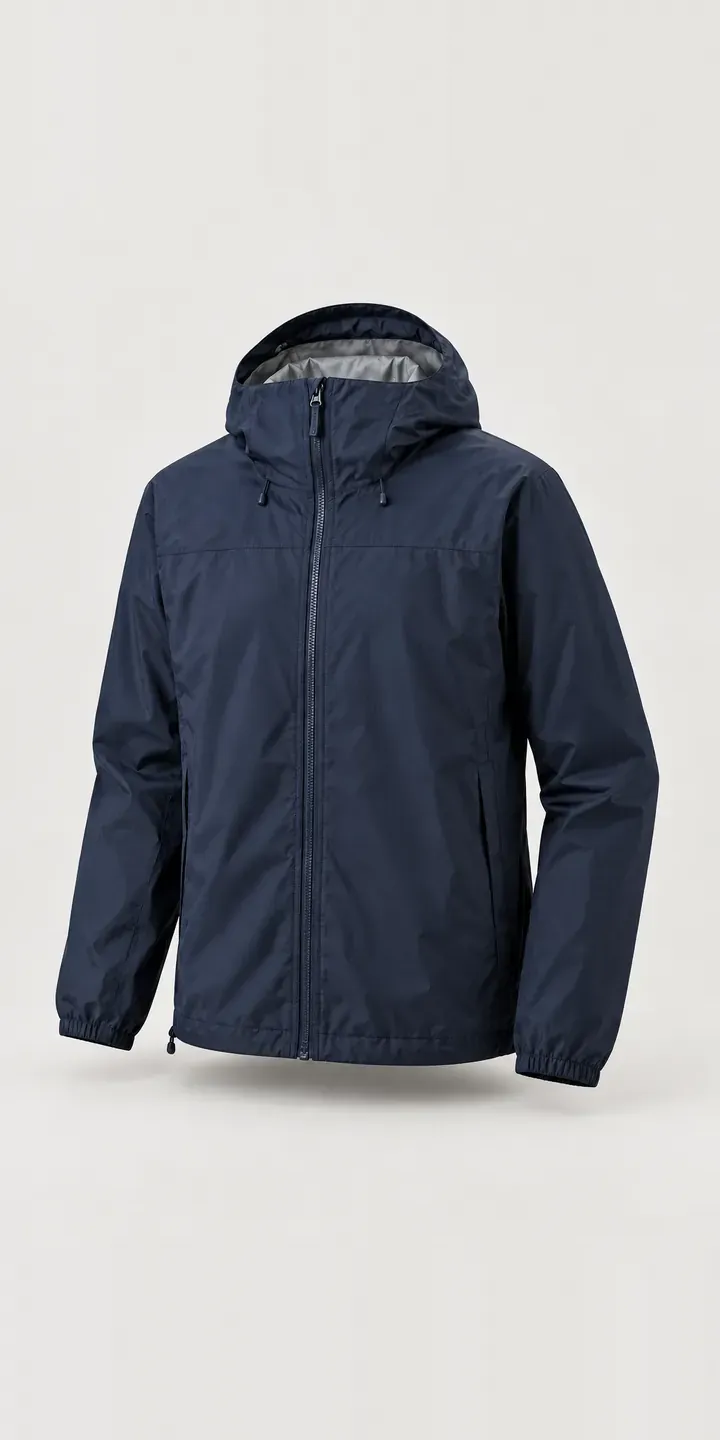
Hooded Shell Jacket
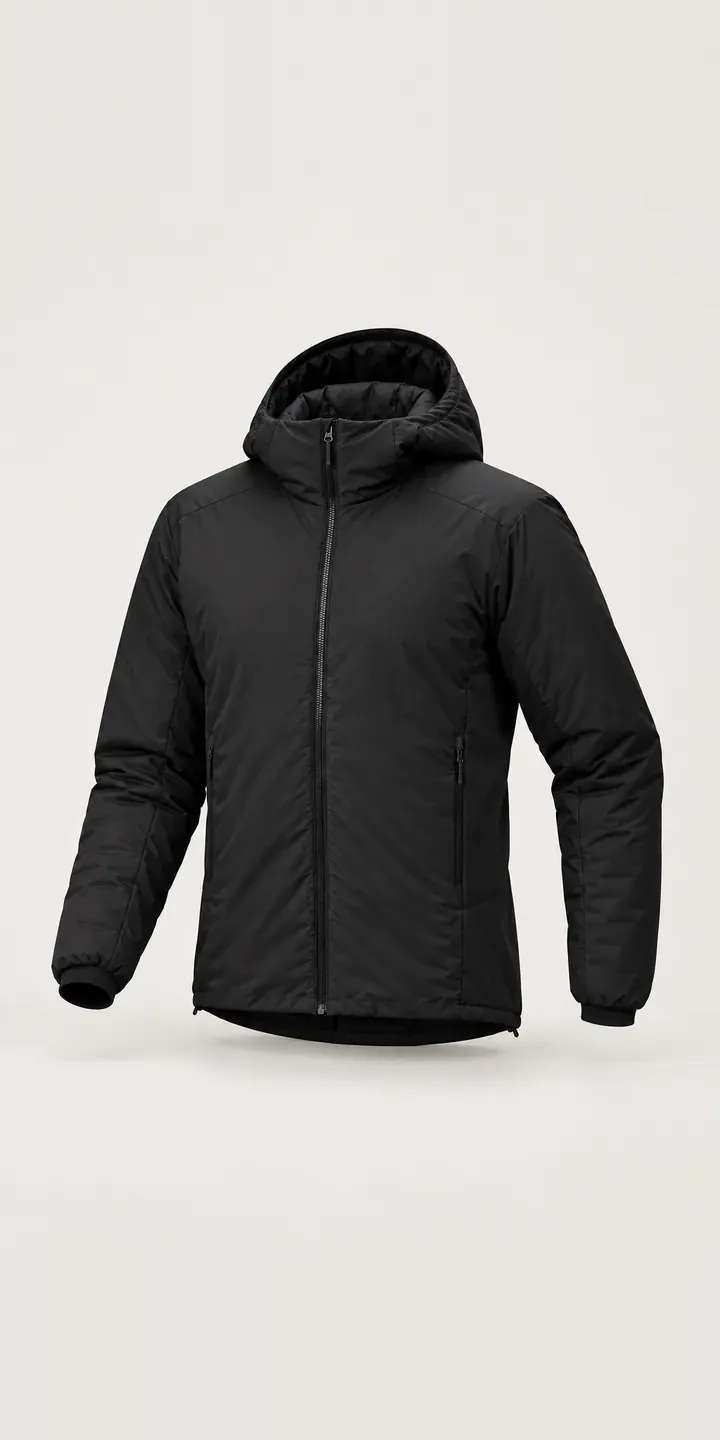
Insulated Hood Jacket
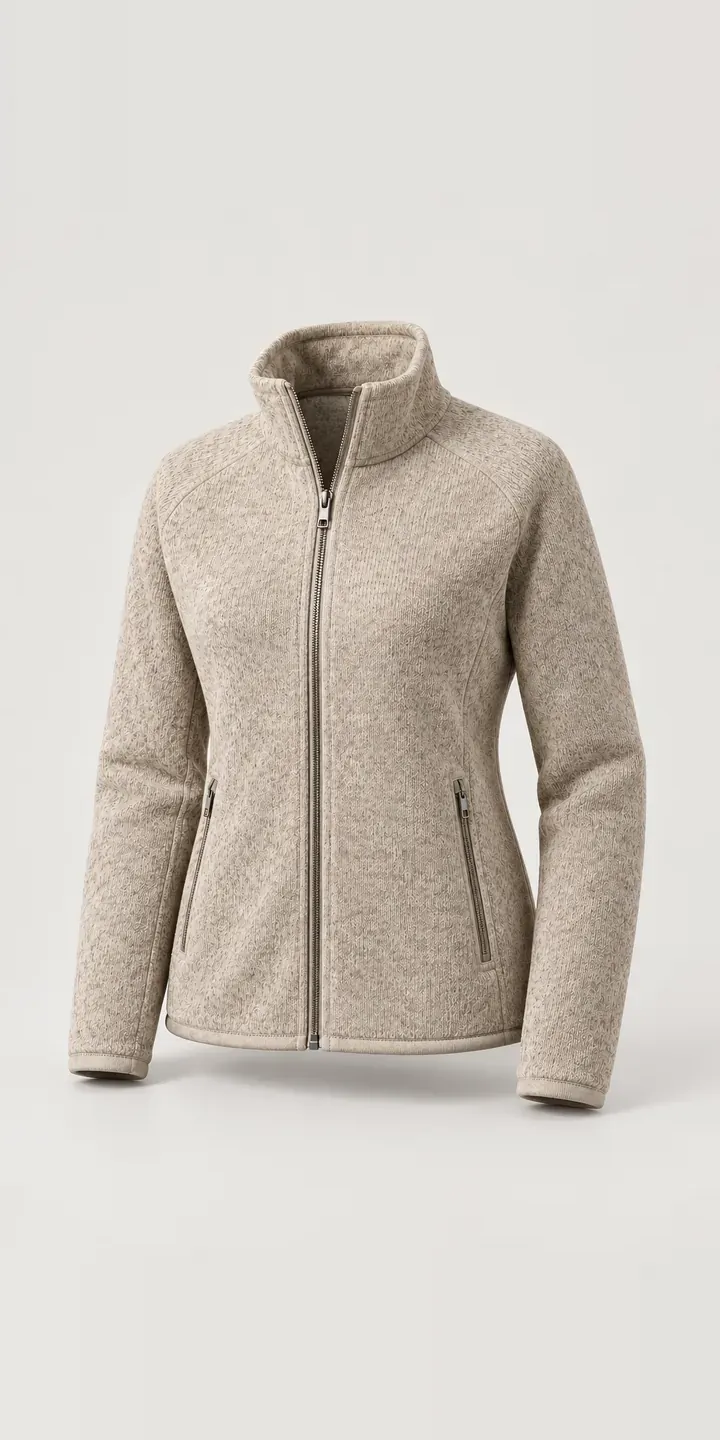
Knit-Look Zip Jacket
All fashion and apparel configurator demos
A configurator for your puffers
This demo uses an illustrative product. If you sell puffers, I can build the same experience around your own range, photography and ordering process, connected to Shopify, WooCommerce or a quote workflow. I reply to enquiries within two UK working days.