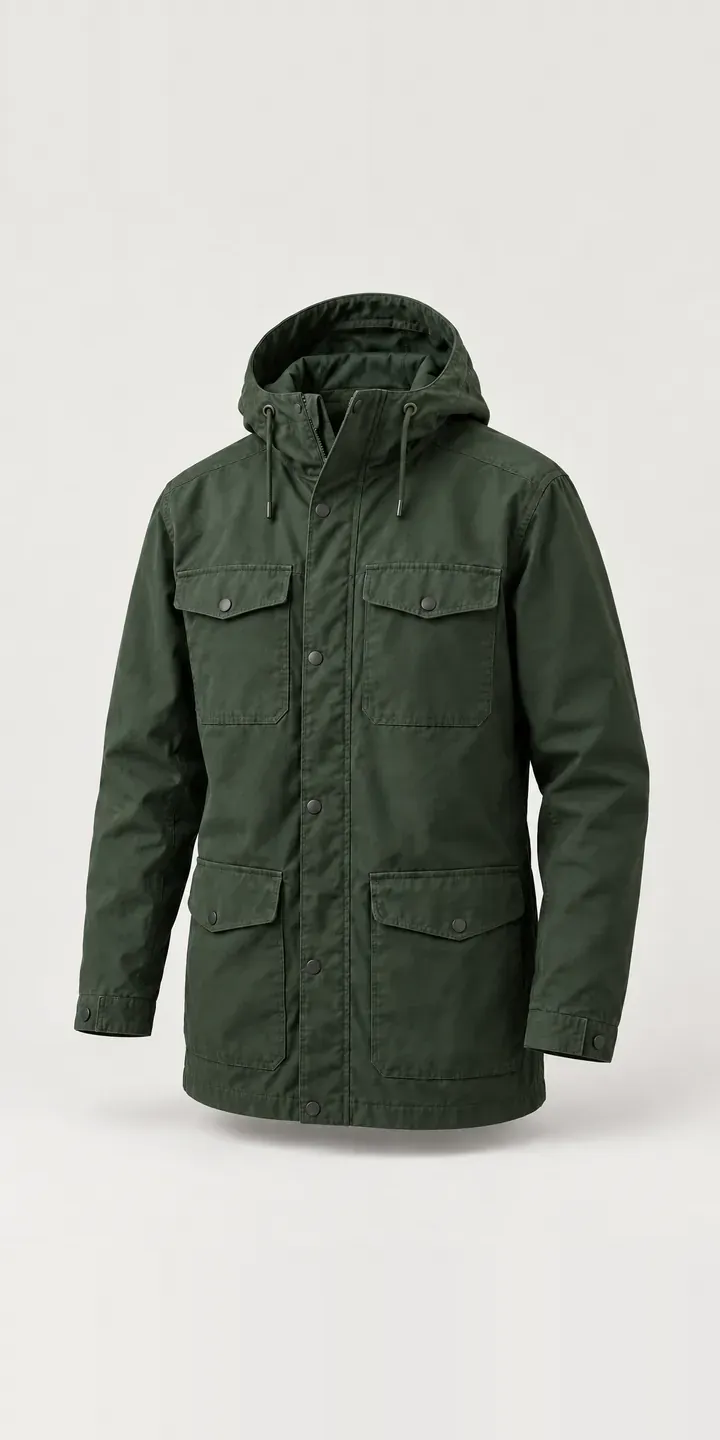
This page holds a working configurator for an illustrative hooded field jacket in cotton. Choose a colour and size, and the summary keeps the selection for a quote request.
Field jackets are bought by people who care about cloth, pockets and how a garment ages. They also tend to come in colours that sit close together. Dark olive, dark navy and black can be hard to tell apart in a small product image. The buyer's real decision is which of those dark shades suits the rest of their wardrobe, and that is difficult to judge on a phone.
Fashion Configurator demo
Hooded Field Jacket
- Product
- Hooded Field Jacket
- Colour
- Dark Olive
- Size
- S
Illustrative product. The design and images are generated examples, not a real model for sale.
What you can configure
Four colours are offered here: dark olive, dark navy, khaki and black. Rust and stone grey complete the six. Switching between the three darkest is the real test. Nothing else in the frame moves, so the flap patch pocket at the chest and the snap closure on the overlapping placket act as fixed reference points. Choose S, M or L and it is recorded; the photograph itself does not change.
- Colour: Dark Olive, Dark Navy, Khaki, Black
- Size: S, M, L
Why a configurator suits jackets
Heritage and workwear retailers often sell several dark colours of the same jacket. On a category page, dark olive and dark navy can both read as near-black thumbnails. Customers then pick the wrong one, or email to ask which is which. Either way, the retailer pays for a decision the page should have made easy, in returns, in staff time or in a sale that never happens.
A configurator built on carefully matched photography lets the buyer flip between those colours in place. That direct comparison is what separates the shades. It can also show a cloth close-up for each colour, where weave and dye make the difference clearer than a full-length shot ever will.
Field jackets are long-life purchases, too. Buyers read about construction, cloth weight and pocket layout before choosing. Putting that detail beside the configurator, instead of in a separate tab, keeps the whole decision on one screen. Retailers who stock several makers' field jackets can reuse the same configurator pattern across brands, with different data behind each.
How a production version would be built
Close dark shades need disciplined photography. I would shoot every colour in one session under fixed lighting, with a grey card in a reference frame. The edits are then matched against the physical garments. A cloth close-up per colour serves as a second view. The retailer supplies colour names, SKUs by size, fabric and care information, and size measurements. On WooCommerce or Shopify the selection maps to an existing variant. For a retailer carrying several makers, a shared product data structure keeps every jacket consistent.
Build sheet for this range
- Colours in the full range: 6 (4 shown in this demo)
- Size choices: 3
- Combinations to support: 6 × 3 = 18
- Images for one photograph per combination at 3 angles: 54
- Images if sizes can be shown as separate layers, at 3 angles: 27
- Data each of the 18 combinations needs: a SKU or variant ID, price, stock or lead time, and any dimensions or specification that change
Questions about jacket configurators
How do you stop dark olive and dark navy looking the same online?
Consistent photography first, then a direct comparison. When every colour is shot in the same light, the configurator swap makes the difference visible, because only the colour changes. A fabric close-up for each shade helps further. I also check the edits on several screens, including a phone, before anything is published.
Can the configurator show the hood up as well as down?
A second view per colour handles it. A hooded field jacket looks quite different with the hood raised, and some buyers care how it frames the face and collar. A small toggle beneath the main image can switch between the two. In this demo only the hood-down view is shown.
Can fabric and construction details sit next to the colour picker?
Yes. Fabric, weight, care and pocket notes can appear in a panel that stays visible while the buyer changes colour. If some colours use a different cloth, the panel updates with the selection. Everything comes from your product data, so updates do not need a developer.
How long does it take to build a configurator like this?
Mostly that depends on photography and data. If consistent images and a clean variant list already exist, an image-based configurator for one jacket is a modest project. Several styles, new photography or ERP integration extend it. I scope timelines after seeing the range, and I reply to enquiries within two UK working days.
More fashion configurator demos
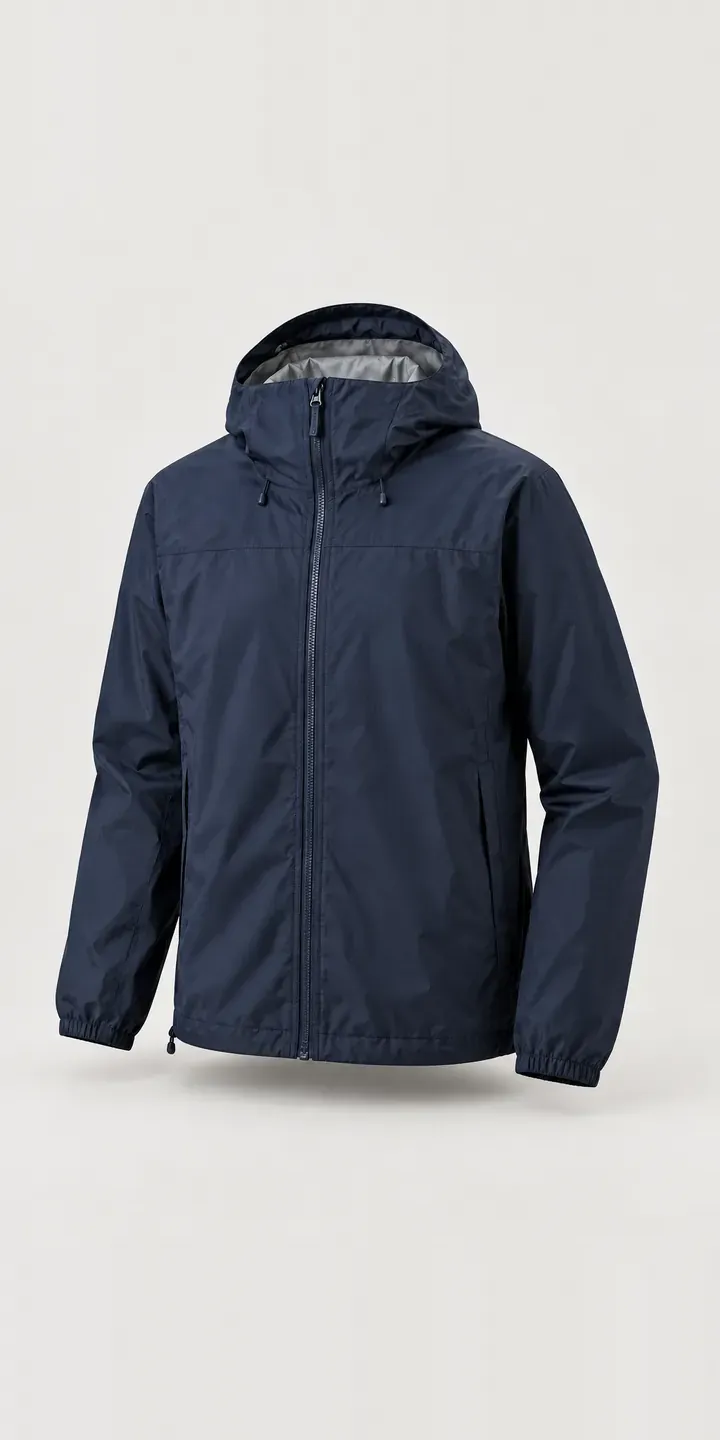
Hooded Shell Jacket
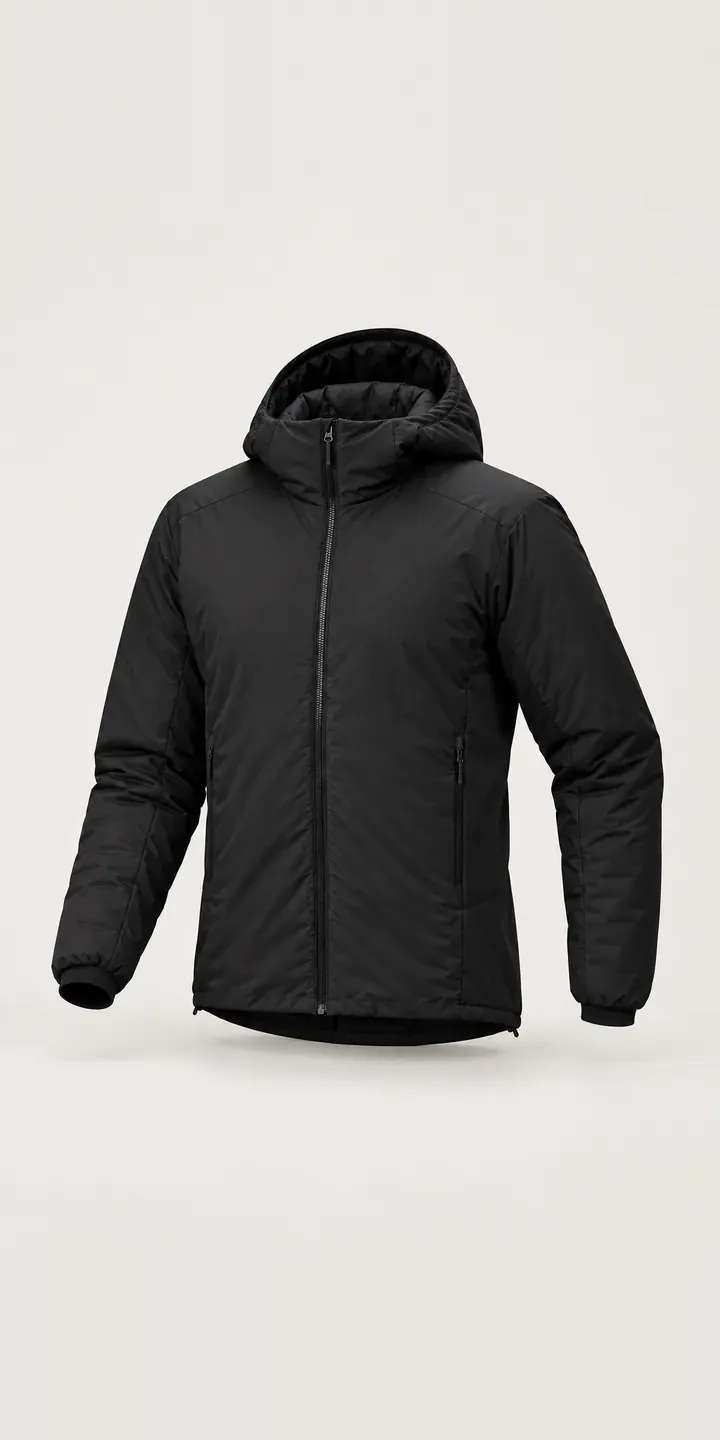
Insulated Hood Jacket
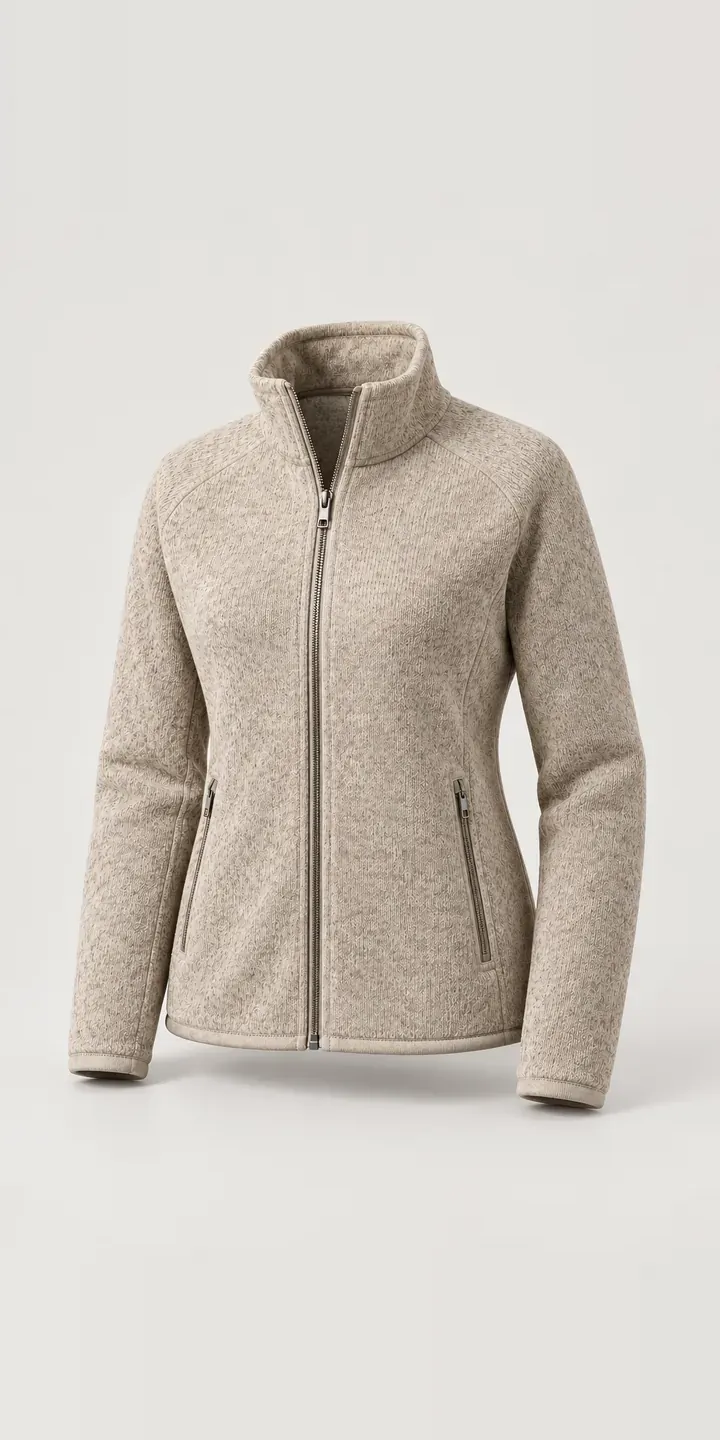
Knit-Look Zip Jacket
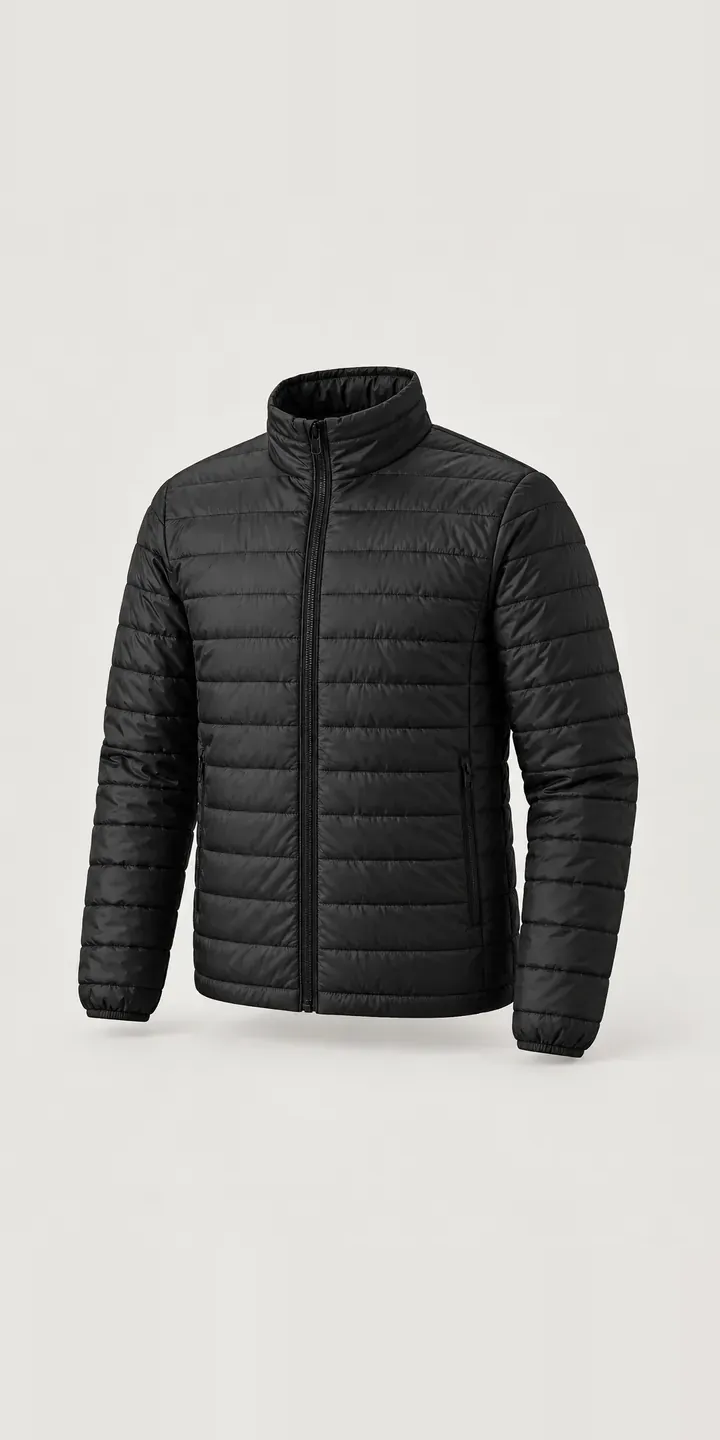
Quilted Jacket
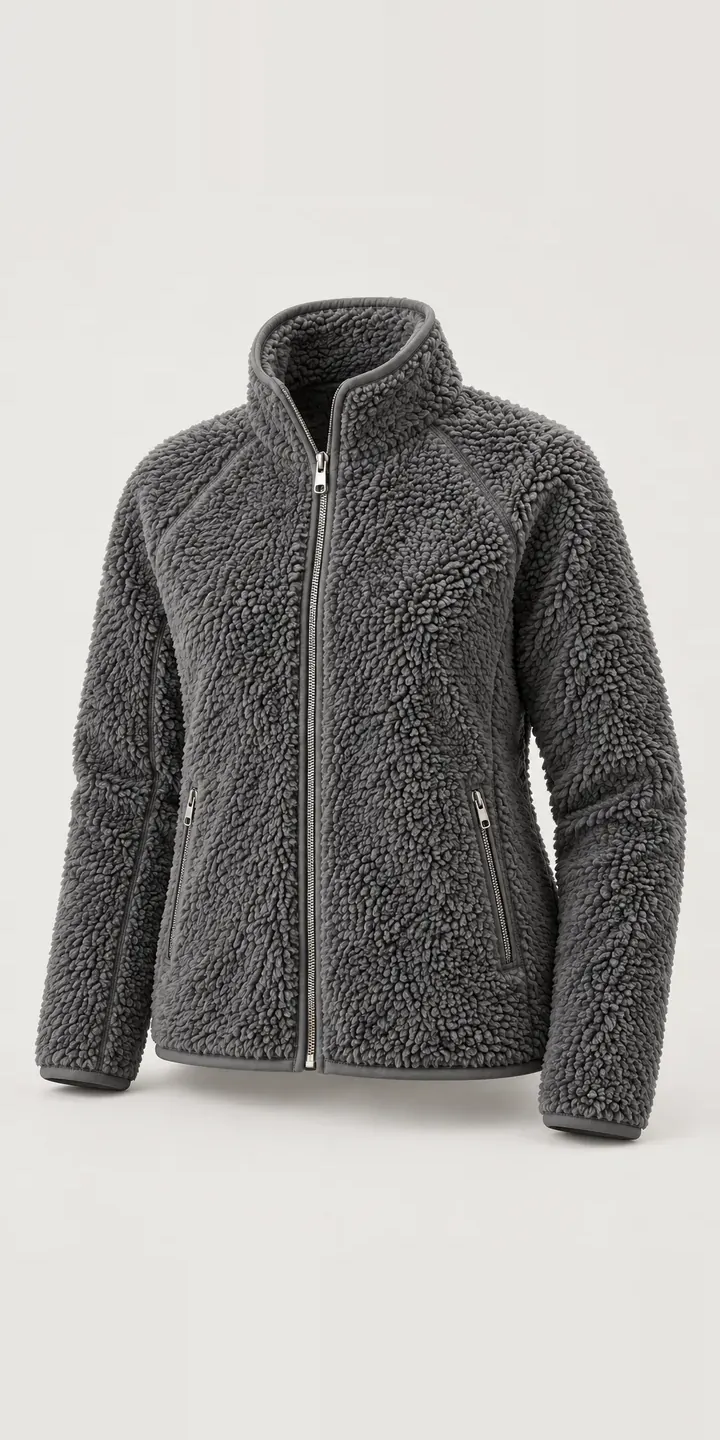
Sherpa Zip Jacket
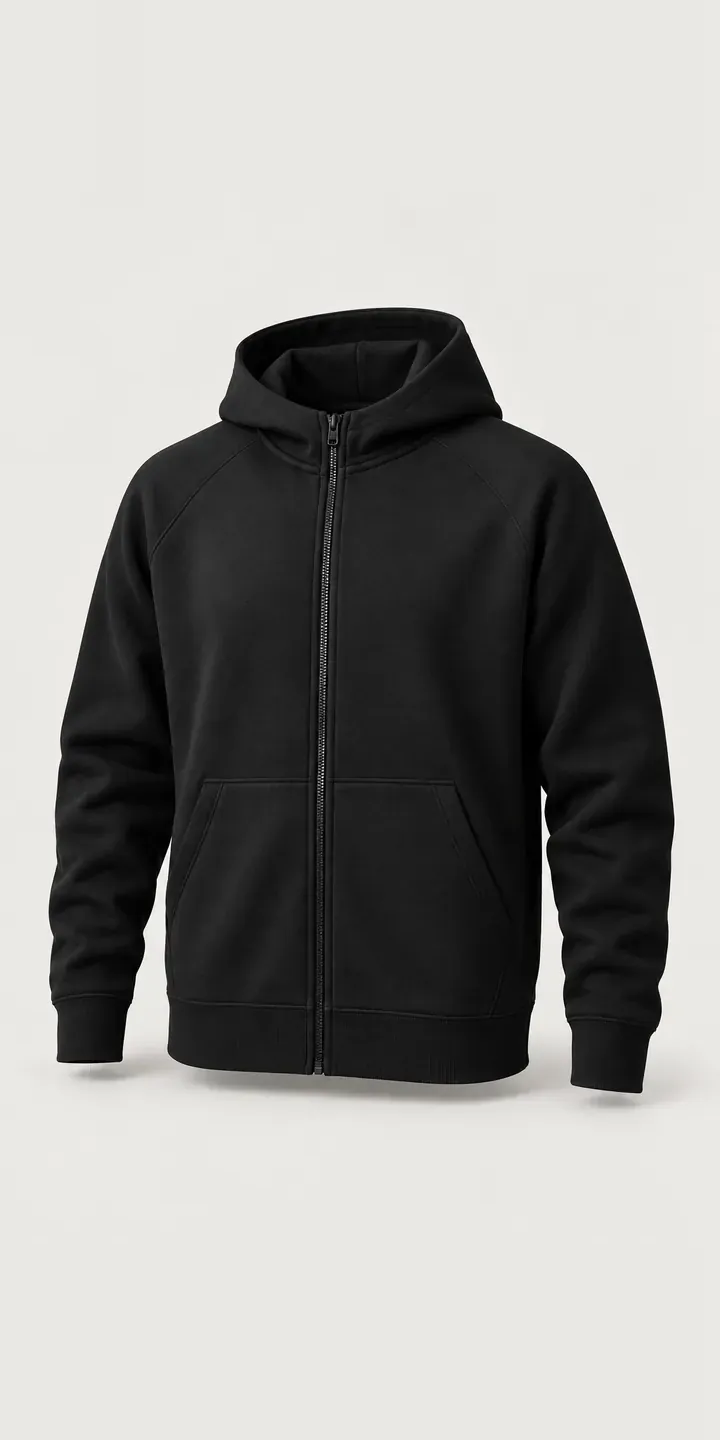
Zip Hoodie
All fashion and apparel configurator demos
A configurator for your jackets
This demo uses an illustrative product. If you sell jackets, I can build the same experience around your own range, photography and ordering process, connected to Shopify, WooCommerce or a quote workflow. I reply to enquiries within two UK working days.