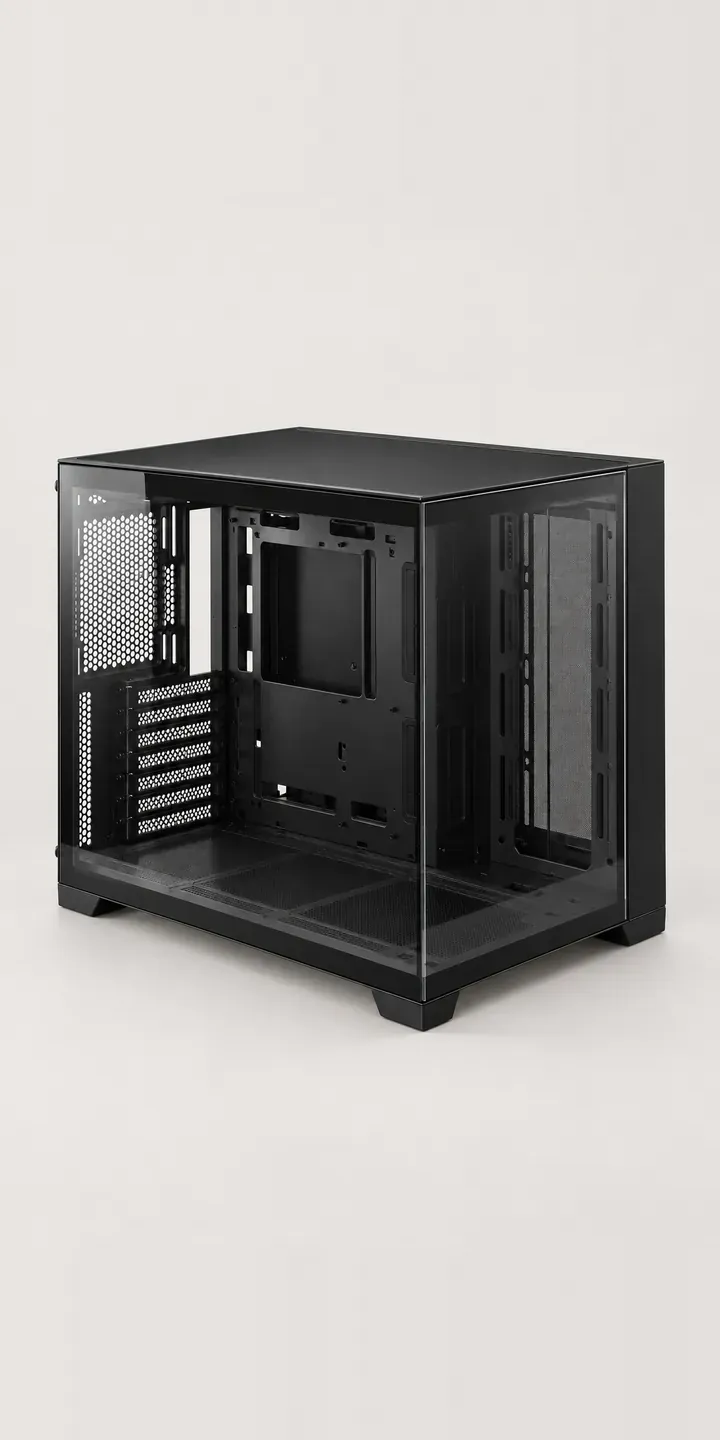
This illustrative tower has front and side glass that meet without a corner pillar, held by a thin anodised frame. Finish and size, mid or full tower, are the two choices here, with a quote request at the end.
Pillarless cases are bought to be looked at, so the buyer is really deciding how the finished build will present. Frame colour has to work with the components inside and with the desk around it. Size is the harder call. A mid tower suits most standard boards and sits comfortably on a desk. A full tower brings room for larger radiators and extended boards, but it usually ends up on the floor.
PC and gaming hardware Configurator demo
Glass Showcase Tower
- Product
- Glass Showcase Tower
- Colour
- Black
- Size
- Mid
Illustrative product. The design and images are generated examples, not a real model for sale.
What you can configure
Black, silver, white and gunmetal are the four frame finishes in the demo; deep blue and sand complete the range. Size switches between mid and full tower. The summary records it, though the image does not change in this version. Showing scale matters on this product, because the extra height of a full tower is also extra glass, and buyers want to see the proportion before committing.
- Colour: Black, Silver, White, Gunmetal
- Size: Mid, Full
Why a configurator suits PC cases
Twelve glass cases, across six finishes and two heights, are harder to photograph than they sound. Every pane reflects the studio. An empty case looks unfinished, while a fully built one hides the frame colour behind components. Many retailers end up showing one hero build and a row of colour dots.
Size is where buyers most often get it wrong. A full tower ordered for looks can overhang a desk that is shallower than expected, and a mid tower can turn out too short for a radiator someone already owns. A configurator can place height, depth and component clearances beside the size choice, taken from the manufacturer's data, and flag conflicts with parts already chosen.
Showcase cases are also the starting point for many custom builds. System integrators selling complete PCs often let the customer pick the case first, then fit everything else around it. A configurator that carries finish and size forward into cooler, fan and cable choices keeps the whole build coherent, and gives the workshop a clean spec to build from.
How a production version would be built
For a glass case, renders usually beat photography. Reflections can be controlled, and each finish can be shown empty and with a reference build inside, under identical lighting. One render per finish and size gives twelve core images, plus a front-quarter view that shows off the pillarless corner. Alongside the images, the data needs external dimensions and clearance figures per size, plus SKUs and finish names. On Shopify each combination maps to a variant, and an integrator's version can pass the chosen case through to the rest of the build.
Build sheet for this range
- Colours in the full range: 6 (4 shown in this demo)
- Size choices: 2
- Combinations to support: 6 × 2 = 12
- Images for one photograph per combination at 3 angles: 36
- Images if sizes can be shown as separate layers, at 3 angles: 24
- Data each of the 12 combinations needs: a SKU or variant ID, price, stock or lead time, and any dimensions or specification that change
Questions about PC case configurators
Should a glass case be shown empty or with a build inside?
Both, ideally. The empty case shows the frame colour and the interior layout, which is what a self-builder is paying for. A view with a tidy reference build helps everyone else picture the finished result. In a configurator, the second view can sit behind a toggle so the swatches stay comparable.
Can the configurator warn when components will not fit the chosen size?
It can, provided the data is there. If the case data includes maximum GPU length, cooler height, radiator positions and supported board sizes, the configurator can check them against parts the buyer has picked and flag conflicts before checkout. It works best when every product in the range records its clearances in the same format.
How do you stop glass reflections spoiling the product images?
In photography it takes polarising filters, large soft light sources and a good deal of retouching. Rendering avoids most of that, because reflections can be reduced without hiding that the panel is glass. I would keep a faint reflection in every image, since buyers expect glass to look like glass.
Can buyers see the difference in scale between mid and full tower?
Yes, given a consistent reference. Render both sizes from the same camera distance beside a common object, such as a keyboard or a monitor outline. Pairing that with external dimensions in the summary gives buyers what they need to check the case against their desk or floor space.
More PC and gaming hardware configurator demos
High-Airflow Chassis

Low-Profile Mouse
Magnetic Keyboard
Media Keyboard
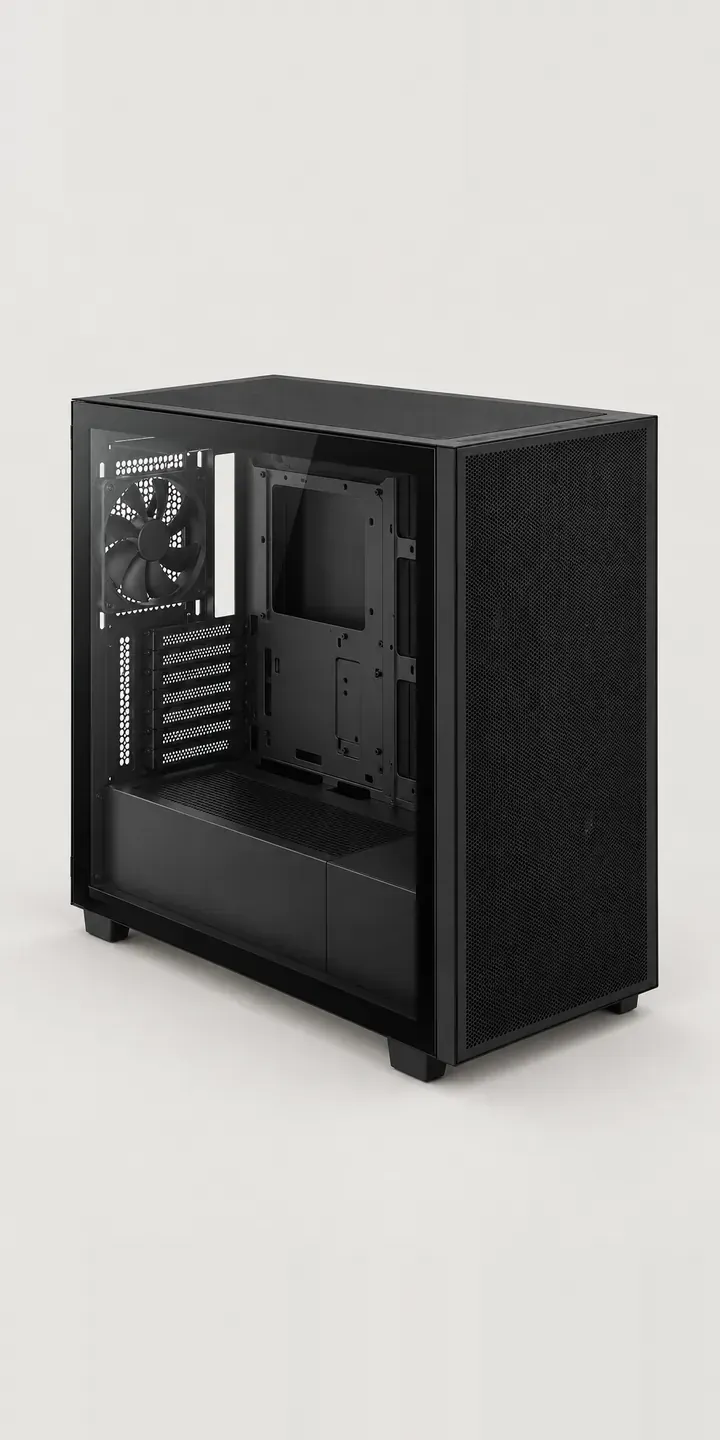
Mesh Airflow Chassis
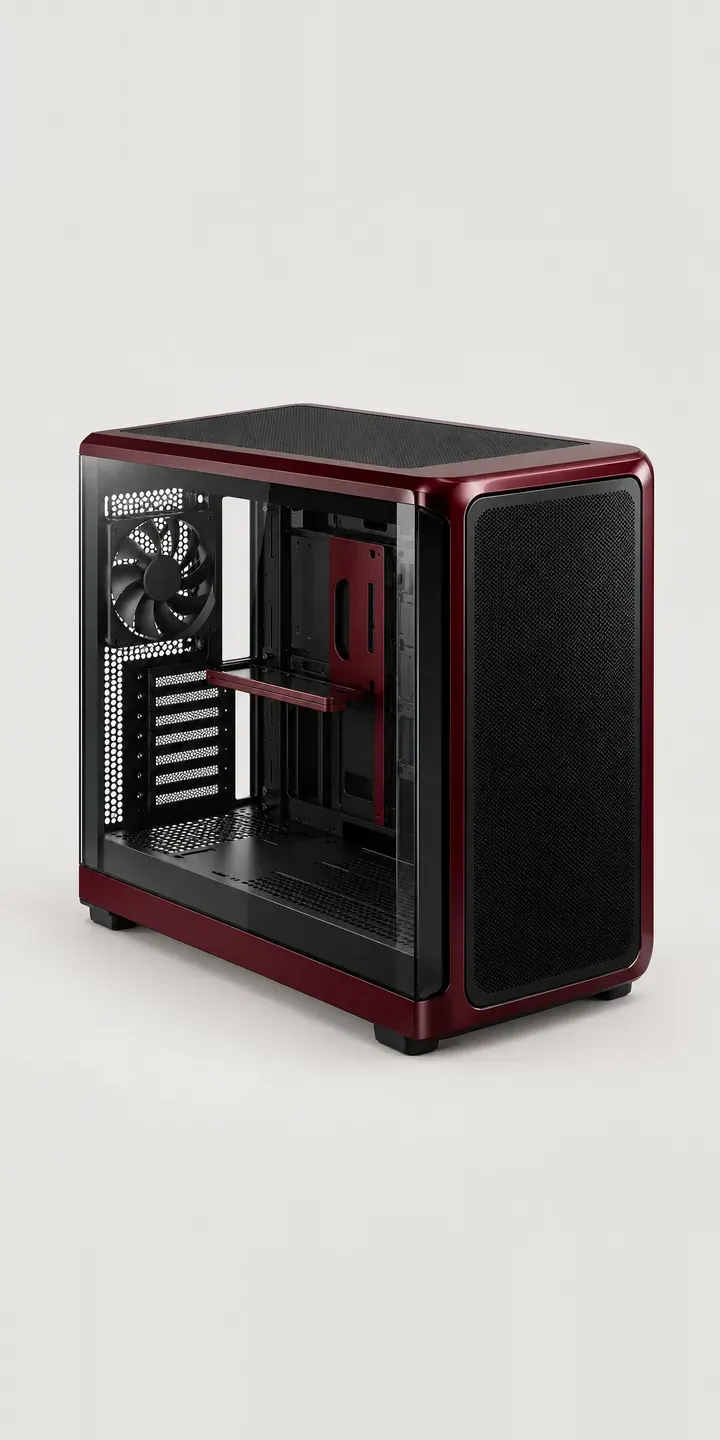
Panoramic Glass Tower
All PC and gaming hardware configurator demos
A configurator for your PC cases
This demo uses an illustrative product. If you sell PC cases, I can build the same experience around your own range, photography and ordering process, connected to Shopify, WooCommerce or a quote workflow. I reply to enquiries within two UK working days.