Riders who count grams also tend to care how their bike looks propped on a col at sunrise. This illustrative climbing frame, with slim round tubes and a traditional outline, is shown in four paint finishes and three sizes.
Two things decide the purchase. One is weight and stiffness, which riders compare across spec sheets with real care. The other is paint, because a traditional frame has nowhere to hide: there are no deep aero shapes or loud graphics to carry it. Chestnut, pale silver and forest green appeal to riders who want a classic look, and those are exactly the colours that are hardest to judge from a small swatch.
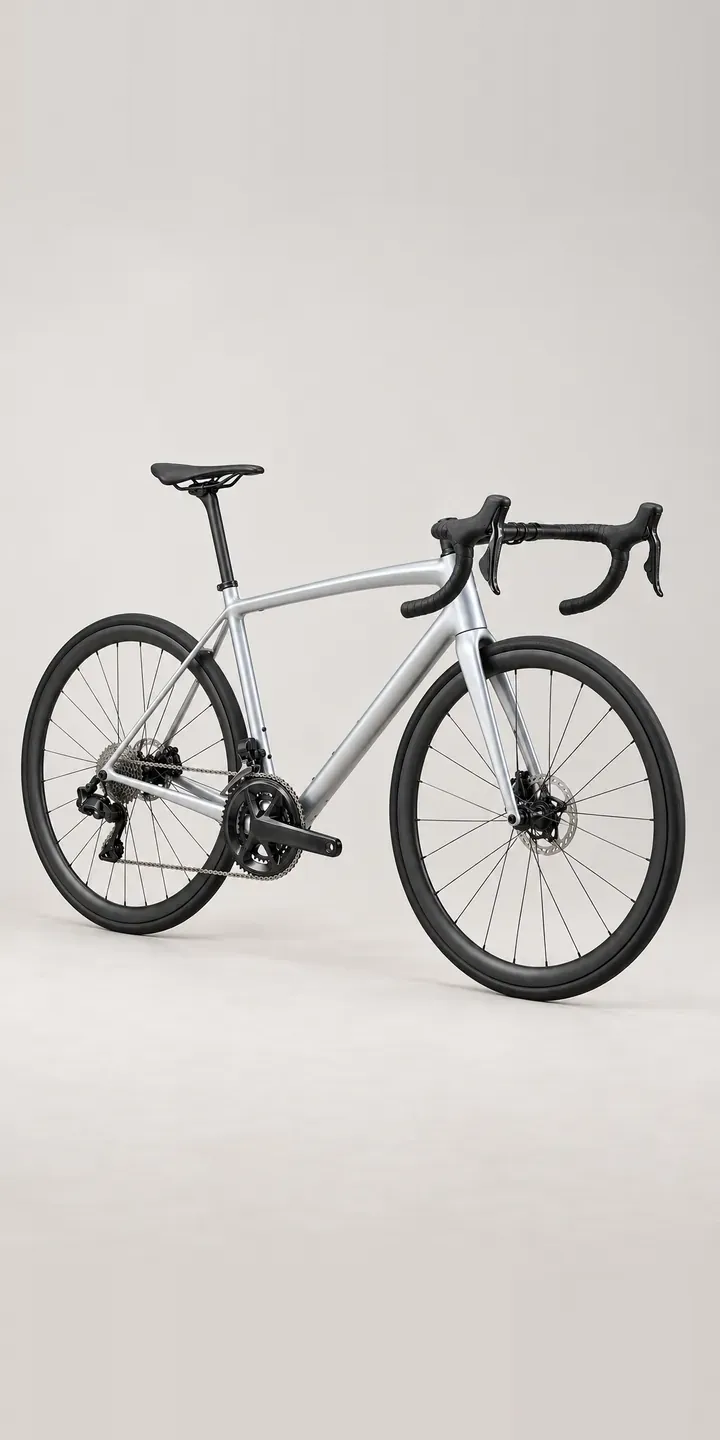
Cycling Configurator demo
Climbing Road Bike
- Product
- Climbing Road Bike
- Colour
- Pale Silver
- Frame Size
- 52 cm
Illustrative product. The design and images are generated examples, not a real model for sale.
What you can configure
Choosing pale silver, chestnut, gloss black or forest green swaps the photograph, and every image is taken from the same side-on angle, so the round tubes and the electronic shift levers on the drops are directly comparable. Size is recorded in the summary but does not change the image. For a frame like this, a production version would add close-up paint views, because metallic and earth tones read differently up close.
- Colour: Pale Silver, Chestnut, Gloss Black, Forest Green
- Frame Size: 52 cm, 54 cm, 56 cm
Why a configurator suits road bikes
Paint is often the reason a rider picks one lightweight frame over a near-identical rival, and that puts pressure on the photography. Pale silver can look white under flat light, chestnut drifts towards brown or red, and forest green can lose its depth entirely. When the colour on arrival differs from the screen, the bike is likely to come back, and a returned bike is hard to sell as new.
Consistent, calibrated imagery reduces that risk. Each finish is photographed or rendered under identical lighting, with a daylight close-up to show flake and depth. Size does not change the look, so eighteen frame SKUs still need only six main images plus details, which keeps the shoot affordable.
Weight-conscious buyers also want numbers per size. A 52 and a 56 do not weigh the same, and climbers notice. Holding weight, stack and reach per size in the product data lets the configurator show the right figure for the chosen size, instead of one headline weight that only applies to a single frame.
How a production version would be built
I would shoot or render the frame once per paint from a locked-off camera, then add two detail views: the head tube in daylight and the drop bar with its shift lever. Calibrating against physical paint samples is worth the time on finishes like chestnut, and rendering from CAD, covered in my notes on 3D product visualisation, avoids drift between shoots. The brand provides per-size weight and geometry, paint names and codes, and any colours limited to certain sizes. The build can go to a basket, a dealer or a quote.
Build sheet for this range
- Colours in the full range: 6 (4 shown in this demo)
- Frame Size choices: 3
- Combinations to support: 6 × 3 = 18
- Images for one photograph per combination at 3 angles: 54
- Images if frame sizes can be shown as separate layers, at 3 angles: 27
- Data each of the 18 combinations needs: a SKU or variant ID, price, stock or lead time, and any dimensions or specification that change
Questions about road bike configurators
How do you make metallic and earth-tone paints look accurate on screen?
Start with physical samples and a controlled set. Each finish is shot or rendered under the same light, then graded against the sample on a calibrated display. A daylight close-up shows the flake or depth that a side-on product shot flattens. No screen is perfect, so a short note that colours vary slightly between displays is sensible.
Can the configurator show a different weight for each frame size?
Yes. Weight, geometry and any size-specific parts, such as bar width, are held per size in the product data. When the rider changes size, the figures update with it. That avoids quoting a small-frame weight to someone ordering a 56, which climbers will spot quickly.
Can we run a limited paint without adding it to the full range?
Yes. A limited finish can be added with its own image and an end date or quantity cap, after which it switches to sold out automatically. That lets a brand test a colour like clay red for one season before committing to it across every size and model.
Should we render the bike or photograph it?
If you have accurate CAD and paint references, rendering gives perfect consistency and makes new colours cheap to add. If not, studio photography is quicker to start. Many brands mix the two, with photographed hero images and rendered colour variants. I would decide after seeing which assets already exist.
More bike configurator demos
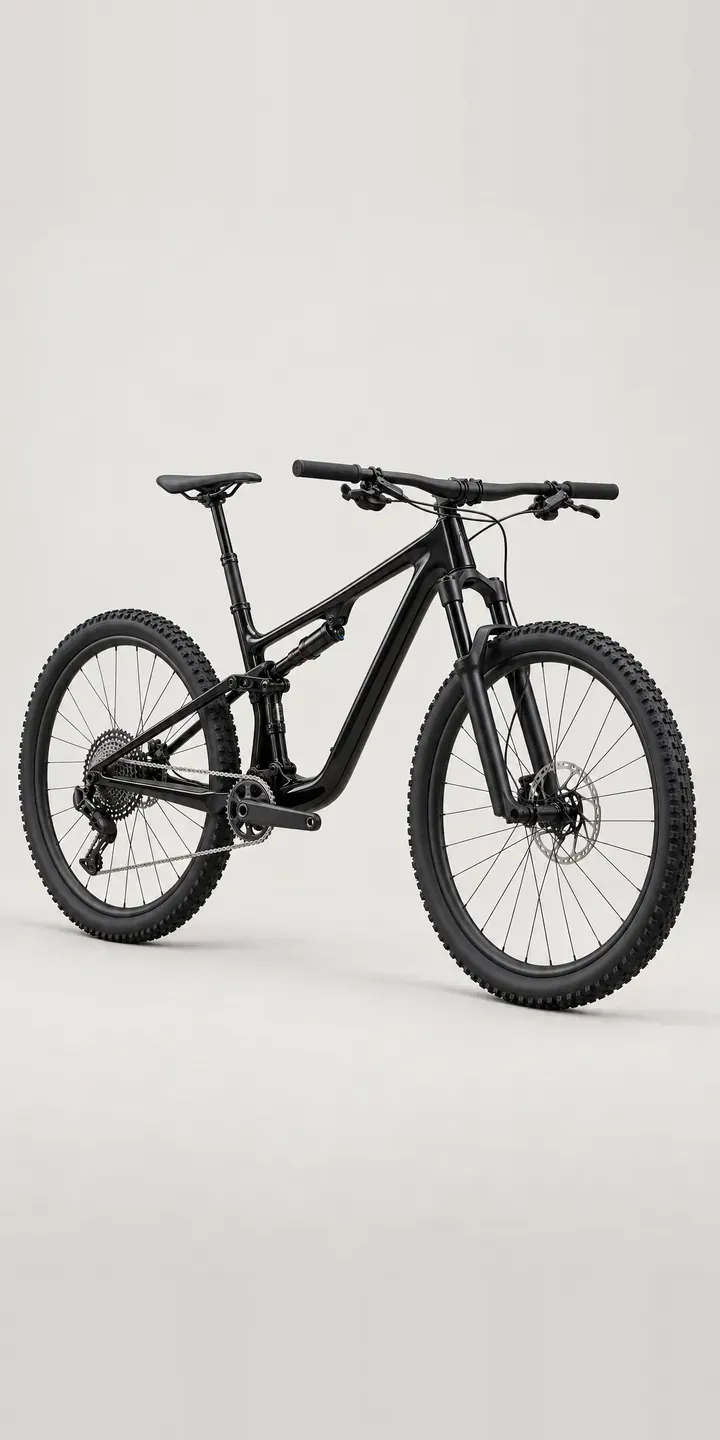
Cross-Country Bike
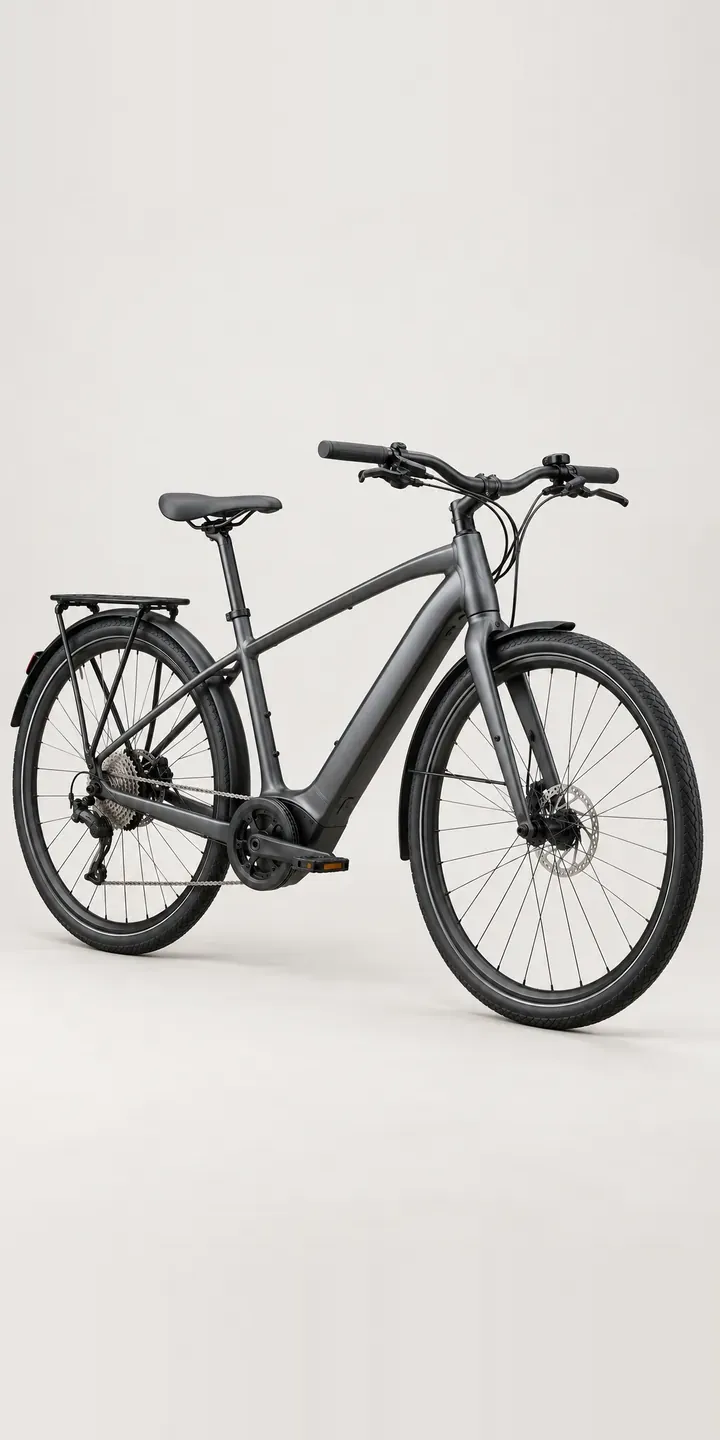
Electric City Bike
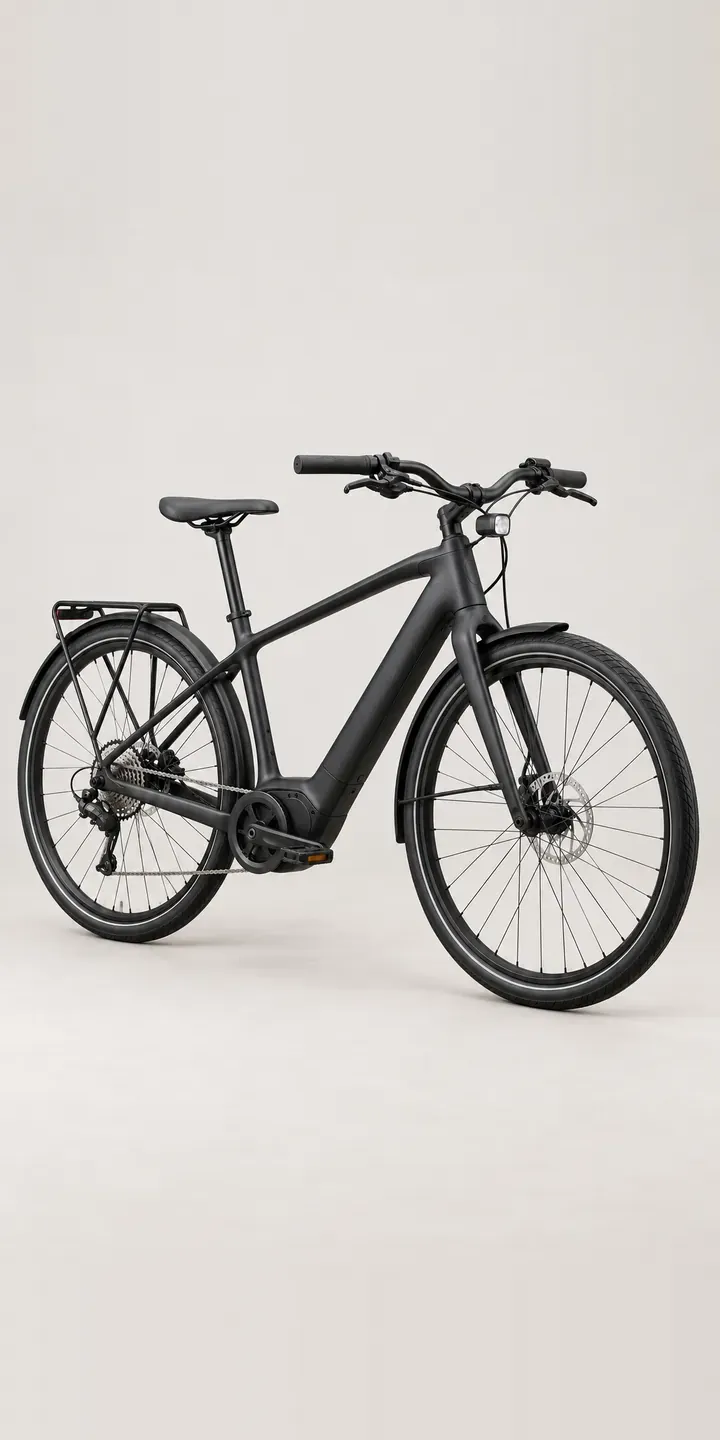
Electric Commuter
Electric Enduro Bike
Electric Road Bike
Endurance Road Bike
A configurator for your road bikes
This demo uses an illustrative product. If you sell road bikes, I can build the same experience around your own range, photography and ordering process, connected to Shopify, WooCommerce or a quote workflow. I reply to enquiries within two UK working days.