City e-bikes are bought for daily life: the school run, the weekly shop, getting across town without arriving hot. This illustrative model is offered with a step-over or step-thru frame in four of six colours, and the configured build ends in a quote.
Frame shape is the first real decision. A step-thru frame is easier to mount with a loaded rear rack, in everyday clothes, or with limited hip or knee movement. A step-over frame suits riders used to a conventional bike and can feel a little stiffer. Colour then decides whether the bike fits the rider's sense of style, which is why cream white and sage green sit in the range.
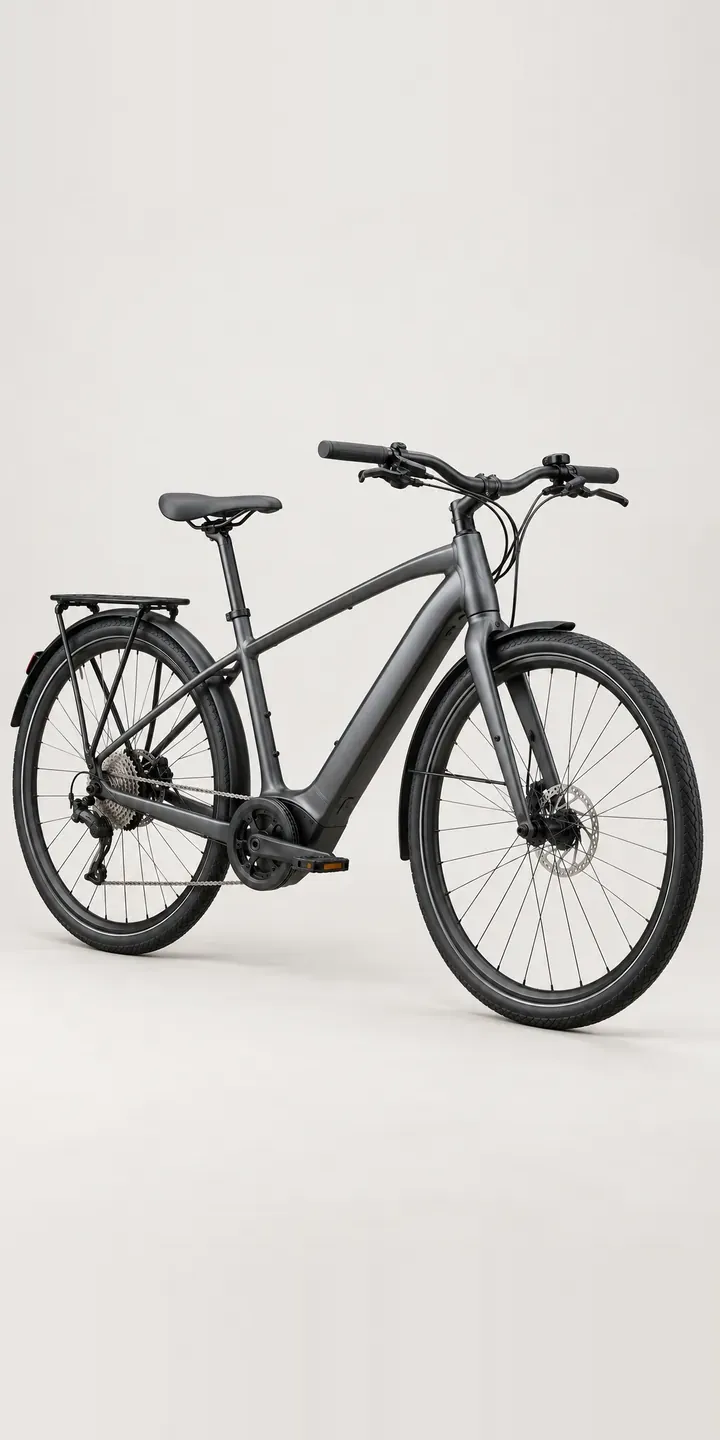
Cycling Configurator demo
Electric City Bike
- Product
- Electric City Bike
- Colour
- Satin Gunmetal
- Frame
- Step-Over
Illustrative product. The design and images are generated examples, not a real model for sale.
What you can configure
Satin gunmetal, matte black, cream white and sage green each have their own photograph, taken from one angle so the hidden down-tube battery and the riser bar stay aligned. The frame choice appears in the summary, but the picture does not change in this demo. That matters more here than on most bikes, because step-thru and step-over look completely different, and a production build would photograph both shapes.
- Colour: Satin Gunmetal, Matte Black, Cream White, Sage Green
- Frame: Step-Over, Step-Thru
Why a configurator suits e-bikes
Frame shape is the option that most changes what the buyer sees, and the one most product pages handle badly. Many show the step-over version and add a line about a step-thru alternative. Buyers who need the step-thru, often for accessibility reasons, cannot see it in their colour and have to trust that it exists.
A configurator fixes that, though it is fair to say it costs more to photograph. Frame shape cannot be layered over a single image because the tubes are in different places, so every colour needs two complete pictures. That is still less work than the separate product pages many retailers create, and it presents the range as one clear choice.
City bikes are rarely ridden bare. Racks, baskets, child seats, locks, panniers and mudguards all follow. A configurator can suggest compatible ones once frame and colour are chosen, checking fit against the frame type. Some racks fit one frame shape and not the other, and catching that before dispatch saves a return.
How a production version would be built
This build differs from most bike configurators. Each colour needs two full photographs or renders, one per frame shape, because there is nothing to layer. Rendering from CAD, explained in my notes on 3D product visualisation, is often cheaper once there are many colours. Accessories, by contrast, layer well, so racks and baskets can sit over either frame. The retailer supplies frame-specific accessory compatibility, sizes for each frame shape, and stock per combination. Orders go to a Shopify or WooCommerce basket or a quote, with accessories as separate lines.
Build sheet for this range
- Colours in the full range: 6 (4 shown in this demo)
- Frame choices: 2
- Combinations to support: 6 × 2 = 12
- Images for one photograph per combination at 3 angles: 36
- Images if frames can be shown as separate layers, at 3 angles: 24
- Data each of the 12 combinations needs: a SKU or variant ID, price, stock or lead time, and any dimensions or specification that change
Questions about e-bike configurators
Do step-thru and step-over frames need separate photography?
Yes. The top tube sits in a completely different place, so one cannot be built from the other by layering. Each colour needs both shapes photographed or rendered. Rendering from CAD makes that more affordable across many colours, because a new colour becomes a material change rather than a new shoot.
Can the configurator check which accessories fit each frame?
Yes. Compatibility rules sit in the product data, so a rack or child seat only appears for the frames it fits. If a buyer switches frame after adding accessories, the configurator flags anything that no longer fits. That saves a returned rack and a frustrated customer.
How should we describe step-thru frames for buyers with mobility needs?
Plainly and practically. State the step-over height, how the frame handles a loaded rack, and any differences in size range or handling. Avoid assumptions about who it suits. Buyers with mobility needs want clear facts to judge for themselves, and a photo of the low frame in use helps.
Can we show the bike with a child seat or basket fitted?
Yes. Accessories like baskets and child seats are photographed separately at the same angle and layered over the bike, so the buyer sees their chosen frame and colour with everything in place. For family buyers, seeing the child seat on the bike often settles the frame decision too.
More bike configurator demos
Electric Commuter
Electric Enduro Bike
Electric Road Bike
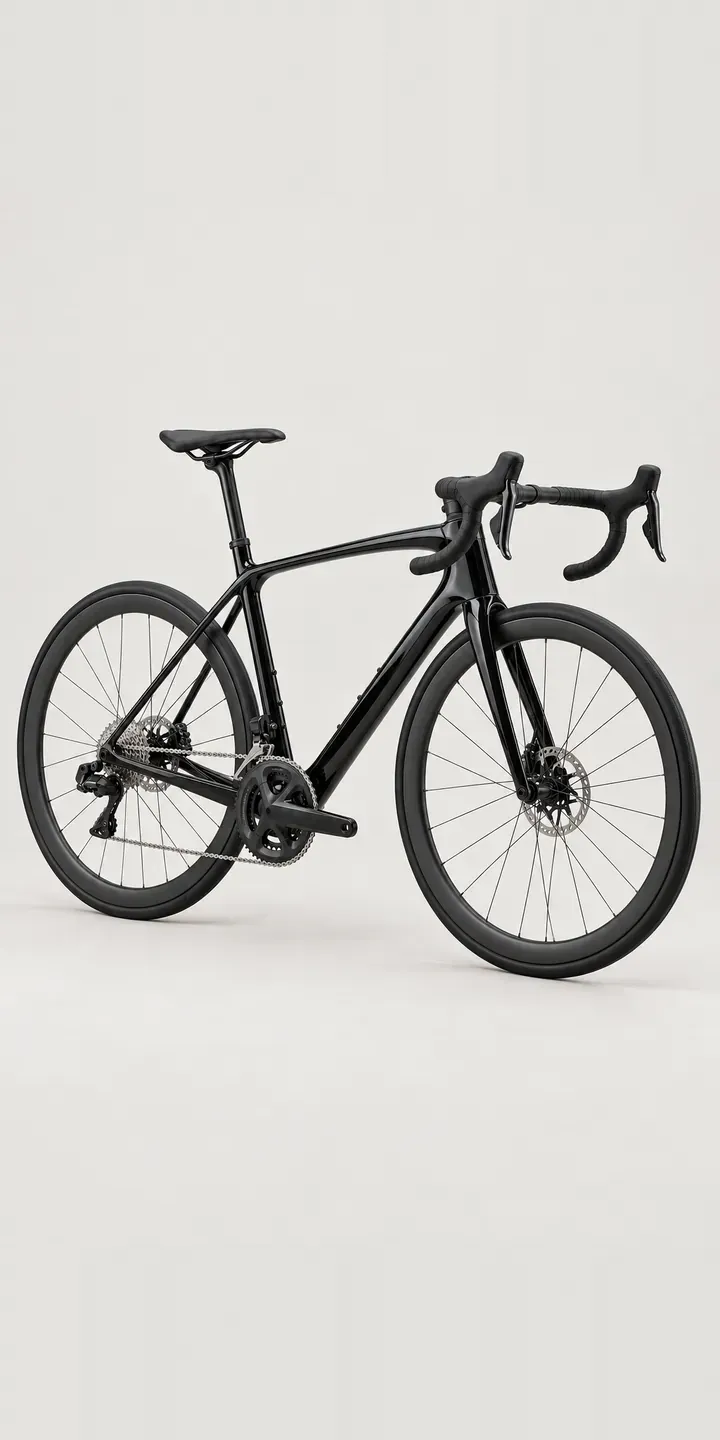
Endurance Road Bike
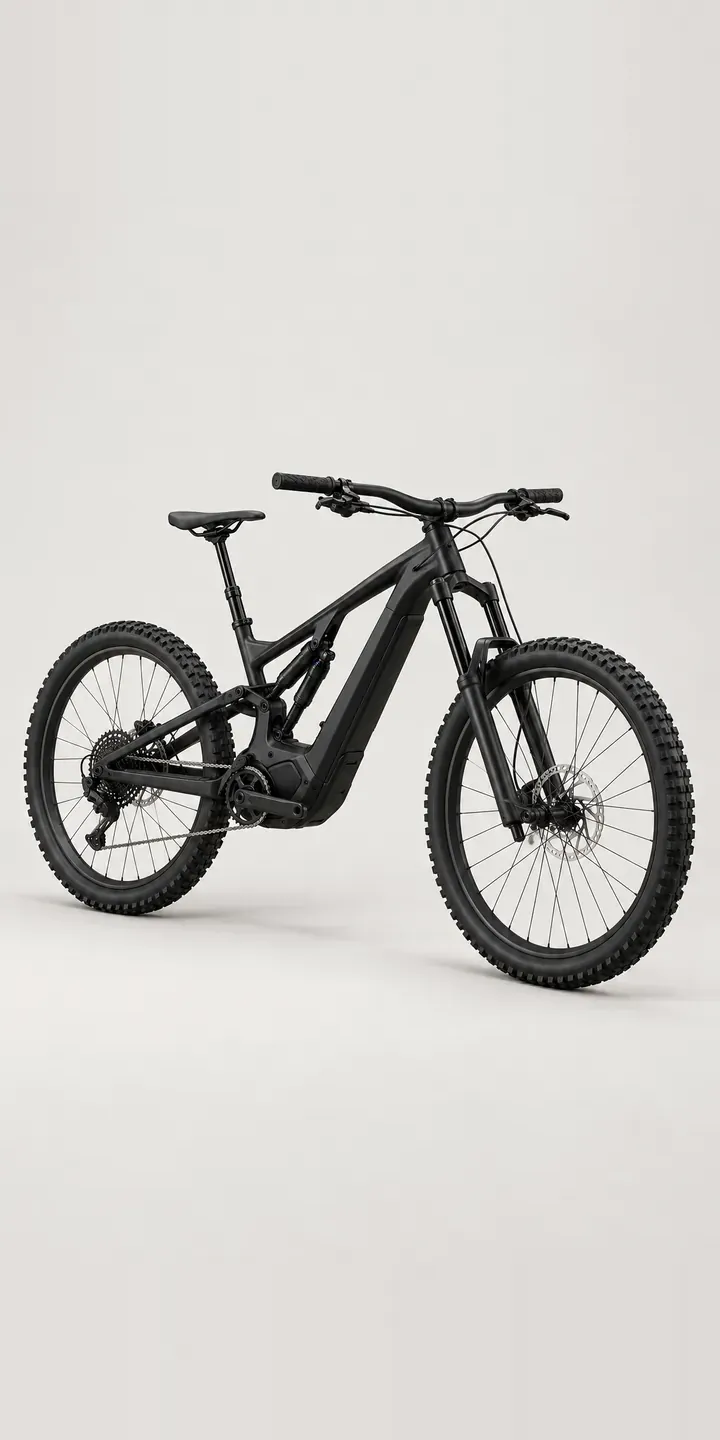
Mountain E-Bike
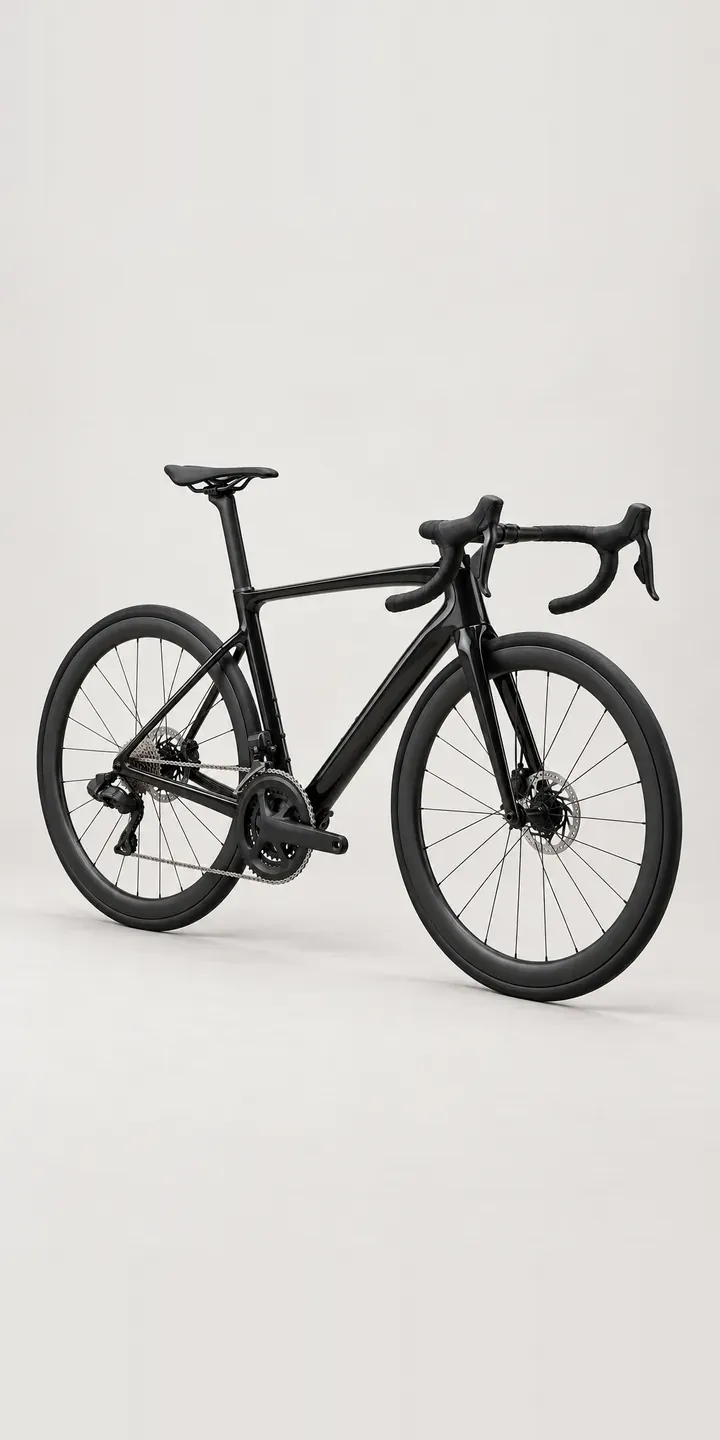
Race Road Bike
A configurator for your e-bikes
This demo uses an illustrative product. If you sell e-bikes, I can build the same experience around your own range, photography and ordering process, connected to Shopify, WooCommerce or a quote workflow. I reply to enquiries within two UK working days.