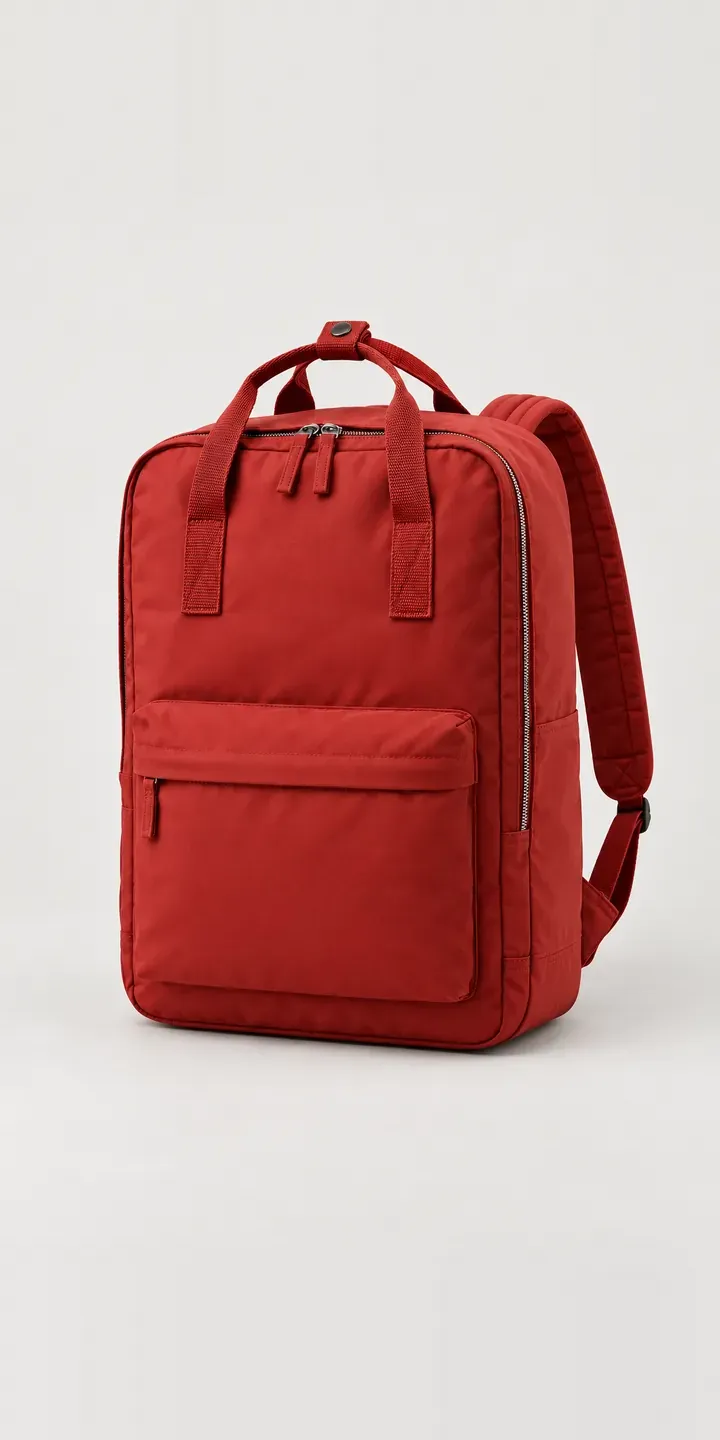
This demo builds an illustrative upright laptop backpack. Choose a colour, choose a 13, 15 or 17 inch sleeve, and the summary holds the build so you can send it as a quote.
A laptop backpack is bought around a device. The buyer starts with the machine they carry every day. Then they look for a bag that protects it, rides comfortably on a bike and still looks at home in a studio or office. The upright shape keeps the load close to the back. The colour decides whether it reads as a work bag or something more personal.
Bags and luggage Configurator demo
Upright Backpack
- Product
- Upright Backpack
- Colour
- Brick Red
- Sleeve
- 13 in
Illustrative product. The design and images are generated examples, not a real model for sale.
What you can configure
Brick red, navy, mustard and forest are in the demo, and graphite and dusty pink complete the six. The sleeve option offers 13, 15 and 17 inch versions. Screen size is only a starting point, because laptops with the same screen differ in width and thickness. The sleeve choice is listed in the summary, though the image stays the same across sizes in this demo.
- Colour: Brick Red, Navy, Mustard, Forest
- Sleeve: 13 in, 15 in, 17 in
Why a configurator suits backpacks
Laptop sleeves are where backpack returns are most avoidable. A buyer with a 15 inch laptop orders the 15 inch sleeve. Then the machine turns out wider than the sleeve allows, because of its bezels or a thick chassis. Inches describe the screen diagonal, not the device. A configurator can ask for the laptop's actual width, depth and thickness and check it against each sleeve.
Six colours across three sleeve sizes gives eighteen variants. If the outer dimensions change with the sleeve, each one needs its own photograph. Buyers also need to see the larger bag worn to judge whether it suits their frame. Cycling commuters in particular care about how high the pack sits and whether its top edge meets the back of a helmet.
Colour carries more weight than usual here. Mustard and brick red stand out on a grey commute and in an open-plan office, while navy and graphite sit quietly with a suit. Buyers often hold a strong preference. Showing every colour on the same model, at the same angle, lets them choose with confidence rather than relying on a swatch.
How a production version would be built
If the three sleeve sizes share one outer shell, an image per colour is enough, with a sleeve diagram that changes with size. If the bag grows with the sleeve, the build needs eighteen images from a fixed camera, plus worn views per size. Sleeve data matters most: internal sleeve dimensions, outer dimensions per size, colour names and product codes. A simple laptop-fit check compares the buyer's measurements with the sleeve data before the item reaches the WooCommerce basket or a quote.
Build sheet for this range
- Colours in the full range: 6 (4 shown in this demo)
- Sleeve choices: 3
- Combinations to support: 6 × 3 = 18
- Images for one photograph per combination at 3 angles: 54
- Images if sleeve sizes can be shown as separate layers, at 3 angles: 27
- Data each of the 18 combinations needs: a SKU or variant ID, price, stock or lead time, and any dimensions or specification that change
Questions about backpack configurators
Can the configurator check whether a customer's laptop will fit the sleeve?
A fit check is simple to add. The buyer enters their laptop's width, depth and thickness, or picks a common size, and the configurator compares it with the internal sleeve dimensions. It confirms the fit or suggests the next size up. The check runs on your product data, so it stays accurate as your range changes.
Should we list sleeves by screen size or by internal dimensions?
Both. Screen size is how buyers search, so keep it as the label. Internal dimensions belong right beside it, because they decide the fit. Stating the thickest laptop each sleeve accepts is useful too. Clear sleeve data prevents the most common avoidable return in this category.
Can the configurator show the backpack worn while cycling?
Yes, as a secondary view. A worn image per sleeve size, from the side and from behind, shows how high the pack sits and where the top carry handle falls. For a bag aimed at cycling commuters, that view answers practical questions a studio product shot cannot.
Can buyers add a matching laptop sleeve or pouch?
Yes, if those products exist in your range with consistent colour names. Once a colour is chosen, the configurator can offer the matching accessory as an add-on in the same basket. Rules can limit suggestions to accessories that fit the chosen sleeve size, so nothing incompatible is offered.
More bag and luggage configurator demos
Weekend Backpack
Weekender Holdall
Briefcase Backpack
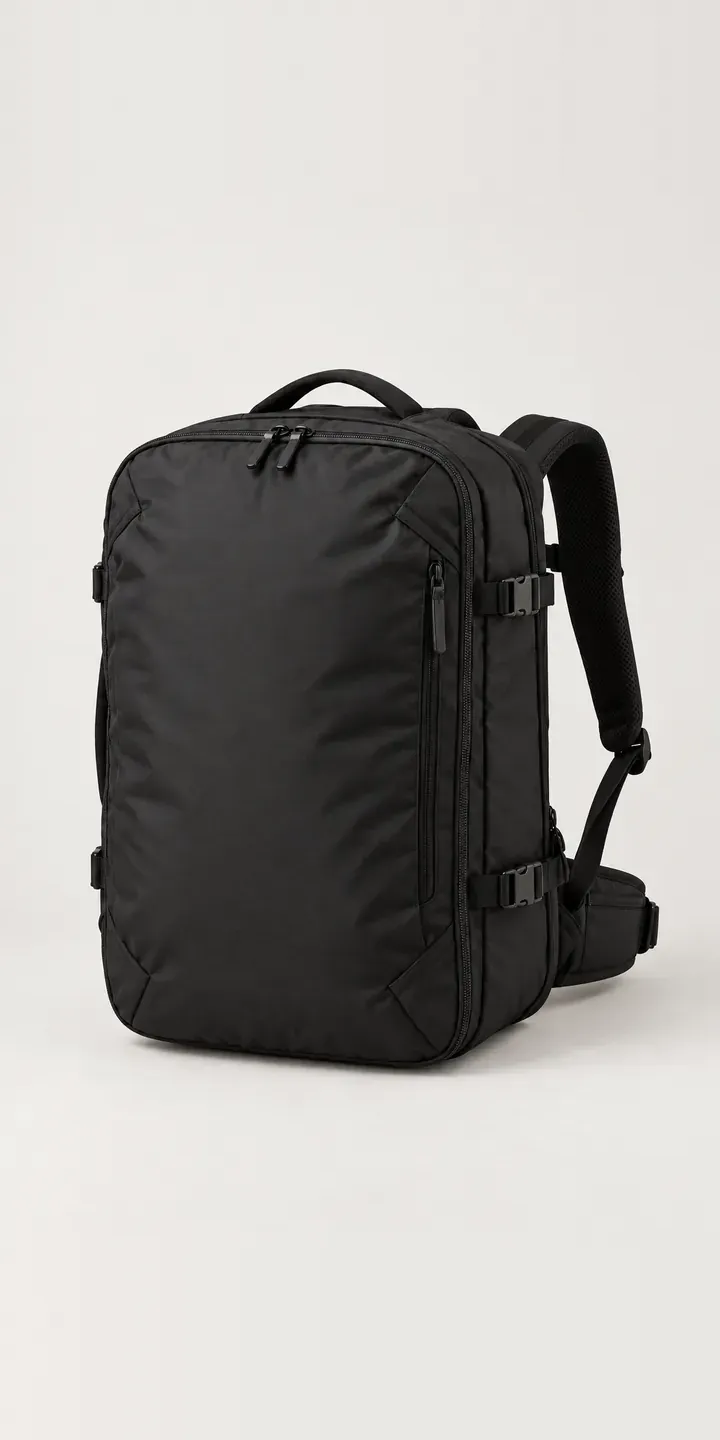
Clamshell Backpack
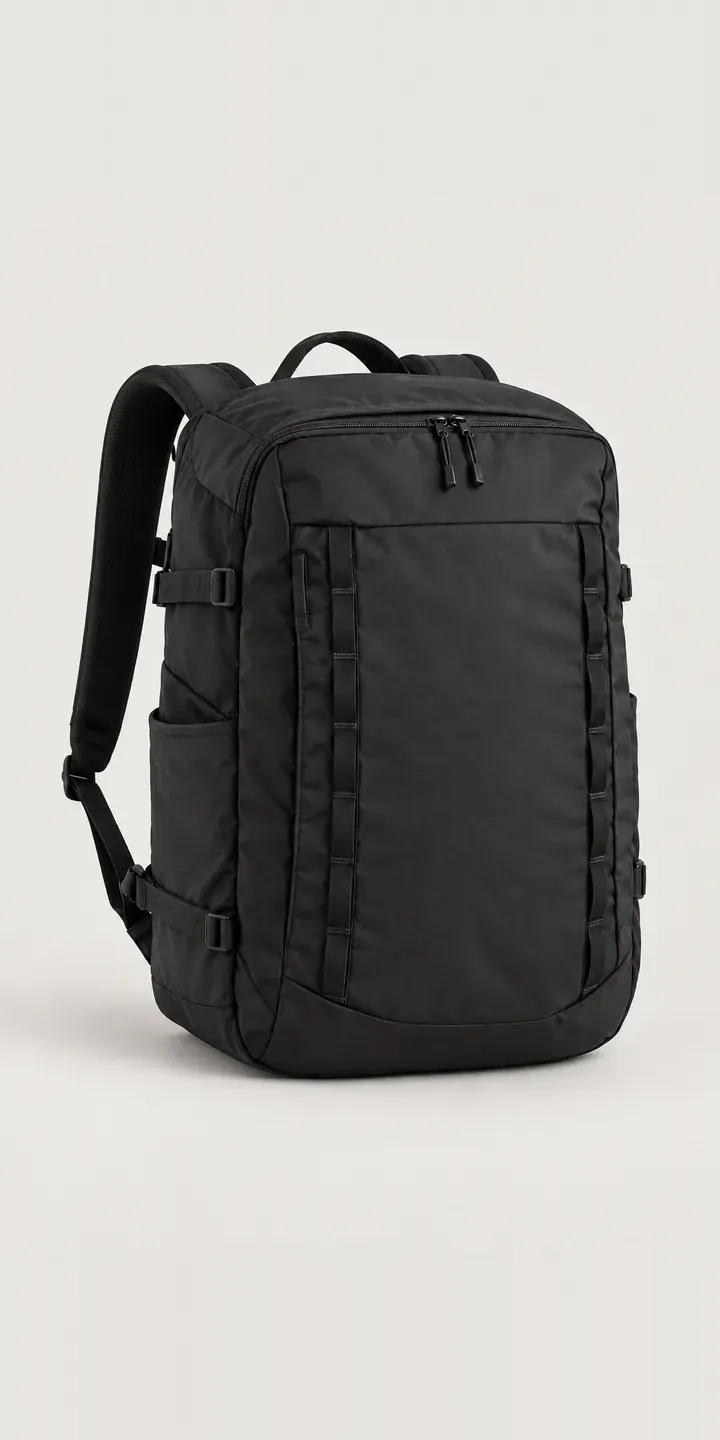
Everyday Backpack
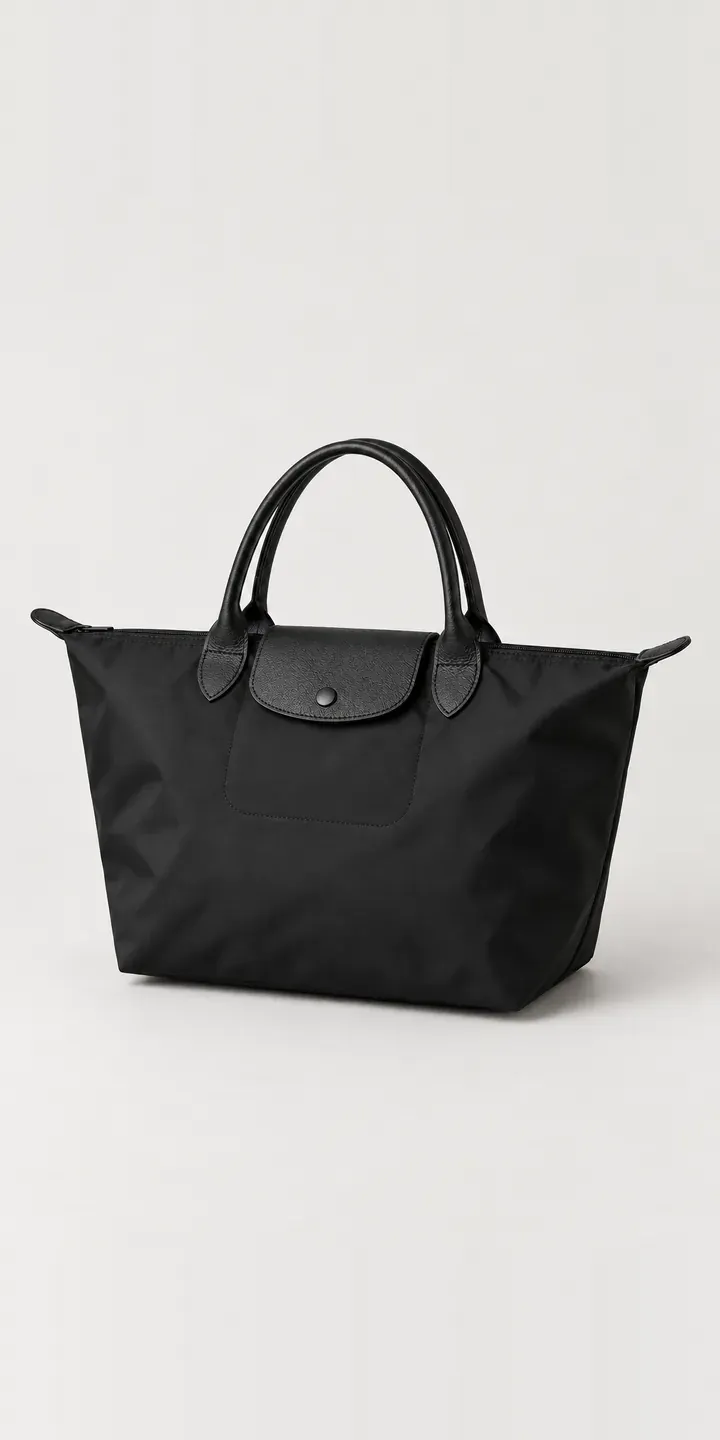
Fold-Flat Shopper
All bag and luggage configurator demos
A configurator for your backpacks
This demo uses an illustrative product. If you sell backpacks, I can build the same experience around your own range, photography and ordering process, connected to Shopify, WooCommerce or a quote workflow. I reply to enquiries within two UK working days.