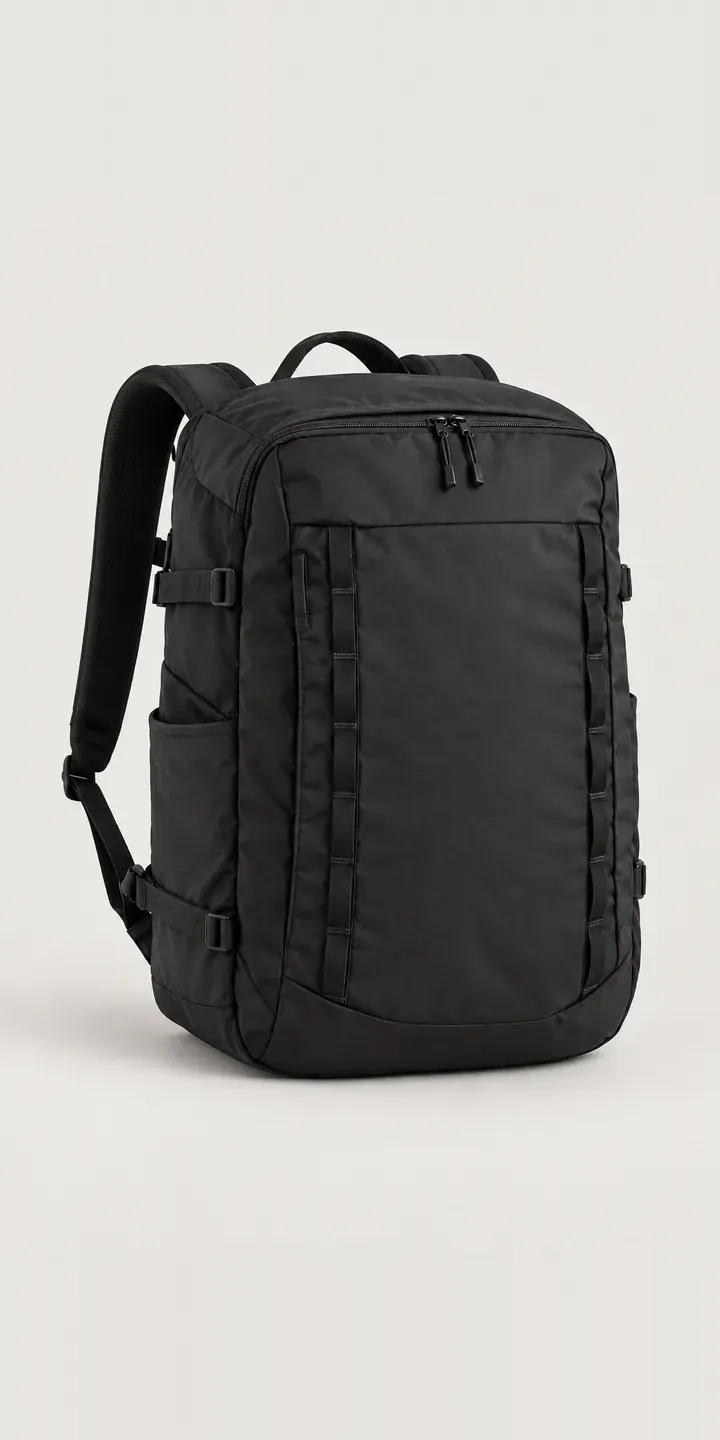
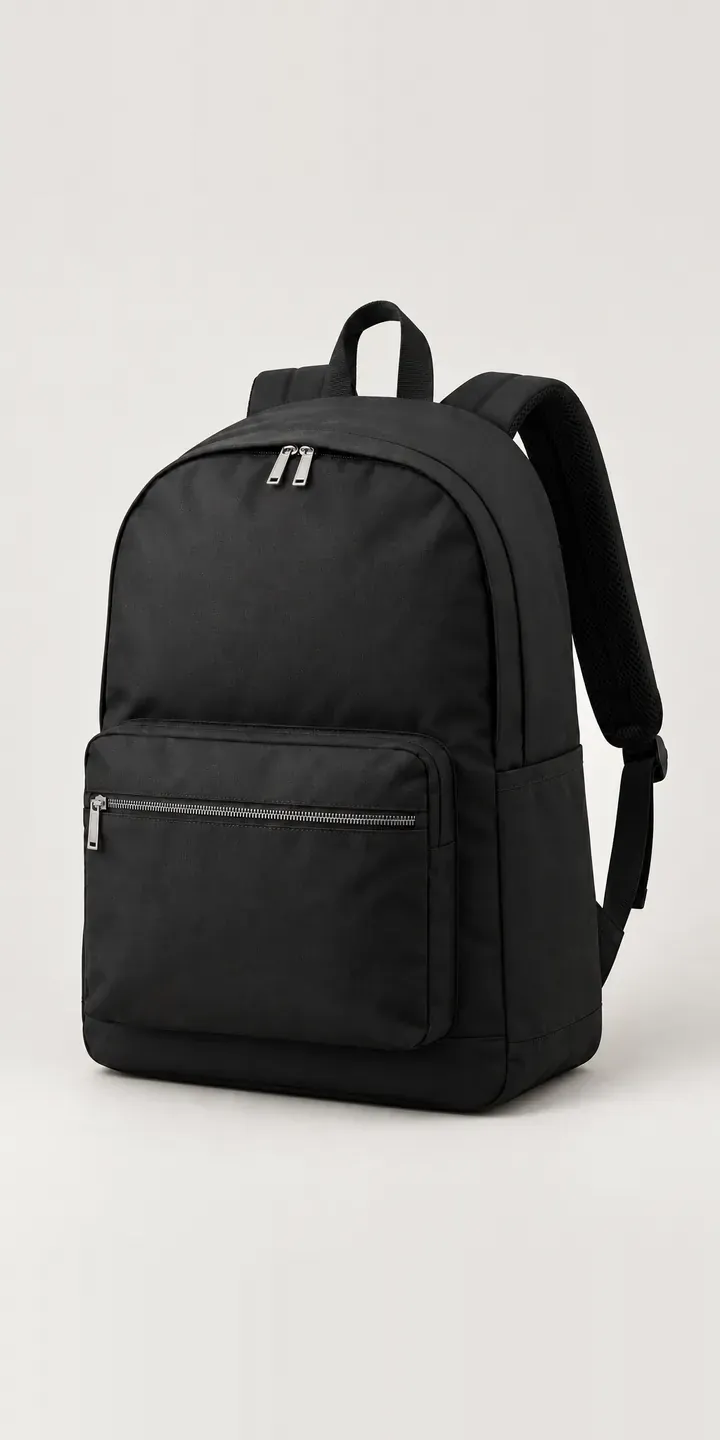
The everyday backpack on this page is an illustrative example: a boxy, top-zip bag built for the desk-to-bike commute. Choose a colour and a 25 L or 32 L size to see how a bag range can be configured online.
An everyday bag is worn five days a week, so buyers judge it like clothing. The colour has to work with a work coat and a weekend jacket. The size has to take a laptop, lunch and a change of clothes without looking like luggage on the train. Those two choices interact, because a bold colour on a larger bag reads very differently on someone's back.
Bags and luggage Configurator demo
Everyday Backpack
- Product
- Everyday Backpack
- Colour
- Black
- Volume
- 25 L
Illustrative product. The design and images are generated examples, not a real model for sale.
What you can configure
Four of the six colours are live in the demo: black, navy, sage and brick, with 25 L or 32 L alongside. Brick and sage are the shades people hesitate over, so seeing them at the same angle as black matters. Size is captured in the summary while the image stays put. On a boxy design the extra litres show mostly as height, which a production build would picture.
- Colour: Black, Navy, Sage, Brick
- Volume: 25 L, 32 L
Why a configurator suits backpacks
Everyday bags sell on colour. A brand will often launch a new shade each season while the shape stays the same. The range grows sideways: six colours today, eight next year, each in two sizes. Every new colour multiplies the photography bill, and the smaller size is usually the one left without images.
A configurator separates the shape from the colour. Once the views are set up, a new colourway is a set of images dropped into an existing structure, not a new product page. Customers see every colour in both sizes, and the brand can retire a shade without leaving broken links and orphaned listings behind in search results.
The same tool handles corporate orders. Companies buy branded backpacks for staff, events and onboarding packs, usually in bulk and against a deadline. Add a logo position and a quantity, end in a quote, and the sales team gets a clean brief. The alternative is an email thread about which navy and which size.
How a production version would be built
For an everyday pack I would fix one camera angle per view and either photograph or render each colour in both sizes. If the brand already has 3D files from its factory, rendering is often cheaper than sampling every colour, especially for seasonal shades that arrive late. The brand's side of the work is colour names, SKUs and which colours run in which size. On WooCommerce the selection becomes a variation, and corporate orders branch to a quote form that captures logo files and quantities.
Build sheet for this range
- Colours in the full range: 6 (4 shown in this demo)
- Volume choices: 2
- Combinations to support: 6 × 2 = 12
- Images for one photograph per combination at 3 angles: 36
- Images if volumes can be shown as separate layers, at 3 angles: 24
- Data each of the 12 combinations needs: a SKU or variant ID, price, stock or lead time, and any dimensions or specification that change
Questions about backpack configurators
Can we preview a new colour before the samples arrive?
Yes, if there is a 3D model or a consistent product photo to work from. A rendered colour can go live as a preview or pre-order while physical samples are still in production. The render needs checking against the sample once it lands, because fabric dye lots rarely match a digital colour exactly.
Can customers add a company logo for a bulk order?
They can. An upload step places the logo on a defined print or embroidery area, and the preview shows its position and approximate size. Logo files travel with the quote request so the production team can check them. Placement can be limited to areas that suit the bag's panels and seams.
Will reflective details or contrast zips need separate images?
Usually not. Small trim changes like zip pulls, webbing or reflective tabs can be composited as layers over the base image. One photograph of each bag colour then serves several trim options. Bigger changes, such as a different fabric, are better shot separately because texture and drape change too.
Can the configurator show the bag being worn on a commute?
Yes, with an on-body image per size, ideally in one colour to keep the shoot manageable. For a boxy everyday pack, buyers mainly want to see where it sits on the back and how it looks on a bike. A lifestyle image beside the packshot answers that without extra configuration logic.
More bag and luggage configurator demos
All bag and luggage configurator demos
A configurator for your backpacks
This demo uses an illustrative product. If you sell backpacks, I can build the same experience around your own range, photography and ordering process, connected to Shopify, WooCommerce or a quote workflow. I reply to enquiries within two UK working days.