Carried by its handle into a meeting and worn on the back on the way there, this example convertible briefcase is the product below. Choose a colour and a laptop sleeve size to build your version.
Business bag buyers start with the laptop, not the bag. They know the screen size and want certainty it will fit with room for a charger. Colour comes second, and it is a dress-code question as much as a style one. Black and charcoal pass in any office. Olive, tan and stone say something more relaxed.
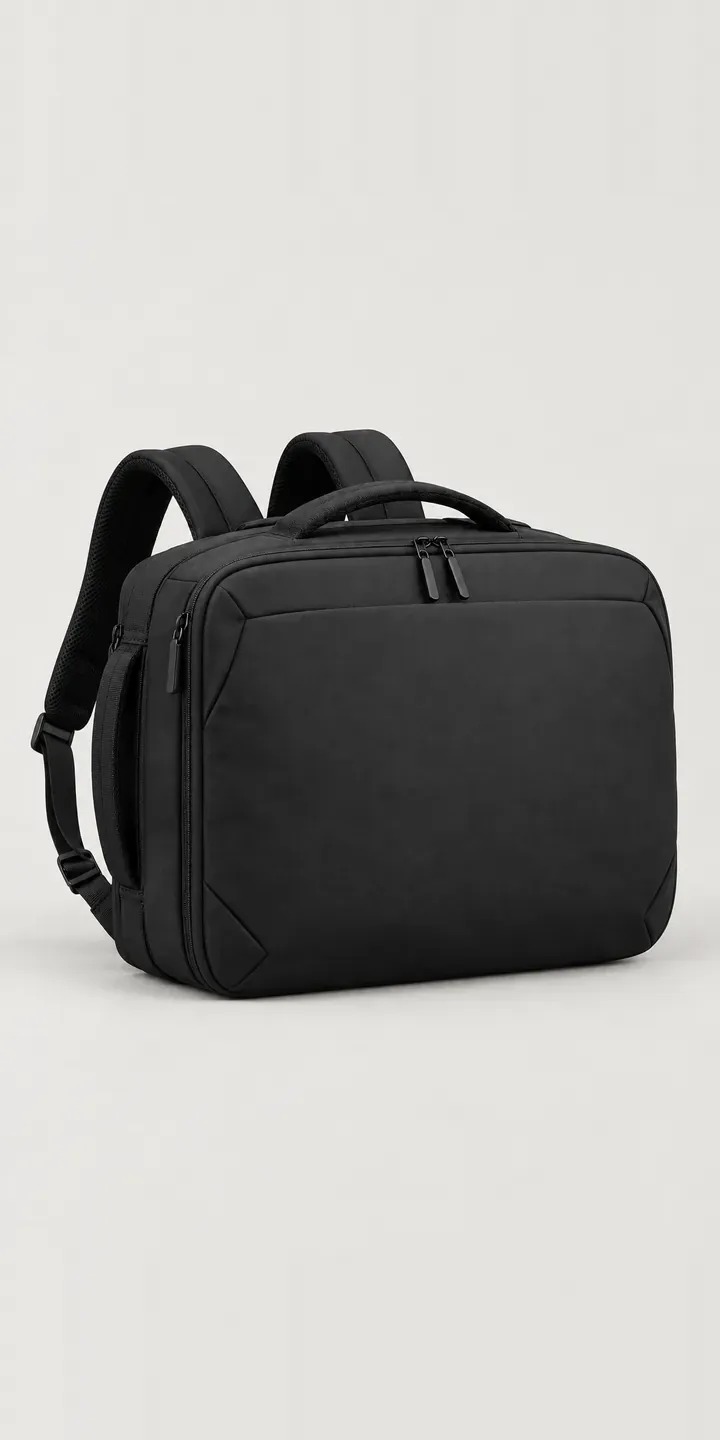
Bags and luggage Configurator demo
Briefcase Backpack
- Product
- Briefcase Backpack
- Colour
- Black
- Sleeve
- 13-inch
Illustrative product. The design and images are generated examples, not a real model for sale.
What you can configure
Colour runs through black, charcoal, navy and olive here, four of six, with a sleeve choice of 13, 15 or 16 inches. Sleeve size is the option most likely to cause a return if it is wrong, so it sits in the summary next to the colour. The picture stays the same across sleeve sizes in this demo; a production version would add an open view of the padded sleeve.
- Colour: Black, Charcoal, Navy, Olive
- Sleeve: 13-inch, 15-inch, 16-inch
Why a configurator suits briefcases
Six colours and three sleeve sizes make eighteen versions. If the sleeve size changes the outside dimensions, each needs its own image. If only the internal padding changes, one exterior shot per colour covers all three, and a single interior view does the rest. Knowing which applies is the first thing I would ask a bag brand.
Sleeve fit is where business bags come back. A buyer orders 15-inch for a laptop that is nominally 15-inch but slightly larger, finds the zip strains, and returns the bag. A configurator can ask for the laptop's dimensions and recommend a sleeve, so the size is checked before the order rather than after delivery.
Corporate buying is the other channel. Firms order work bags for new starters or as client gifts, usually in one or two sober colours across mixed sleeve sizes. A configurator that collects a size split and a quantity per colour, then sends a quote, turns a long email exchange into one structured request.
How a production version would be built
Each colour would be photographed in two states, carried as a briefcase and worn as a backpack. The convertible design is the selling point. A detail of the shoulder straps tucked into the back panel pocket shows how tidy the briefcase mode is. The brand would provide SKUs, internal sleeve dimensions for each size, and the combinations it actually stocks. Corporate requests go to a quote form or straight into a CRM, while retail orders map to variants in the store's basket.
Build sheet for this range
- Colours in the full range: 6 (4 shown in this demo)
- Sleeve choices: 3
- Combinations to support: 6 × 3 = 18
- Images for one photograph per combination at 3 angles: 54
- Images if sleeve sizes can be shown as separate layers, at 3 angles: 27
- Data each of the 18 combinations needs: a SKU or variant ID, price, stock or lead time, and any dimensions or specification that change
Questions about briefcase configurators
Will the configurator check that a customer's laptop fits the sleeve?
It can. The simplest approach is a short field asking for the laptop's width and depth, compared against the internal sleeve dimensions you supply. A lookup of common laptop models is possible, but it needs maintaining as new models launch. Either way, the buyer sees a clear recommendation before choosing a colour.
Should we show both briefcase and backpack modes for every colour?
Ideally, because the dual carry is why people choose this bag over a standard backpack. On a tight budget, show both modes in one hero colour and a single carry mode for the rest. A two-image toggle between modes works well on mobile and costs far less than a full second shoot.
Can a buyer share a configured bag with their manager for approval?
Yes. The configuration can be saved to a link or a PDF summary with colour, sleeve size and quantity. That suits corporate buyers who need sign-off before ordering. My guide to saving and sharing configurations covers the options, including how saved builds return to the basket.
Can corporate accounts see their own pricing?
They can. Logged-in trade or corporate customers see their own price list or quantity breaks, while retail visitors see standard prices. On Shopify this usually runs through B2B catalogues or a wholesale app; on WooCommerce, through role-based pricing. The configurator reads prices from the store, so it stays in step with your existing rules.
More bag and luggage configurator demos
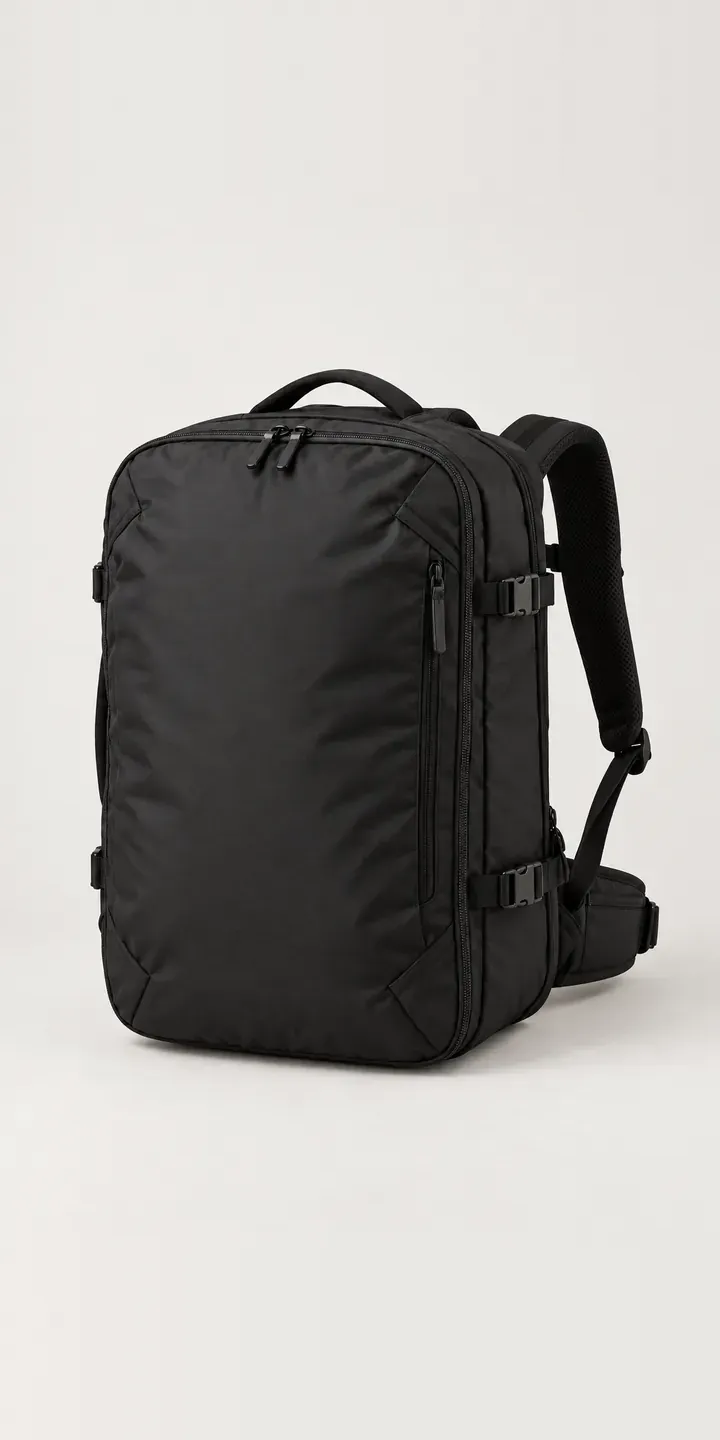
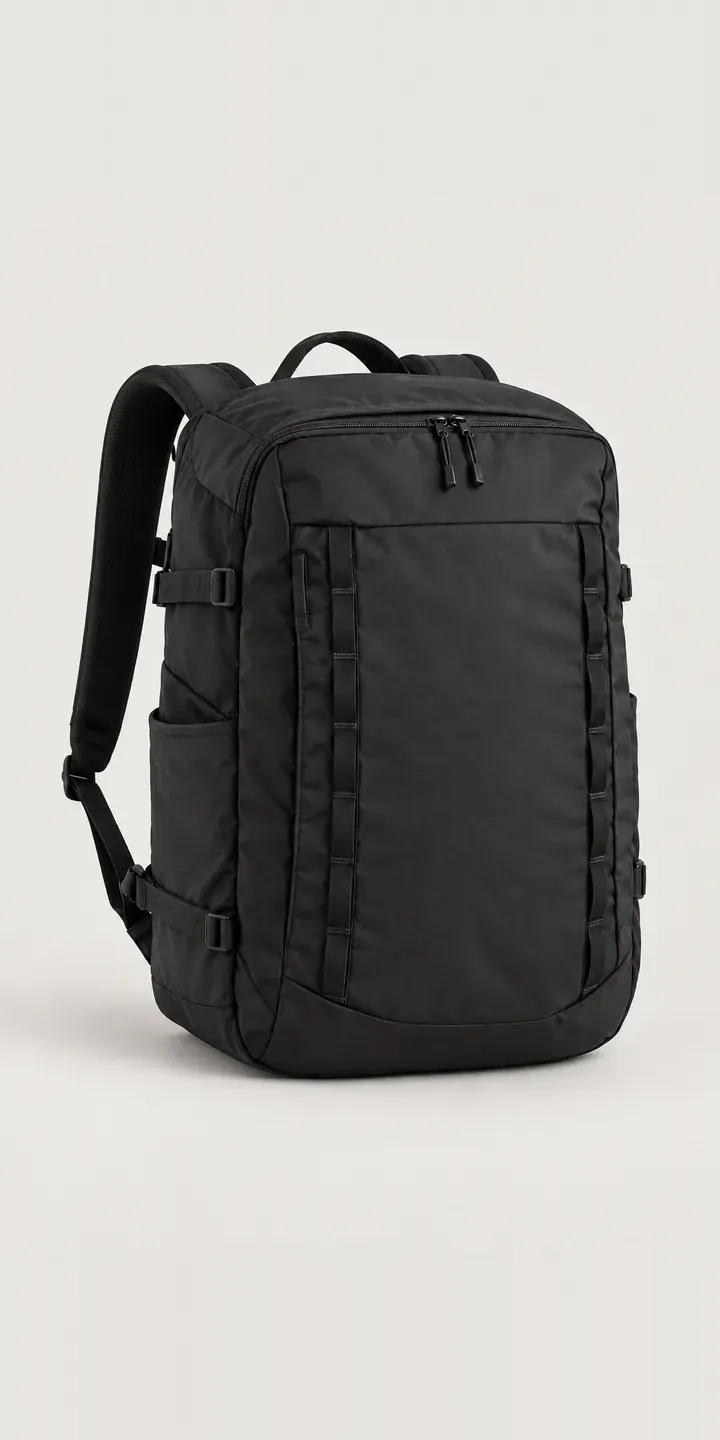
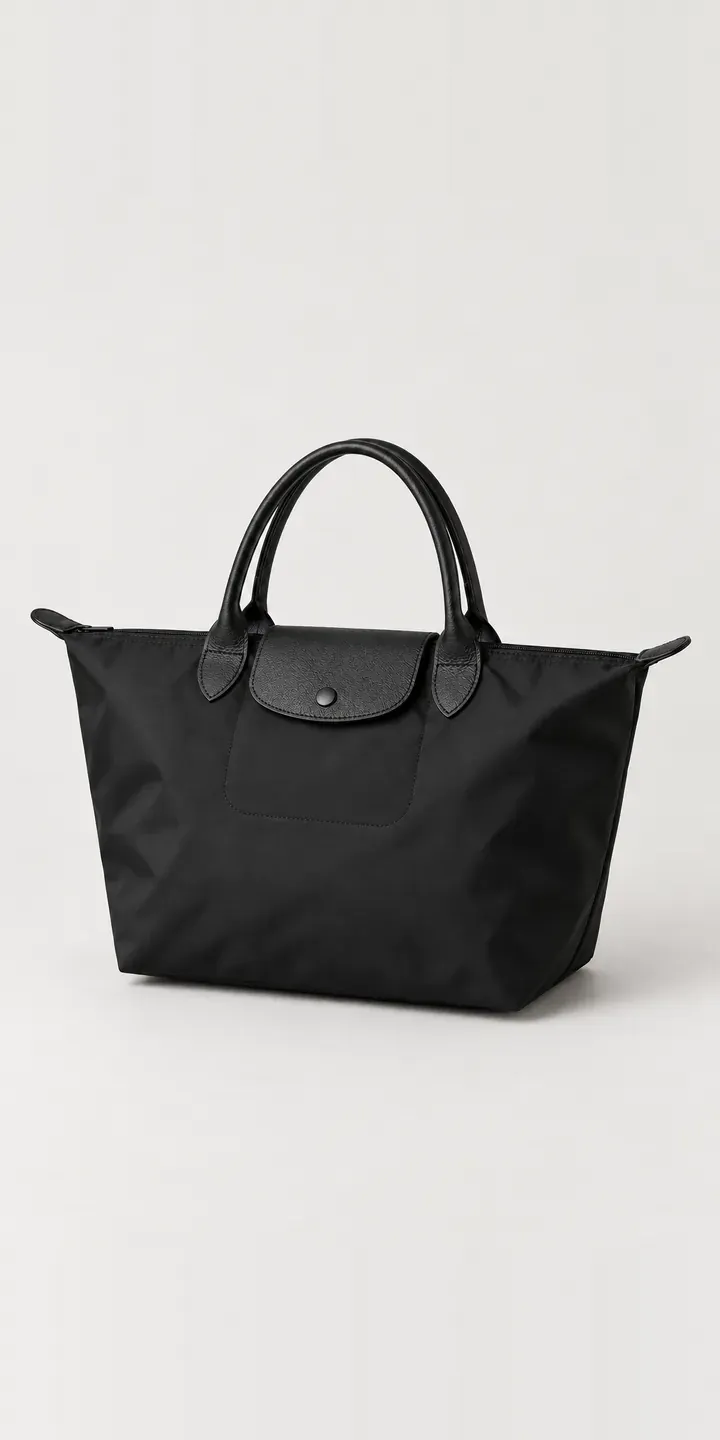
All bag and luggage configurator demos
A configurator for your briefcases
This demo uses an illustrative product. If you sell briefcases, I can build the same experience around your own range, photography and ordering process, connected to Shopify, WooCommerce or a quote workflow. I reply to enquiries within two UK working days.