This illustrative field watch has a 38 mm brushed steel case, syringe-style hands and numeral markers. Pick a dial colour and one of three straps, and the finished build goes off as a quote request.
Field watch buyers are usually choosing a character more than a specification. A black dial on steel feels like issued equipment. Olive on canvas leans outdoors and practical, while cream on leather drifts towards a weekend watch. The case hardly changes between them, so the decision rests on dial and strap, which is exactly what a standard product page struggles to show.
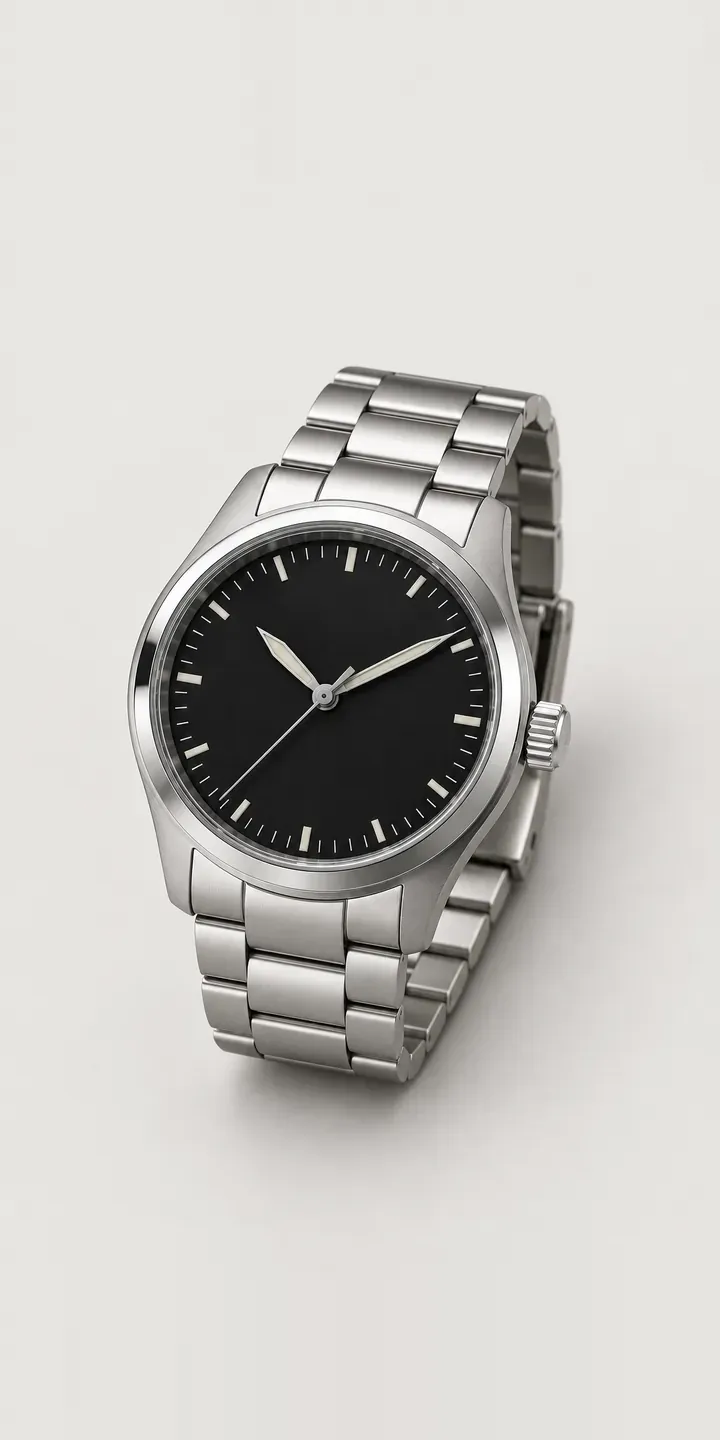
Watches Configurator demo
Service Watch
- Product
- Service Watch
- Colour
- Black
- Strap
- Steel
Illustrative product. The design and images are generated examples, not a real model for sale.
What you can configure
Four of the six dials appear here: black, olive, cream and navy, with sand and grey held back for a full build. Steel, canvas and leather are offered as straps and they feed the summary; the photograph keeps one strap throughout this demo. On a 38 mm field watch the strap does a lot of visual work, because a small case lets the band dominate the wrist.
- Colour: Black, Olive, Cream, Navy
- Strap: Steel, Canvas, Leather
Why a configurator suits watches
Six dials and three straps add up to eighteen versions of one watch. Few brands photograph them all, so most pages show a black dial on steel and leave the rest to a swatch. Buyers who want olive on canvas have to picture it, and some of them simply do not order.
Field watches also sell straps. Canvas and leather are wearing parts, and owners of this style often change bands with the seasons. Once the configurator shows the watch on each strap, a second band at checkout is an easy yes. Without that, it becomes a separate search later, often on someone else's site.
The warehouse benefits as well. Watches like this usually ship with the chosen strap already fitted, which relies on someone reading the order correctly. A configured order carries dial and strap as separate fields, so the packing slip says olive on canvas instead of depending on a customer's note. A mis-fitted strap is a small error, but on a watch bought as a present it is an awkward one to put right.
How a production version would be built
A layered image build suits this watch. Shoot or render the head once for each dial, then capture every strap separately from the same camera position. The range then needs one image per dial and one per strap, not one per pairing. Adding a fourth strap later means a single new image. The brand supplies dial and strap names, SKU codes, lug width and any pairings it would rather not sell. On WooCommerce the configured watch and any extra strap go into the basket as ordinary line items.
Build sheet for this range
- Colours in the full range: 6 (4 shown in this demo)
- Strap choices: 3
- Combinations to support: 6 × 3 = 18
- Images for one photograph per combination at 3 angles: 54
- Images if straps can be shown as separate layers, at 3 angles: 27
- Data each of the 18 combinations needs: a SKU or variant ID, price, stock or lead time, and any dimensions or specification that change
Questions about watch configurators
Can customers add a spare strap when they configure the watch?
Yes. The strap step can allow one fitted strap plus extras, each with its own SKU and price. The image shows the fitted choice, while extras appear as add-ons in the summary. Because every strap is tagged with its lug width, the configurator only offers bands that genuinely fit this case.
How do you keep a brushed steel case looking identical across every dial?
Brushed steel shows every change in lighting, so all dials need exactly the same set-up. I usually recommend shooting the case once and compositing each dial into it, or rendering everything from a CAD model. Either way the case is pixel-identical across the range and only the dial changes when a swatch is clicked.
Can the configurator suggest which strap suits each dial?
It can. Each dial can carry a default strap, such as olive with canvas, which loads first when that colour is picked. The customer is free to change it. Default pairings work well for field watches, where a few combinations sell steadily and others appeal to a smaller group of buyers.
Do I need new photography before building a field watch configurator?
Not always. If your existing images share one camera position and lighting set-up, they can often be reused. If they do not, a fresh set of consistent shots or renders is usually better value than correcting mismatched ones by hand. Asset preparation is one of the main cost drivers, and enquiries get a reply within two UK working days.
More watch configurator demos
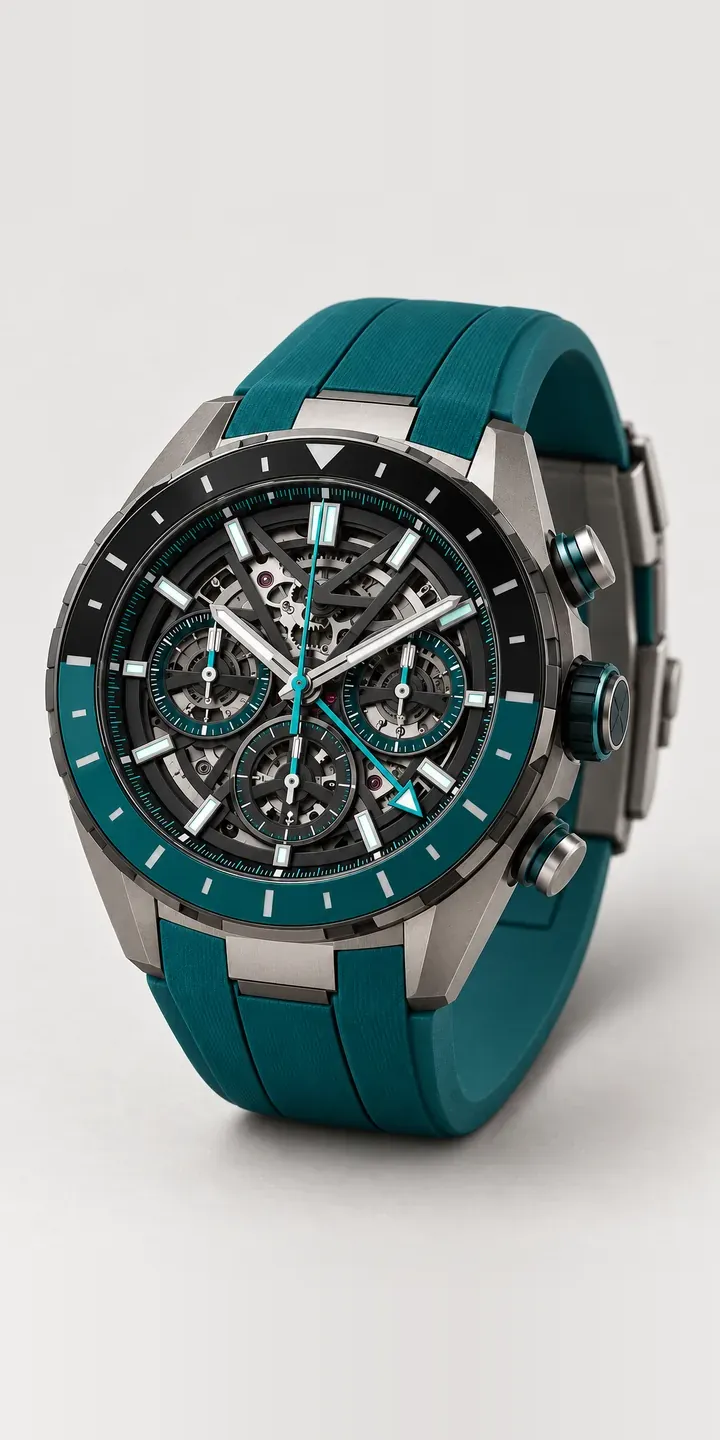
Skeleton Chronograph
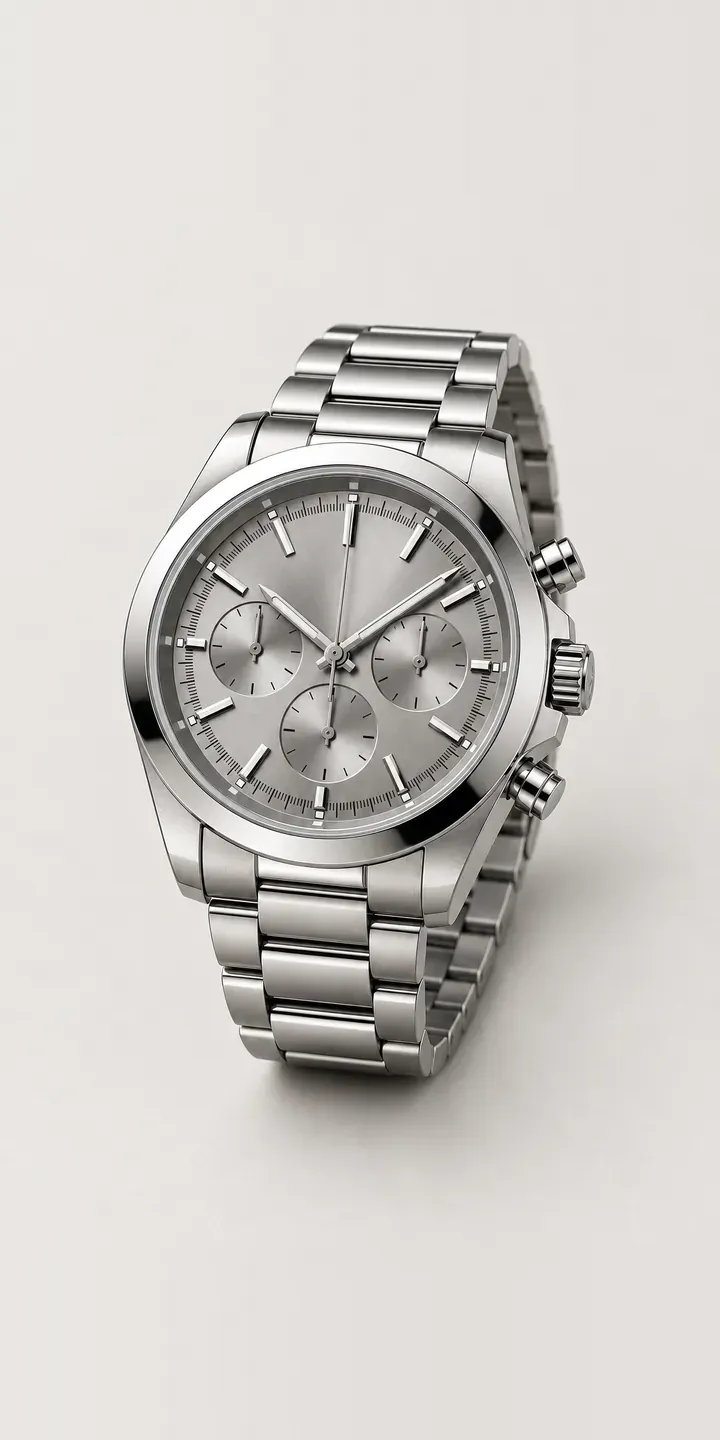
Sports Chronograph
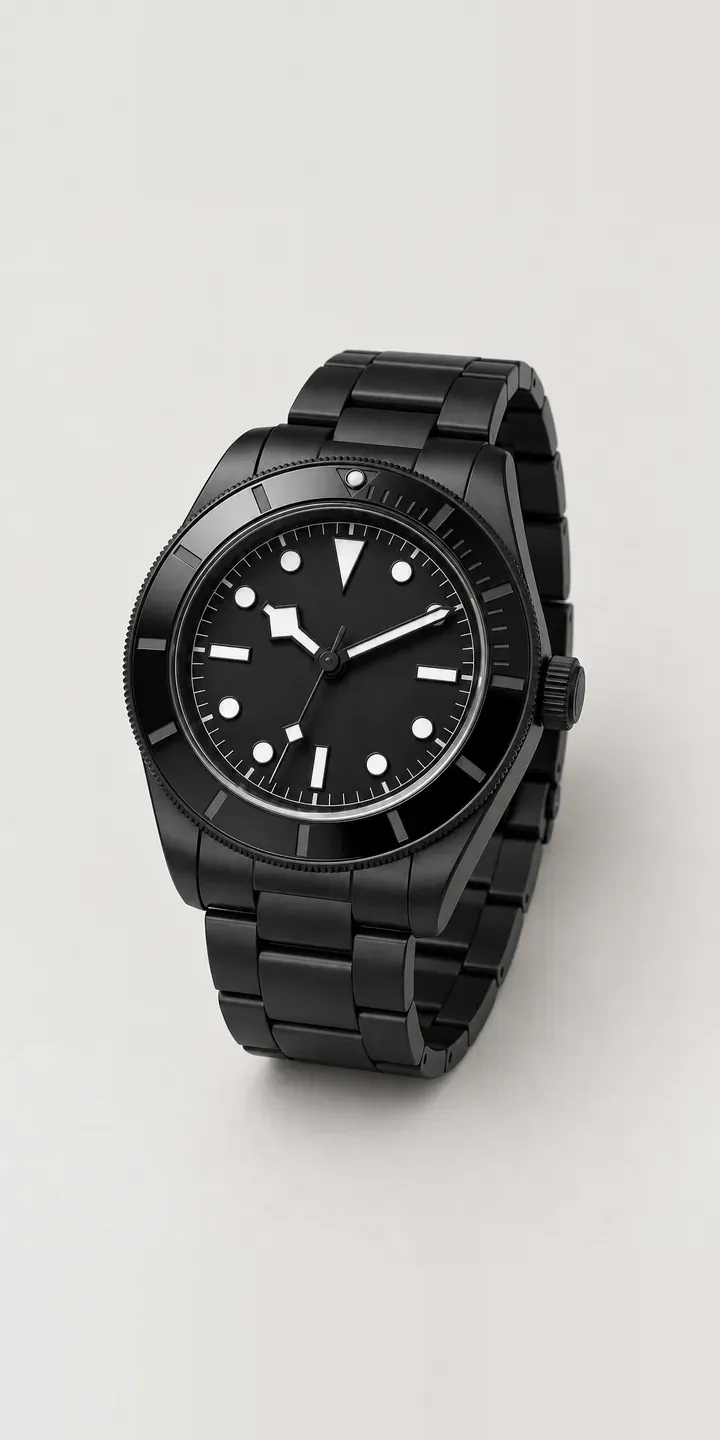
Stealth Diver
Swivel Dress Watch
Textured Dress Watch
Vintage Diver
A configurator for your watches
This demo uses an illustrative product. If you sell watches, I can build the same experience around your own range, photography and ordering process, connected to Shopify, WooCommerce or a quote workflow. I reply to enquiries within two UK working days.