On this page is an illustrative broadcast dynamic microphone, ready to configure. Choose a body finish, choose a desk stand or boom arm, and the summary records the setup for a quote.
Broadcast microphones used to be heard and not seen. Video podcasts changed that. The mic is now in shot for the whole recording, often in a tight frame beside the host's face, so its finish becomes part of the set. The mount matters just as much. It decides how close the mic sits, how much desk noise it picks up, and how much of the frame it occupies.
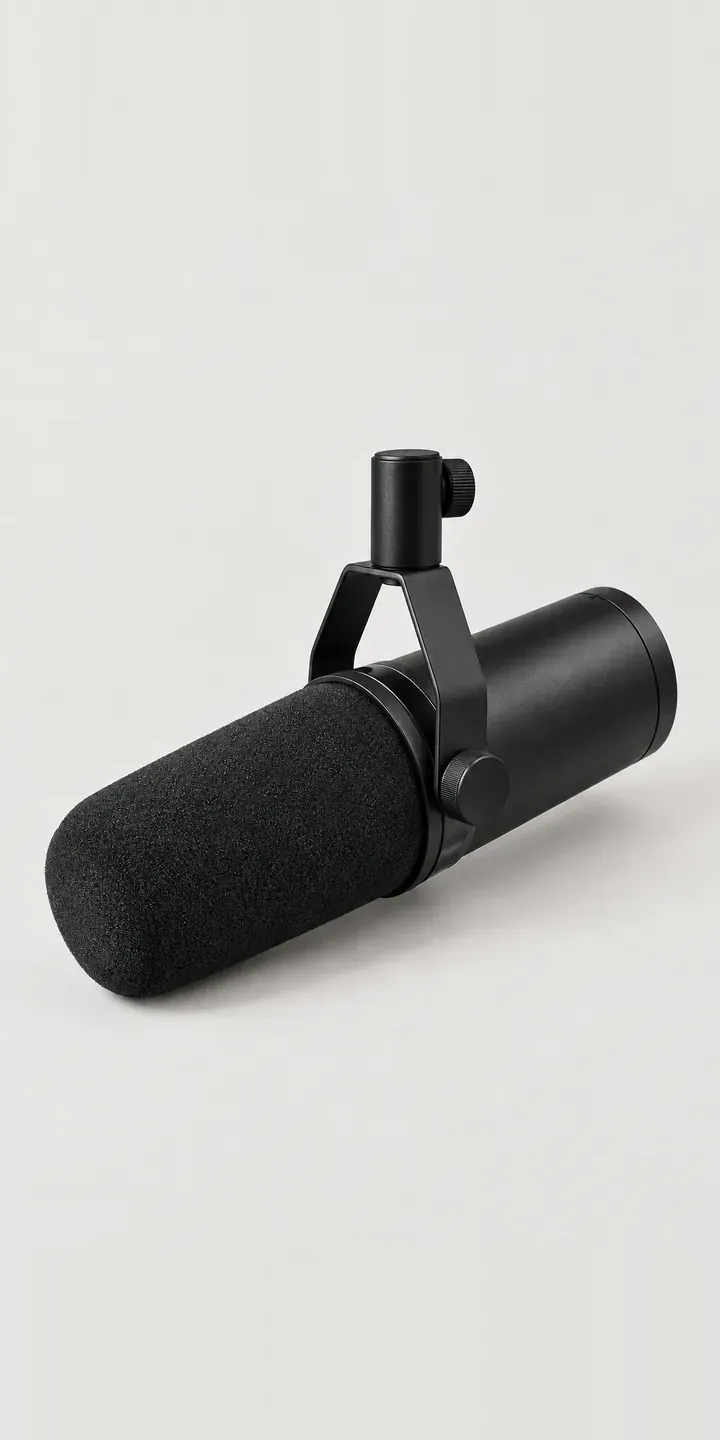
Audio Configurator demo
Broadcast Mic
- Product
- Broadcast Mic
- Colour
- Matte Black
- Mount
- Desk Stand
Illustrative product. The design and images are generated examples, not a real model for sale.
What you can configure
Four of the six finishes are in the demo: matte black, silver, champagne and graphite. Mounting is a choice between a desk stand and a boom arm. A desk stand is simple and portable, but taps and bumps on the table travel up into it. A boom arm holds the mic close and clears the desk. The mount is captured in the summary, while the image stays the same here.
- Colour: Matte Black, Silver, Champagne, Graphite
- Mount: Desk Stand, Boom Arm
Why a configurator suits microphones
Podcast and broadcast buyers rarely order one microphone. A two-host show needs a matched pair, and a studio for hire might fit four positions. They want every mic, mount and finish identical on camera. A configurator lets them set the build once and order it in quantity, with every unit carrying the same codes.
Six finishes across two mounts is twelve combinations. The boom arm is a large, visible object, often in the foreground of a video frame, so it deserves its own image rather than a line of text. Buyers choosing between champagne and graphite want to see the mic on the arm, at the angle it will appear on camera.
For retailers, the mount is the natural upsell. A buyer who came for a microphone leaves with a complete desk setup, and the configurator can add the cable, shock mount or pop filter that suits it. Those items are where specialist audio shops add value over a marketplace listing, and presenting them as part of the build reflects that.
How a production version would be built
This build would use two layers. The microphone is shot or rendered once per finish. Each mount is shot once in the matching position, so the mic sits in its yoke clamp with the arm or stand beneath. Six mic images and two mount images cover twelve combinations. If the mounts come in their own finishes, those become extra layers. Product codes, bundle pricing and a list of compatible accessories complete the data. Orders go to a basket for single buyers and a quote for studios fitting several positions.
Build sheet for this range
- Colours in the full range: 6 (4 shown in this demo)
- Mount choices: 2
- Combinations to support: 6 × 2 = 12
- Images for one photograph per combination at 3 angles: 36
- Images if mounts can be shown as separate layers, at 3 angles: 24
- Data each of the 12 combinations needs: a SKU or variant ID, price, stock or lead time, and any dimensions or specification that change
Questions about microphone configurators
Can a studio order four matching microphone setups in one go?
That is the main use for studios. The buyer configures the finish and mount once and sets a quantity, or configures each position separately if they differ. The quote lists every unit with its codes. For a studio fitting out a set, that removes the risk of a mismatched arm or finish arriving for one position.
Can the configurator show the mic at the angle it appears on camera?
Yes. Alongside the clean product view, a second image can show the mic on its boom arm from a typical camera position, slightly off-axis and close. That is how most viewers will see it. It also helps buyers judge whether a reflective finish like silver will catch the studio lights.
Can we offer boom arms and stands we buy in from other suppliers?
Yes, provided you have consistent images and codes. Each mount needs a photograph or render taken from the same position as the microphone shots, so they composite correctly. Compatibility rules can limit certain arms to certain mics, for example by thread size or weight rating.
Can the configurator add a logo or show name to a mic flag?
Yes, in a production build. A mic flag or engraved plate can be previewed with the customer's uploaded logo, within size limits you set. The artwork file travels with the order for production. It suits broadcasters and podcast networks that brand every microphone in shot.
More audio equipment configurator demos
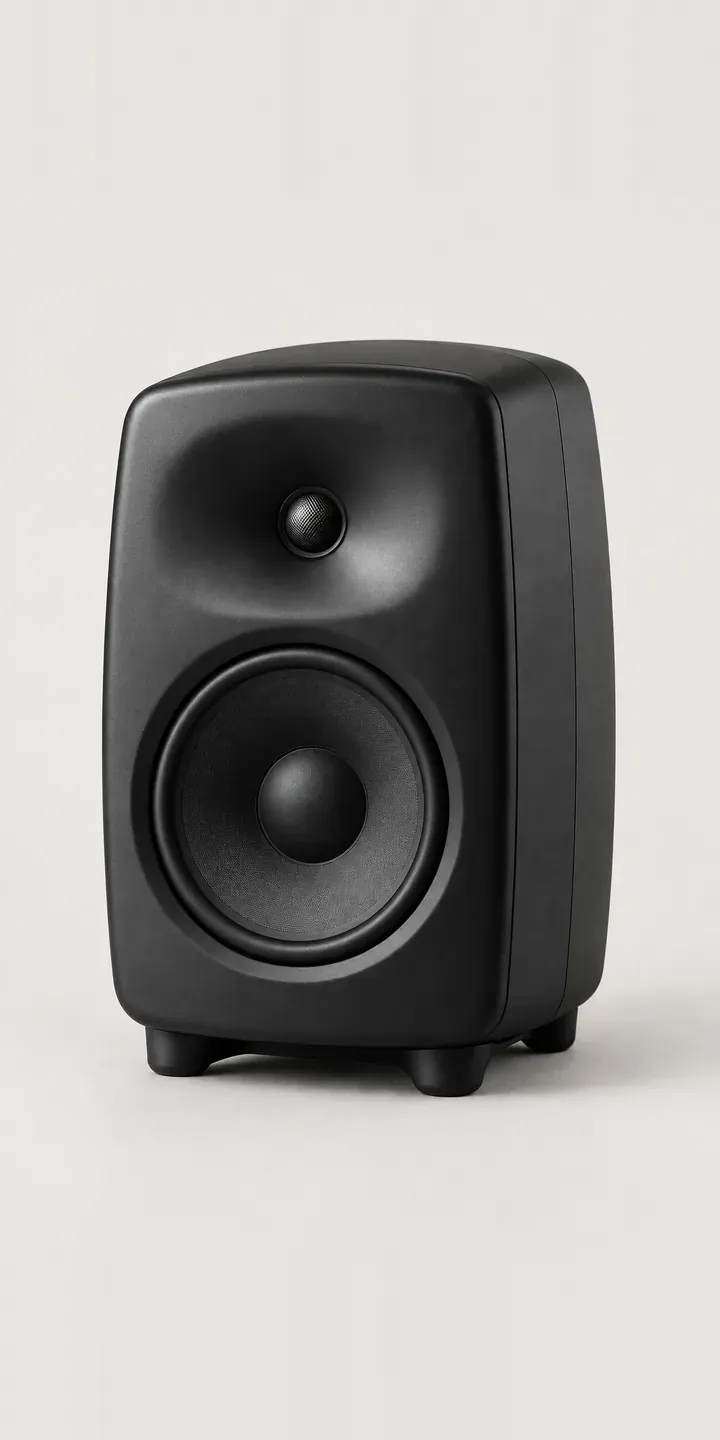
Nearfield Speaker
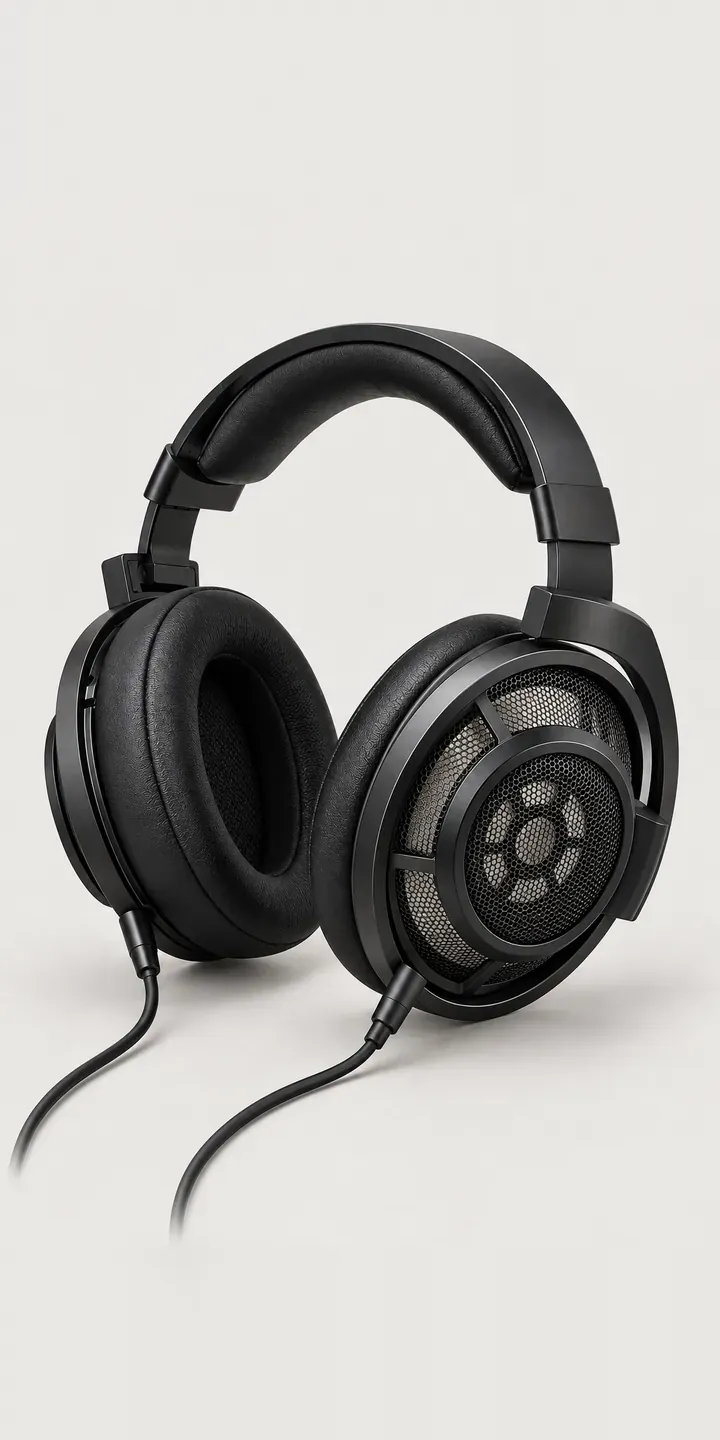
Open-Back Headphones
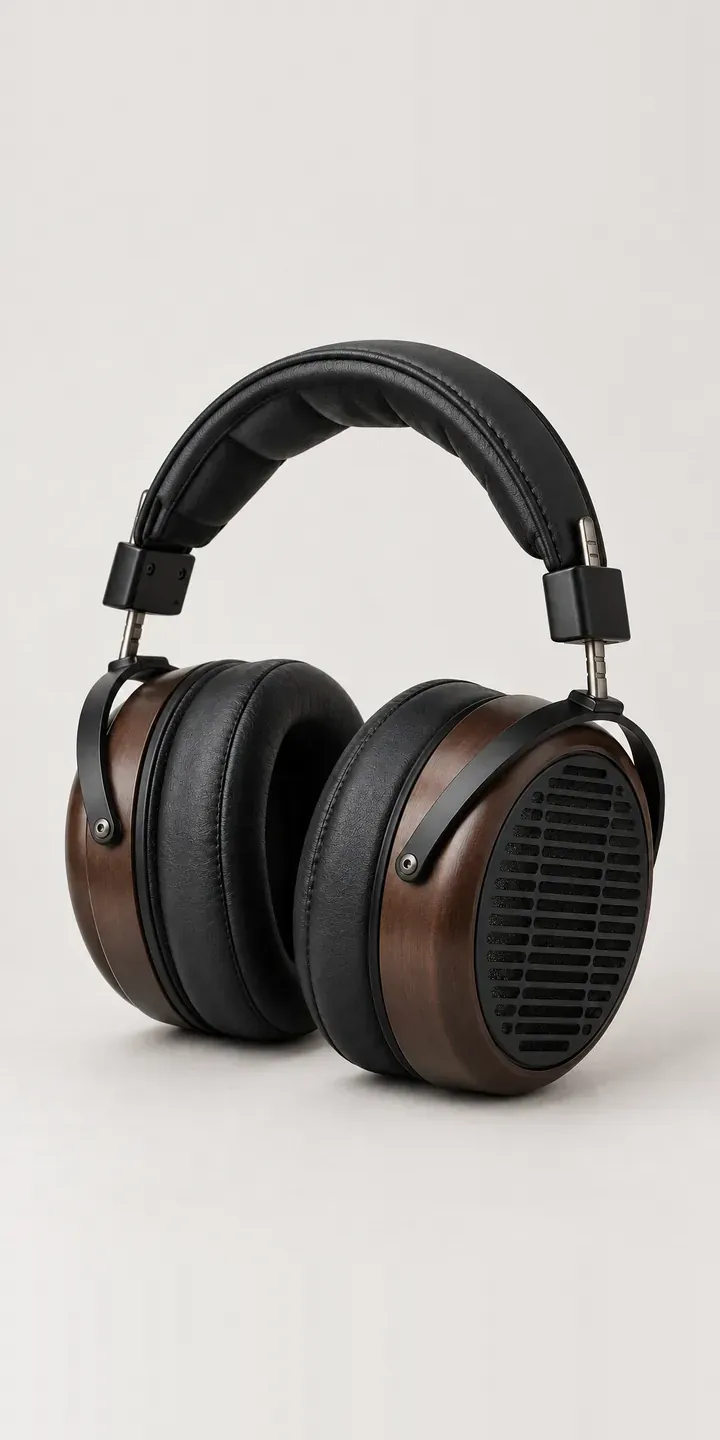
Planar Headphones
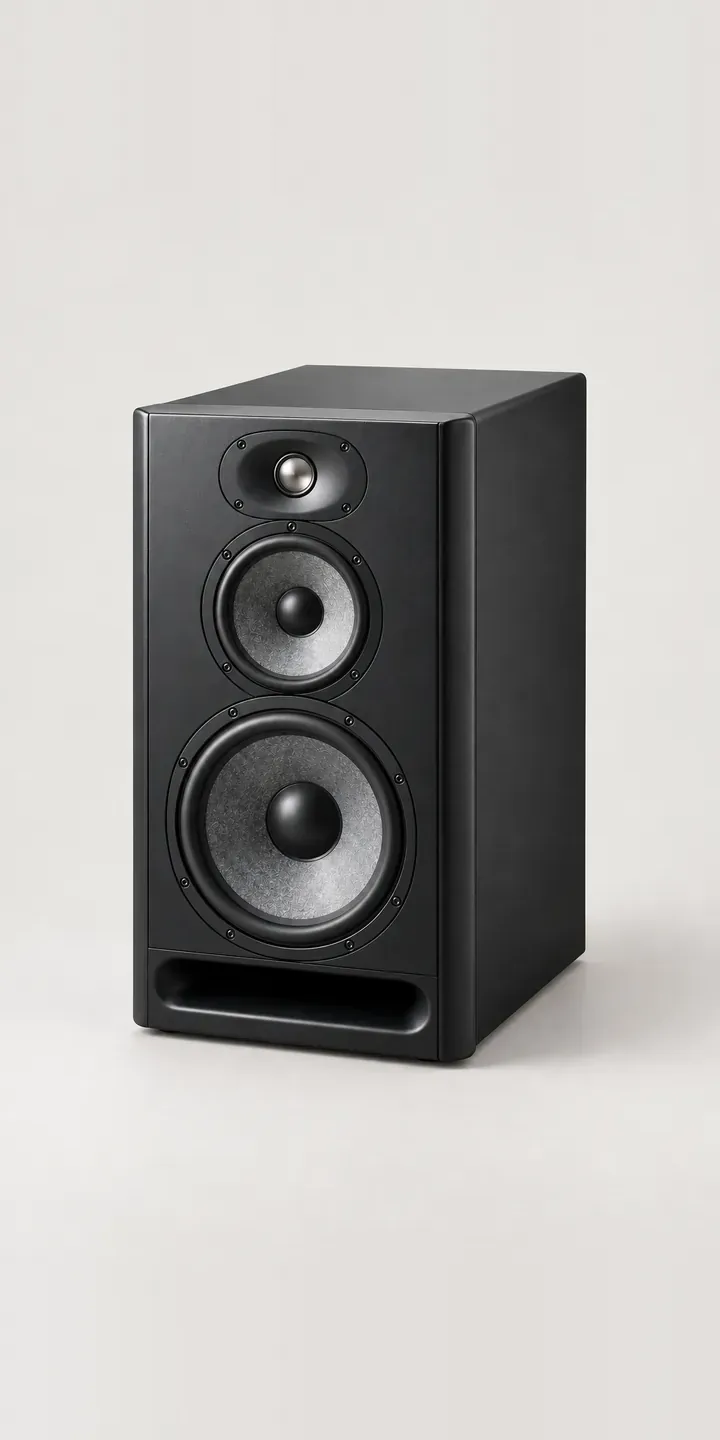
Reference Speaker
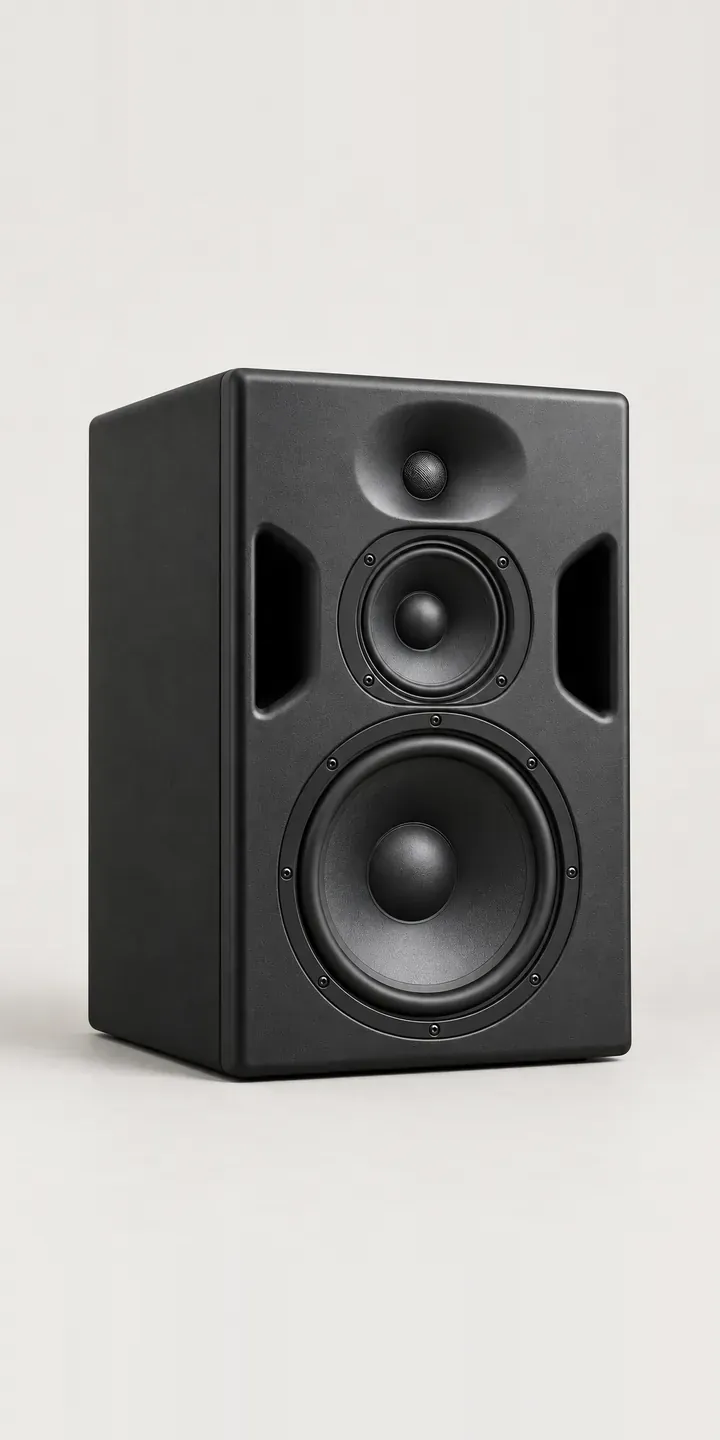
Three-Way Monitor
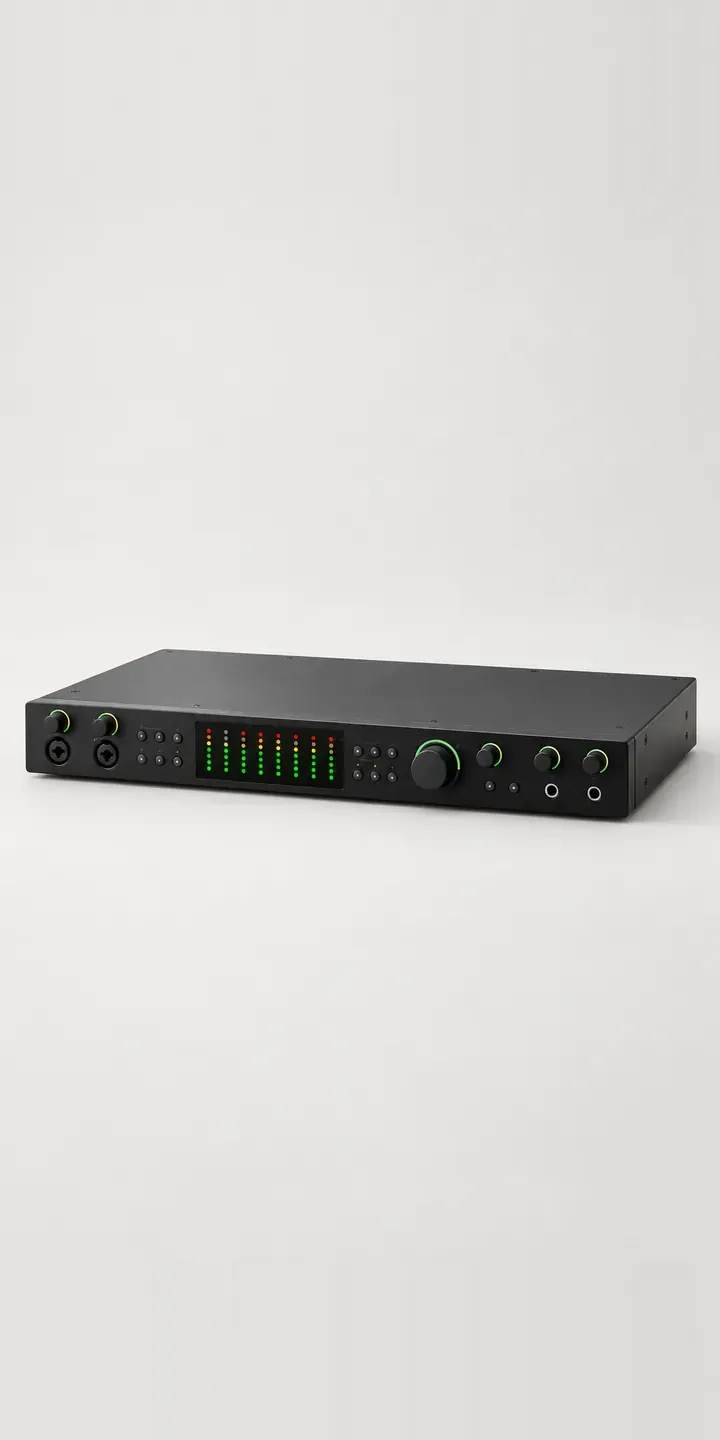
Audio Interface
All audio equipment configurator demos
A configurator for your microphones
This demo uses an illustrative product. If you sell microphones, I can build the same experience around your own range, photography and ordering process, connected to Shopify, WooCommerce or a quote workflow. I reply to enquiries within two UK working days.