Here is a working configurator for an illustrative audio interface. Choose from four colours, pick a compact, desktop or rack format, and send the build as a quote.
Buying an interface starts with a count: how many microphones and instruments need recording at once, now and in a year's time. In this category the format usually follows that count, from a compact unit for one voice and a guitar to a rack unit for a band. Colour is the smaller decision, but in a home studio that appears on video, it is not a trivial one.
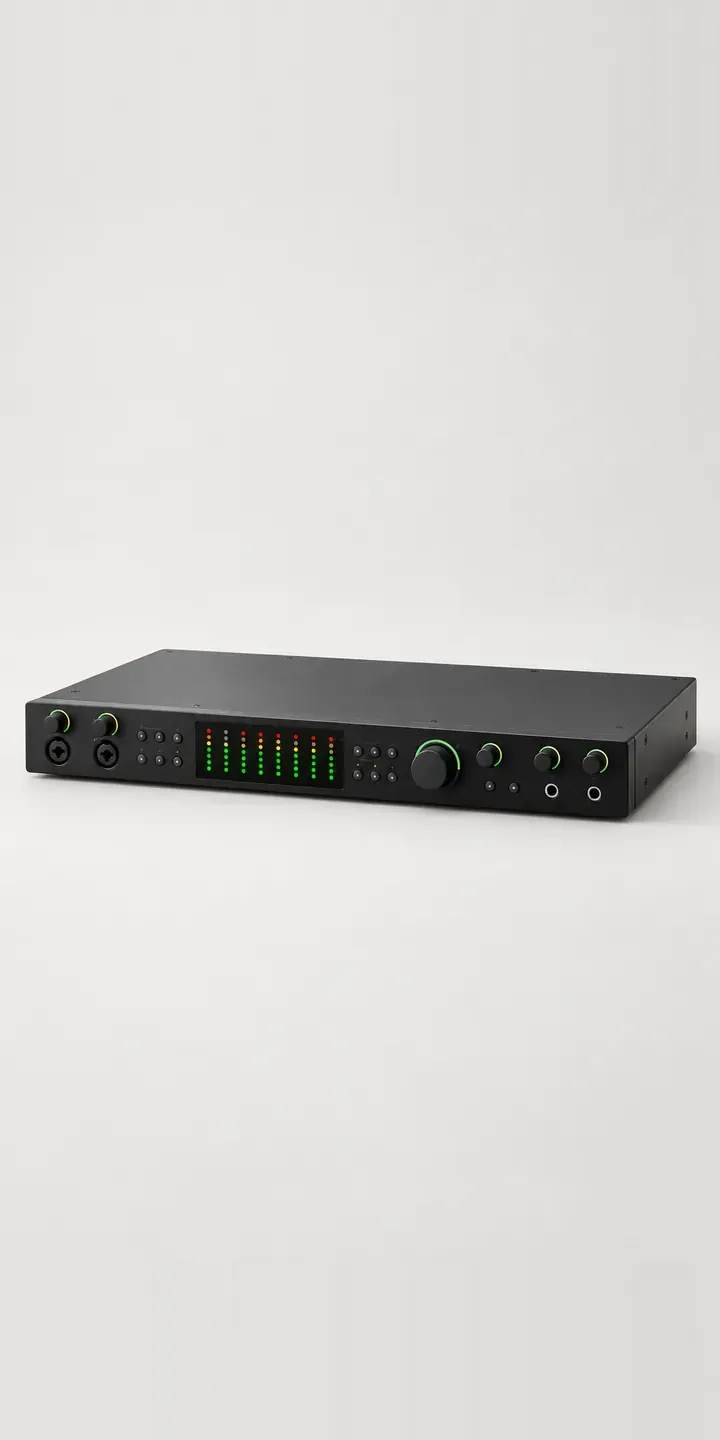
Audio Configurator demo
Audio Interface
- Product
- Audio Interface
- Colour
- Matte Black
- Size
- Compact
Illustrative product. The design and images are generated examples, not a real model for sale.
What you can configure
The demo shows matte black, crimson red, silver and slate blue, from a range of six. Format is chosen separately: compact, desktop or rack. Each is effectively a different shape, since a rack unit is built for rack rails and the others for a desk. A production build would photograph every format. Here the format sits in the summary and the image shows one shape.
- Colour: Matte Black, Crimson Red, Silver, Slate Blue
- Size: Compact, Desktop, Rack
Why a configurator suits audio interfaces
Music retailers list interfaces by model, and a range with three formats in six colours becomes eighteen listings or one listing with a confusing set of dropdowns. Buyers comparing a compact and a desktop unit end up flicking between tabs. A configurator keeps the range on one page and lets the buyer move between formats while the colour stays put.
Format is where buyers get it wrong. Someone buys the compact unit for a podcast, then adds a co-host and runs out of inputs. A configurator can ask the right question first, how many sources at once, and point to the right format before colour comes into it. That means fewer exchanges, which on electronics often come back opened and harder to resell.
Colour helps the range stand out in a category that has been mostly black for years. Crimson red or slate blue on a desk, visible behind a streamer or in a studio tour video, is part of why someone chooses it. Showing each colour properly, rather than as a swatch beside a black product photo, gives that choice weight.
How a production version would be built
Because the three formats are different shapes, layering will not work here. The build needs an image per format per colour: eighteen photographs or renders. CAD is ideal, because it keeps the front panels accurate down to the knurling on the gain knobs. I would ask the retailer for product codes, the input and output count per format, colour availability and any bundles, such as a microphone and headphones starter kit. The configured interface goes into a WooCommerce or Shopify basket as a standard variant.
Build sheet for this range
- Colours in the full range: 6 (4 shown in this demo)
- Size choices: 3
- Combinations to support: 6 × 3 = 18
- Images for one photograph per combination at 3 angles: 54
- Images if sizes can be shown as separate layers, at 3 angles: 27
- Data each of the 18 combinations needs: a SKU or variant ID, price, stock or lead time, and any dimensions or specification that change
Questions about audio interface configurators
Can the configurator help buyers choose the right format for the inputs they need?
Yes. A short question at the start, such as how many microphones or instruments they record at once, can preselect a format. Buyers can still override it. The answer is stored with the order, which helps the retailer's support team if the customer calls later about expanding their setup.
Can we sell starter bundles with a microphone and headphones?
Bundles work well. Each can be a step after the interface is configured, with each item's colour suggested to match where available. Bundles carry their own codes and pricing, so stock control works as normal. The buyer sees the whole desk setup come together in one place.
Can the configurator show the rear panel connections for each format?
Yes. A second view per format can show the rear panel with inputs, outputs and power labelled. Buyers planning a setup check those connections early, often against the cables they already own. The rear view rarely needs a colour variant, since back panels are usually plain.
How much does it cost to add a configurator to a music retail site?
There is no fixed price. It depends on the number of product families, how many options each has, whether you already have consistent images or CAD, and the platform. A single interface range is a small project, and larger catalogues are usually phased. I reply to enquiries within two UK working days.
More audio equipment configurator demos
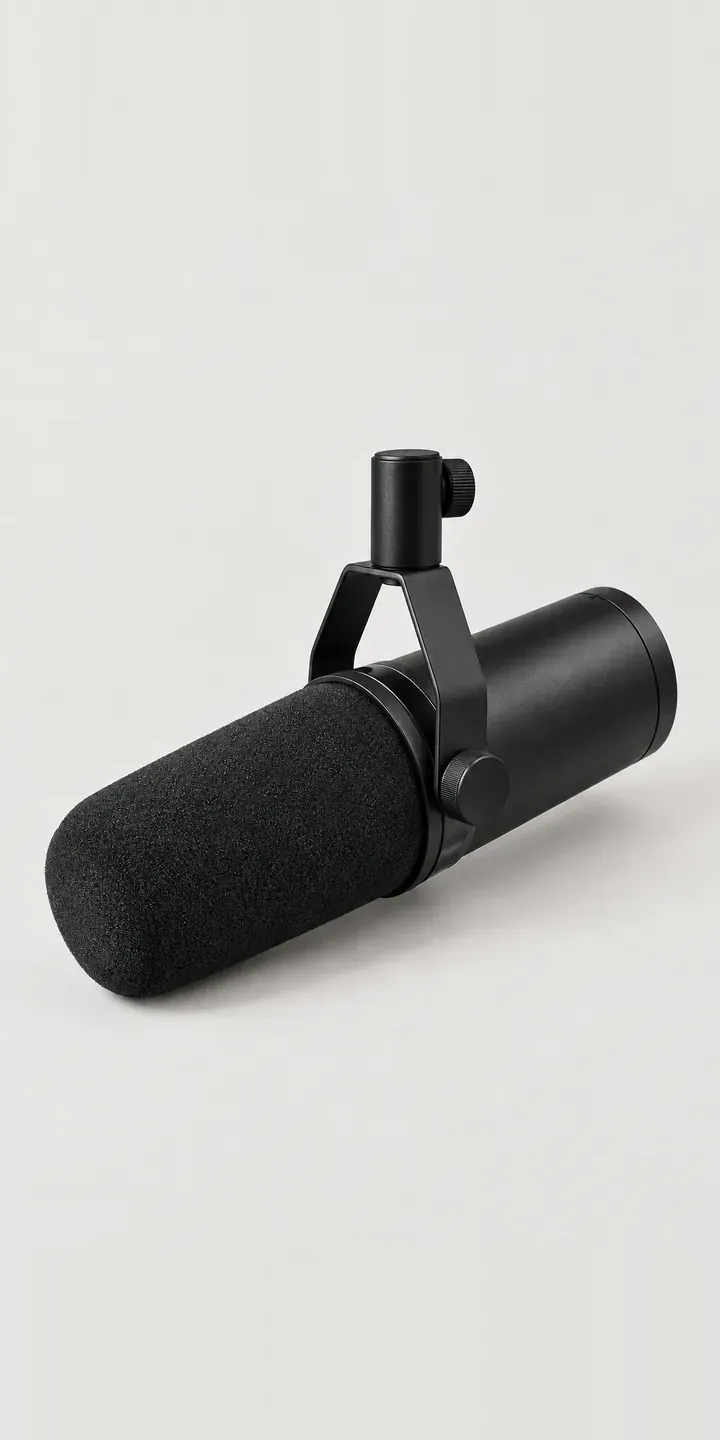
Broadcast Mic
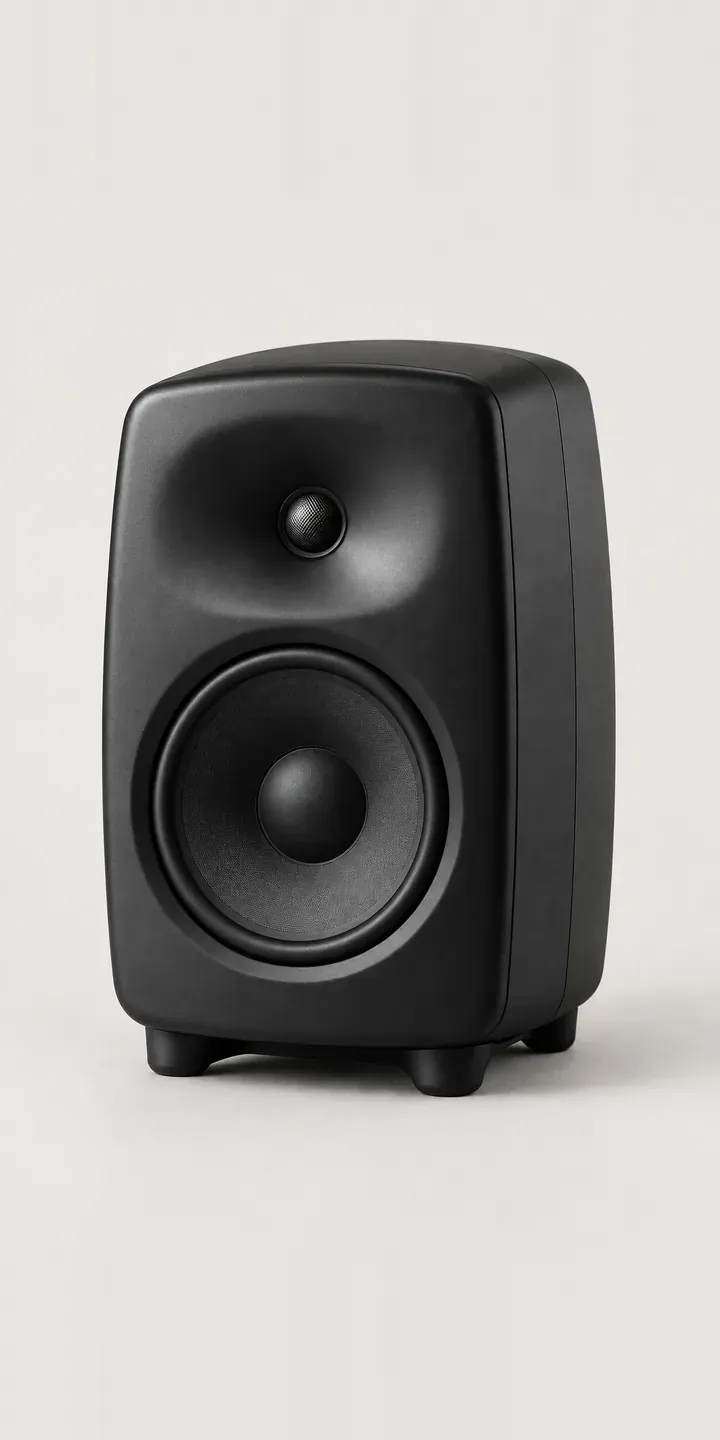
Nearfield Speaker
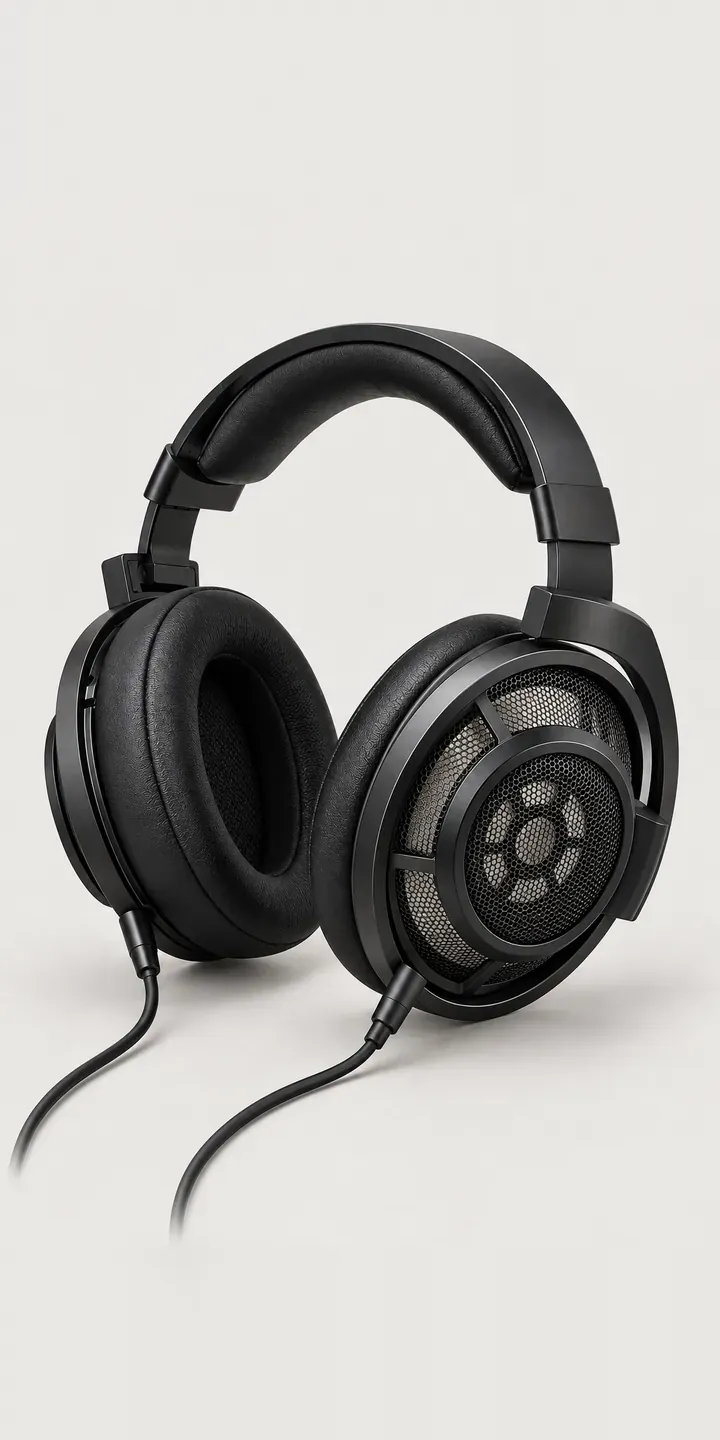
Open-Back Headphones
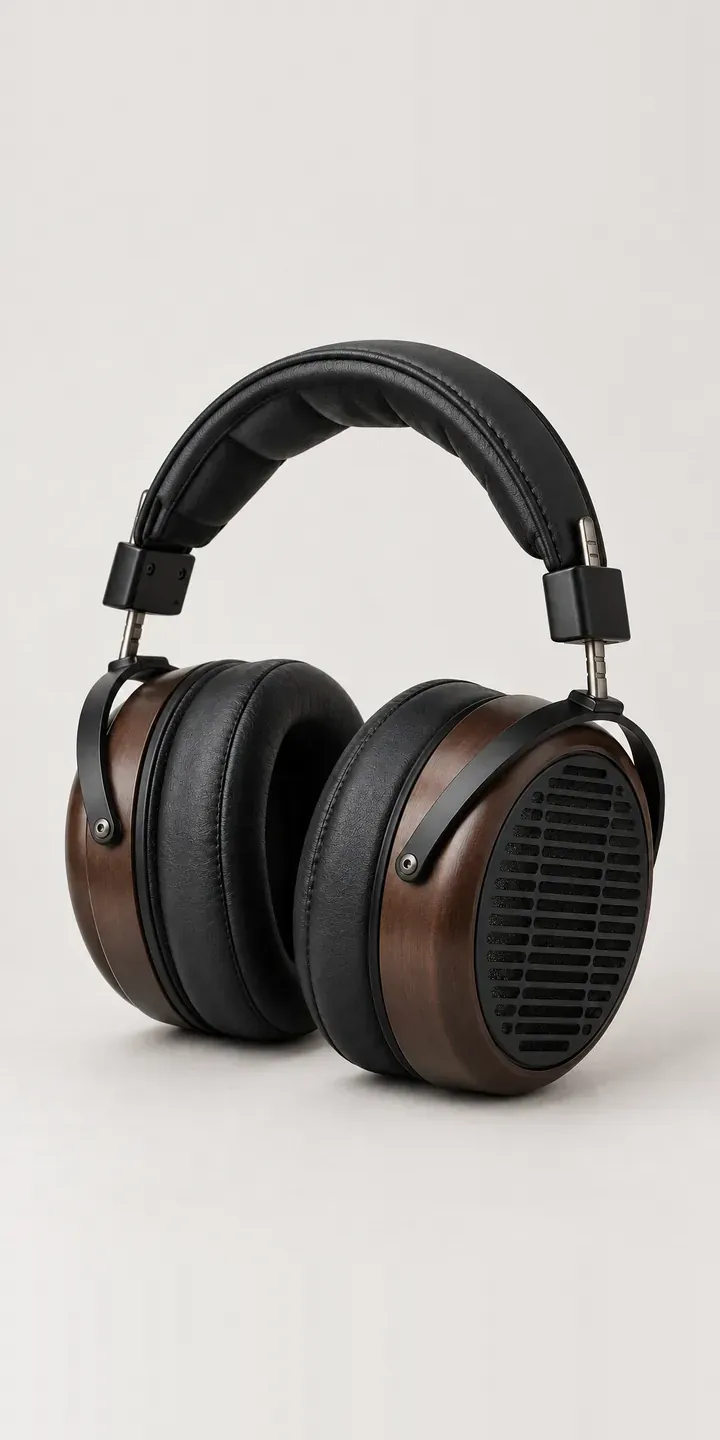
Planar Headphones
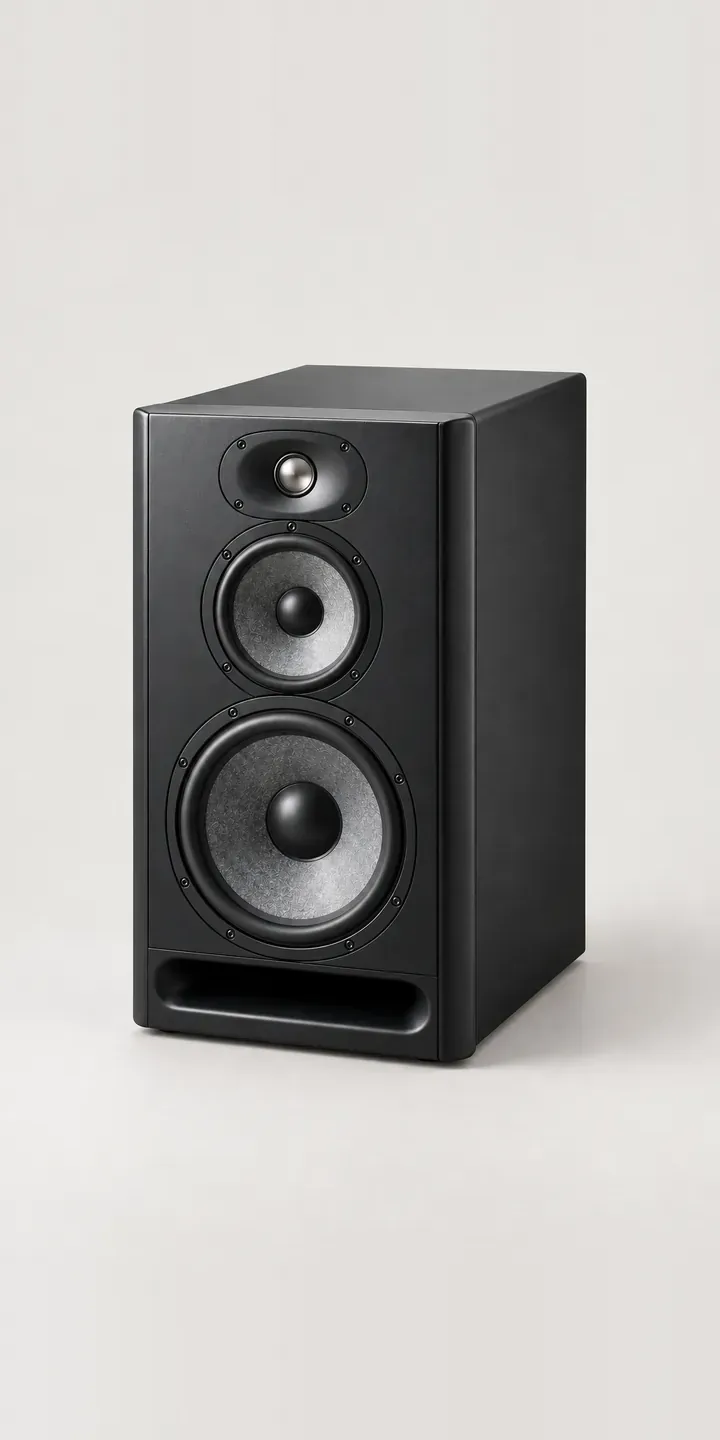
Reference Speaker
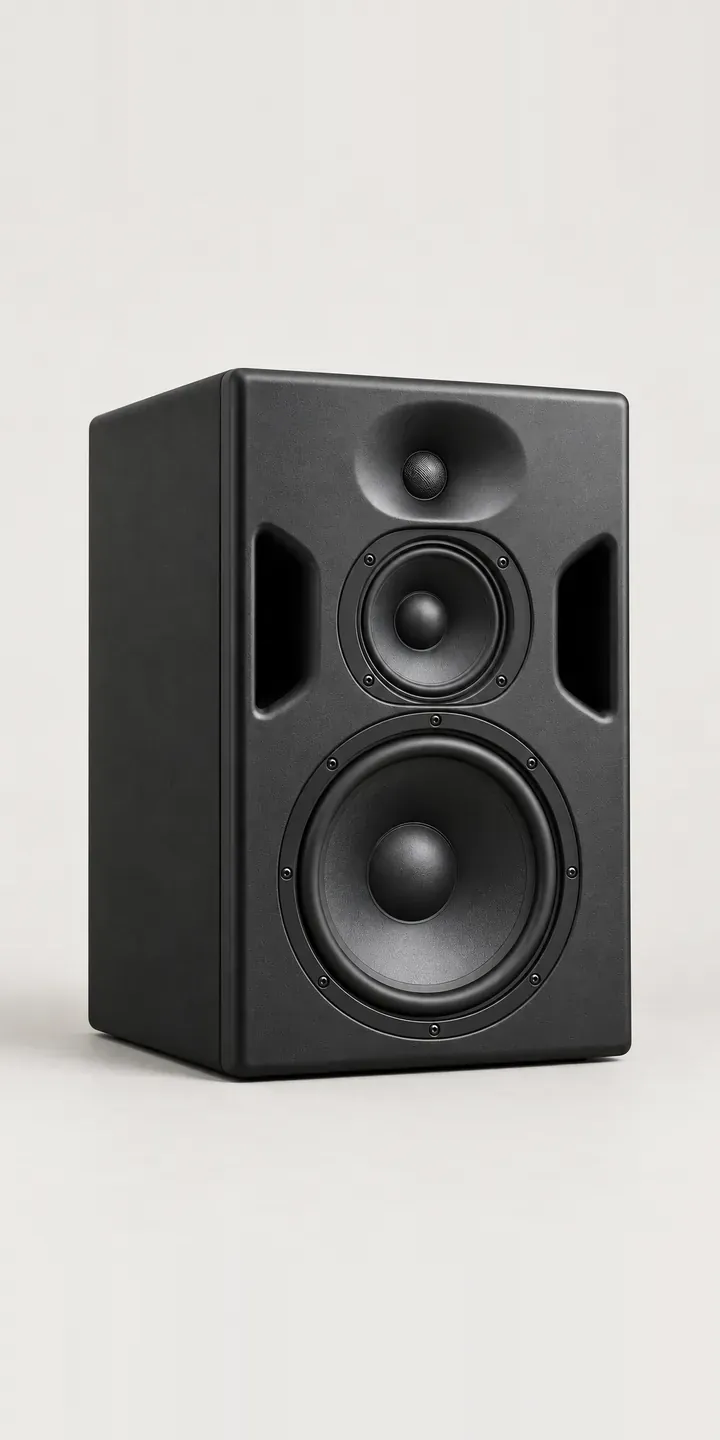
Three-Way Monitor
All audio equipment configurator demos
A configurator for your audio interfaces
This demo uses an illustrative product. If you sell audio interfaces, I can build the same experience around your own range, photography and ordering process, connected to Shopify, WooCommerce or a quote workflow. I reply to enquiries within two UK working days.