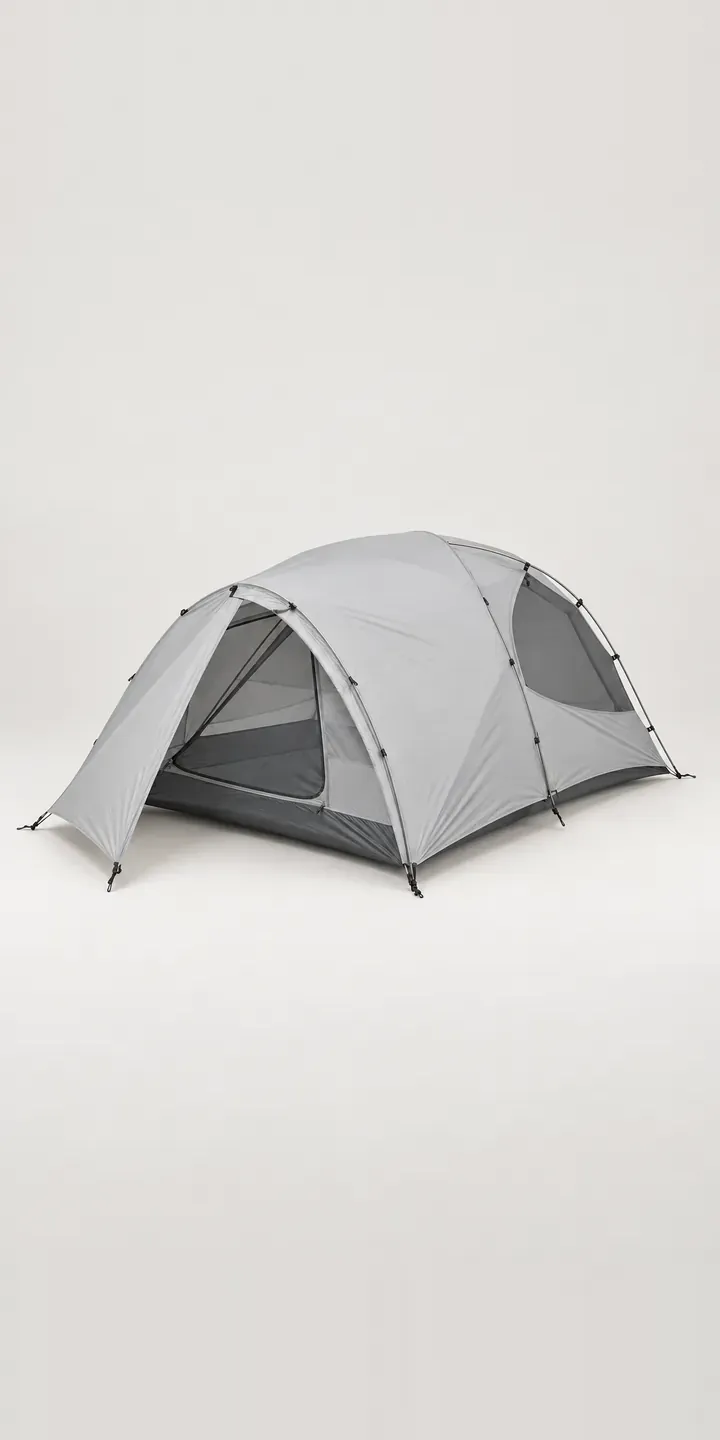
The example in this configurator is an illustrative backpacking tent with a door on each side. Its flysheet colour and two- or three-person capacity can be set before sending a quote request.
Two doors change how a tent is lived in. Each person has their own exit and their own vestibule for boots and a pack, so nobody climbs over a sleeping partner at night. Buyers of this layout are often couples or friends who trek together. The capacity choice is about comfort: a three-person tent for two adults leaves room for a dog, a child or simply a wet weekend.
Outdoor Configurator demo
Two-Door Tent
- Product
- Two-Door Tent
- Colour
- Pale Grey
- Capacity
- 2 Person
Illustrative product. The design and images are generated examples, not a real model for sale.
What you can configure
Pale grey, forest, ochre and charcoal are live, from six colours that also include dusty blue and terracotta. The pre-bent aluminium pole section in its grommet and the door rolled back to the vestibule are consistent across the images. Capacity is two or three person. The image stays the same in this demo, though a production build would show both sizes, ideally with the doors open.
- Colour: Pale Grey, Forest, Ochre, Charcoal
- Capacity: 2 Person, 3 Person
Why a configurator suits tents
The selling point of a two-door tent is invisible in a closed product shot. Buyers need to see both doors open, both vestibules and the space between them. Twelve combinations of colour and capacity, each in open and closed states, is twenty-four images, which explains why most pages show just one view.
Layering reduces that. Doors and vestibule states can be captured as separate layers from a fixed angle, so the buyer toggles between open and closed on any colour. The configurator then shows what the design is for: two people living comfortably in a small space, with gear stored either side.
Accessories follow naturally. A footprint groundsheet cut for the chosen capacity, a spare pole section and a gear loft are all sized to the tent. Offering them inside the configurator, matched to two or three person, avoids the familiar mistake of buying a footprint for the wrong size and keeps the order to a single parcel. It also lifts the order value without any hard selling.
How a production version would be built
A production version for this tent would photograph each capacity pitched in one colour, with doors closed and open from the same camera position. Flysheet colours are applied as masked layers over both states, so new colours do not need new photography. A top-down plan shows the two vestibules and the inner. The brand supplies dimensions for each capacity, vestibule areas, packed weights, accessory compatibility and SKUs. Orders can go to a Shopify basket, with accessories added as linked products.
Build sheet for this range
- Colours in the full range: 6 (4 shown in this demo)
- Capacity choices: 2
- Combinations to support: 6 × 2 = 12
- Images for one photograph per combination at 3 angles: 36
- Images if capacities can be shown as separate layers, at 3 angles: 24
- Data each of the 12 combinations needs: a SKU or variant ID, price, stock or lead time, and any dimensions or specification that change
Questions about tent configurators
Can the configurator show the doors open and closed?
Yes. Open and closed states are captured as separate images or layers from the same angle, and a toggle switches between them. For a two-door tent, it is worth showing one door open, both open and both closed, since each tells the buyer something different about access and ventilation.
Can it show two sleeping mats inside to explain the capacity?
Yes. A top-down plan with mats drawn to scale is the clearest approach, and a photo of the pitched inner with real mats adds context. Showing the three-person version with two mats and the spare space makes the comfort argument better than a floor area figure alone.
Can spare parts like pole sections be ordered through the configurator?
Yes. Spares can be offered from the same product data, listed by tent model, capacity and colour. A buyer who snapped a pole section or needs a replacement flysheet in forest can find the exact part. Keeping spares in the configurator supports repair rather than replacement.
Can ventilation and other features be explained in the configurator?
Yes, through hotspots on the image. Buyers want to know where vents, mesh panels and guy-out points are, and how the two doors help airflow. Short notes pinned to each feature explain them without cluttering the page. The notes come from your product data, so they stay consistent across colours.
More outdoor gear configurator demos
Two-Person Dome Tent
Compact Dome Tent
Day Hike Rucksack
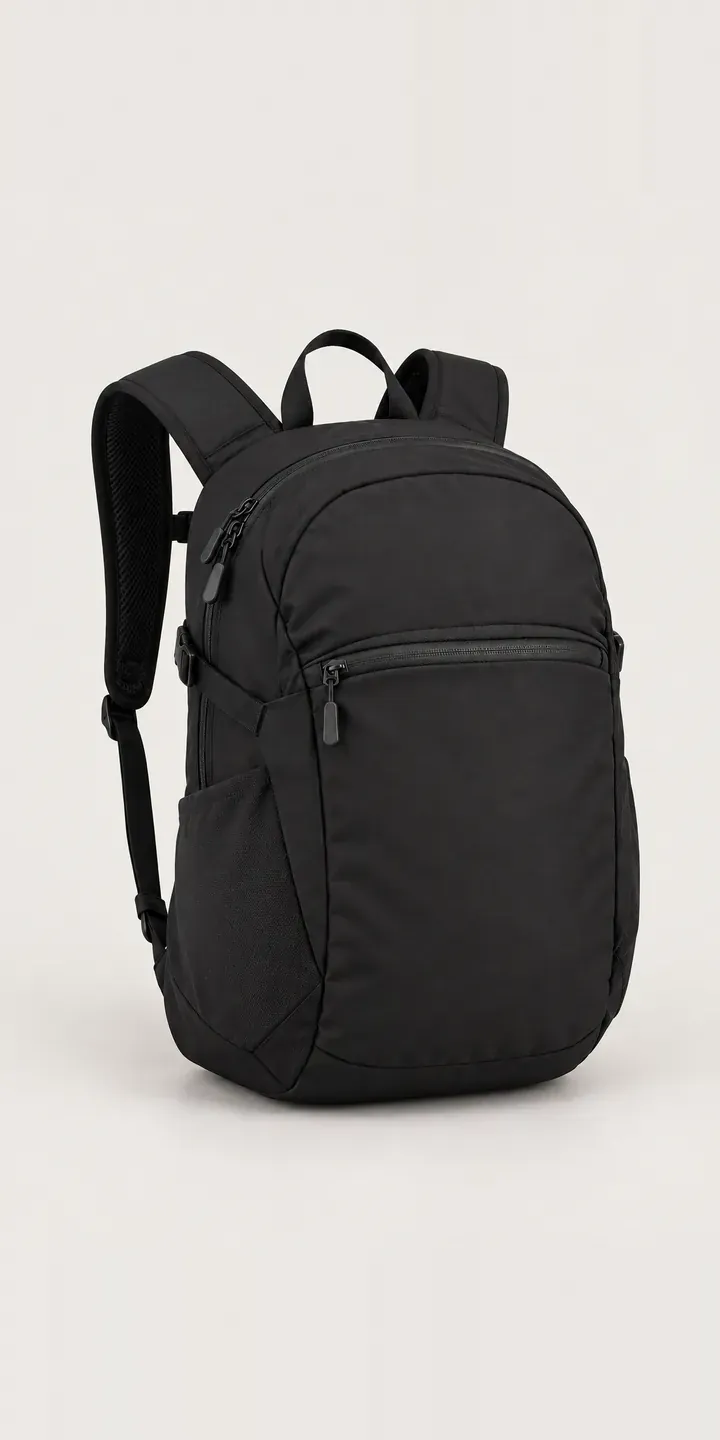
Everyday Daypack
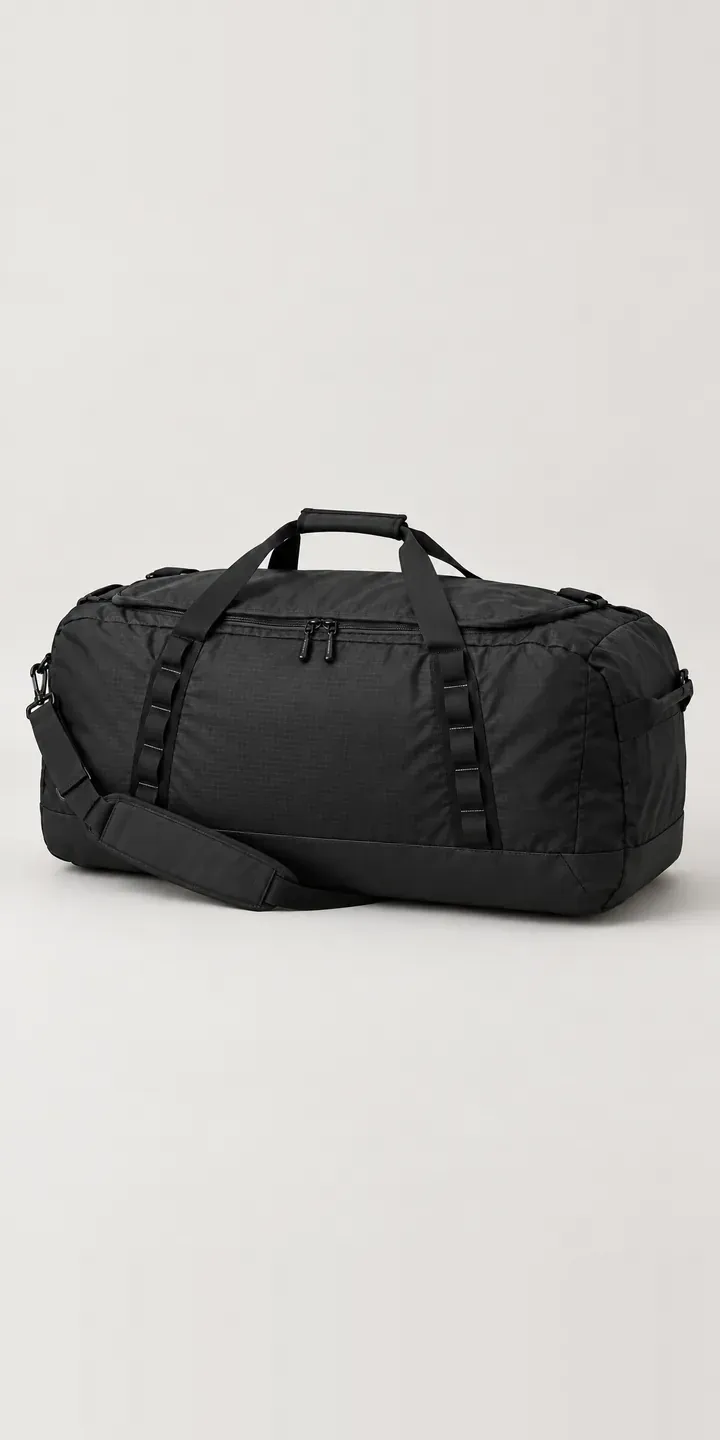
Expedition Holdall
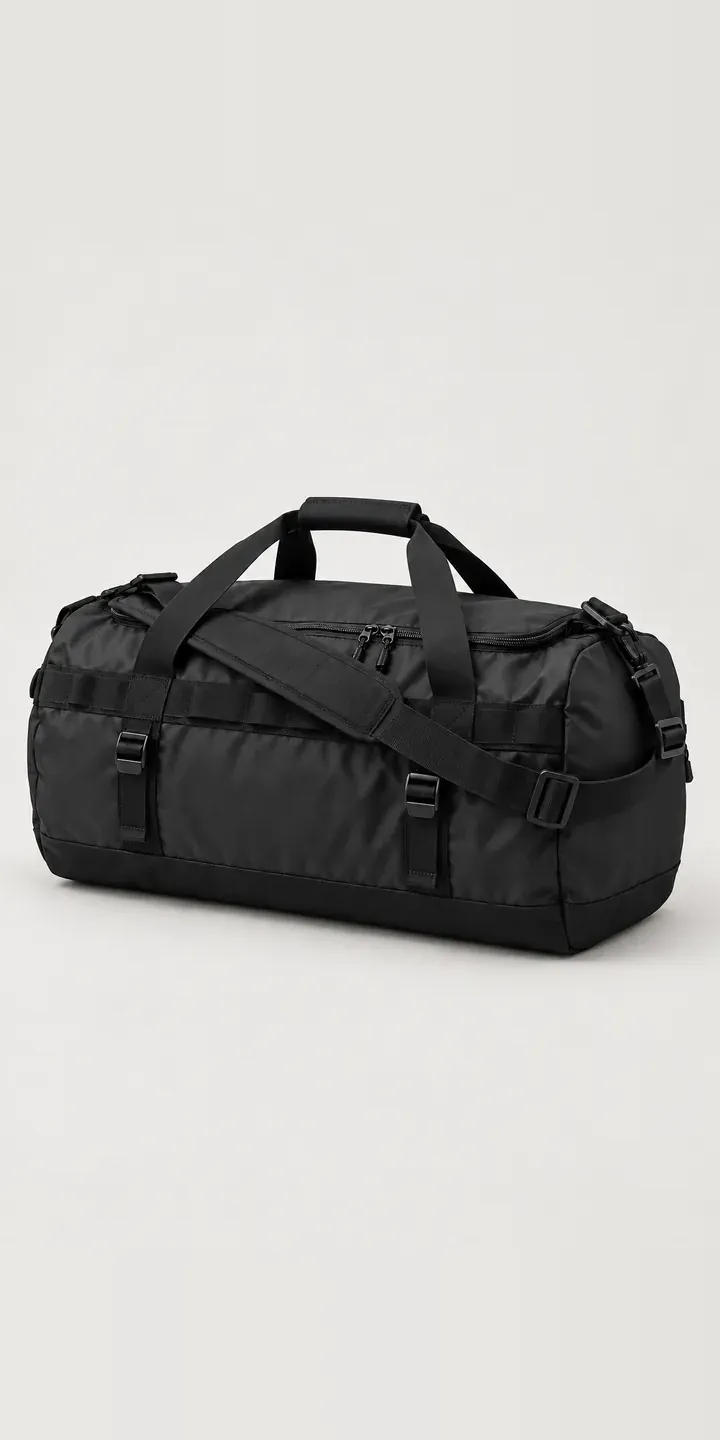
Expedition Kit Bag
All outdoor gear configurator demos
A configurator for your tents
This demo uses an illustrative product. If you sell tents, I can build the same experience around your own range, photography and ordering process, connected to Shopify, WooCommerce or a quote workflow. I reply to enquiries within two UK working days.