This page runs a configurator for an illustrative dome tent with crossing aluminium poles. Pick a flysheet colour and a capacity of one, two or three people, and the summary is ready to send as a quote.
Tent capacity is the most misread number in outdoor retail. A two-person tent fits two sleeping mats, but not necessarily two people with packs inside and room to sit up. Buyers are really weighing floor space and headroom against the weight they will carry. Flysheet colour has its own trade-off: fern green and sand blend into a hillside for discreet camping, while burnt orange is easy to find in poor visibility.
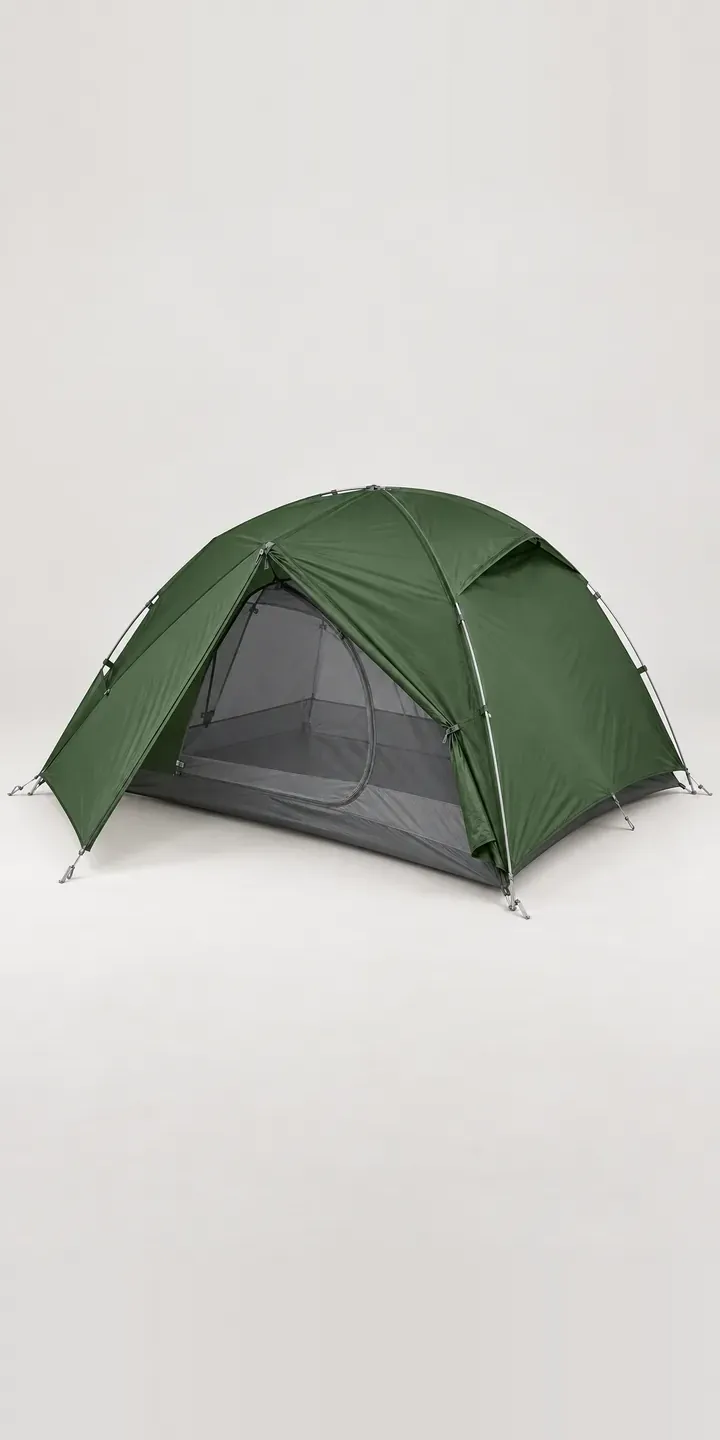
Outdoor Configurator demo
Two-Person Dome Tent
- Product
- Two-Person Dome Tent
- Colour
- Fern Green
- Capacity
- 1 Person
Illustrative product. The design and images are generated examples, not a real model for sale.
What you can configure
Fern green, burnt orange, stone grey and sand are shown, from a range that also includes olive and sky blue. In every image the crossing poles meet at the same apex hub, and the vestibule zip follows the same curve. Capacity is one, two or three person. Capacity goes into the summary without altering the photo. Production would picture each size, because floor area is what buyers compare.
- Colour: Fern Green, Burnt Orange, Stone Grey, Sand
- Capacity: 1 Person, 2 Person, 3 Person
Why a configurator suits tents
A single tent design in six colours and three capacities is eighteen versions. Each capacity has its own floor plan, packed size and pitched height, and each needs to be visible, not only listed. Most tent pages show one size in one colour and leave buyers comparing numbers in a spec table.
A configurator can put the numbers next to the picture. When the buyer switches from two to three person, the image, floor plan, packed weight and packed size all update together. That turns a spec comparison into a visual one, which is closer to how people choose tents in a shop: by crawling inside.
Colour demand also varies by audience and season. Retailers selling to wild campers may find muted colours sell out first, while family and festival buyers lean towards brighter ones. A configurator records the colour and capacity people pick, even when they do not buy, giving the brand and retailer better information for the next season's order.
How a production version would be built
For tents, the image-based route usually means one pitched photograph per capacity in a neutral colour, with flysheet colours applied as masked layers. Tent fabric generally recolours well, though the inner, poles and guylines must keep their real colours. A floor plan graphic per capacity sits alongside. The brand supplies dimensions, packed weights, pole materials and SKUs for every colour and capacity. Orders can go to a Shopify basket. Product data is the larger task on a tent range, and my guide to configurator product data covers what to prepare.
Build sheet for this range
- Colours in the full range: 6 (4 shown in this demo)
- Capacity choices: 3
- Combinations to support: 6 × 3 = 18
- Images for one photograph per combination at 3 angles: 54
- Images if capacities can be shown as separate layers, at 3 angles: 27
- Data each of the 18 combinations needs: a SKU or variant ID, price, stock or lead time, and any dimensions or specification that change
Questions about tent configurators
Can the configurator show floor plans for each tent capacity?
Yes. A simple top-down plan for each capacity, drawn to scale with sleeping mats marked, is one of the most useful additions to a tent page. It updates when the buyer changes capacity. Adding the vestibule area to the plan shows where packs and boots will go.
Can packed weight and pack size update with the capacity?
Yes. Each capacity carries its own packed weight, minimum weight if you publish it, and packed dimensions in the product data. The configurator shows them beside the image and changes them as the buyer moves between options. That keeps the trade-off between space and weight visible at the point of choice.
Can we lead with different flysheet colours for different audiences?
Yes. The configurator can set the default colour by referring page or campaign, so a wild-camping guide opens on fern green and a festival promotion opens on burnt orange. All six colours stay available to everyone. It is a simple way to match the first impression to the buyer.
Can outdoor retailers embed the configurator on their own sites?
Yes. The brand can host the configurator and offer an embed to stockists, with orders routing to each retailer's basket or to a quote. Product data and images stay central, so a colour change or a new capacity updates every retailer's page at once without any work on their side.
More outdoor gear configurator demos
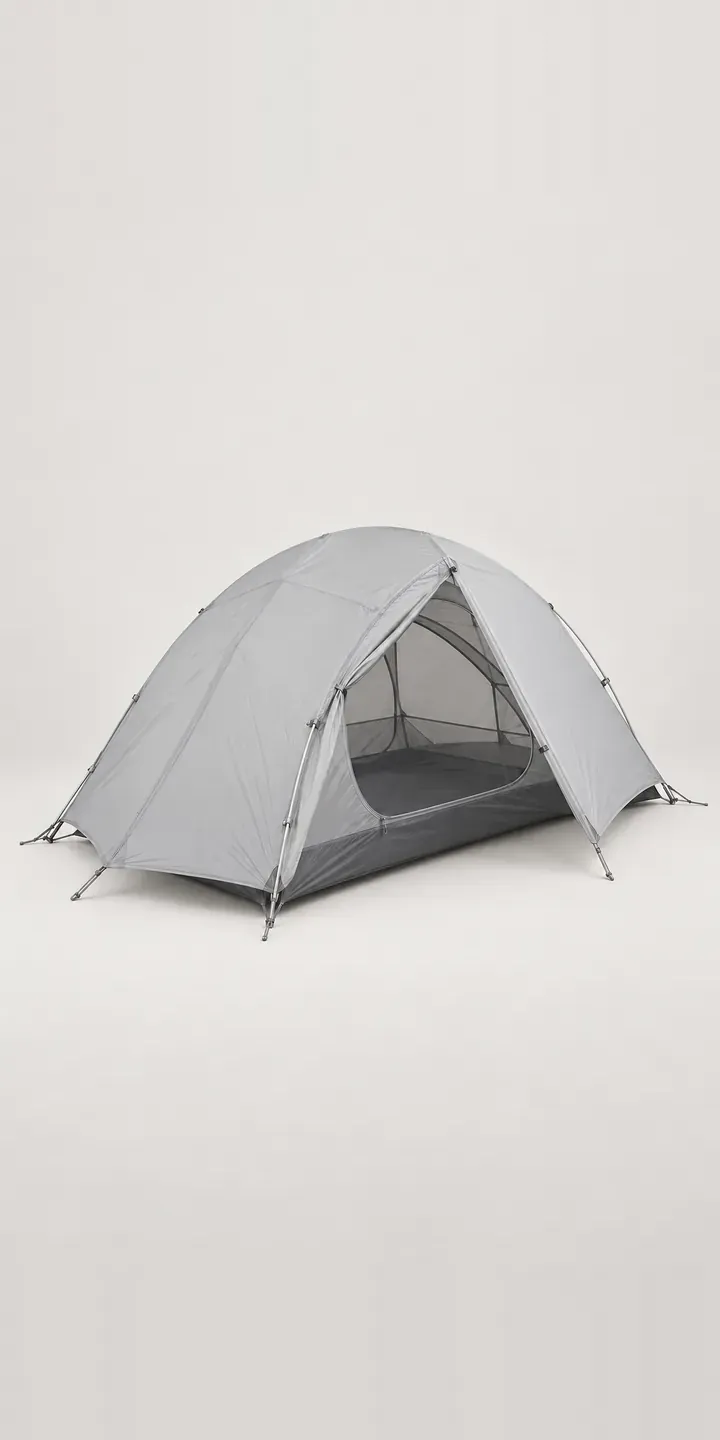
Compact Dome Tent
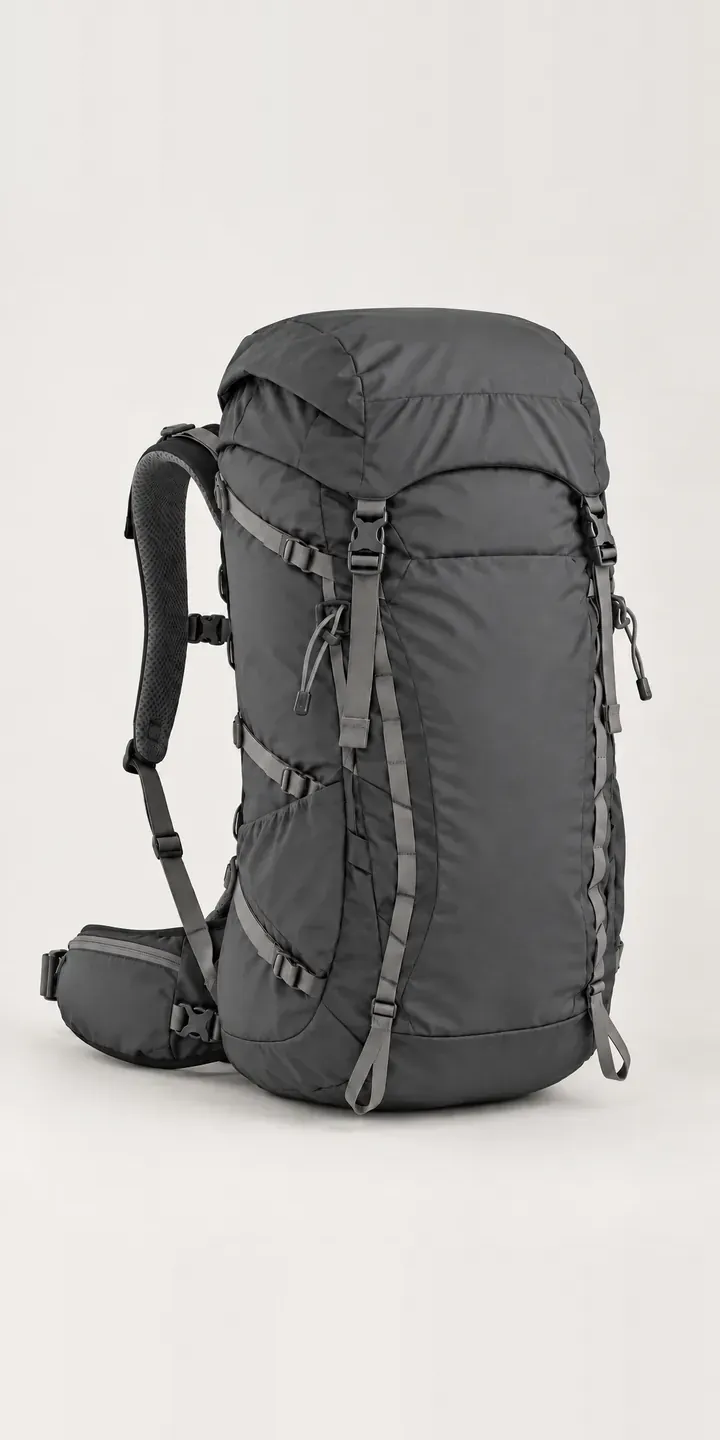
Day Hike Rucksack
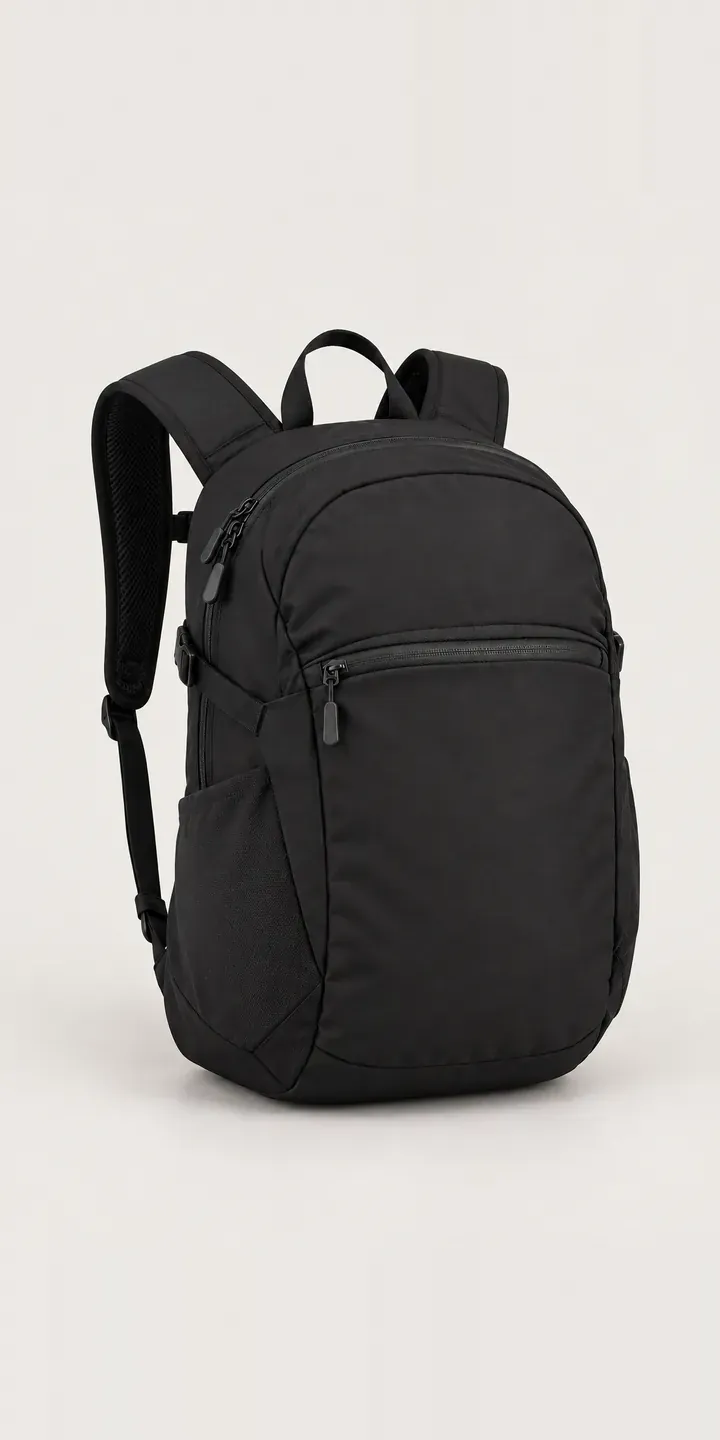
Everyday Daypack
Expedition Holdall
Expedition Kit Bag
Family Cabin Tent
All outdoor gear configurator demos
A configurator for your tents
This demo uses an illustrative product. If you sell tents, I can build the same experience around your own range, photography and ordering process, connected to Shopify, WooCommerce or a quote workflow. I reply to enquiries within two UK working days.