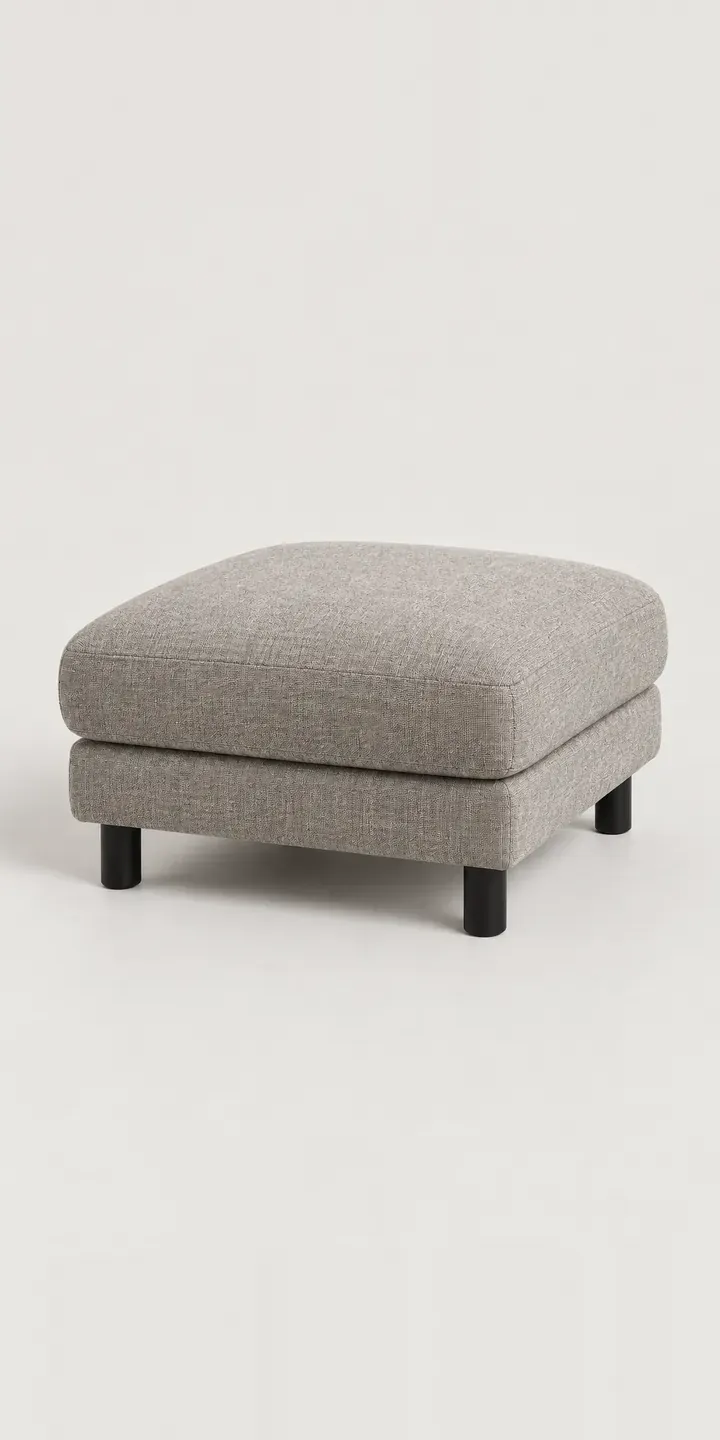
Here is an illustrative upholstered ottoman, sold as a seating module that can stand alone or sit beside a sofa. Swap the upholstery colour, pick a small or large size, and the build summary fills in as you go.
Ottomans are often an add-on, bought after the sofa or alongside it. The buyer's real question is fit. Should it match what they already own or contrast with it, and will it crowd the room? Ochre beside a grey sofa is a deliberate accent. Warm grey is a quiet extension of the same piece. Both are sensible, and most people want to see them before deciding.
Furniture Configurator demo
Modular Ottoman
- Product
- Modular Ottoman
- Colour
- Warm Grey
- Size
- Small
Illustrative product. The design and images are generated examples, not a real model for sale.
What you can configure
Swatches for warm grey, ivory, charcoal and ochre swap the image; olive and dusty pink complete the range of six. Small or large is selected and logged in the summary, though the picture stays at one size in this version. For an ottoman, size changes its job. A small one works as a footrest or extra perch, while a large one can stand in for a coffee table or extend a sofa.
- Colour: Warm Grey, Ivory, Charcoal, Ochre
- Size: Small, Large
Why a configurator suits ottomans
Ottomans rarely sell on their own. They are matched to a sofa, which may itself come in a dozen fabrics. Six colours in two sizes is only twelve ottomans, but the retailer's real problem is showing the pairing, not the module in isolation.
A configurator can carry the sofa fabric across as a starting point, then let the buyer keep it or choose a contrast. That turns a separate product page into a natural add-on at the point of sale. It also prevents a familiar return: an ottoman bought in a colour that looked right online and clashed with the sofa at home. Seeing the ottoman beside the chosen sofa fabric settles that question before the order, not after delivery.
In a modular range, the ottoman is one module among several. Treating it as part of a system means the same configurator can later handle corner units, chaises and armless seats with one fabric library behind them. That is far cheaper to maintain than a separate page per module, each with its own photography.
How a production version would be built
A production version would image the ottoman once per colour at each size, twelve images in all, with the stitched seam and stained beech leg identical across them. If the range grows, legs and upholstery can be split into layers. The data behind it is simple: fabric names and codes, dimensions per size, and pairing rules with matching sofas. Size maps to a variant on Shopify or WooCommerce; fabric is either a variant or a line-item property, depending on how stock is held. The seating configurator demo shows how a larger seating range fits together.
Build sheet for this range
- Colours in the full range: 6 (4 shown in this demo)
- Size choices: 2
- Combinations to support: 6 × 2 = 12
- Images for one photograph per combination at 3 angles: 36
- Images if sizes can be shown as separate layers, at 3 angles: 24
- Data each of the 12 combinations needs: a SKU or variant ID, price, stock or lead time, and any dimensions or specification that change
Questions about ottoman configurators
Can the ottoman configurator pick up the fabric a customer chose for their sofa?
Yes, when the sofa and ottoman share a fabric library. The selection carries across through a saved configuration or a match-my-sofa option, and the buyer can still change it. For modular ranges this is one of the more useful things a configurator does, because it turns a separate purchase into a considered pairing.
How do we make the size difference clear when the product photos look similar?
Put a dimensioned outline or a scale reference beside the image. Photographed alone, a small and large ottoman can look identical in proportion. A simple drawing with width, depth and height, or a plan view next to a sofa outline, shows the footprint much more clearly than the product shot.
Should the configurator offer fabric swatches before purchase?
For upholstery, usually yes. Woven textures and warm tones like ochre or dusty pink vary on screen more than flat neutrals do. A swatch request beside the basket, pre-filled with the selected colour, answers the question a monitor cannot. It also gives you a list of buyers who are close to ordering.
Which platform suits a modular seating configurator?
Shopify and WooCommerce both handle a straightforward range well. Each size becomes a variant and the fabric is a variant or a recorded property. Larger systems with many modules sometimes outgrow standard variant handling, and then a quote flow or an ERP link carries the configured order instead.
More furniture configurator demos
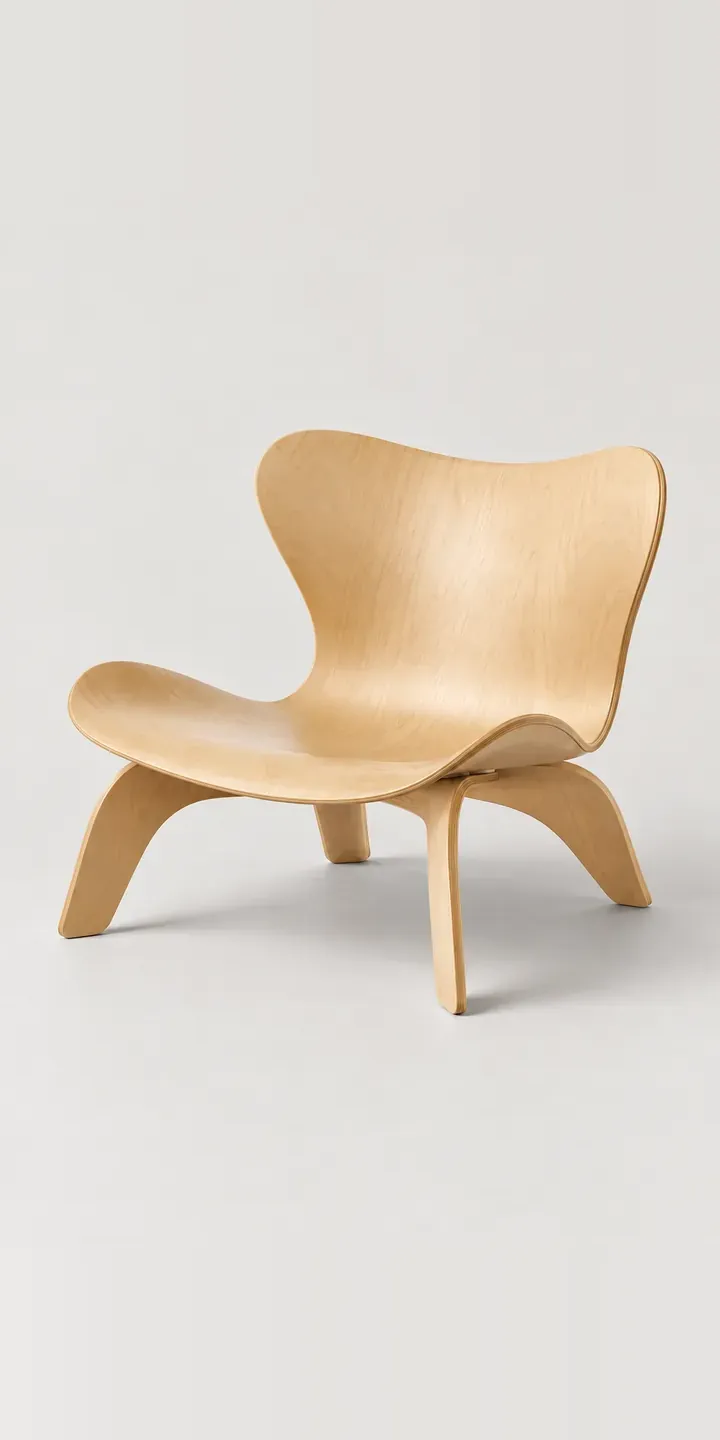
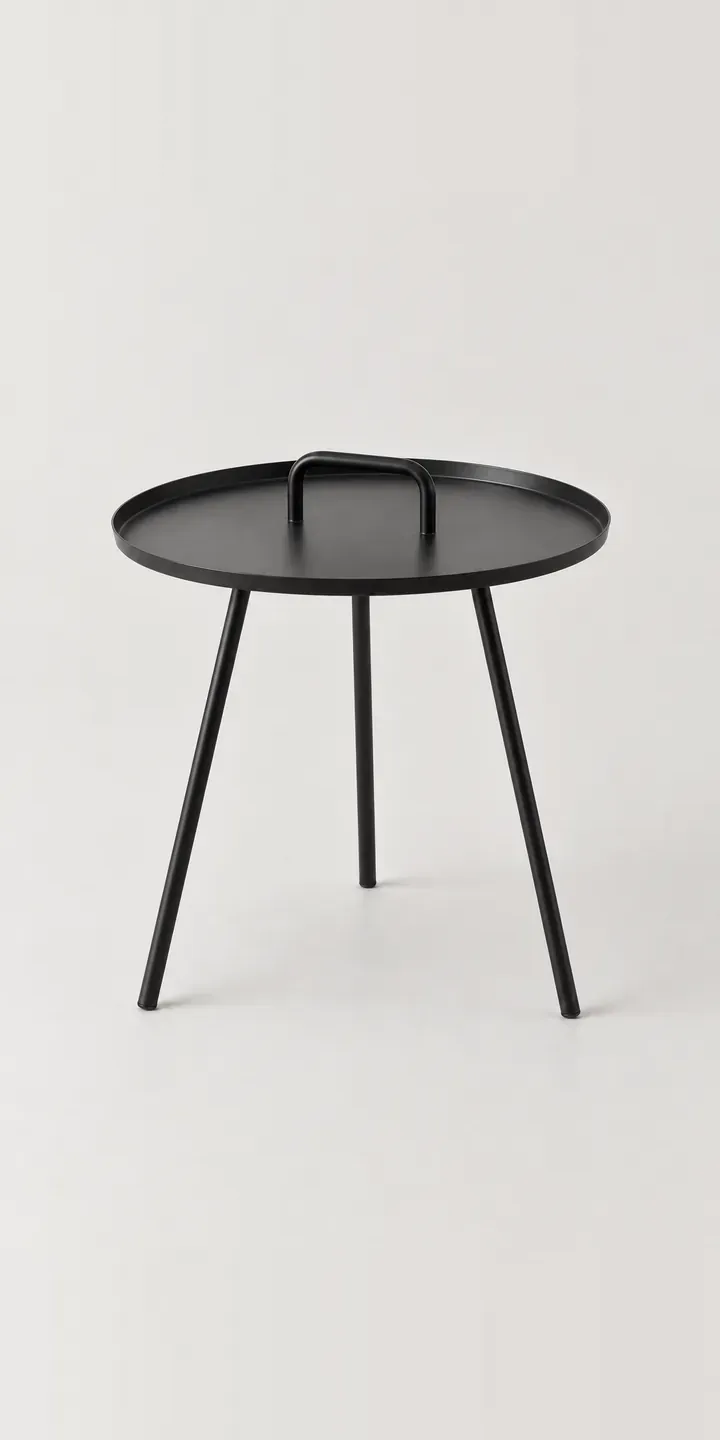
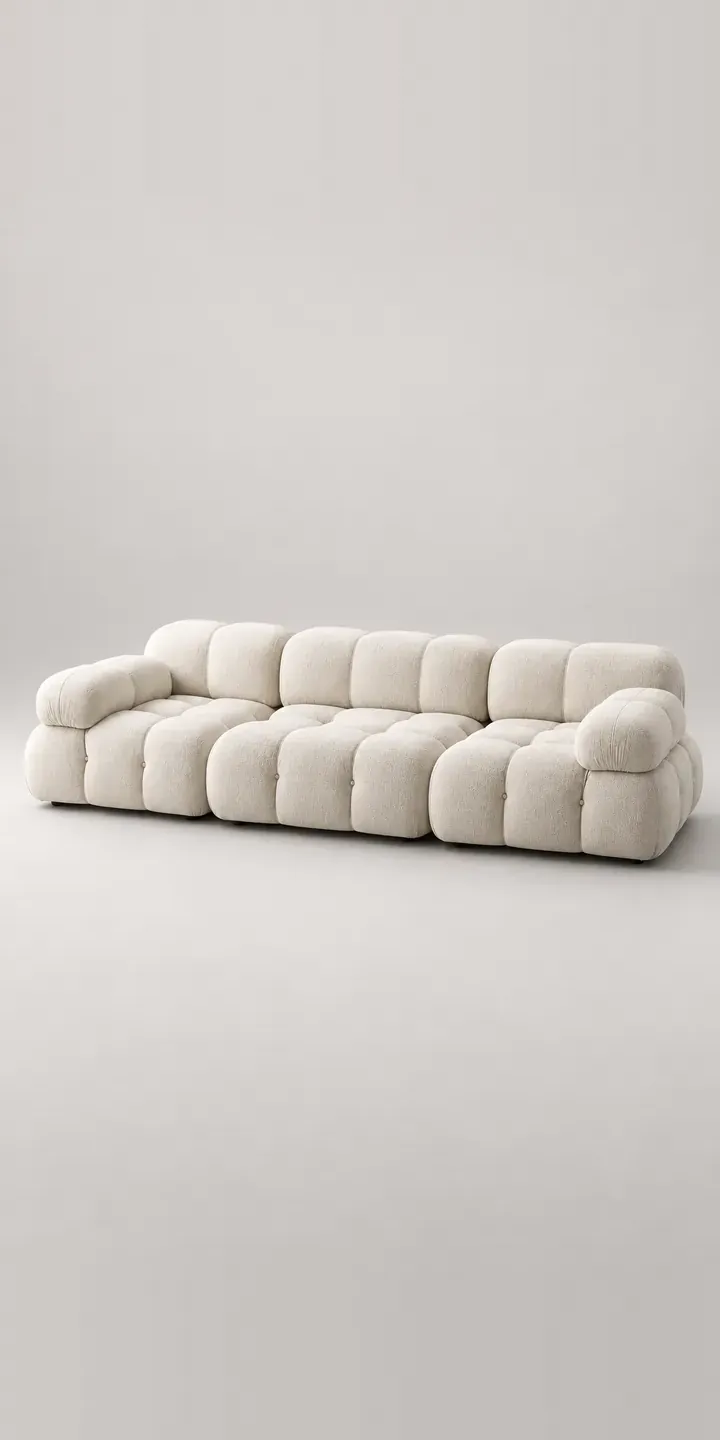
All furniture configurator demos
A configurator for your ottomans
This demo uses an illustrative product. If you sell ottomans, I can build the same experience around your own range, photography and ordering process, connected to Shopify, WooCommerce or a quote workflow. I reply to enquiries within two UK working days.