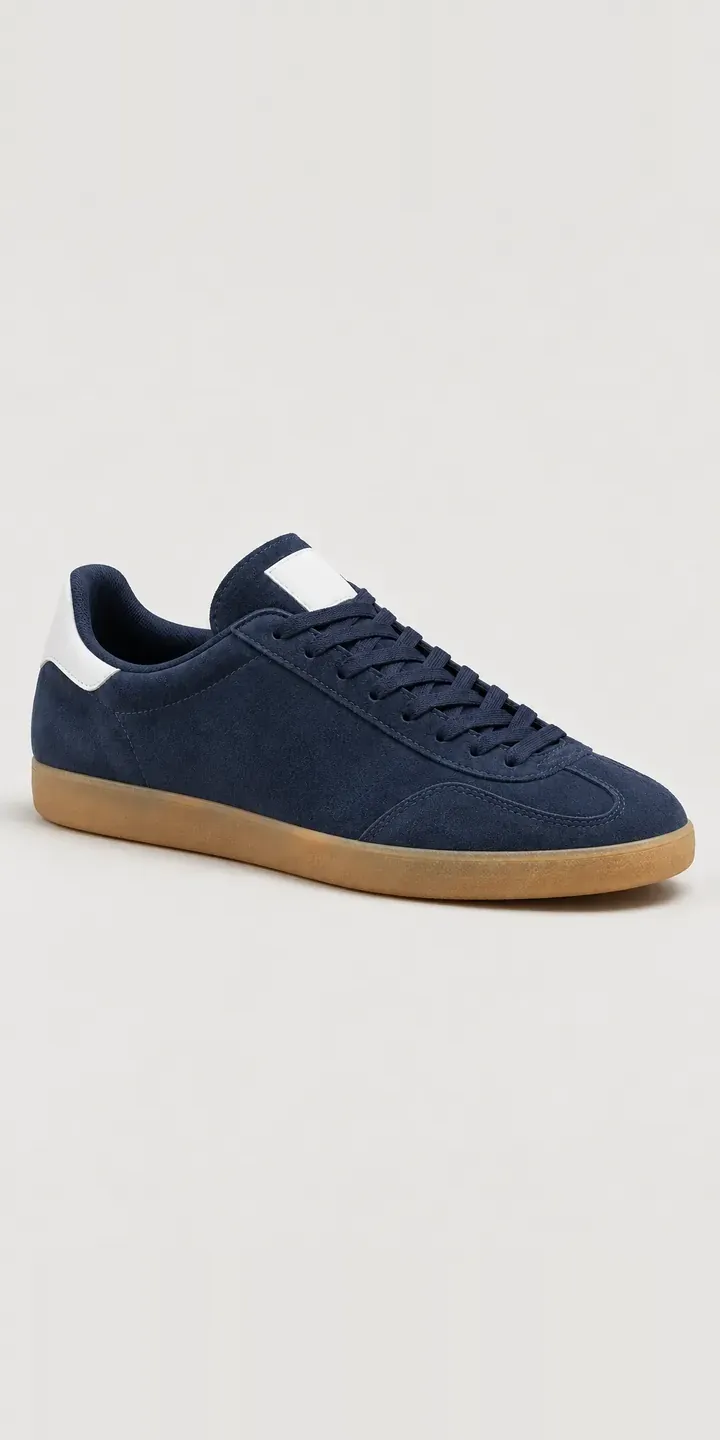
An illustrative low-profile suede trainer, set up the way a footwear retailer might sell one core silhouette in several colourways. Choose a suede colour, pick a UK size and the summary records the exact pair you would ask about.
With a shape this plain, colour carries the whole decision. Navy and black are the safe daily pair. Forest and burgundy tend to be the second pair. They are also the likeliest to come back, because the suede looked brighter on screen than in hand. The gum sole sits under every option, so the real question is how each upper works against that warm brown rubber.
Footwear Configurator demo
Low Suede Trainer
- Product
- Low Suede Trainer
- Colour
- Navy
- Size
- UK 6
Illustrative product. The design and images are generated examples, not a real model for sale.
What you can configure
Four of the six suede colours are live in the demo: navy, forest, burgundy and tan. Each is shot from the same angle with the same thin gum sole and stitched toe overlay, so the suede is the only variable. Size is selectable and goes into the summary, but the picture stays the same. A UK 6 and a UK 10 look identical in a product shot. In a shop, size is a stock question rather than a visual one.
- Colour: Navy, Forest, Burgundy, Tan
- Size: UK 6, UK 8, UK 10
Why a configurator suits trainers
Footwear variant counts climb fast. Six colourways across a normal size run is dozens of SKUs, even though only six of them need a photograph. Many shops still build a separate product page per colourway, which splits reviews, scatters stock and makes customers hunt between pages to compare navy against forest.
One configurator page for the silhouette fixes that. Every colourway sits on one URL, size availability updates as the customer clicks, and the order arrives with colour and size as clean fields. Consistent imagery matters more for suede than for smooth leather, because nap direction and lighting can shift a shade noticeably. Shooting every colour in one session under the same light narrows the gap between screen and shoebox.
Brands that sell to independent shops get a second use. A stockist can configure a size run in each colourway and send it as a wholesale request, instead of working from a PDF line sheet. Limited colourways, such as a seasonal light blue, can be added for a few weeks and then retired without rebuilding the page.
How a production version would be built
A trainer suits an image-based build. Each colourway needs a consistent set of angles: side profile, three-quarter, top-down and sole, all on the same camera rig. Size never needs its own image, so it maps directly to inventory, and sold-out sizes can be greyed out per colour. You would provide SKU codes, colour names, the size run per colourway and any fit notes. On Shopify each colour and size pair becomes a variant, so stock, price and the basket behave normally. A wholesale route can send the same selections to a quote form instead.
Build sheet for this range
- Colours in the full range: 6 (4 shown in this demo)
- Size choices: 3
- Combinations to support: 6 × 3 = 18
- Images for one photograph per combination at 3 angles: 54
- Images if sizes can be shown as separate layers, at 3 angles: 27
- Data each of the 18 combinations needs: a SKU or variant ID, price, stock or lead time, and any dimensions or specification that change
Questions about trainer configurators
Can each colourway show only the sizes we actually hold?
Size availability is read per colourway from the shop's stock, so a customer who picks burgundy only sees the sizes you hold in burgundy. Sold-out sizes can be hidden, greyed out or offered as a back-in-stock alert. Because the rules come from your product data, nothing in the configurator needs editing when stock moves.
How do you stop suede colours looking different in person?
Shoot every colourway in one session, under the same lighting, with a physical swatch in a reference frame. I then match the final images to that swatch rather than to a monitor. Suede will always shift slightly with nap direction, so a close-up of the upper alongside the main image helps customers judge texture as well as shade.
Can we add a limited colourway for a short release?
Easily. A new colourway needs its photographs, a name and its stock, and it then appears as another swatch. It can carry a release date, a pre-order flag or a quantity limit, and it can be removed when the run sells out. The rest of the page, including reviews for the silhouette, stays where it was.
Could stockists use the configurator to place wholesale orders?
They could, through a trade login or a separate trade page. The stockist picks a colourway and enters quantities across the size run, and the request reaches you as a structured order rather than an email attachment. Pricing and minimum order rules stay on your side. I can connect this to your order system or CRM where one exists.
More footwear configurator demos
Max Cushion Trainer
Nubuck Work Boot
Pod Sole Sneaker
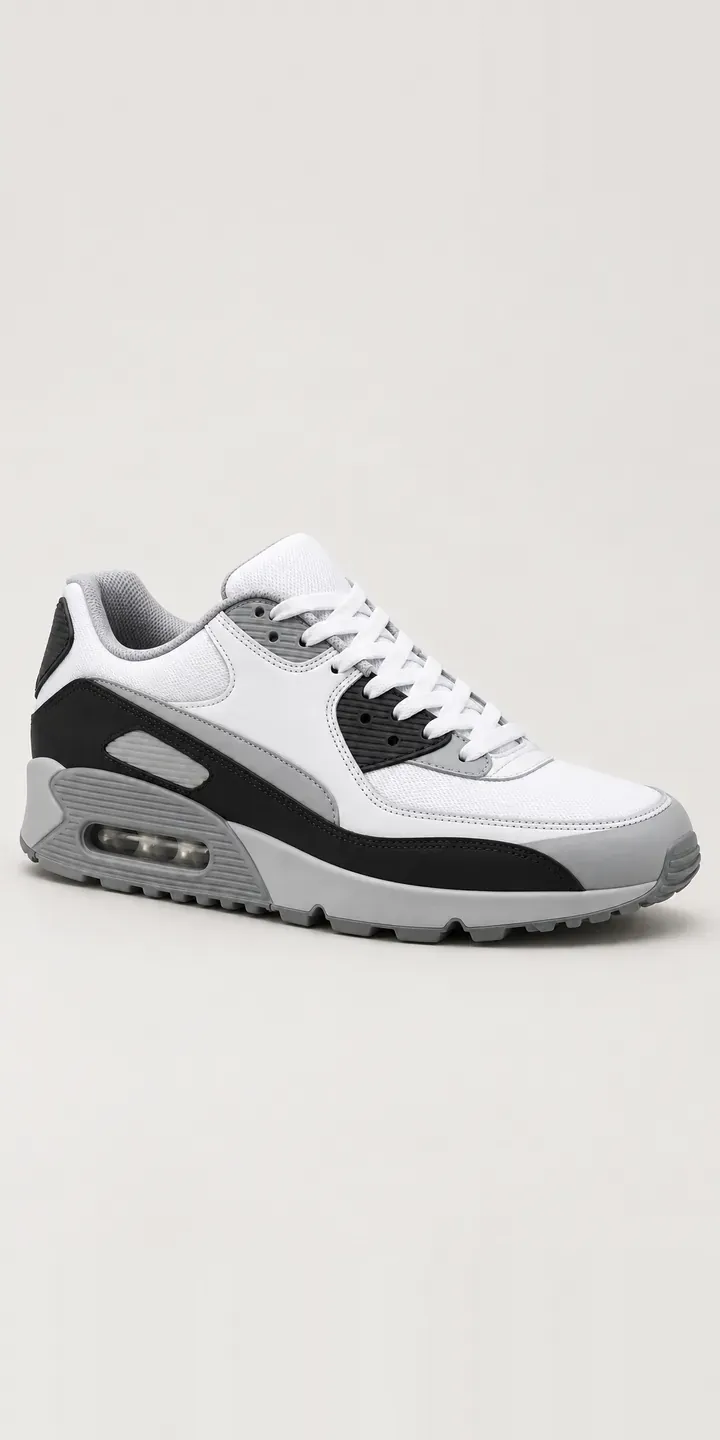
Retro Layered Trainer
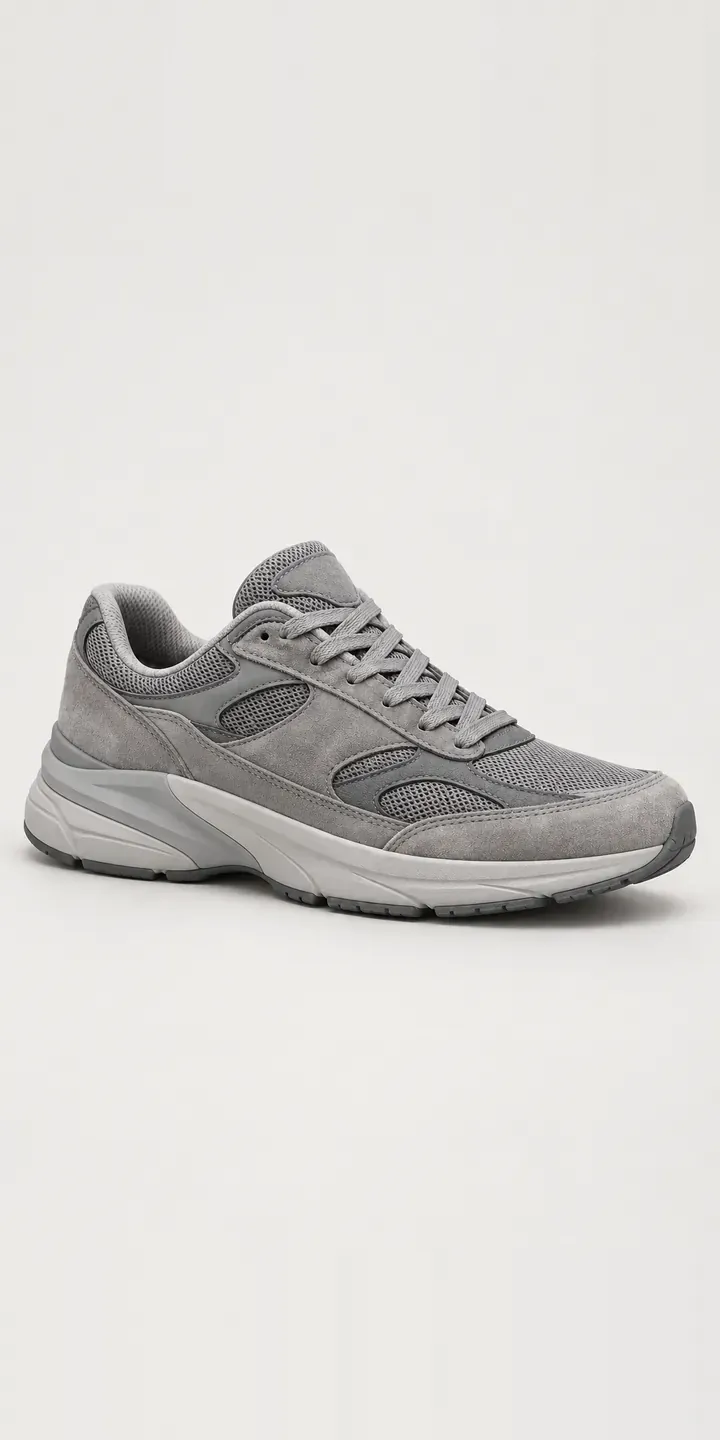
Retro Suede Trainer
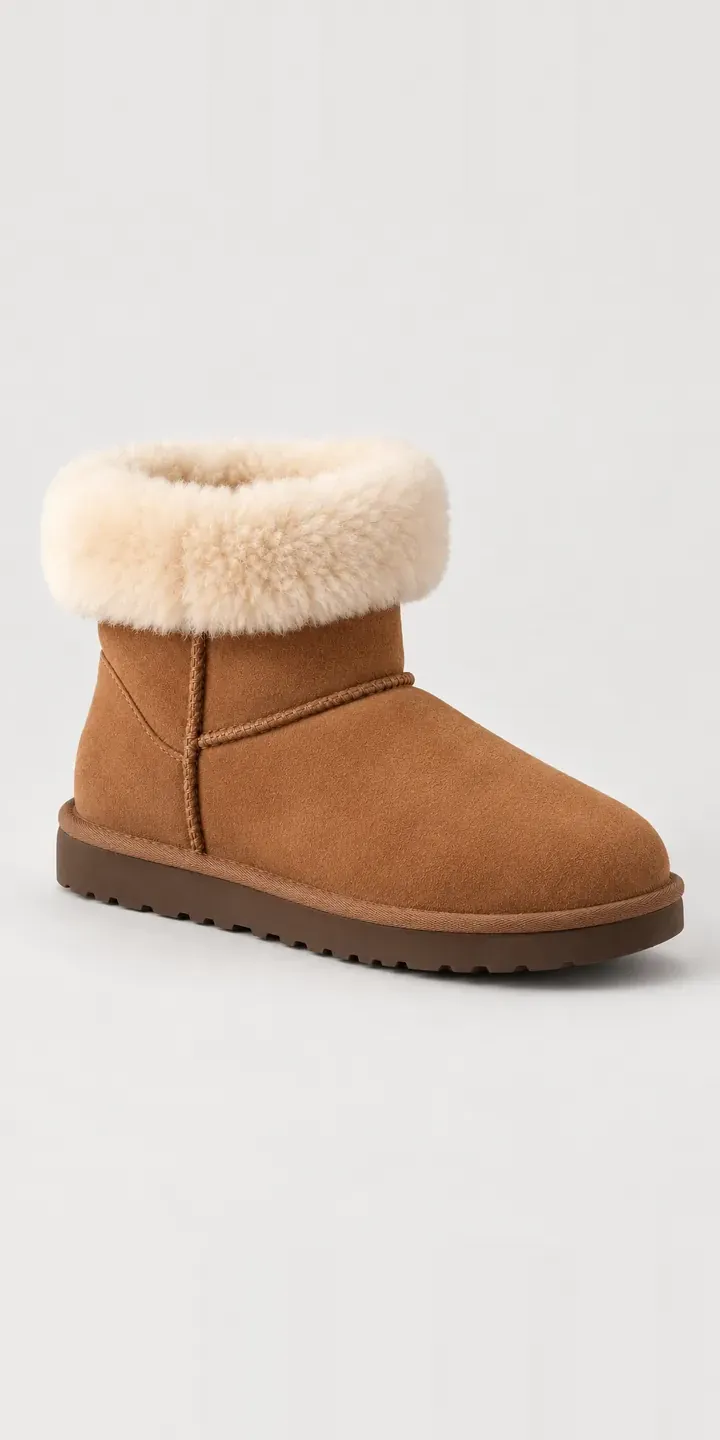
Shearling Mini Boot
All footwear configurator demos
A configurator for your trainers
This demo uses an illustrative product. If you sell trainers, I can build the same experience around your own range, photography and ordering process, connected to Shopify, WooCommerce or a quote workflow. I reply to enquiries within two UK working days.