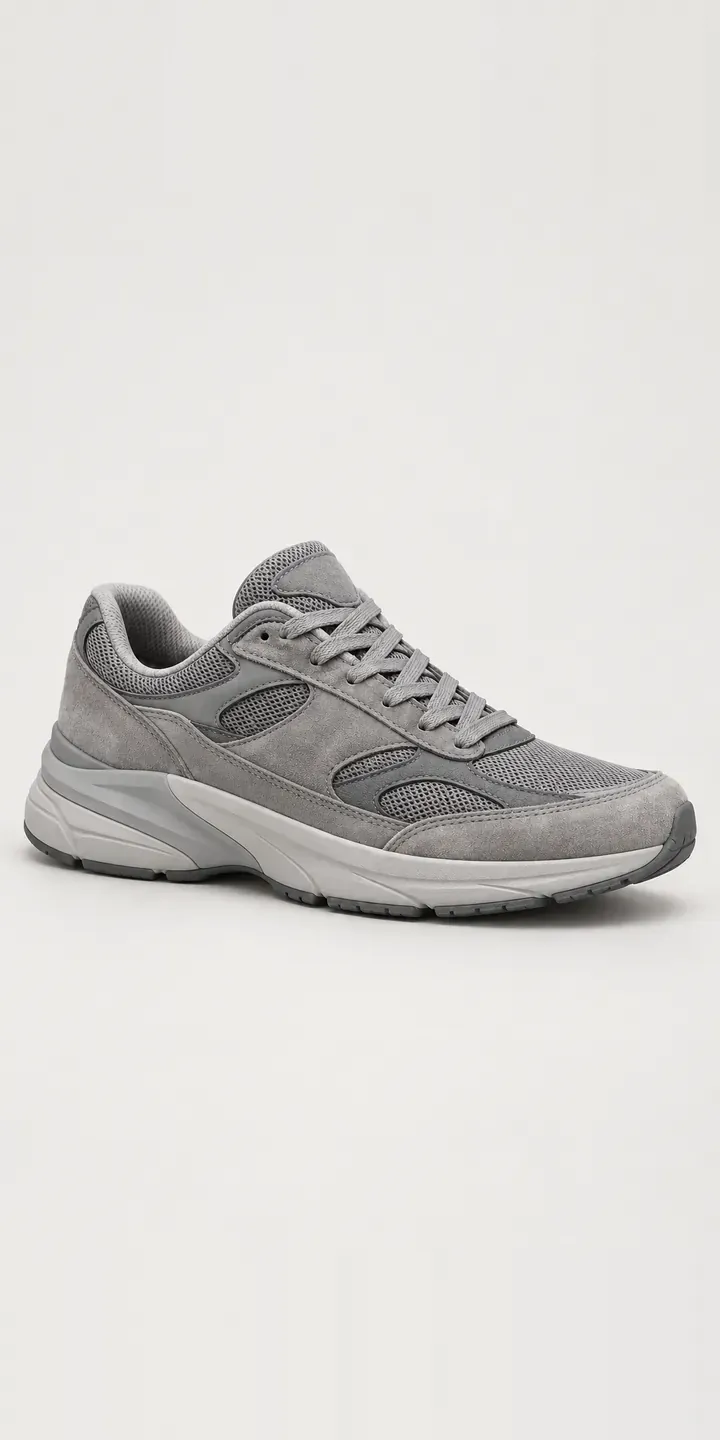
Here is an illustrative retro suede trainer with a configurator for colourway and UK size. The selection gathers in a summary and is sent as a quote request.
Retro running shapes are bought as everyday shoes now, chosen for silhouette and colourway rather than any running benefit. Each colourway is really a combination: suede overlays, mesh underlays and a midsole tone that work together. Buyers are judging that balance. A grey colourway can be warm or cool, flat or tonal, and the difference decides whether it suits the rest of their wardrobe.
Footwear Configurator demo
Retro Suede Trainer
- Product
- Retro Suede Trainer
- Colour
- Grey
- Size
- UK 6
Illustrative product. The design and images are generated examples, not a real model for sale.
What you can configure
The demo carries grey, navy, black and olive, with cream and burgundy completing the range. Each is a separate photograph. The layered suede overlays stitched over mesh and the sculpted midsole with its grooved tread appear as they really look in that scheme. Switch between grey and olive to see how much the mesh shifts. Your UK 6, UK 8 or UK 10 choice goes into the summary, not the image.
- Colour: Grey, Navy, Black, Olive
- Size: UK 6, UK 8, UK 10
Why a configurator suits trainers
A colourway name rarely tells the whole story. Grey on a multi-material trainer might mean three greys: suede, mesh and midsole. Customers zoom in to work out which parts are which, and if the image is too small or too soft, they guess. Wrong guesses come back as returns marked not as pictured.
A configurator can break a colourway down. Next to the image, it can list each panel's material and tone. The buyer reads that the overlays are grey suede and the mesh a lighter grey. Once that detail is in the product data, displaying it costs nothing, and it answers the question behind most colourway queries.
Suede also has a care story that leather does not. Buyers in wet climates want to know how a pale grey suede copes with rain, and a note per colourway can tell them. For retailers selling several retro styles, the same panel-by-panel data works across the range. Product information stays consistent, and category filters get more precise.
How a production version would be built
I would photograph each multi-material colourway in the same light. Close-ups of the toe and heel then make suede nap and mesh texture visible. Recolouring is risky here, because suede and mesh take colour differently. The retailer needs colourway names, a material and colour entry per panel, SKUs by UK size, and stock. That structured product data also feeds filters on category pages, so shoppers can search by material as well as colour. Orders map to standard Shopify or WooCommerce variants, so the basket and stock handling are unchanged.
Build sheet for this range
- Colours in the full range: 6 (4 shown in this demo)
- Size choices: 3
- Combinations to support: 6 × 3 = 18
- Images for one photograph per combination at 3 angles: 54
- Images if sizes can be shown as separate layers, at 3 angles: 27
- Data each of the 18 combinations needs: a SKU or variant ID, price, stock or lead time, and any dimensions or specification that change
Questions about trainer configurators
Can the configurator list the material and colour of each panel?
Yes. Each colourway carries a short breakdown, such as overlays in grey suede, mesh in light grey and midsole in off white. It sits beside the image and updates when the colourway changes. Because it comes from your product data, it stays accurate as new colourways are added.
Can we show close-ups of the suede and mesh in each colourway?
A detail view per colourway, usually the toe and the heel, can sit under the main image. Close-ups show suede nap and mesh weave, which tell a buyer more about quality than a full shoe shot. In this demo each colourway has one photograph, so these would be a production addition.
Can buyers compare two colourways side by side?
Yes. A compare mode places two colourways next to each other in the same view. For close tones like grey and olive suede, that is more useful than switching back and forth. It is a small addition to an image-based build, because the images are already aligned to the same framing.
Can we add new colourways each season without a rebuild?
Yes. A new colourway is a new set of images and a new row of data: name, panel breakdown, SKUs and stock. Once that exists, it appears as a swatch with no code changes. Retired colourways can be hidden, or kept visible as sold out if you want to hold on to their search traffic.
More footwear configurator demos
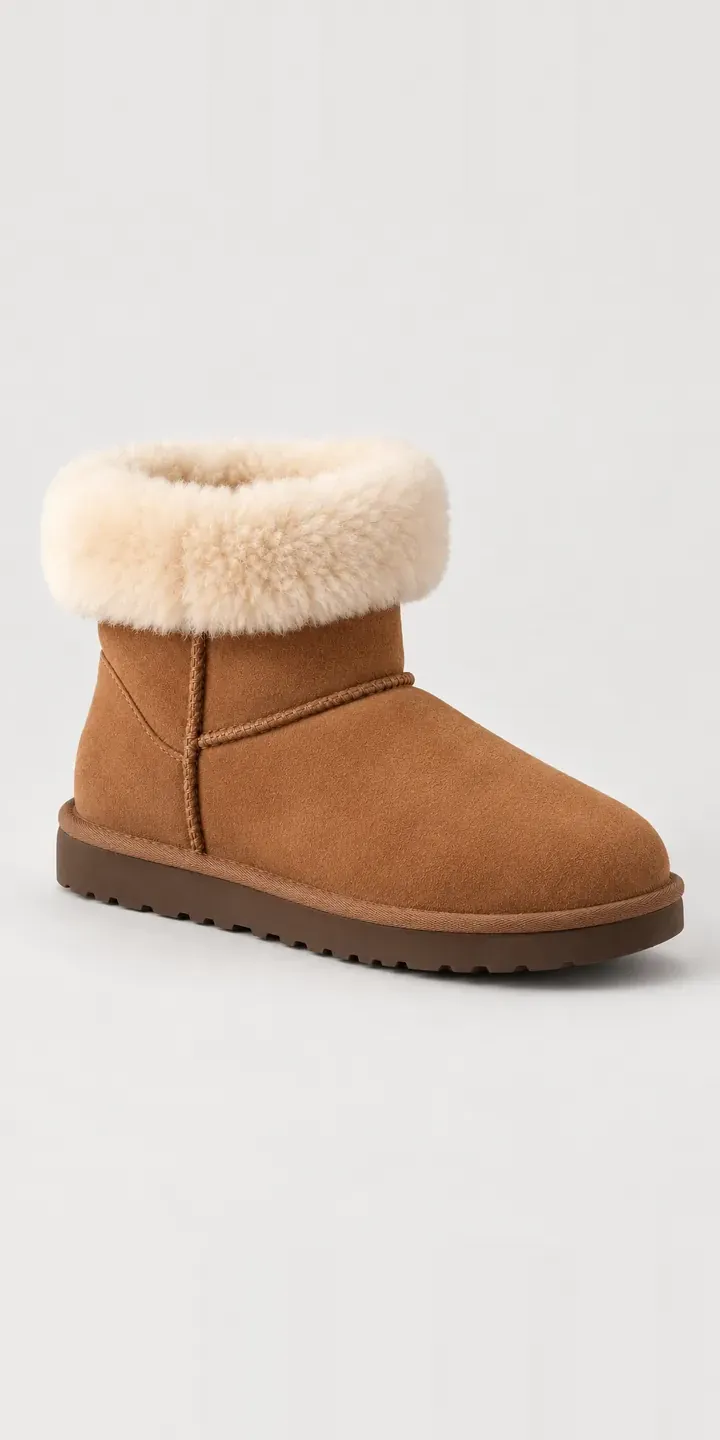
Shearling Mini Boot
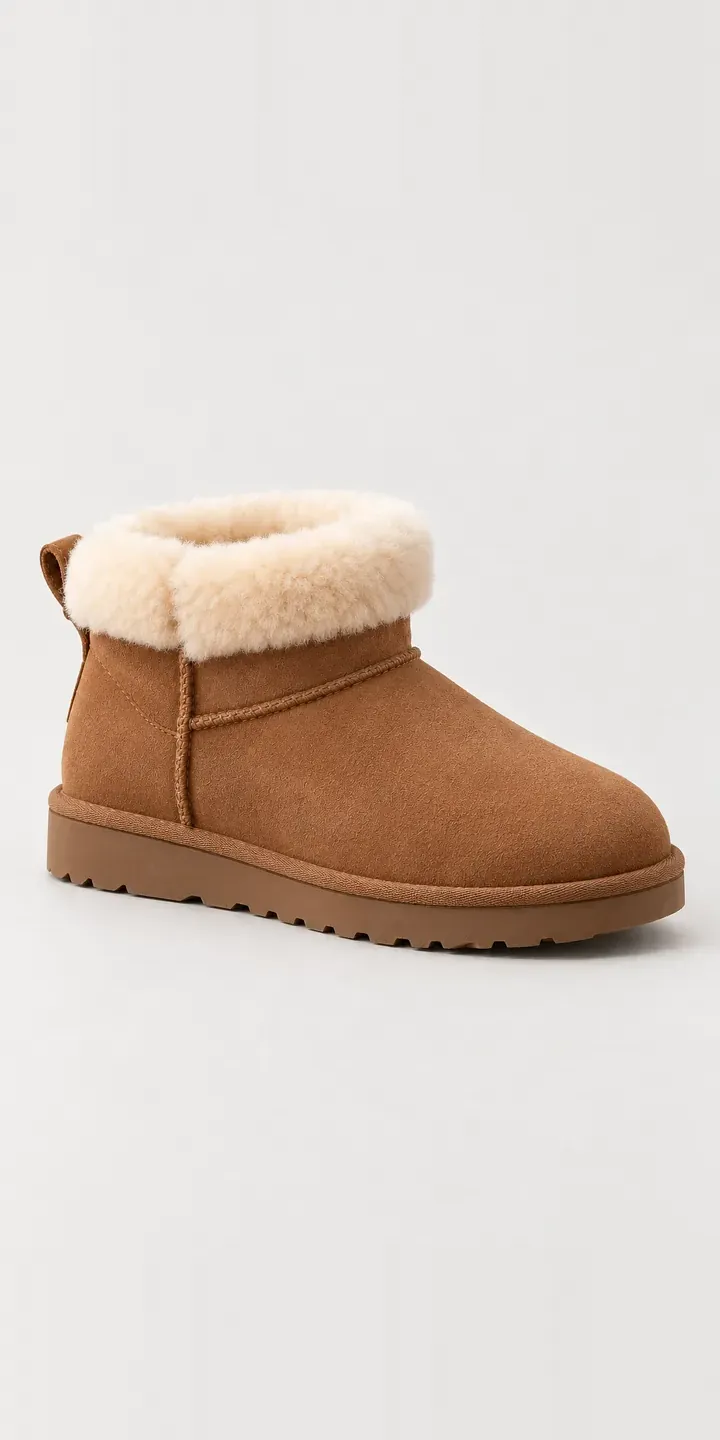
Sheepskin Ankle Boot
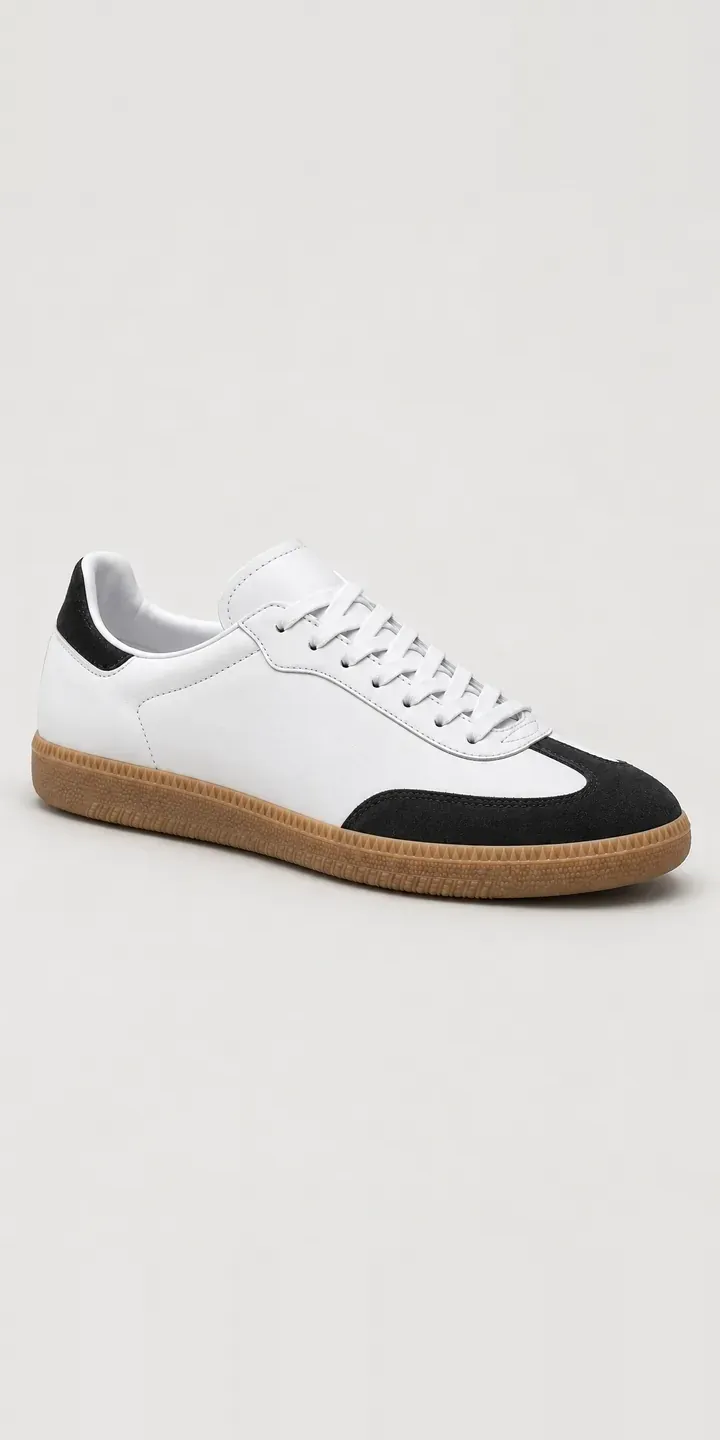
Terrace Trainer
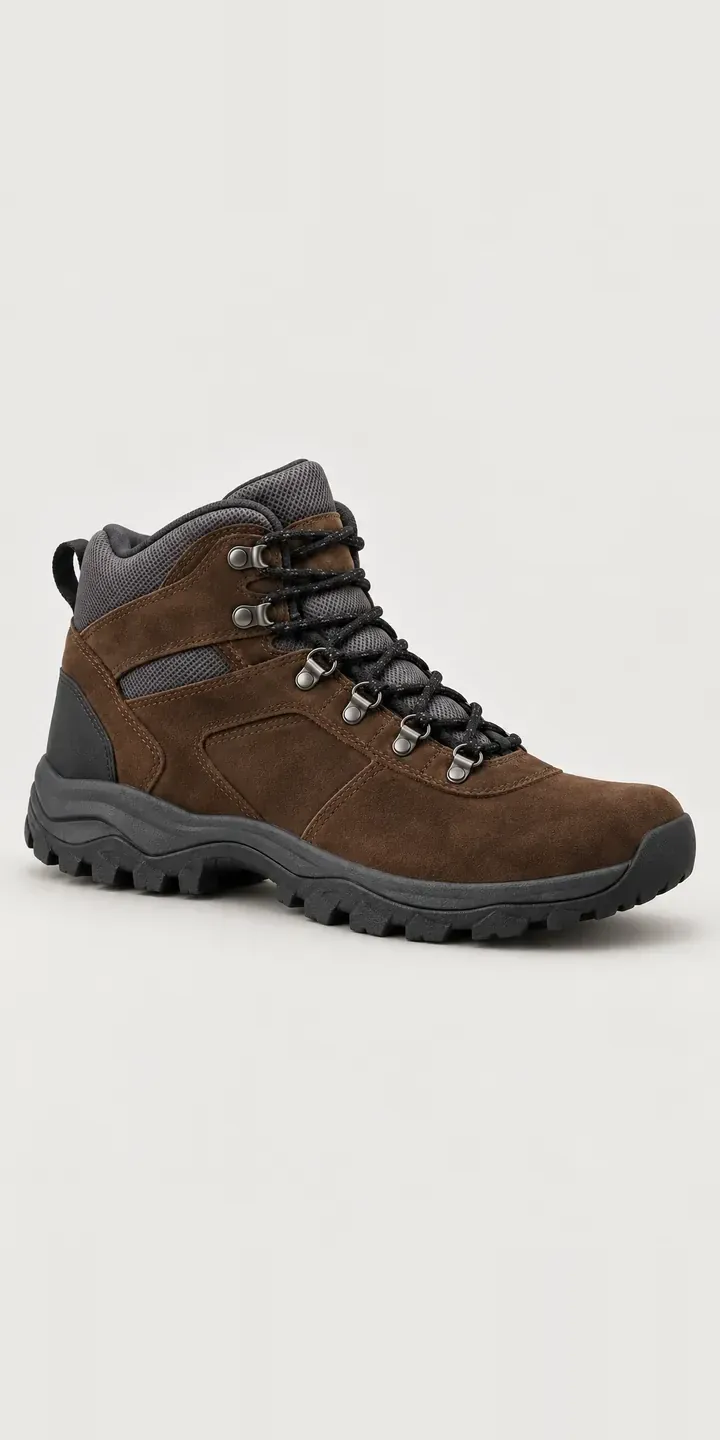
Trail Walking Boot
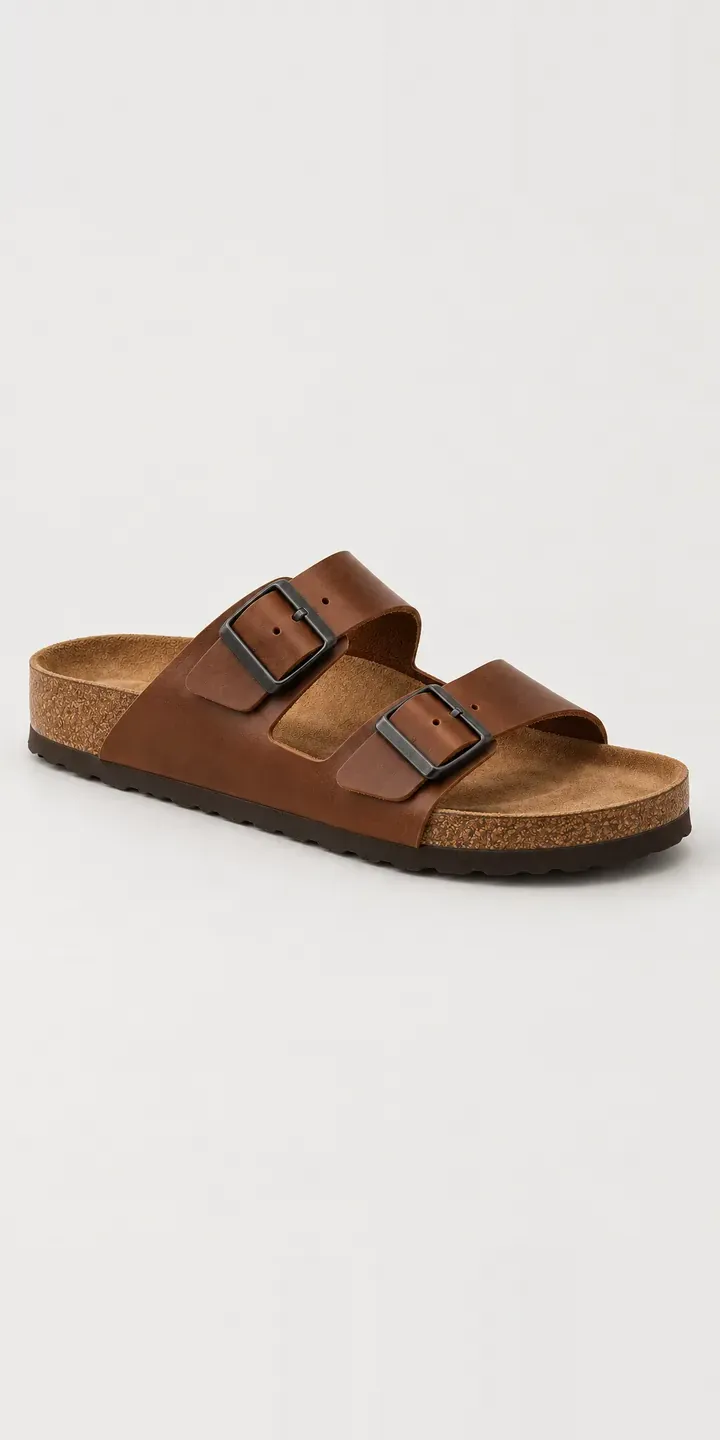
Two-Strap Sandal
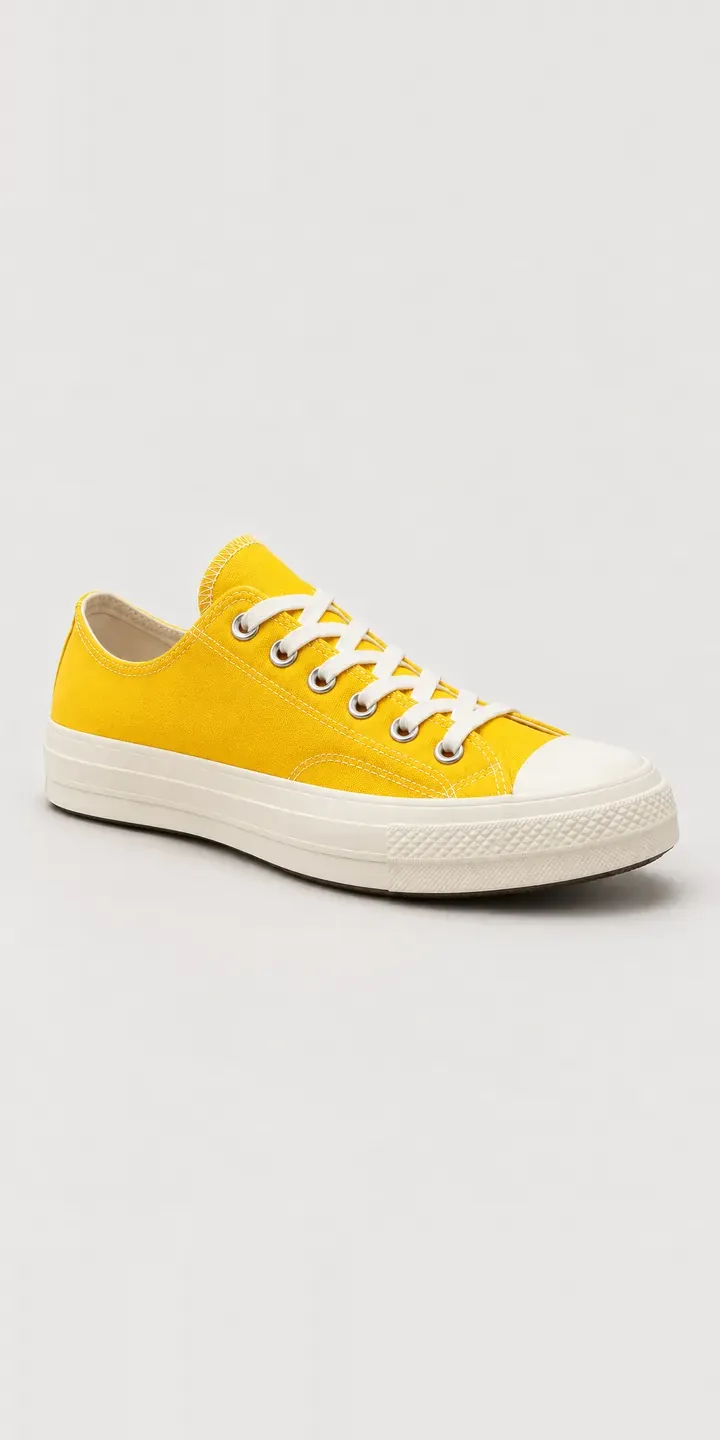
Canvas Low-Top
All footwear configurator demos
A configurator for your trainers
This demo uses an illustrative product. If you sell trainers, I can build the same experience around your own range, photography and ordering process, connected to Shopify, WooCommerce or a quote workflow. I reply to enquiries within two UK working days.