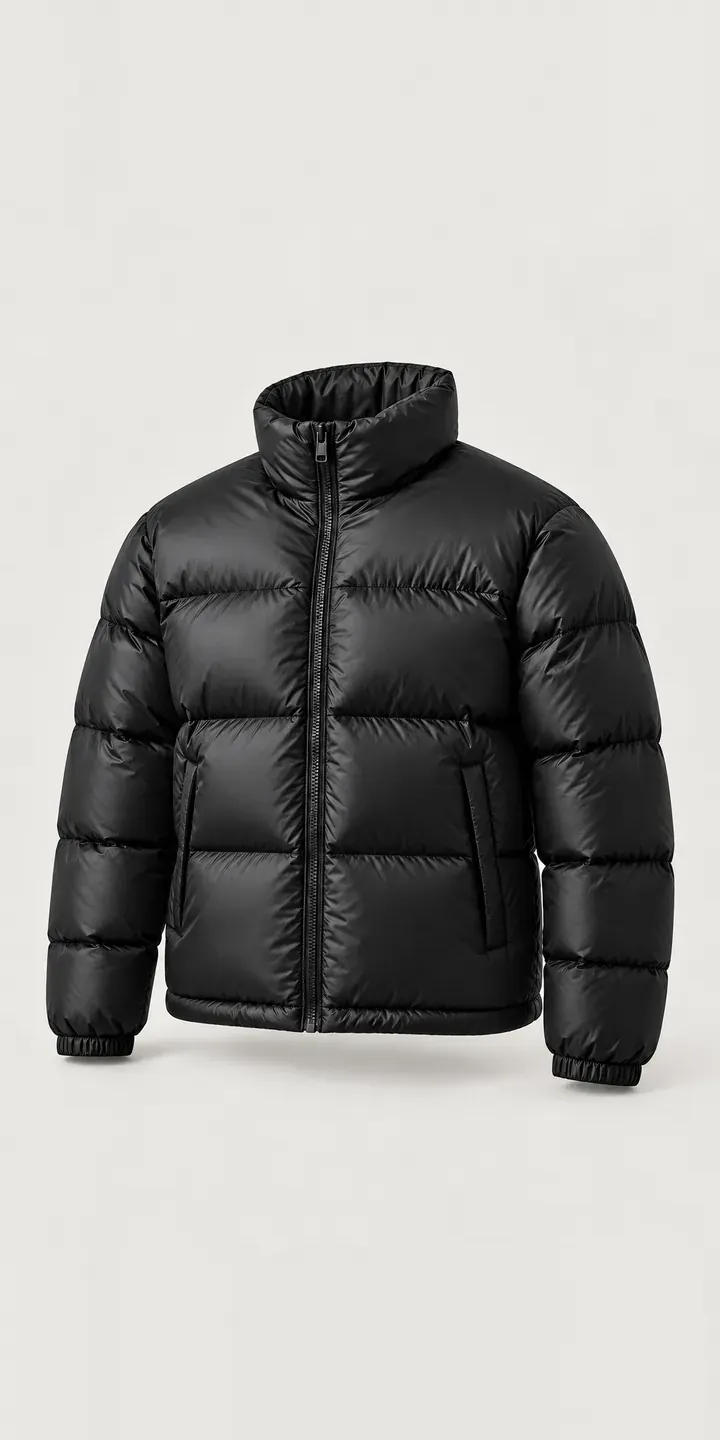
A box-quilt puffer, drawn up as an illustrative example, is the product on this page. Its configurator lets you switch colour and choose a size.
A puffer is a volume garment, and its colour behaves differently from a flat-fabric coat. Each baffle catches light on top and falls into shadow at the stitch line. One shade can look lighter or darker depending on where you look. Black and navy keep the shape quiet. Brick and mustard make the box quilting the point of the jacket, which is exactly why buyers want to see them properly before paying.
Fashion Configurator demo
Box-Quilt Puffer
- Product
- Box-Quilt Puffer
- Colour
- Black
- Size
- S
Illustrative product. The design and images are generated examples, not a real model for sale.
What you can configure
Swatches for black, navy, brick and mustard sit under the image, while olive and ecru complete the range of six. The high stand-up collar and the box-quilted baffles on the sleeve never move between shots. You are comparing colour and nothing else. On a puffer that is a harder test than it sounds, because the shadows inside each box change with the shade. Size is recorded without altering the picture.
- Colour: Black, Navy, Brick, Mustard
- Size: S, M, L
Why a configurator suits puffers
Fashion-led outerwear depends on its bolder colours. Black will sell regardless. Mustard and brick are the shades that get a puffer noticed, and also the ones most often sent back because they looked different on screen. Shell fabrics with any sheen make this worse, as the reflection can push a colour warmer or cooler in a photograph.
A configurator built on consistent imagery narrows that gap. Every colour is shot under the same light, at the same angle, so the buyer compares like with like. A second, angled view per colour shows how the shade shifts across the baffles. That is what the customer will see in a shop window or a mirror, so it is the view that prevents surprises.
There is a stock benefit too. Statement colours are usually bought in smaller quantities and sell through unevenly by size. A configurator can take pre-orders or waitlist sign-ups for a sold-out mustard medium. The buying team then has hard evidence for a reorder, instead of demand that leaves the site without a trace.
How a production version would be built
For a puffer, I would shoot one front image and one three-quarter image per colour, with lighting fixed so the baffle shadows stay consistent. Layered recolouring is less useful here, because the volume and shading of the quilting are what make each colour look real. The retailer provides colour names, SKUs per size, stock levels and any sold-out rules, including which sizes may take pre-orders. Orders can pass to a WooCommerce basket or Shopify as standard variants, and waitlist sign-ups can feed your email platform.
Build sheet for this range
- Colours in the full range: 6 (4 shown in this demo)
- Size choices: 3
- Combinations to support: 6 × 3 = 18
- Images for one photograph per combination at 3 angles: 54
- Images if sizes can be shown as separate layers, at 3 angles: 27
- Data each of the 18 combinations needs: a SKU or variant ID, price, stock or lead time, and any dimensions or specification that change
Questions about puffer configurators
Why not recolour one photo of the black puffer for every other colour?
Digital recolouring works for flat fabric but struggles with quilting. Black hides shadow detail that a lighter colour like mustard reveals, so a recoloured image looks flat or wrong at the stitch lines. Shooting each colour, or rendering it in 3D with proper lighting, gives an image buyers can trust.
Can the configurator show the collar zipped up and open?
Yes, as an extra view. A high collar changes the look of a puffer considerably, so a second image with it unzipped is worth adding for each colour. In this demo the collar is shown zipped. A production build would let buyers flip between the two without leaving the configurator.
Can we take pre-orders on colours that have sold out?
Yes. Each colour and size combination has its own status: in stock, pre-order with a dispatch date, or waitlist only. The configurator shows the right message and button for each. Pre-orders pass through the basket as normal, while waitlist entries can go to your email or CRM.
Can one configurator cover several puffer styles?
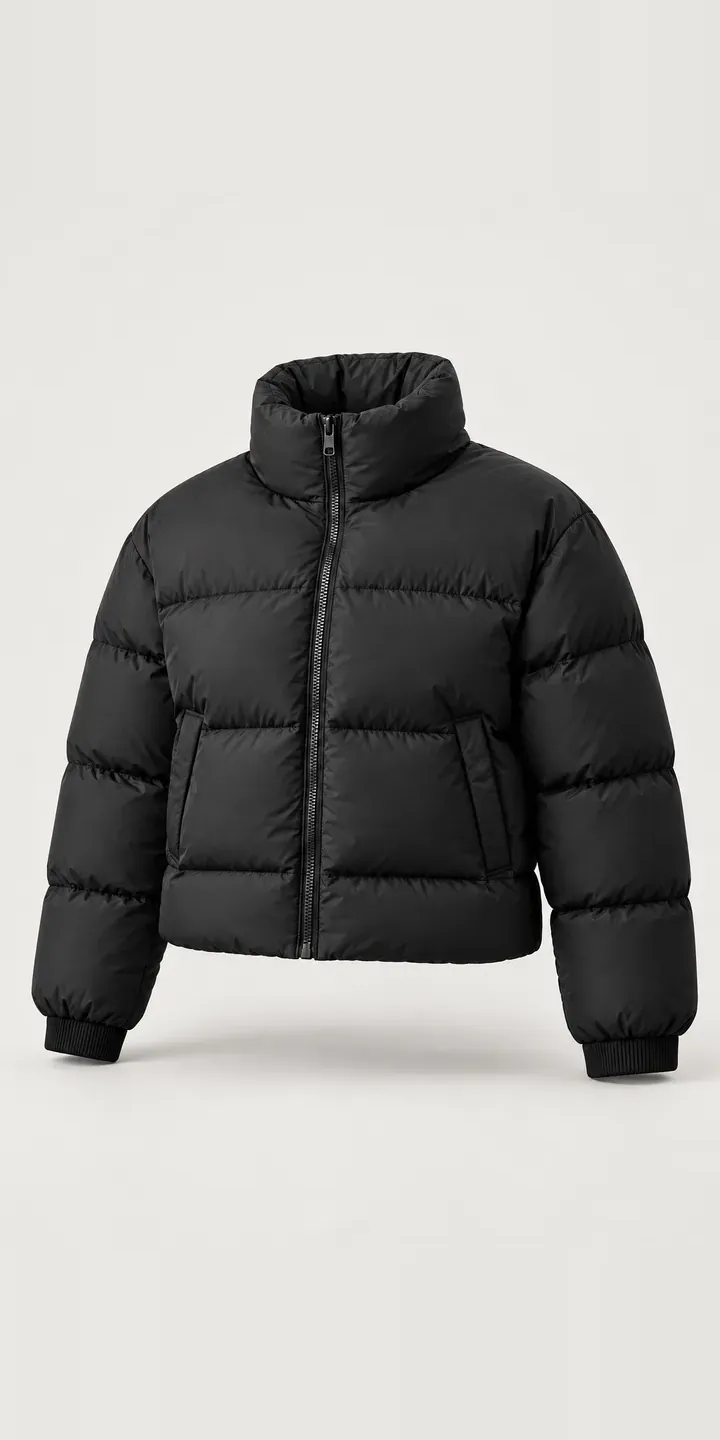
Yes. Cropped, longline and hooded styles can share one configurator, with style as the first choice and colour and size following. Each style needs its own image set, but the data structure, rules and checkout connection are built once. That suits brands that add new outerwear shapes every autumn.
More fashion configurator demos
Cropped Puffer
Fitted Studio Jacket
Five-Pocket Jeans
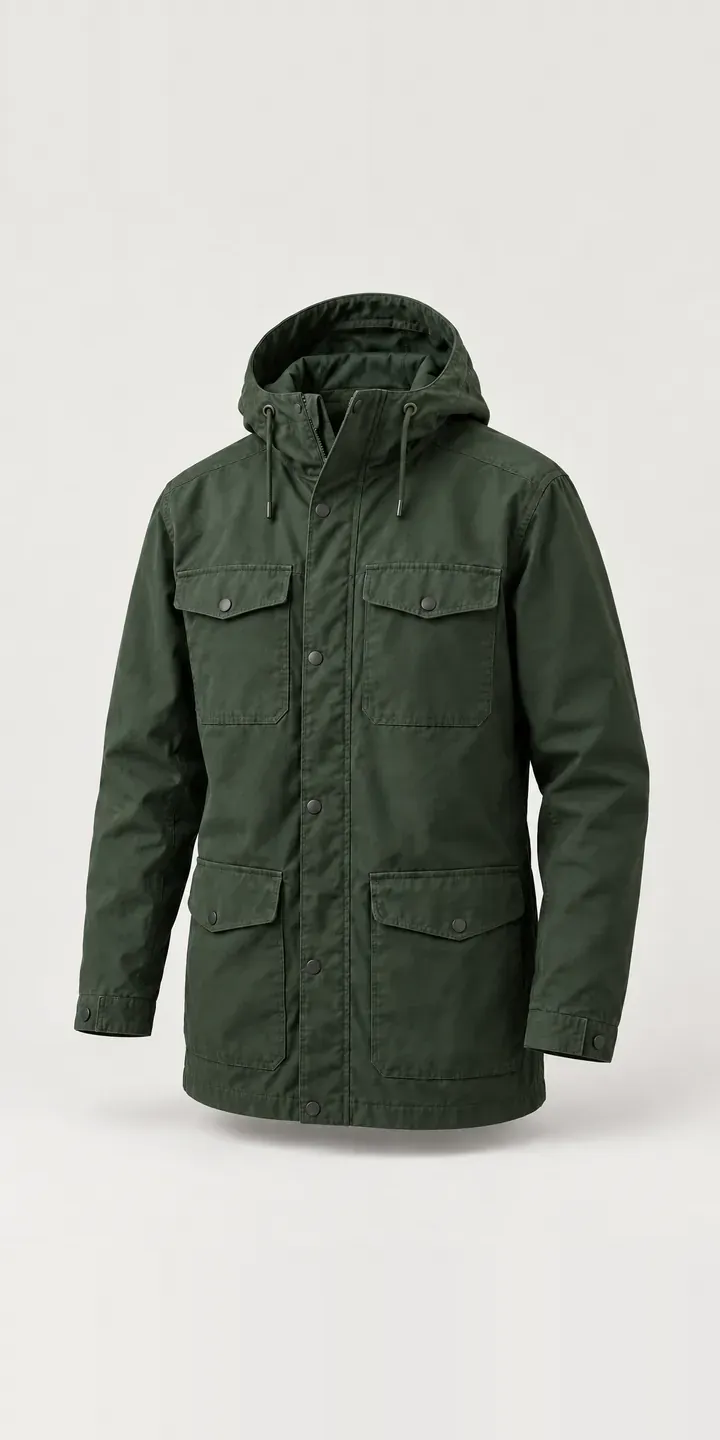
Hooded Field Jacket
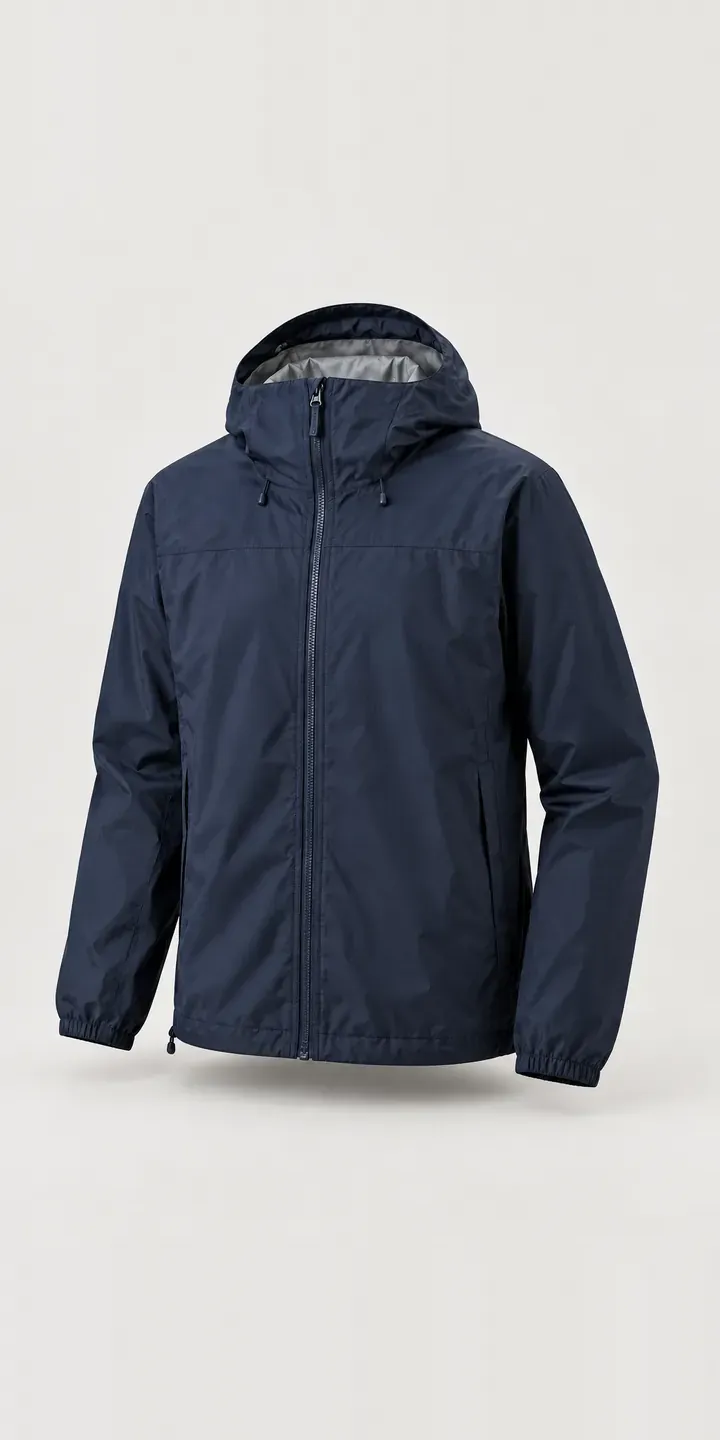
Hooded Shell Jacket
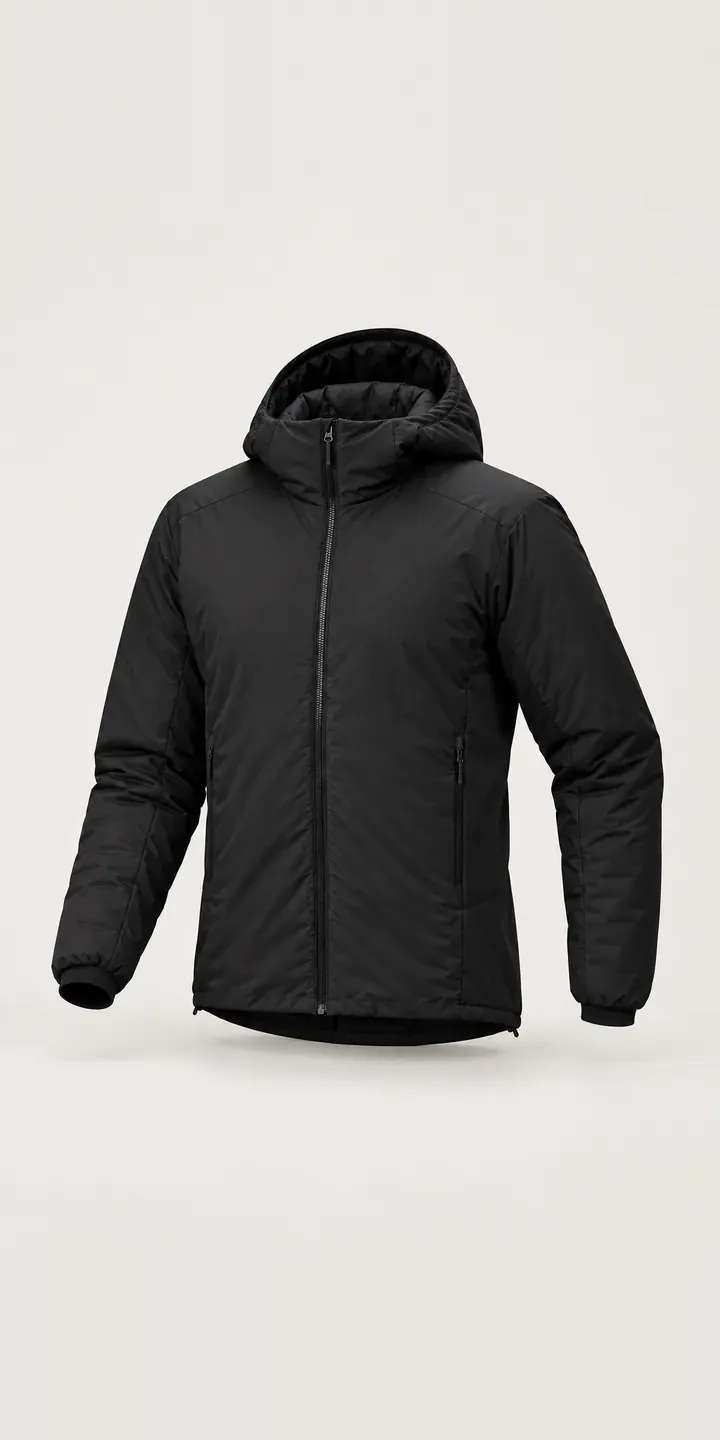
Insulated Hood Jacket
All fashion and apparel configurator demos
A configurator for your puffers
This demo uses an illustrative product. If you sell puffers, I can build the same experience around your own range, photography and ordering process, connected to Shopify, WooCommerce or a quote workflow. I reply to enquiries within two UK working days.