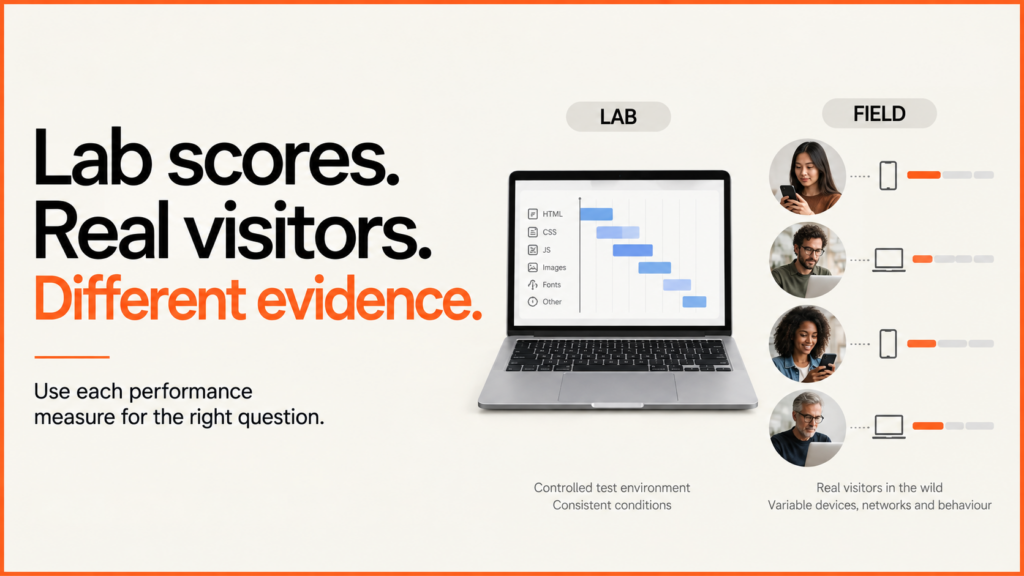
A high Lighthouse score and a passing Core Web Vitals result are not the same thing. Lighthouse tests a page in set conditions. Field data comes from real visits. Use Lighthouse to find problems and check fixes. Use field data, where you have it, to see what real visitors get.
Discuss your projectSee selected work
This matters when you pay for speed work. “We got 100” needs a URL, a date, a device and the report. Even then, it does not prove every visitor had a fast page, or that a task worked well once the page loaded.
Read the two parts of PageSpeed Insights separately
Google’s PageSpeed Insights documentation distinguishes Lighthouse diagnostics from Chrome User Experience Report data. The real-user section covers a trailing 28-day collection period and reports the 75th percentile of the available metrics. Check whether the results describe the exact page or the wider origin.
| Report | What it helps you establish |
|---|---|
| Lighthouse lab run | What happened during a controlled test of that URL, with that tool version and environment. Useful for finding a reproducible loading problem. |
| Page-level field data | How eligible observed visits to that page performed over the reporting period. Check the sample scope and device grouping. |
| Origin-level field data | A broader view across the site. It is not evidence that the particular product or service page matched the aggregate. |
| Your own monitoring | Additional measurements from the visitors and journeys your implementation captures. Document collection, consent, coverage and limitations. |
What a high Lighthouse score proves
The Performance score combines weighted metric scores. It is useful shorthand, but the underlying measurements explain what changed. Chrome’s scoring documentation also explains why test conditions can make results fluctuate.
For example, one change can make the layout more stable while another timing gets worse. Record both. Use the same URL, device and settings each time you compare. If runs disagree, find out why. Don’t just keep the best screenshot.
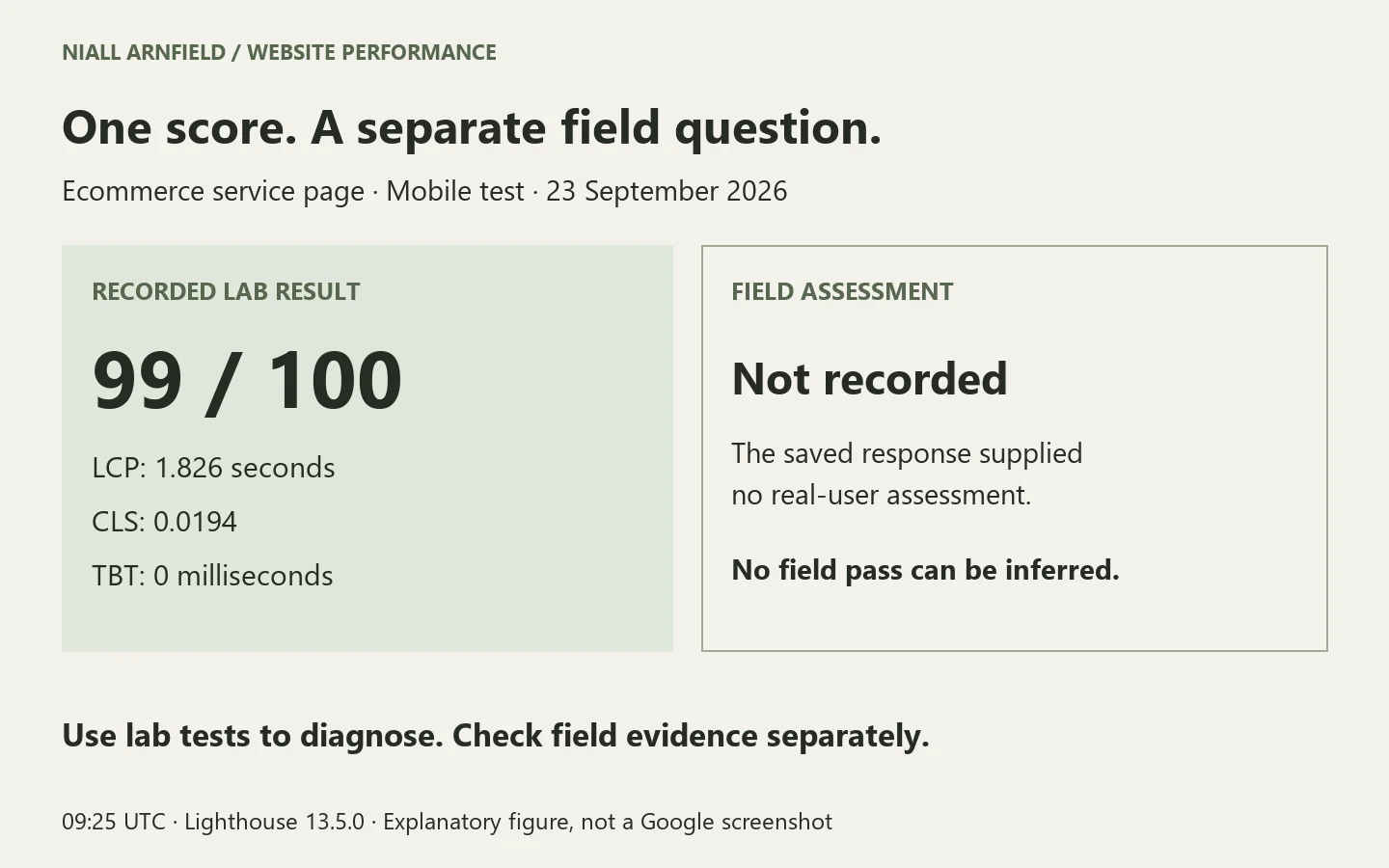
On 23 September 2026 at 09:25 UTC, the ecommerce service page returned the following mobile PageSpeed Insights lab result using Lighthouse 13.5.0:
| Measurement | Recorded result |
|---|---|
| Performance score | 99 / 100 |
| Largest Contentful Paint | 1.826 seconds |
| Cumulative Layout Shift | 0.0194 |
| Total Blocking Time | 0 milliseconds |
The saved response had no field data. So I can report the lab numbers, but they do not show that real-user Core Web Vitals passed. The underlying layout-shift investigation records the change, its earlier measurement and the limits of the comparison.
Test what happens after the page loads
- Interaction to Next Paint, or INP, concerns responsiveness when someone actually interacts. A standard loading test can finish before a customer opens a menu, changes a filter or configures a product. Google’s INP guidance recommends using real-user evidence and reproducing relevant interactions during diagnosis.
- Total Blocking Time can help identify main-thread work, but zero TBT is not a measured INP of zero. The two metrics answer different questions. Google’s TBT explanation explicitly cautions against treating it as a substitute for INP.
- For an interactive configurator, test opening the viewer, choosing a product, changing a finish and completing the next step. A fast introductory page does not time those later actions. The configurator performance guide separates initial loading from the usable product experience.
What to do when field data is missing
Missing data is an unknown result. CrUX requires eligible visits and enough observations; Google does not publish the exact popularity threshold. Its methodology also distinguishes page and origin eligibility. Do not interpret an absent report as a pass, a failure or proof of one specific cause.
Keep using lab tests and real customer tasks to chase problems you can repeat. If you add your own monitoring, agree what it collects, whose visits it covers and who reads the results. With a small sample, say so.
Commission work you can verify
Ask for the affected URLs, dated reports, reproduced problem, proposed change and rollback. After deployment, check the actual customer journey as well as the metric. Review later field results over a meaningful period; a 28-day collection window includes experiences from before a recent change.
Aim for strong, repeatable lab performance and a usable experience throughout the visit. If reports disagree or important interactions feel slow, discuss a performance investigation with the page, task and available evidence. For WordPress-specific implementation, start with the speed optimisation guide.
Speed is one part of a wider technical SEO audit. That audit also checks crawling, indexing, canonicals and structured data, using what Search Console shows.