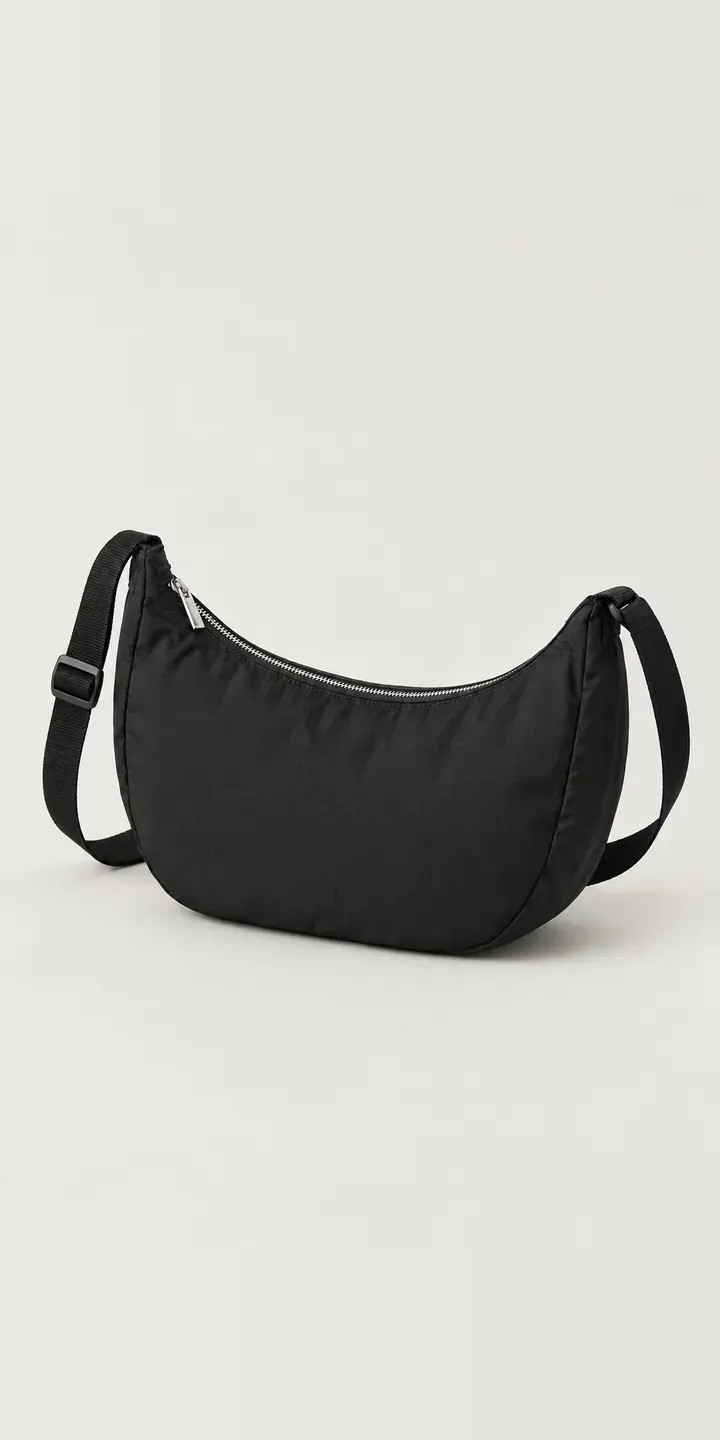
An illustrative half-moon bag in ripstop, with a webbing strap, is the product in this demo. Pick a colour and a size, and the combination is saved in the summary.
Half-moon bags are worn, not carried. They go across the body on a bike, at a bakery counter, through a crowded station. Buyers want something light and secure that sits flat against them. The size decision is about what comes along: a phone and keys, or a phone, wallet, sunglasses and a small water bottle. Colour follows the wardrobe, and these sell in quiet shades as well as seasonal ones.
Bags and luggage Configurator demo
Half-Moon Bag
- Product
- Half-Moon Bag
- Colour
- Black
- Size
- Small
Illustrative product. The design and images are generated examples, not a real model for sale.
What you can configure
The demo shows black, cream, sage and cocoa, with navy and lilac in the full set of six. Small or large is the second choice, captured in the summary. On a crossbody bag, size shows most when worn. A small half-moon sits neatly at the chest, while a large one rests lower and carries more. A production version would picture both sizes on the body.
- Colour: Black, Cream, Sage, Cocoa
- Size: Small, Large
Why a configurator suits bags
Fashion buyers decide on a crossbody bag by how it looks worn. Flat-lay photographs hide the most important information: where the bag sits, how big it looks against a torso, and how the strap falls. A configurator that switches between a product view and an on-body view for each size gives buyers that context without a fitting room.
Ripstop brings its own challenge. The grid weave catches light, so pale colours like cream and sage show texture that darker ones hide. Twelve combinations come from six colours in two sizes, and each needs lighting that lets the fabric read as ripstop rather than a flat colour. A consistent shoot makes the range look deliberate.
Strap fit is the other half of the decision. The webbing strap adjusts through a metal slider, and buyers of different heights want to know where the bag will sit at each end of its range. Showing it worn at the shortest and longest settings, on the same person, answers a question that otherwise arrives by email after delivery.
How a production version would be built
Two image sets serve this product. The first is a clean product image per colour and size, twelve in all. The second is an on-body set for each size in two or three colours that show scale. The shape is simple enough for a 3D render, but photography captures the ripstop texture and the curve of the zip more easily. Supporting data covers colour names, dimensions per size, the strap's adjustment range and launch dates for seasonal colours. Orders map to Shopify or WooCommerce variants, so stock and checkout work as normal.
Build sheet for this range
- Colours in the full range: 6 (4 shown in this demo)
- Size choices: 2
- Combinations to support: 6 × 2 = 12
- Images for one photograph per combination at 3 angles: 36
- Images if sizes can be shown as separate layers, at 3 angles: 24
- Data each of the 12 combinations needs: a SKU or variant ID, price, stock or lead time, and any dimensions or specification that change
Questions about bag configurators
Can the configurator switch between a product view and an on-body view?
Yes. Each size can have a worn view alongside the clean product image, and the toggle keeps the chosen colour where an image exists. If only some colours are shot on a model, the configurator shows the nearest one with a note. Scale matters most in that view, more than exact colour.
Can a seasonal colour go live on a set date?
Yes. Each colour can carry a start and end date in the product data. Before launch it can be hidden or shown as coming soon, with a notify-me option. When the date arrives it appears automatically, and when the season ends it can be withdrawn or marked as final stock.
Can a buyer save a configured bag and send it to a friend?
Yes. Each configuration can be saved to a link that opens on the exact colour and size. Bags like this are often shared before they are bought, so the link becomes a direct route back to the product. My notes on saving and sharing configurations explain the options.
How long does it take to set up a bag configurator?
It depends mostly on the images. With consistent photography already done, a single bag family can be configured, tested and connected to your shop fairly quickly. A new shoot adds time for planning and retouching. I reply within two UK working days and can outline a timeline once I have seen your range.
More bag and luggage configurator demos
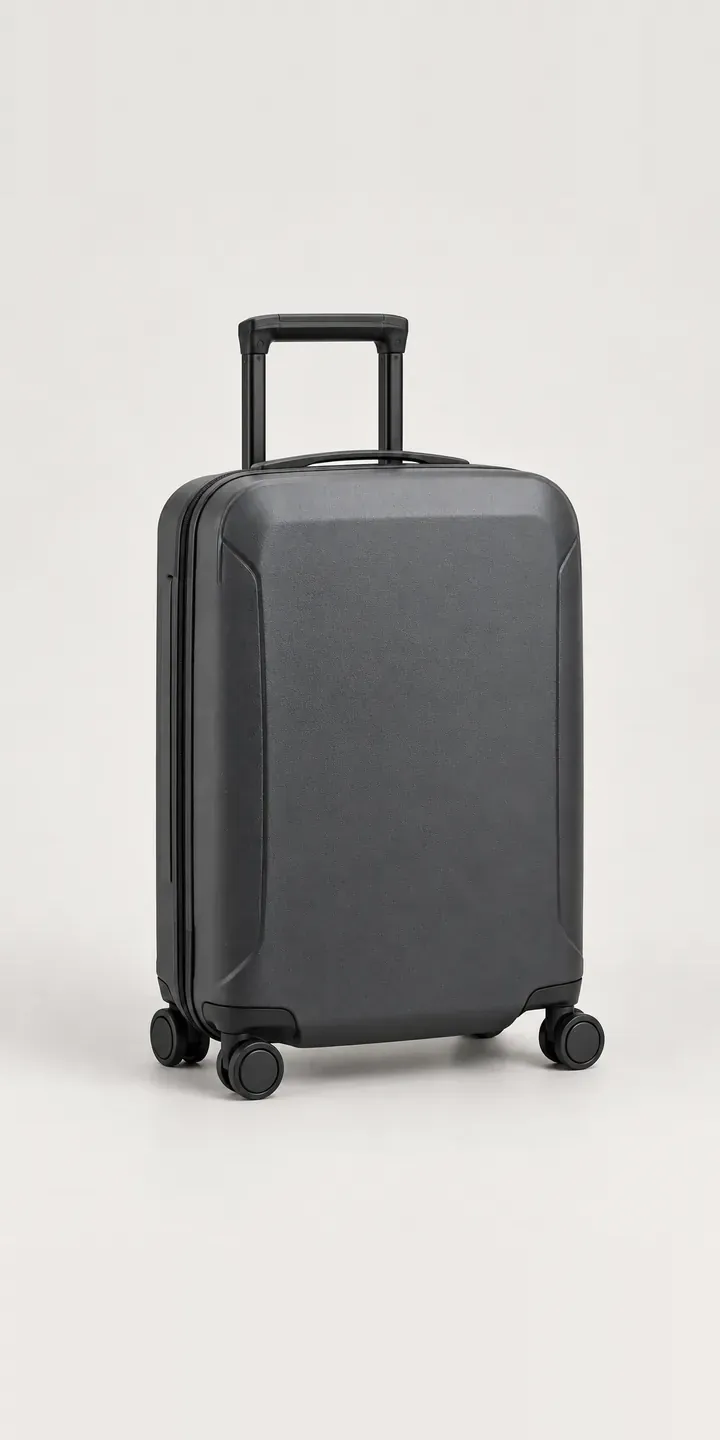
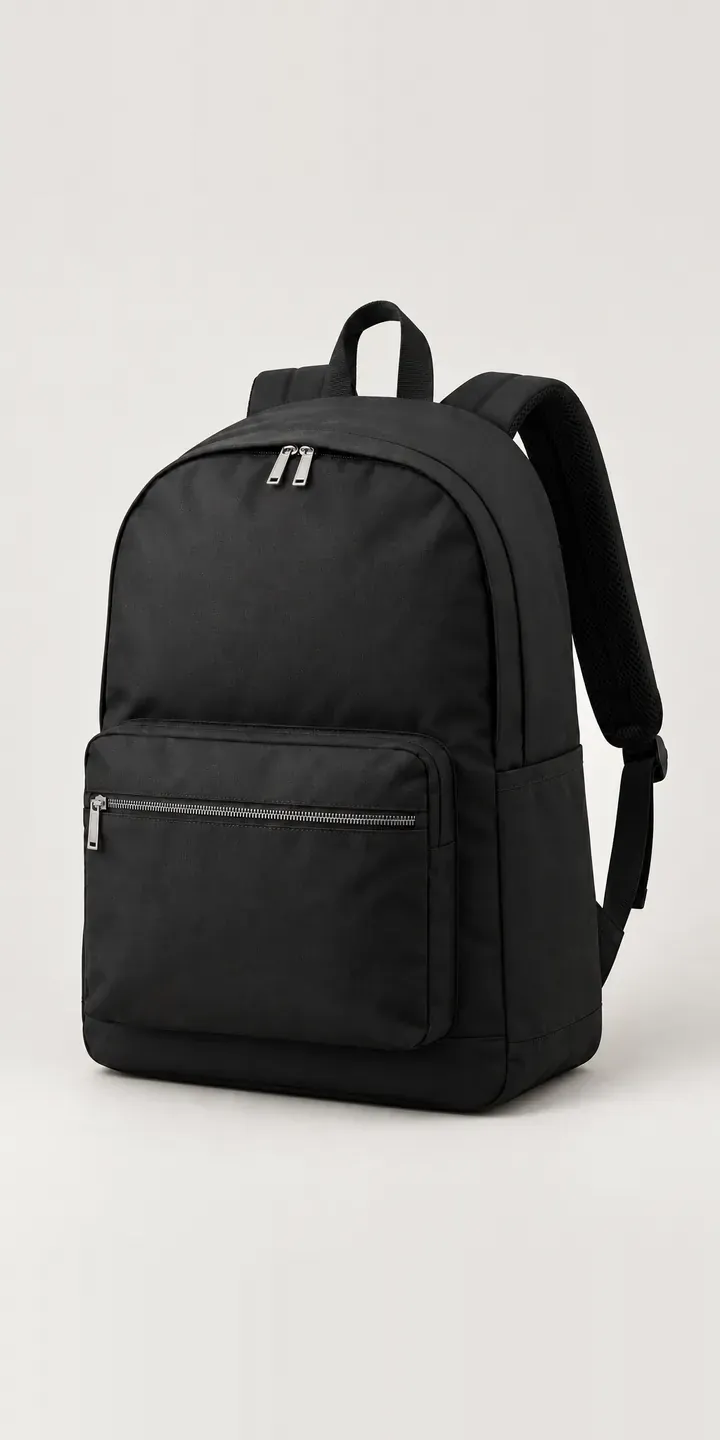
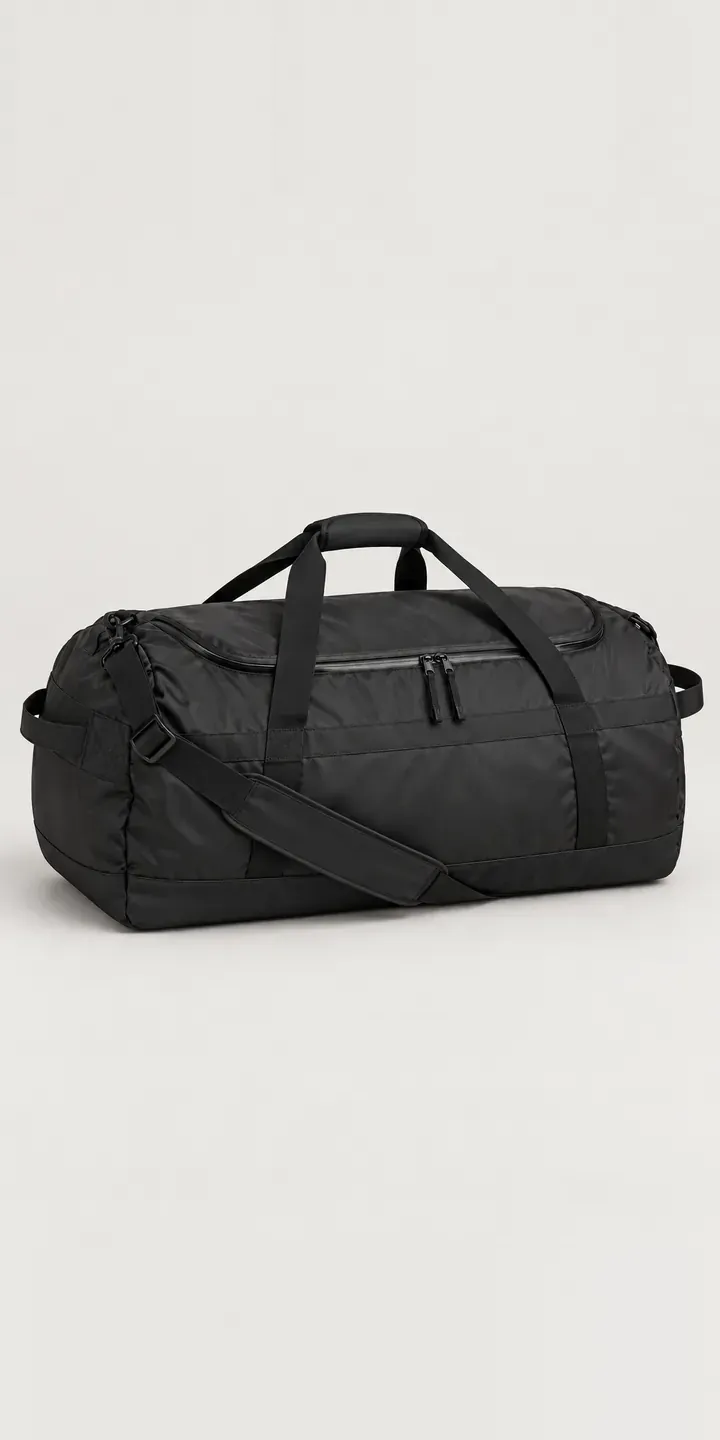
All bag and luggage configurator demos
A configurator for your bags
This demo uses an illustrative product. If you sell bags, I can build the same experience around your own range, photography and ordering process, connected to Shopify, WooCommerce or a quote workflow. I reply to enquiries within two UK working days.