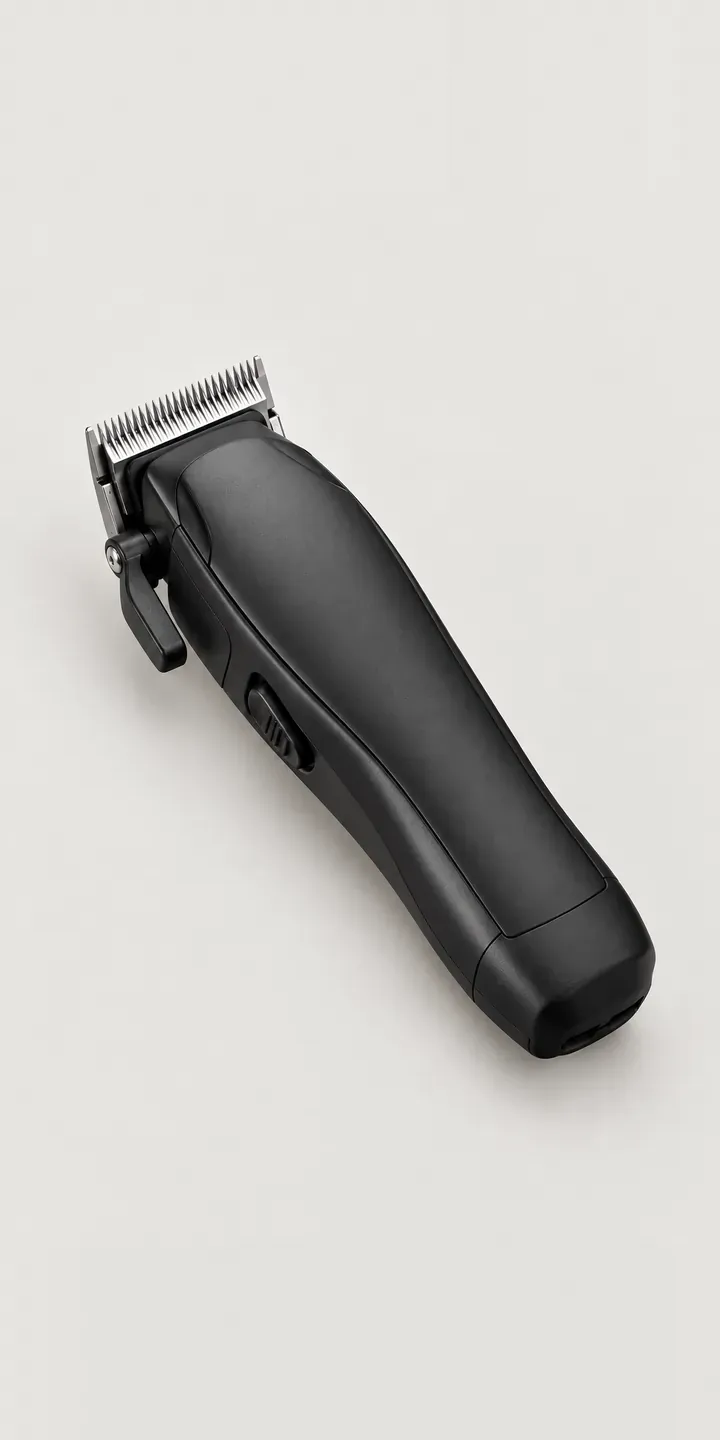
Below is a working configurator for an illustrative professional trimmer, the tool a barber reaches for on line-ups, necklines and fades. Pick a finish and a blade, and the summary records the build.
Barbers are particular about their tools. They weigh balance in the hand, how the grip feels after a full Saturday, and whether the blade cuts clean against the skin. Finish matters more than outsiders expect. A trimmer sits on the station all day in view of every client, and many barbers treat it as part of how their chair looks.
Salon and barbering Configurator demo
Barber Trimmer
- Product
- Barber Trimmer
- Colour
- Matte Black
- Blade
- Standard
Illustrative product. The design and images are generated examples, not a real model for sale.
What you can configure
Matte black, silver, brass and gunmetal are the finishes on show, four of six, with a standard or fade blade as the option. Finish also changes handling: a matte body shows fewer fingerprints than polished metal, which matters with styling product on the hands. The blade is listed in the summary. A production build would add a close-up of each blade, because barbers look at the teeth first.
- Colour: Matte Black, Silver, Brass, Gunmetal
- Blade: Standard, Fade
Why a configurator suits hair trimmers
Six finishes and two blades give twelve trimmers. For a barber supply shop, that means twelve listings to photograph, or more often a single listing with a dropdown and one silver photo. A barber kitting out a four-chair shop wants to see the brass next to the gunmetal before ordering four of each.
Blade type is the costly mistake. A fade blade and a standard blade look alike in a thumbnail but cut differently. A used trimmer cannot easily go back on the shelf once it has touched a client. Clear blade imagery and a line on what each suits reduces returns that a retailer often cannot resell.
Academies and gifting add another market. Barber schools kit out students each intake, and brands run limited finishes to mark launches. A configurator handles both. Academy orders take a quote route with quantities per finish. A limited colour such as oxblood can run for a set period, then switch off without touching the rest of the listing.
How a production version would be built
For a tool this size, a clean studio packshot per finish is the base layer. Blades can be composited separately if shot at the same angle, so twelve combinations need eight images. Engraving, if offered, works best as a live text layer. The supplier provides SKUs, blade codes, finish names and any finish that only comes with one blade. Retail orders go to a Shopify basket, and trade accounts or academies take a quote route with trade pricing applied after login.
Build sheet for this range
- Colours in the full range: 6 (4 shown in this demo)
- Blade choices: 2
- Combinations to support: 6 × 2 = 12
- Images for one photograph per combination at 3 angles: 36
- Images if blade sizes can be shown as separate layers, at 3 angles: 24
- Data each of the 12 combinations needs: a SKU or variant ID, price, stock or lead time, and any dimensions or specification that change
Questions about hair trimmer configurators
Which images show the difference between a standard and a fade blade?
With a macro shot of each blade set from the front and side, so the tooth pattern and gap are visible. A short line of guidance helps too: which suits outlines and skin fades, which suits general trimming. Barbers judge blades by eye, so a sharp, close image does more than a written description.
Can metallic finishes like brass and gunmetal be shown accurately?
Close, though metal is harder than paint because its colour shifts with reflections. I shoot each finish under the same lighting and check it against a physical sample. A second angle showing how light rolls across the body gives a better sense of the finish than a single flat image.
Can we offer engraving or personalised initials?
That is straightforward. Engraving becomes a text step with a character limit and a choice of fonts, previewed live on the body. The text goes into the order as a structured field, so the workshop engraves exactly what was approved. Engraved tools are usually non-returnable, and the configurator can say so before checkout.
Can trade customers see different pricing to the public?
They can. A logged-in barber or salon account sees trade pricing and quantity breaks, while retail visitors see standard prices on the same page. The configurator reads prices from the store or ERP rather than holding its own, so trade terms are maintained in one place.
More salon and barbering configurator demos
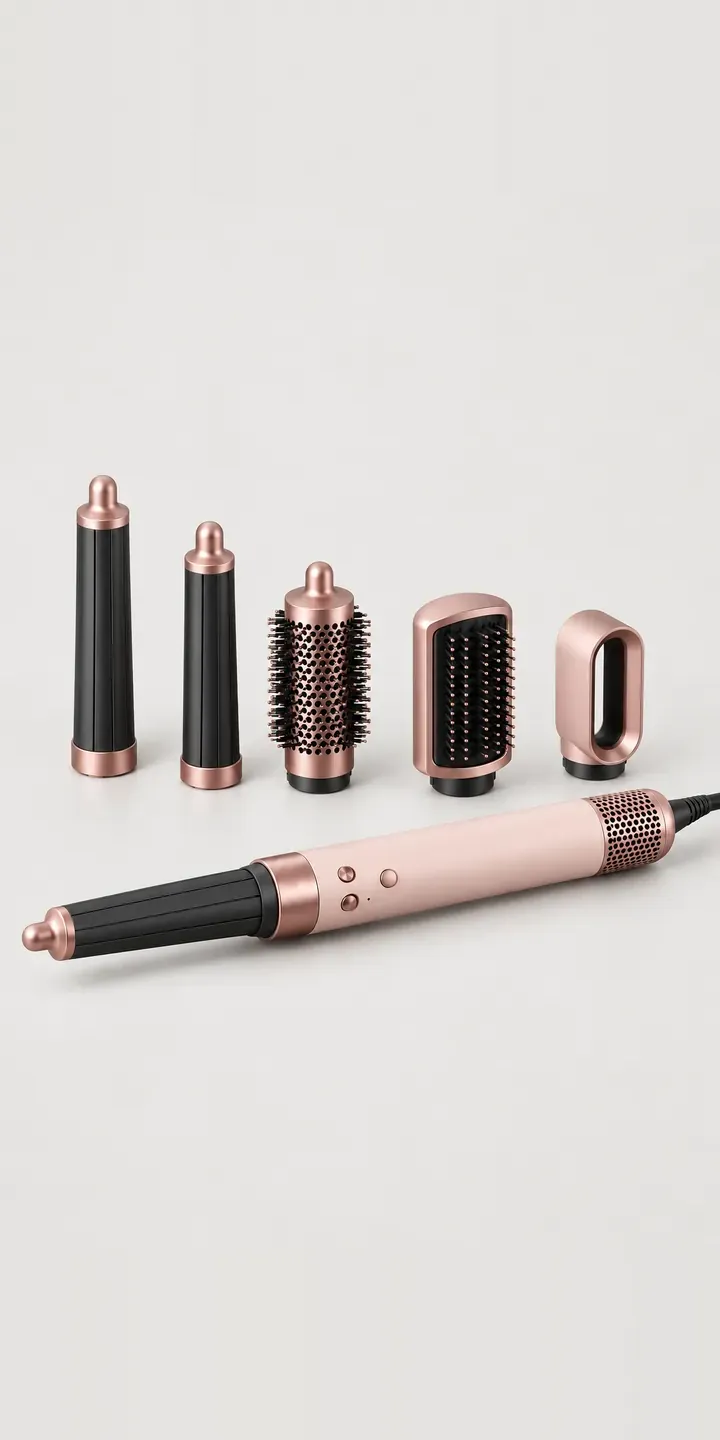
Barrel Air Shaper
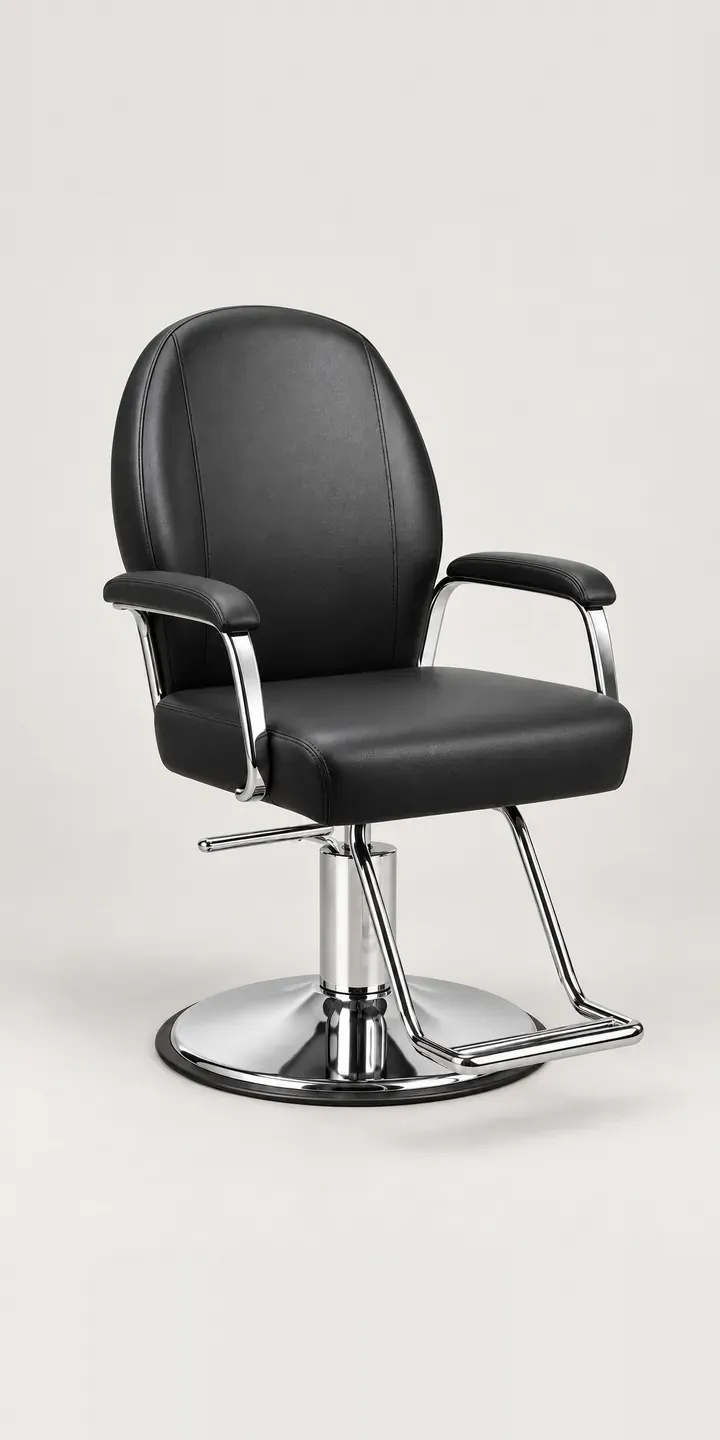
Hydraulic Barber Chair
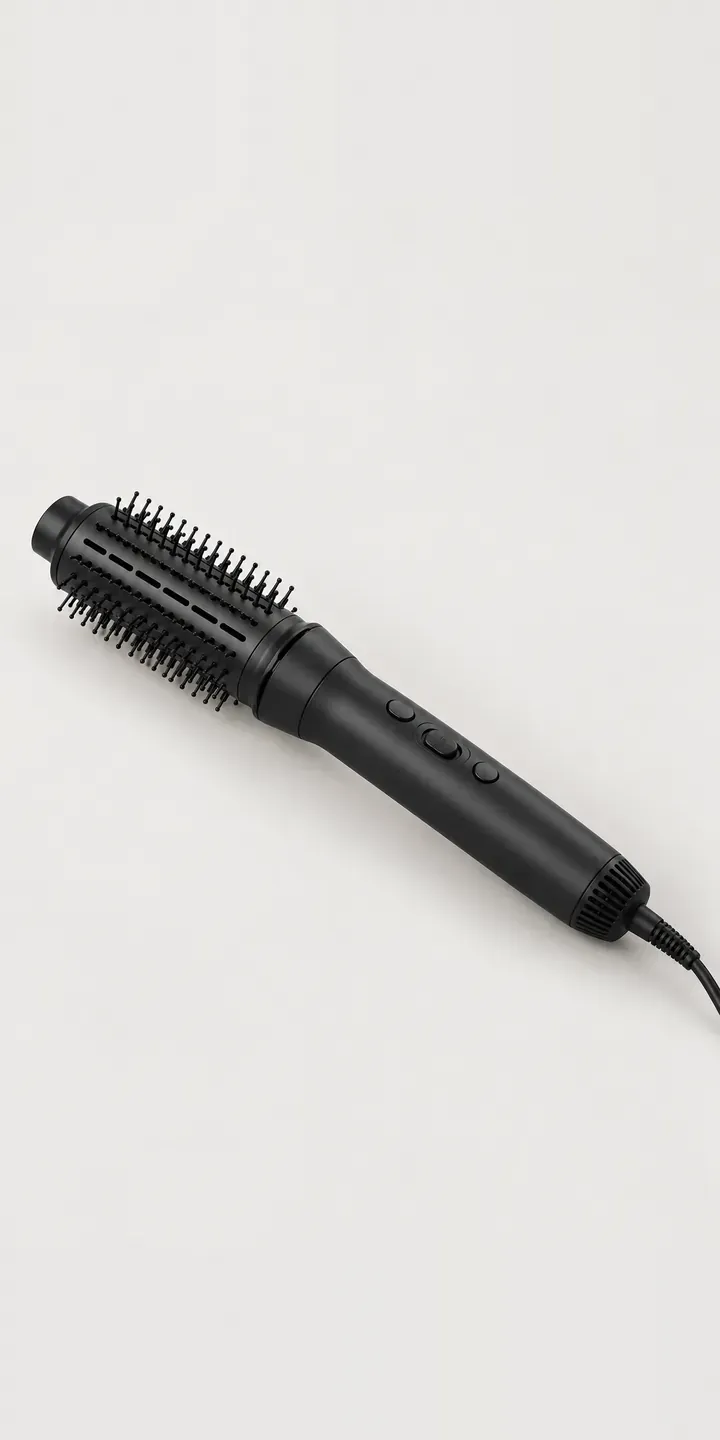
Rotating Air Curler
Salon Hair Hood
Salon Hairdryer
Salon Straightener
All salon and barbering equipment configurator demos
A configurator for your hair trimmers
This demo uses an illustrative product. If you sell hair trimmers, I can build the same experience around your own range, photography and ordering process, connected to Shopify, WooCommerce or a quote workflow. I reply to enquiries within two UK working days.