Electricians buy test equipment on trust. This illustrative digital test meter can be configured in four body colours with a basic or deluxe lead kit, and the summary becomes a quote request rather than a basket.
On a meter, colour is not only decoration. Contractors use it to tell their kit apart on a shared site, and distributors use it to separate own-label ranges. The bigger decision is the leads. Buyers check measurement category, probe tip length and whether the leads are fused before anything else, because the leads are what touch a live conductor. A kit that suits a domestic installer may not suit someone testing distribution boards.
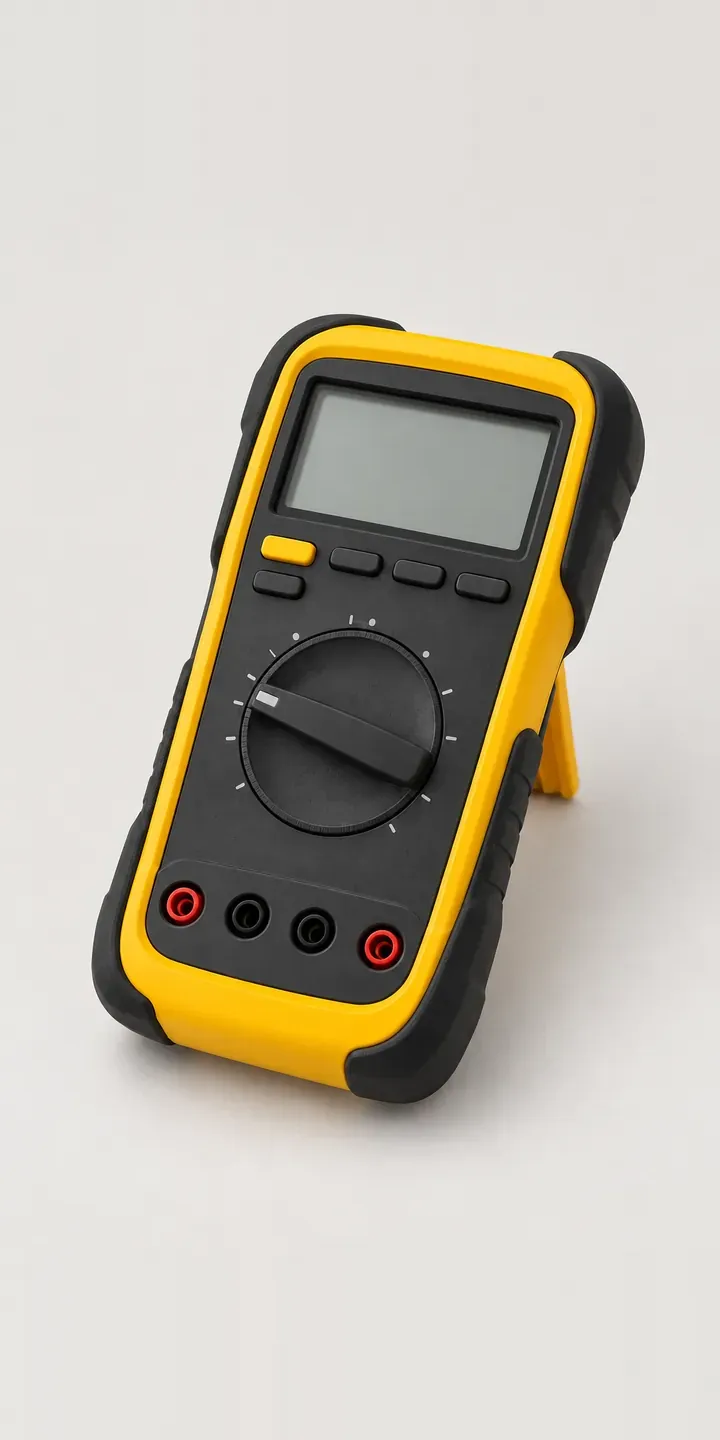
Tools and workshop Configurator demo
Digital Test Meter
- Product
- Digital Test Meter
- Colour
- Yellow
- Leads
- Basic
Illustrative product. The design and images are generated examples, not a real model for sale.
What you can configure
Yellow, orange, grey and blue are shown from a range of six body colours. Each colour is a separate photograph of the same meter, with the rotary function dial and the rubber boot in identical positions. The lead choice is captured in the summary but does not change the image here. In a production build the deluxe kit would appear as its own product shot, laid out so the buyer can see exactly what is included.
- Colour: Yellow, Orange, Grey, Blue
- Leads: Basic, Deluxe
Why a configurator suits test meters
Test equipment is sold through wholesalers, online trade suppliers and direct to contractors, and each channel needs something slightly different. A wholesale counter needs a fast way to quote the right kit. An online customer needs to see which leads, clips and probes arrive in the box. Most catalogues collapse twelve colour and kit combinations into one photo and a long bullet list.
Kit contents cause many of the after-sale questions in this category. Someone orders the basic leads expecting accessories that only come with the deluxe set, then asks for an exchange. A configurator that shows each kit visually and names every part sets expectations before the order is placed, and the chosen kit arrives as its own order line that the warehouse cannot misread.
Colour has a commercial use as well. Contractors running several vans often want every meter in one colour so tools come back to the right engineer. A configurator with a quantity field and a quote route handles that order properly, instead of forcing it through a consumer checkout built for one unit at a time.
How a production version would be built
A meter suits simple image swapping. The body is compact, so six colour photographs and two kit photographs give clear, consistent results without 3D. The work is mostly in the data: the specification sheet, each lead kit's contents, the safety ratings to display, and trade price rules if accounts see different terms. I set this up as structured product data so a change to a kit updates every page it appears on. Orders can then go to Shopify or WooCommerce, or arrive as a structured quote for a sales desk working through an ERP.
Build sheet for this range
- Colours in the full range: 6 (4 shown in this demo)
- Leads choices: 2
- Combinations to support: 6 × 2 = 12
- Images for one photograph per combination at 3 angles: 36
- Images if lead kits can be shown as separate layers, at 3 angles: 24
- Data each of the 12 combinations needs: a SKU or variant ID, price, stock or lead time, and any dimensions or specification that change
Questions about test meter configurators
Can the configurator show exactly what comes in each lead kit?
Yes. Each kit gets its own image and a parts list drawn from your product data, so the buyer sees probes, clips and fuses by name before ordering. If a kit's contents change, you update the data once and the page follows. For test equipment, this is often the most useful thing the configurator does.
Can trade accounts see different kits or prices from retail customers?
They can. Logged-in trade customers can be shown account pricing, quantity breaks or kits not offered to the public, while retail visitors see the standard range. On Shopify this usually runs through customer tags, and on WooCommerce through user roles. The configurator reads those rules rather than keeping its own copy.
How should measurement category and voltage ratings appear in the configurator?
As data from your specification sheet, not as marketing copy. Category, voltage rating and probe standards should sit next to each kit, so the buyer never has to guess which leads suit which job. I do not write or interpret ratings myself; they come straight from your technical team and stay in step with the manual.
Can a contractor order ten meters in one colour with their company details?
Yes, through the quote route. The configurator records colour, lead kit and quantity, then collects company name, delivery address and any notes for labelling. Your sales team receives one structured request instead of a phone call followed by an email chain. Card checkout can sit alongside it for single units.
More tool and workshop configurator demos
Dual-Rail Chop Saw
Heat Imaging Camera
Jobsite Table Saw
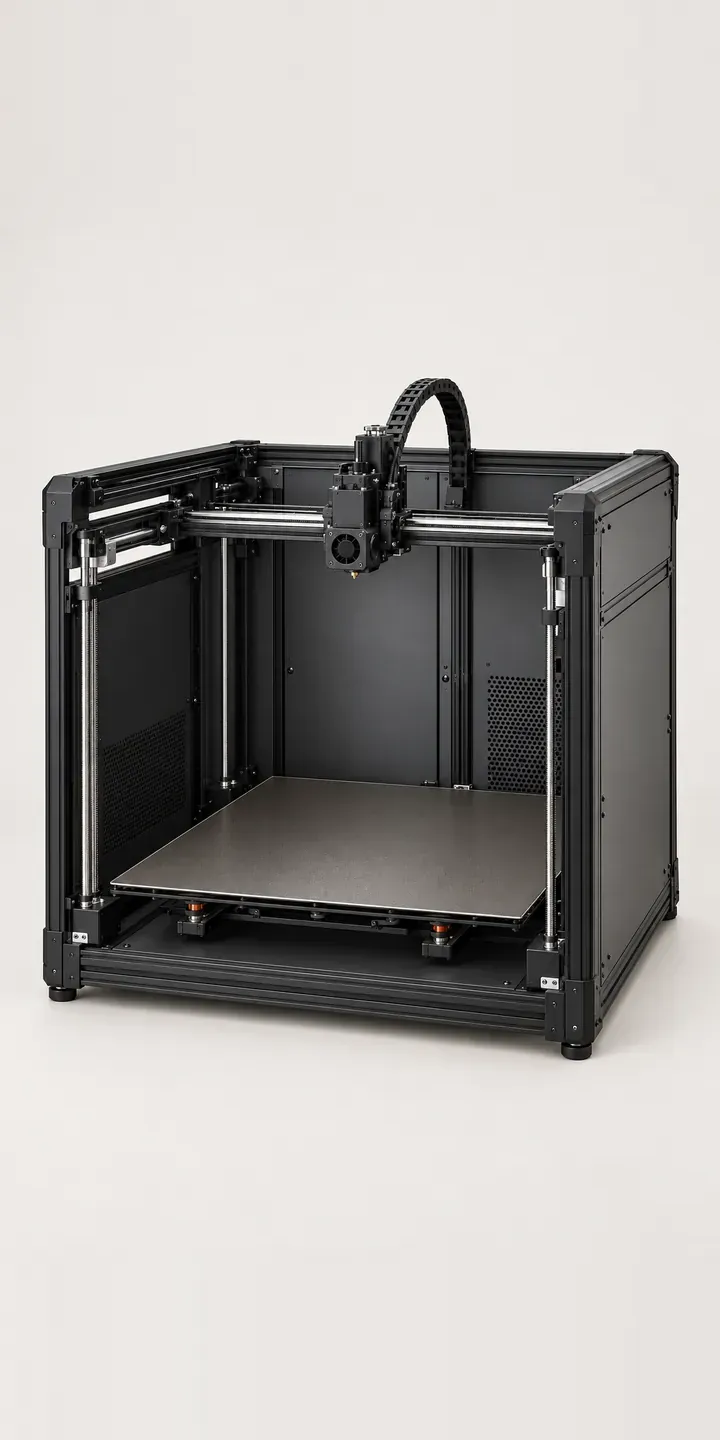
Large-Bed 3D Printer
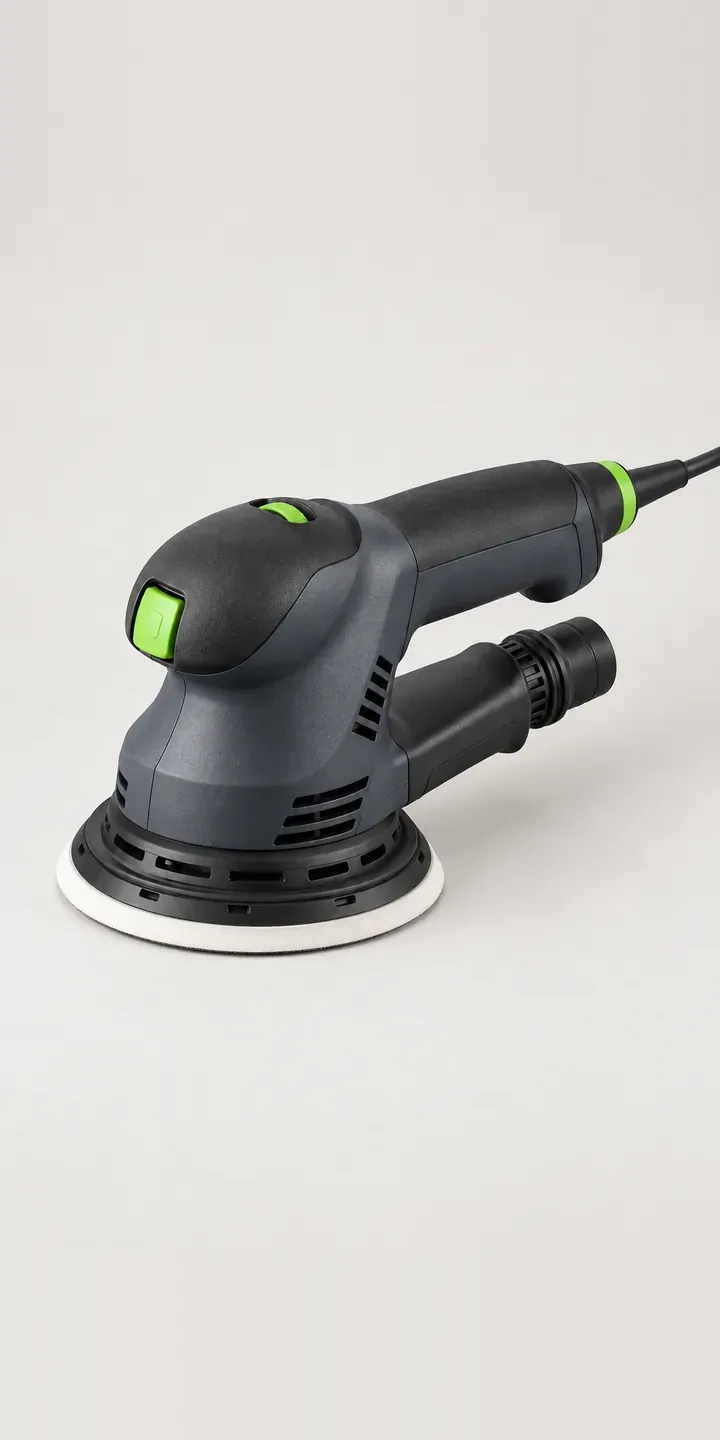
Orbital Sanding Tool
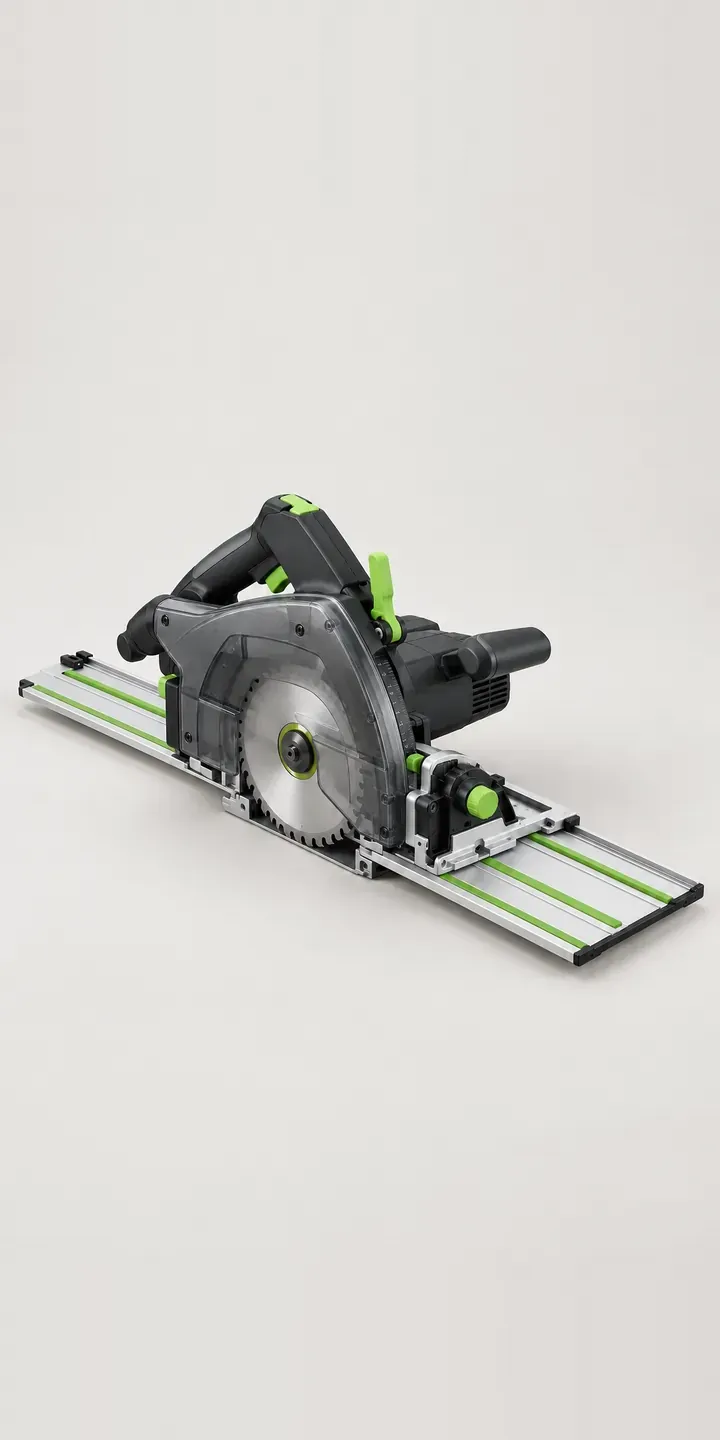
Precision Rail Saw
All tool and workshop equipment configurator demos
A configurator for your test meters
This demo uses an illustrative product. If you sell test meters, I can build the same experience around your own range, photography and ordering process, connected to Shopify, WooCommerce or a quote workflow. I reply to enquiries within two UK working days.