This page demonstrates a configurator for an illustrative jobsite table saw. Pick a finish and a stand type, and the summary lists the setup.
A site saw has to earn its place twice. First at the cut, where rip capacity, fence accuracy and blade guarding decide how safely it handles sheet and timber. Then in transit, where weight and stand design decide whether one person can move it. Buyers know roughly what they want from the first. The second is where they need help, because the stand changes how the saw lives day to day.
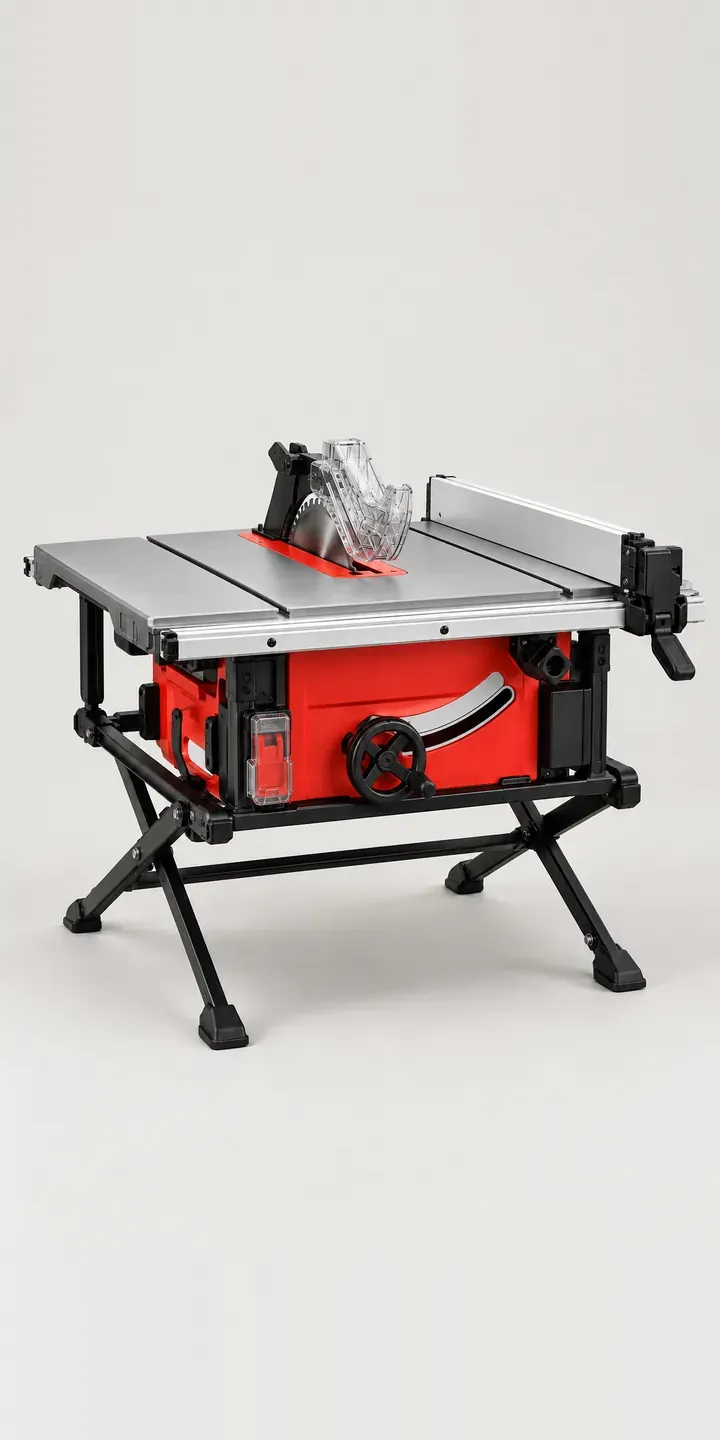
Tools and workshop Configurator demo
Jobsite Table Saw
- Product
- Jobsite Table Saw
- Colour
- Red
- Stand
- Folding
Illustrative product. The design and images are generated examples, not a real model for sale.
What you can configure
Red, amber, teal and blue are on offer here, from six finishes. The stand is folding or rolling. A folding stand is lighter and packs flat onto a van shelf. A rolling stand lets one person wheel the saw across a site and raise it to working height without lifting its full weight. The fold-out extension and rip fence are the same on both. The stand choice is recorded in the summary.
- Colour: Red, Amber, Teal, Blue
- Stand: Folding, Rolling
Why a configurator suits table saws
Finish and stand together give a short list of twelve. What makes the decision hard is context. A builder carrying the saw up scaffold stairs needs something different from one working on a ground-floor extension, and a garage woodworker may never move it at all. A configurator that asks where the saw will be used points each buyer to the right stand.
The same question shapes the accessories. Site buyers want spare riving knives, blades for sheet material and a cover for wet weather. Garage users want outfeed support, an extraction hose and a mobile base that stays put when locked. Presenting both lists to everyone dilutes them, while filtering by use makes each feel considered.
Table saws also carry a safety conversation retailers should not skip. Push sticks, the correct blade guard and a riving knife matched to the blade are part of safe use, not optional extras. Including them by default in the build, with a clear note on why, protects the buyer and reflects well on the retailer.
How a production version would be built
Each finish should be photographed or rendered on both stands, because the stand changes the whole silhouette: twelve images, one per combination. Compositing is possible, but legs and wheels overlap the body in ways that rarely look right. For data, I would ask for SKUs, stand dimensions folded and open, weights and accessory compatibility by blade diameter. Orders go to the basket, and trade accounts can route larger orders to a quote. A saw with folding parts is also a good candidate for a 3D configurator once the range justifies it.
Build sheet for this range
- Colours in the full range: 6 (4 shown in this demo)
- Stand choices: 2
- Combinations to support: 6 × 2 = 12
- Images for one photograph per combination at 3 angles: 36
- Images if stands can be shown as separate layers, at 3 angles: 24
- Data each of the 12 combinations needs: a SKU or variant ID, price, stock or lead time, and any dimensions or specification that change
Questions about table saw configurators
Can the configurator help buyers choose between a folding and rolling stand?
Yes. A question about how the saw will be moved, by one person, up stairs or rarely at all, can recommend a stand. Showing folded dimensions and weight for each makes the trade-off concrete, and the buyer can still pick either one.
Should safety accessories be included by default?
I would include the essentials, such as push sticks and the correct riving knife, as preselected items with a short explanation, and let buyers remove them only knowingly. Optional extras like spare blades or an outfeed table belong in a separate step after the core kit.
Do we need a photo of every finish on every stand?
For a table saw, it is the safer route. Stands change the overall shape and how the saw sits, and composited legs often look wrong at the joins. Twelve images is manageable, and the result reads clearly at a glance on a phone screen.
Is a configurator worth it for a smaller tool retailer?
It can be, if the saw is a significant line and buyers keep asking about stands and accessories. A single-product configurator is a modest build. Cost depends on the number of products, options and integrations, and I reply to enquiries within two UK working days.
More tool and workshop configurator demos
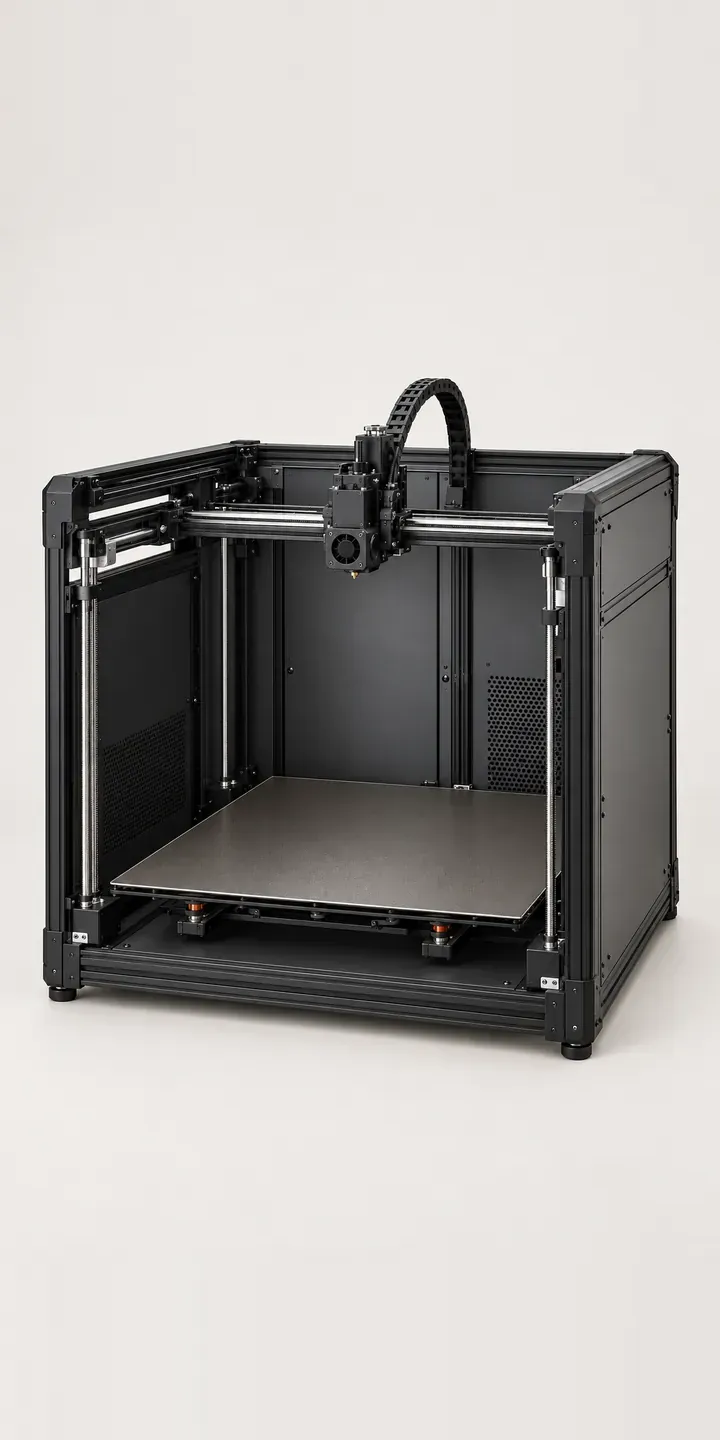
Large-Bed 3D Printer
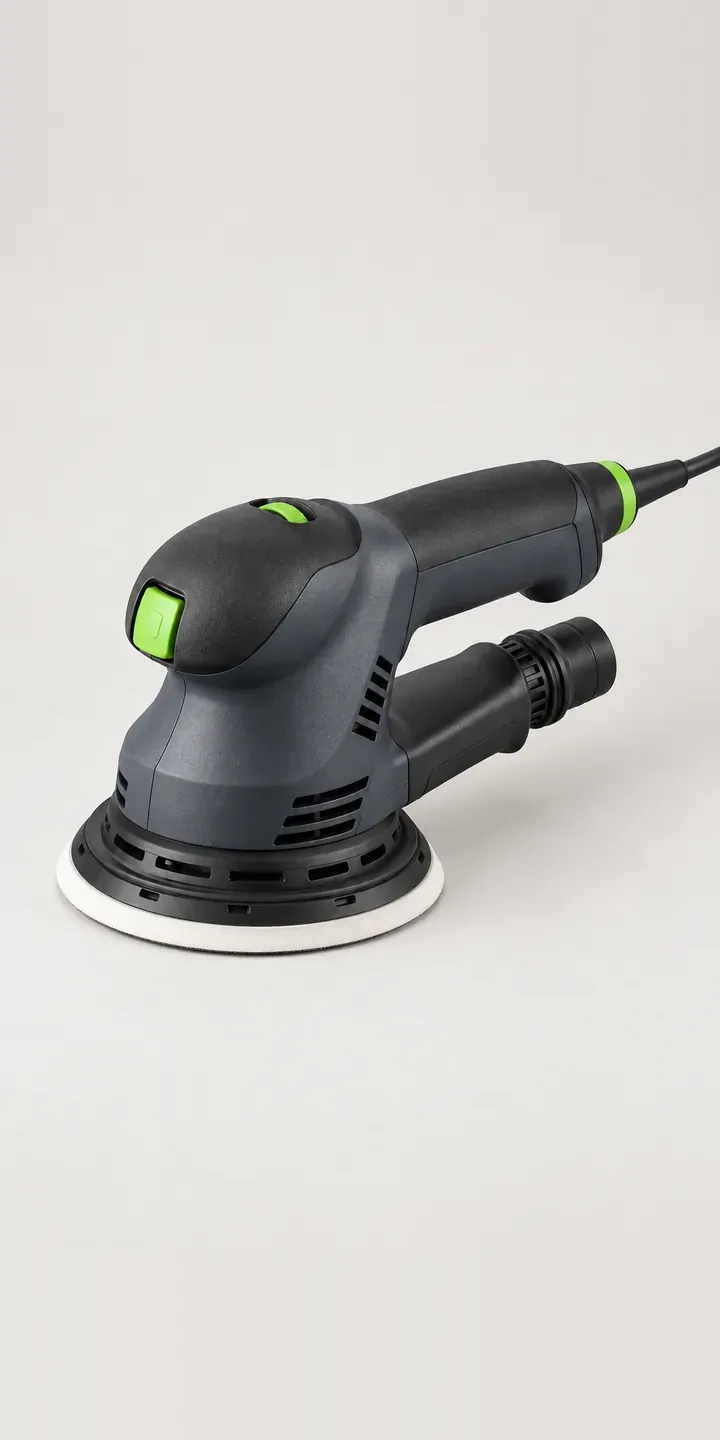
Orbital Sanding Tool
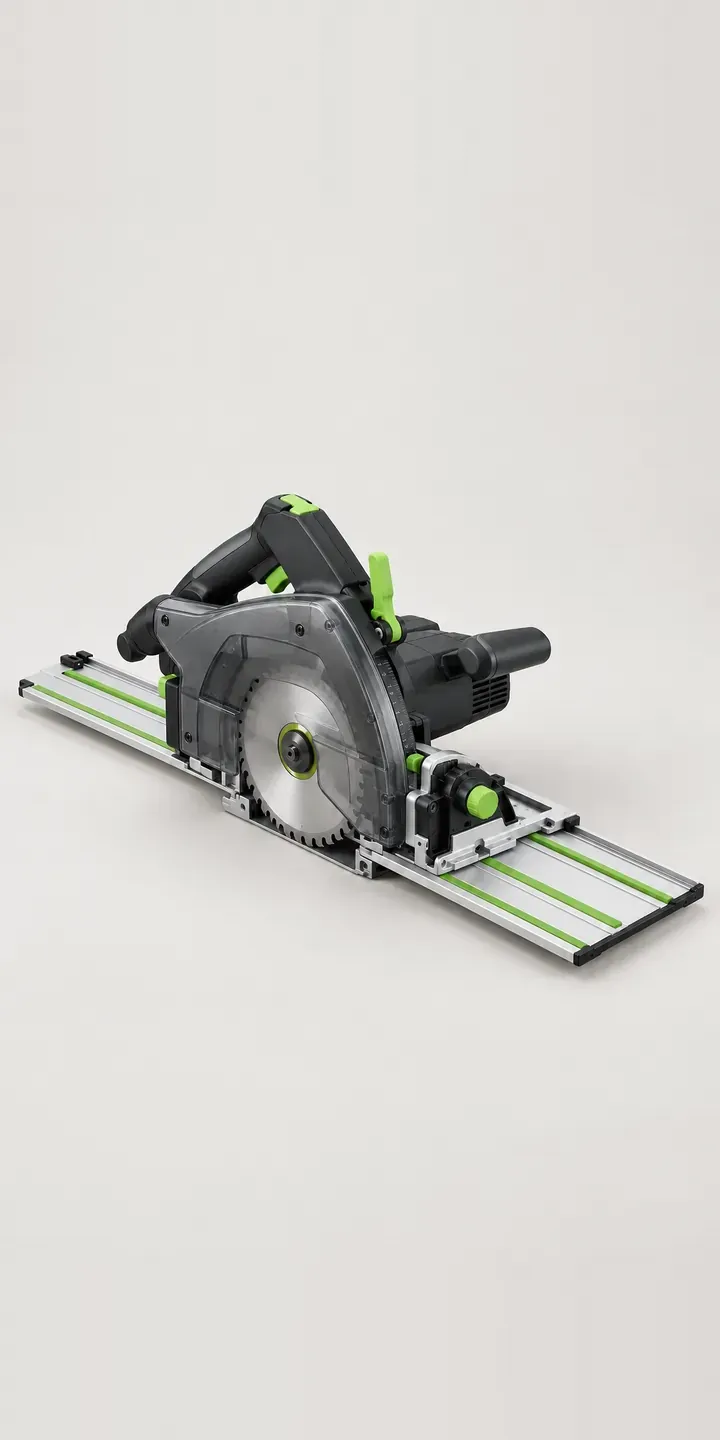
Precision Rail Saw
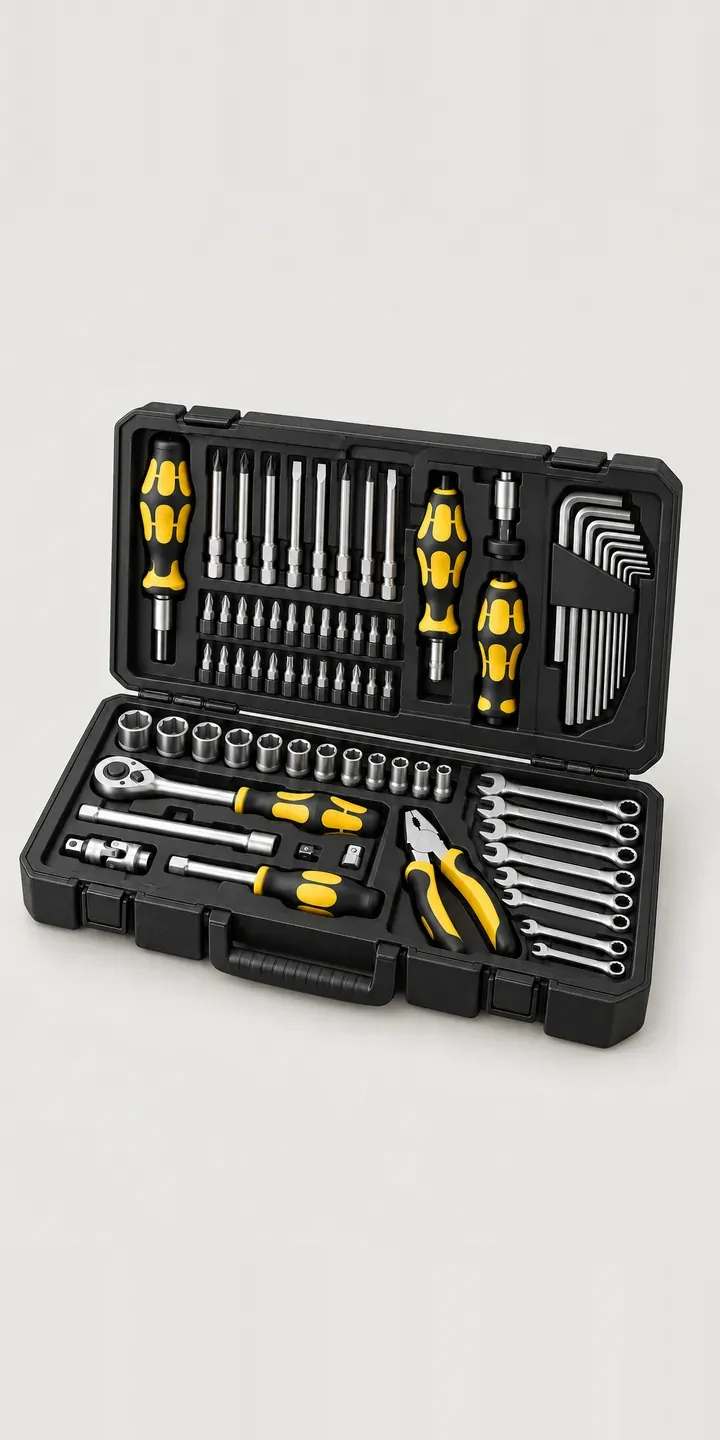
Screwdriver Kit
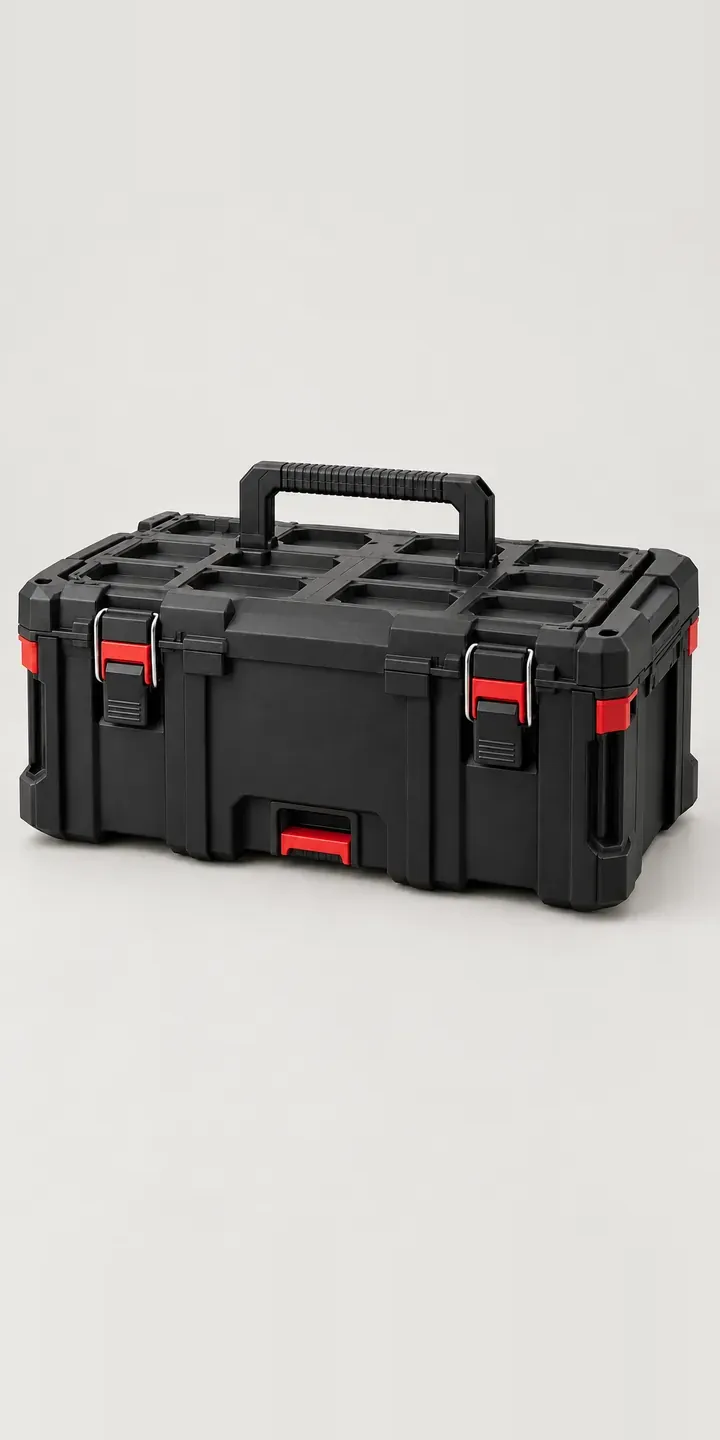
Stacking Toolbox
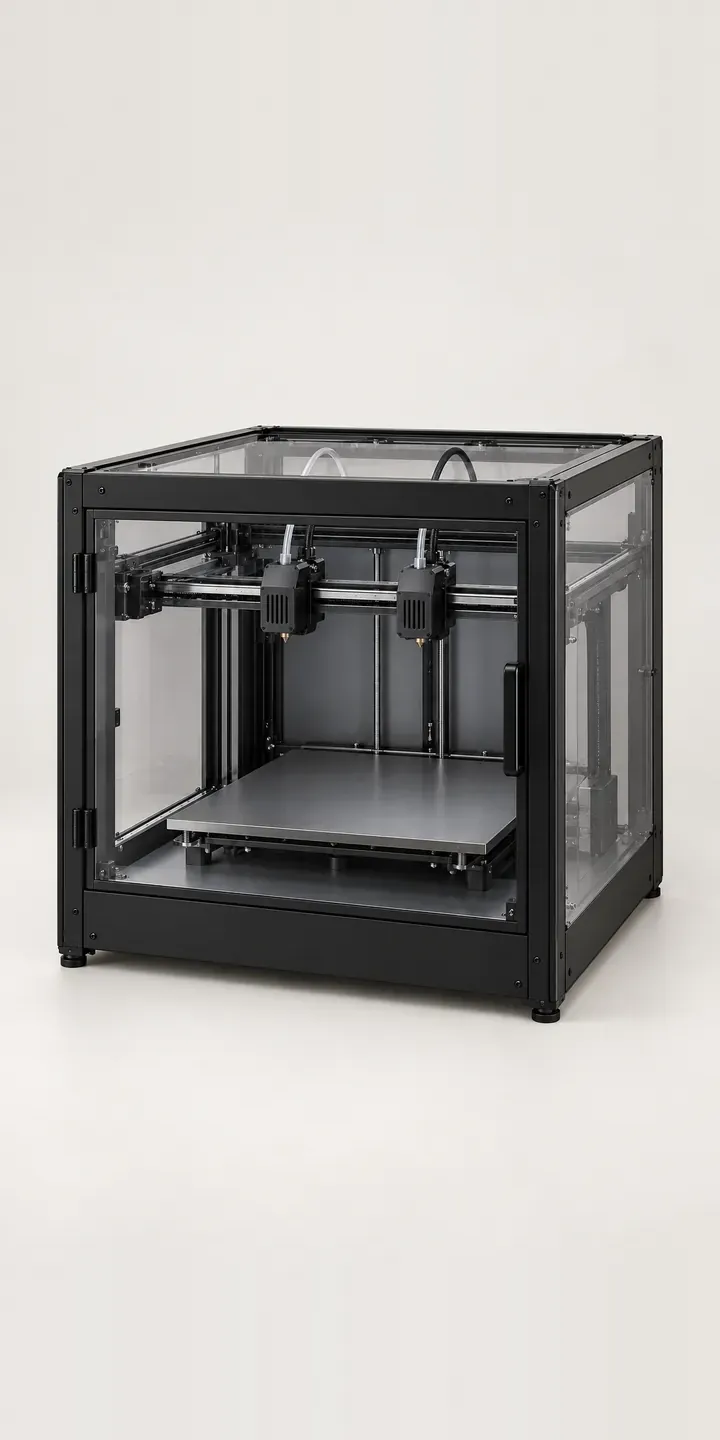
Twin-Nozzle Printer
All tool and workshop equipment configurator demos
A configurator for your table saws
This demo uses an illustrative product. If you sell table saws, I can build the same experience around your own range, photography and ordering process, connected to Shopify, WooCommerce or a quote workflow. I reply to enquiries within two UK working days.