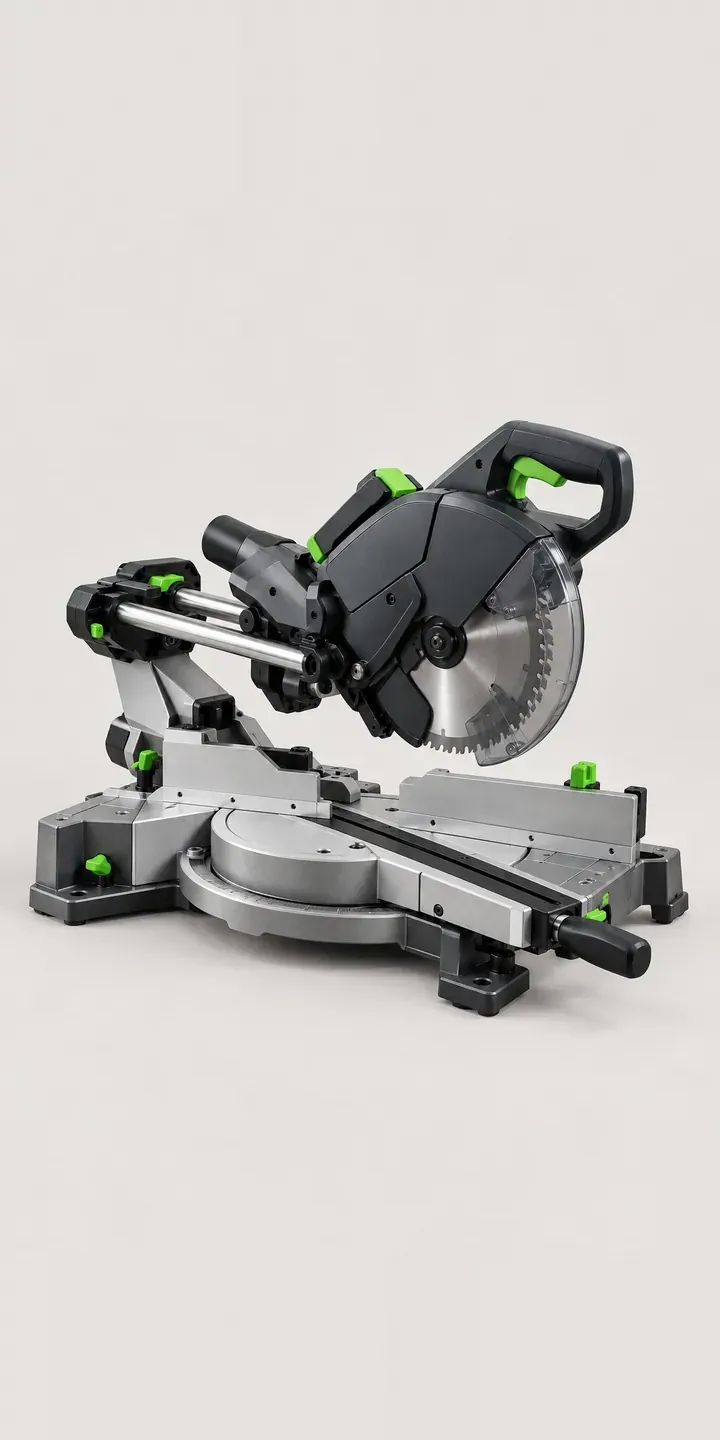
Here is a configurator for an illustrative dual-rail chop saw, a sliding mitre saw for crosscutting wide boards. Select a finish and a blade, and the summary records the setup.
Carpenters weigh a mitre saw on capacity and accuracy: how wide a board it crosscuts, whether it bevels both ways and whether the mitre detents hold true. Practical questions follow: how far the rails project behind the saw, and whether it will sit on a site stand. Buyers also ask whether the supplied blade suits skirting and architrave, or only framing timber.
Tools and workshop Configurator demo
Dual-Rail Chop Saw
- Product
- Dual-Rail Chop Saw
- Colour
- Graphite
- Blade
- 40 Tooth
Illustrative product. The design and images are generated examples, not a real model for sale.
What you can configure
Graphite, black, red and blue finishes are shown, with amber and steel grey also in the range. The blade option is 40 or 60 tooth. A 40 tooth blade cuts faster and suits construction timber, while a 60 tooth leaves a cleaner edge on hardwood mouldings and painted trim. For second-fix work the finer blade is often the one buyers wish they had ordered. The blade choice sits in the summary rather than changing the image.
- Colour: Graphite, Black, Red, Blue
- Blade: 40 Tooth, 60 Tooth
Why a configurator suits chop saws
A sliding saw's twin rails need space behind the head, and anyone setting up a workshop against a wall needs that clearance. Overall dimensions with the head pushed fully back can sit in the build, alongside a choice of stand. Few product pages make that clearance obvious, and buyers tend to find out when the saw arrives.
Blade choice shapes how the saw performs from the first cut. Twelve finish and blade pairs is a small range, but the blade is where specialist advice counts. Offering a second blade at the point of purchase, explained in terms of the timber the buyer actually cuts, adds value for both sides.
Stands, extension supports and dust bags turn a saw into a working station. On a new-build site a carpenter moving from room to room needs a folding leg stand. A joinery shop wants the saw fixed to a bench with long outfeed support. Asking where the saw will be used lets the configurator offer the right set instead of every accessory at once.
How a production version would be built
Twelve finish and blade pairs could each be photographed, but blades are better composited: one saw image per finish, with the blade as a layer behind the guard. That allows new blades, such as a fine-cut or non-ferrous option, without reshooting the saw. The retailer supplies SKUs, blade diameter and bore for compatibility, stand options, and dimensions with the head extended. For trade merchants, the build can feed a quote or an account order through WooCommerce, with blades and stands on separate lines.
Build sheet for this range
- Colours in the full range: 6 (4 shown in this demo)
- Blade choices: 2
- Combinations to support: 6 × 2 = 12
- Images for one photograph per combination at 3 angles: 36
- Images if blades can be shown as separate layers, at 3 angles: 24
- Data each of the 12 combinations needs: a SKU or variant ID, price, stock or lead time, and any dimensions or specification that change
Questions about chop saw configurators
Can the configurator explain which blade suits which material?
Yes. A short note beside each blade option, framed around the work, does most of the job: construction timber, hardwood trim or sheet material. If you sell specialist blades for laminate or aluminium extrusion, they can appear only when the buyer says that is what they cut.
Can we show the saw's footprint with the rails extended?
Yes, and for sliding saws it is worth doing. A simple top-down drawing with the depth at full extension, alongside the width, answers whether it will fit on a bench against a wall. It costs one drawing per model and saves a lot of disappointed returns.
Should stands be part of the saw configuration?
Usually, yes. Most site buyers need one, and the right stand depends on whether the saw travels or stays put. Offering a folding leg stand for site work and a fixed bench setup for workshops, with mounting compatibility checked, avoids a second order a week later.
Can customers reorder replacement blades from their saved build?
Yes. Because the build records the blade diameter and bore, a returning customer can see compatible replacement and upgrade blades straight away. It turns a consumable that buyers often source elsewhere into a repeat order with the retailer who sold them the saw.
More tool and workshop configurator demos
Heat Imaging Camera
Jobsite Table Saw
Large-Bed 3D Printer
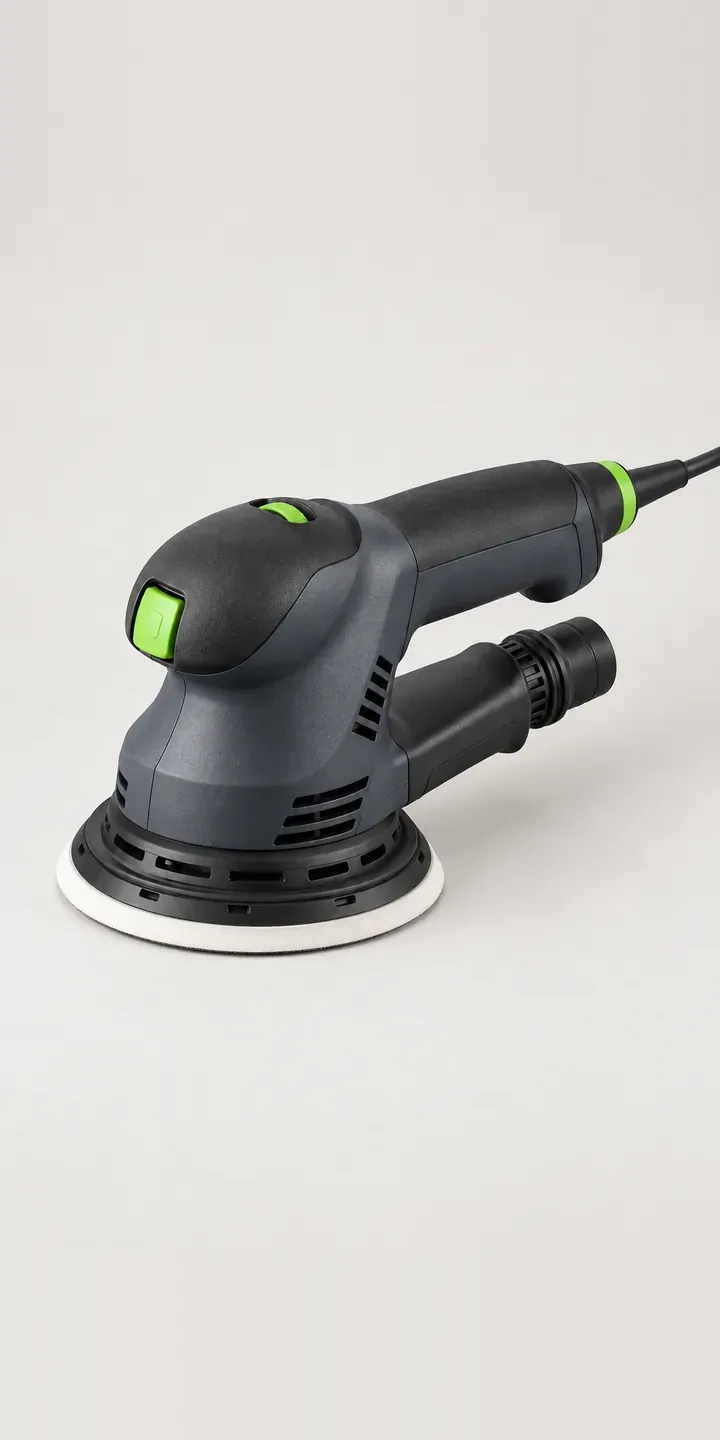
Orbital Sanding Tool
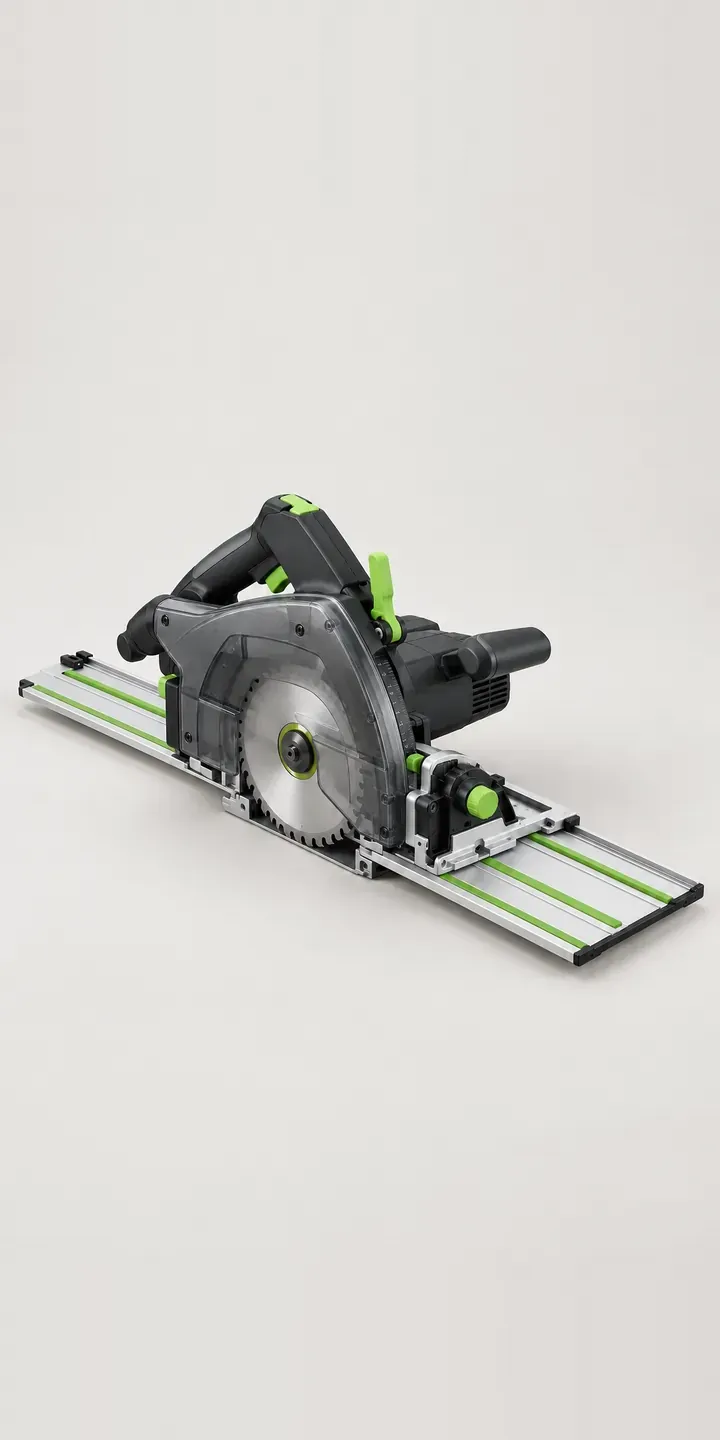
Precision Rail Saw
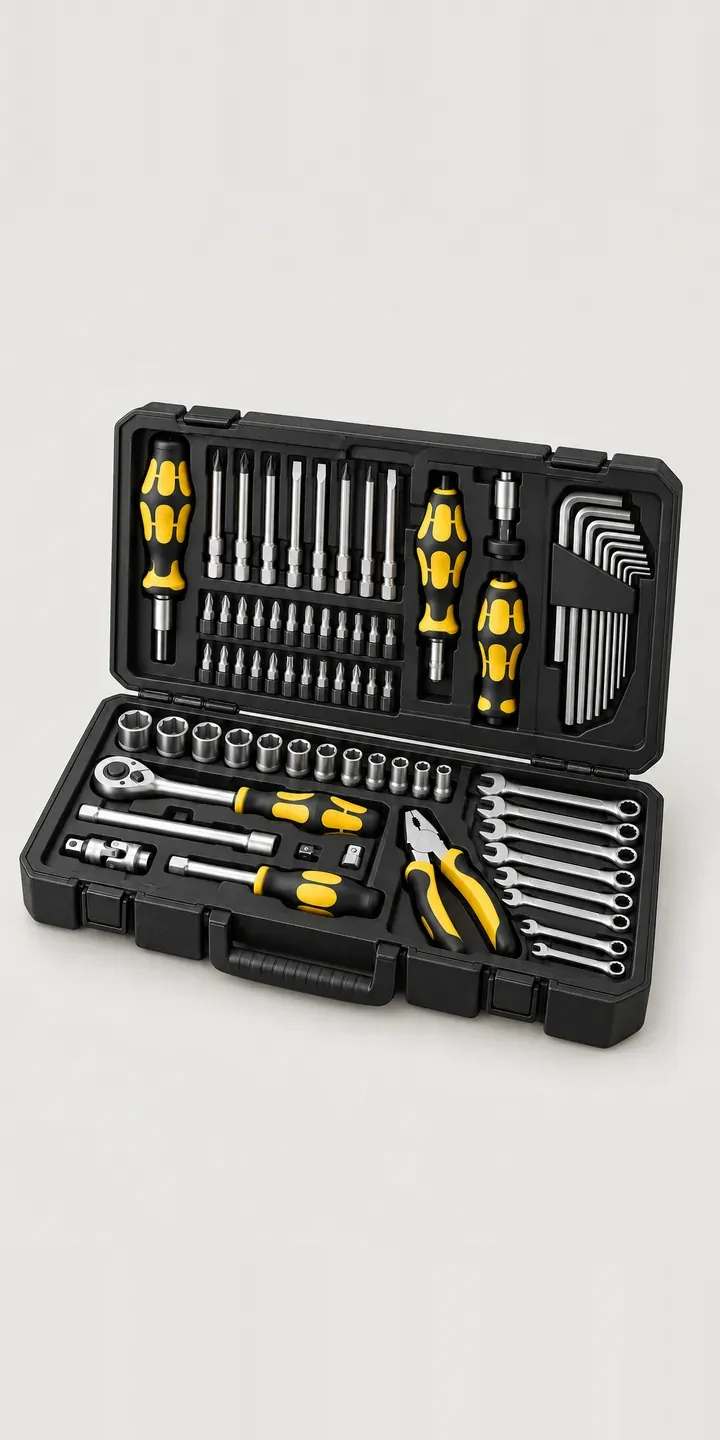
Screwdriver Kit
All tool and workshop equipment configurator demos
A configurator for your chop saws
This demo uses an illustrative product. If you sell chop saws, I can build the same experience around your own range, photography and ordering process, connected to Shopify, WooCommerce or a quote workflow. I reply to enquiries within two UK working days.