A multi-tool fabricator is bought for what it might do next year as much as for what it does today. This illustrative 3-in-1 machine is configured here in four finishes, with a choice of print only, print plus CNC, or all three modules.
Buyers fall into two camps. Small workshops, such as sign-makers, want one footprint that can print a jig, mill a plaque and finish a prototype without three separate machines. Schools and colleges want a single purchase that covers several parts of a design and technology course, signed off through a procurement process. Both decide on modules first and colour last, and both need to know what upgrading later involves.
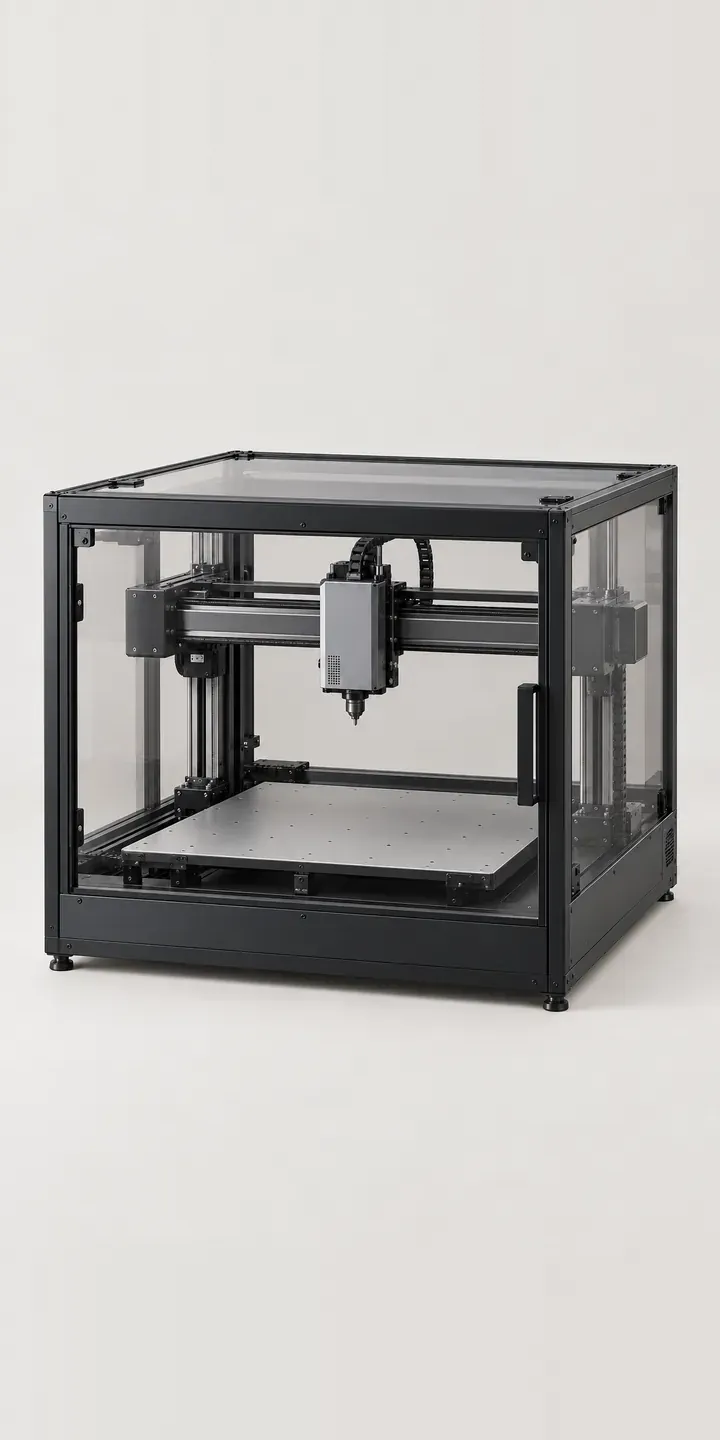
Tools and workshop Configurator demo
3-in-1 Fabricator
- Product
- 3-in-1 Fabricator
- Colour
- Black
- Modules
Illustrative product. The design and images are generated examples, not a real model for sale.
What you can configure
The finish swatches change the photograph between black, silver, white and graphite. The module choice is where the real configuration happens: print only, print with CNC, or the full set of three toolheads. It appears in the summary but does not alter the image in this demo. A production version would show the extra toolheads and accessories each module set adds, because buyers want to see the kit rather than only read about it.
- Colour: Black, Silver, White, Graphite
- Modules: Print, Print+CNC, All Three
Why a configurator suits fabricators
Modular machines are hard to sell from a flat product page. Three module sets across six finishes gives eighteen orderable versions, and each set changes what arrives in the box, how it is set up and which consumables the buyer will need. A comparison table helps, but it rarely answers the practical question of whether a school can start with printing and add CNC in the next budget year.
A configurator can answer that directly. It can show the upgrade path, list toolheads and consumables per module set, and record the choice as structured data. For an education buyer the output is a quote with line items a finance office will accept. For a workshop it can be a basket with a spare build plate or the right cutters suggested alongside.
Support teams benefit too. When orders arrive with the module set clearly recorded, they know which manuals, safety notes and firmware apply before the first ticket comes in. That matters more for a machine that cuts as well as prints, because set-up and safety steps differ by module.
How a production version would be built
Because the modules change what sits on the carriage, I would photograph or render each toolhead separately and show it as a detail view rather than compositing it onto the main shot. The frame colour stays a simple image swap. The manufacturer or reseller supplies module contents, compatible consumables, upgrade SKUs and any pairing rules, such as an accessory a module depends on. Workshops can check out through a Shopify or WooCommerce basket, while schools are routed to a quote request, with the configuration attached as structured fields for the CRM.
Build sheet for this range
- Colours in the full range: 6 (4 shown in this demo)
- Modules choices: 3
- Combinations to support: 6 × 3 = 18
- Images for one photograph per combination at 3 angles: 54
- Images if module sets can be shown as separate layers, at 3 angles: 27
- Data each of the 18 combinations needs: a SKU or variant ID, price, stock or lead time, and any dimensions or specification that change
Questions about fabricator configurators
Can a school buy print only now and add the CNC module later?
Yes. Upgrade modules can be listed as separate products, with a field for the existing machine's serial number or order reference. A school returning next year selects its machine and sees only the modules it does not already own. That keeps upgrade orders accurate and stops duplicate toolheads being sold to the same department.
Can the configurator produce a quote that works for school procurement?
It produces an itemised quote request with modules, quantities and delivery details, which your sales team turns into a formal quote. Fields for a purchase order reference, VAT status or a named budget holder are easy to add. The configuration stays attached throughout, so nobody has to re-key it when the order is approved.
Is it worth showing the toolhead swap in 3D?
For a modular machine it can be. A short rotating view of the carriage changing between print and CNC heads explains the product faster than a paragraph. A 3D configurator takes more preparation than image swapping, so I would usually start with photographs and add 3D once the range or the upgrade sales justify it.
How do you present safety information that differs by module?
As product data attached to each module set. Milling and cutting bring guarding and extraction requirements that printing does not, and school technicians look for them before purchase. The configurator shows the relevant notes beside the chosen modules, drawn from your documentation rather than rewritten, so the wording matches the manual exactly.
More tool and workshop configurator demos
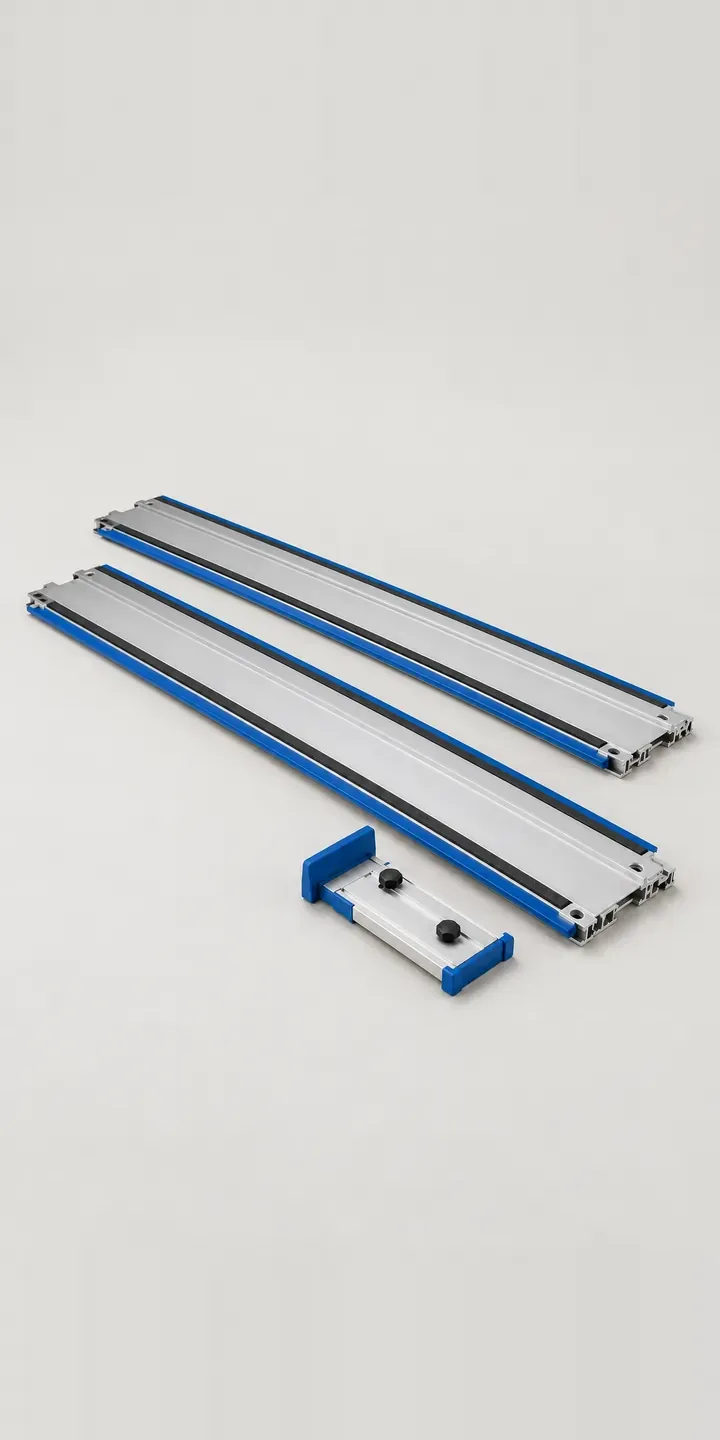
Aluminium Saw Rail
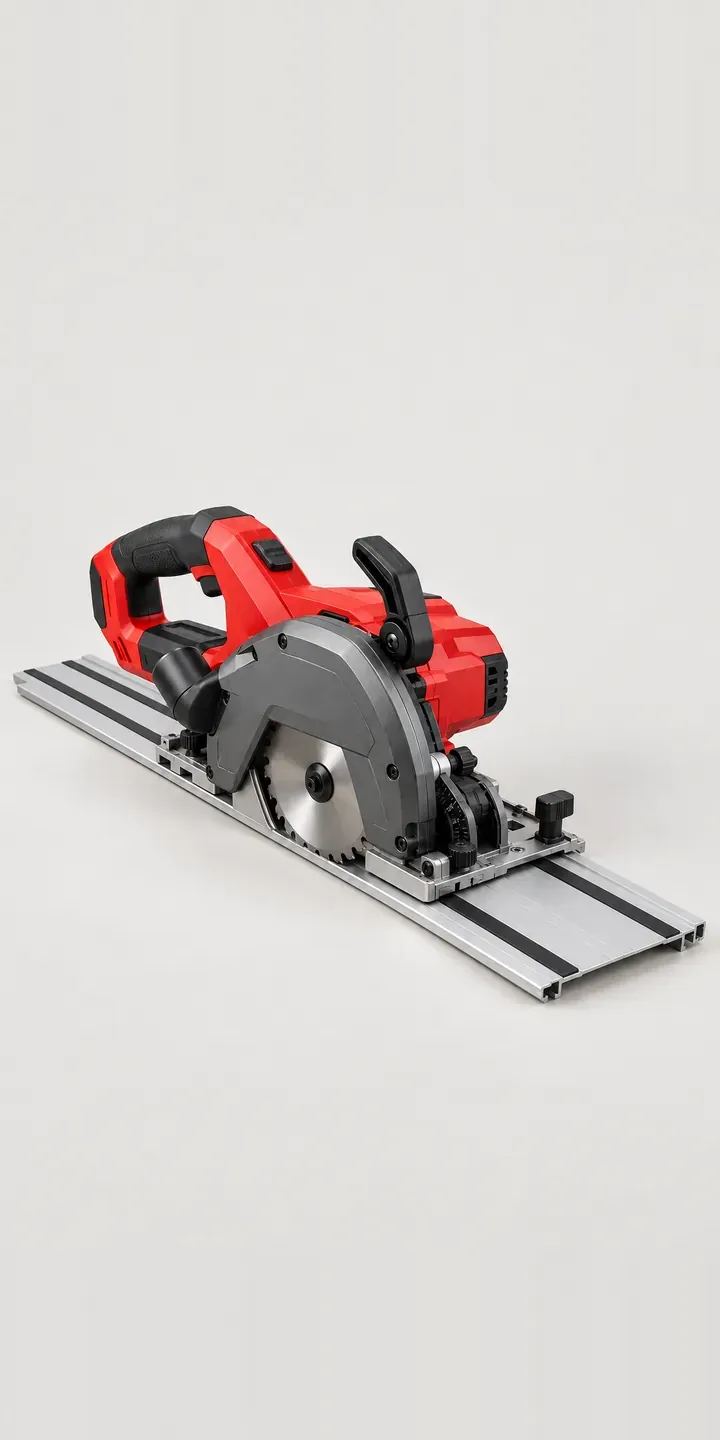
Battery Rail Saw
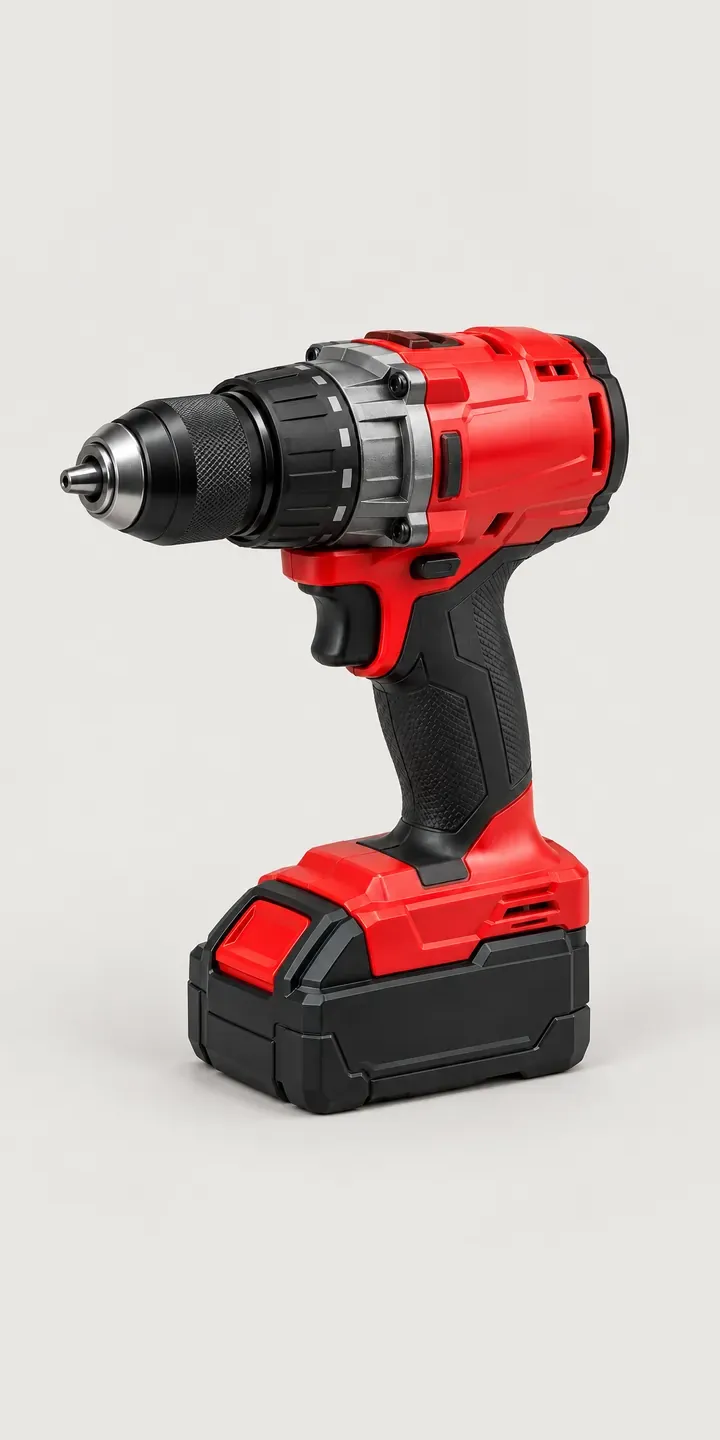
Cordless Combi Driver
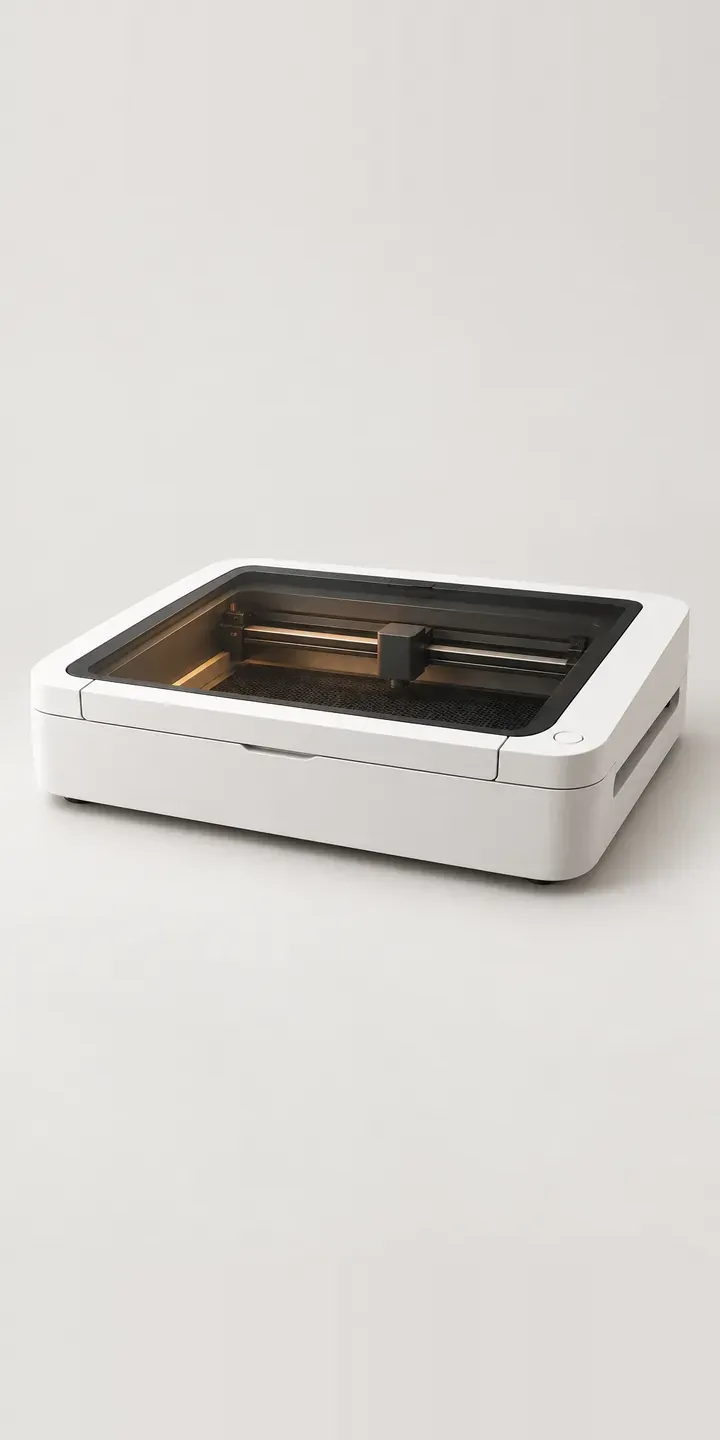
Desktop Laser Cutter
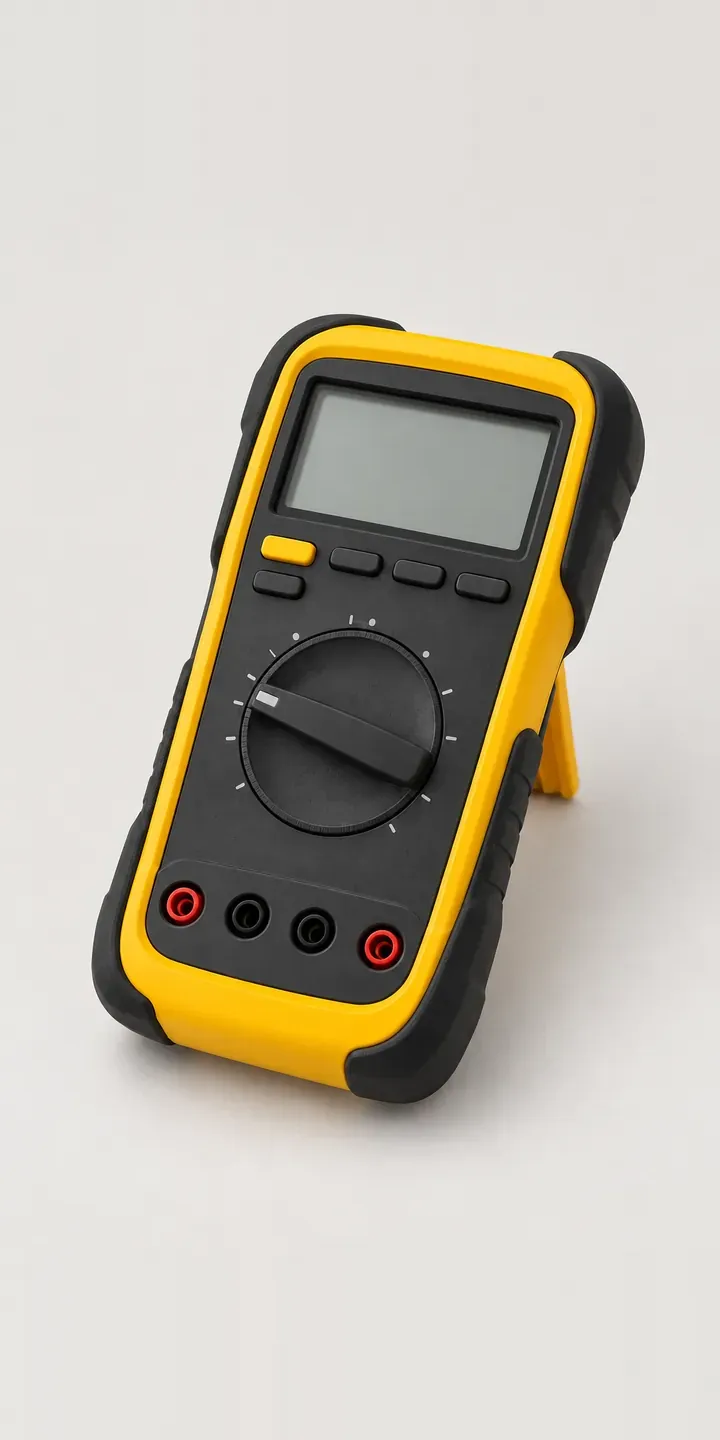
Digital Test Meter
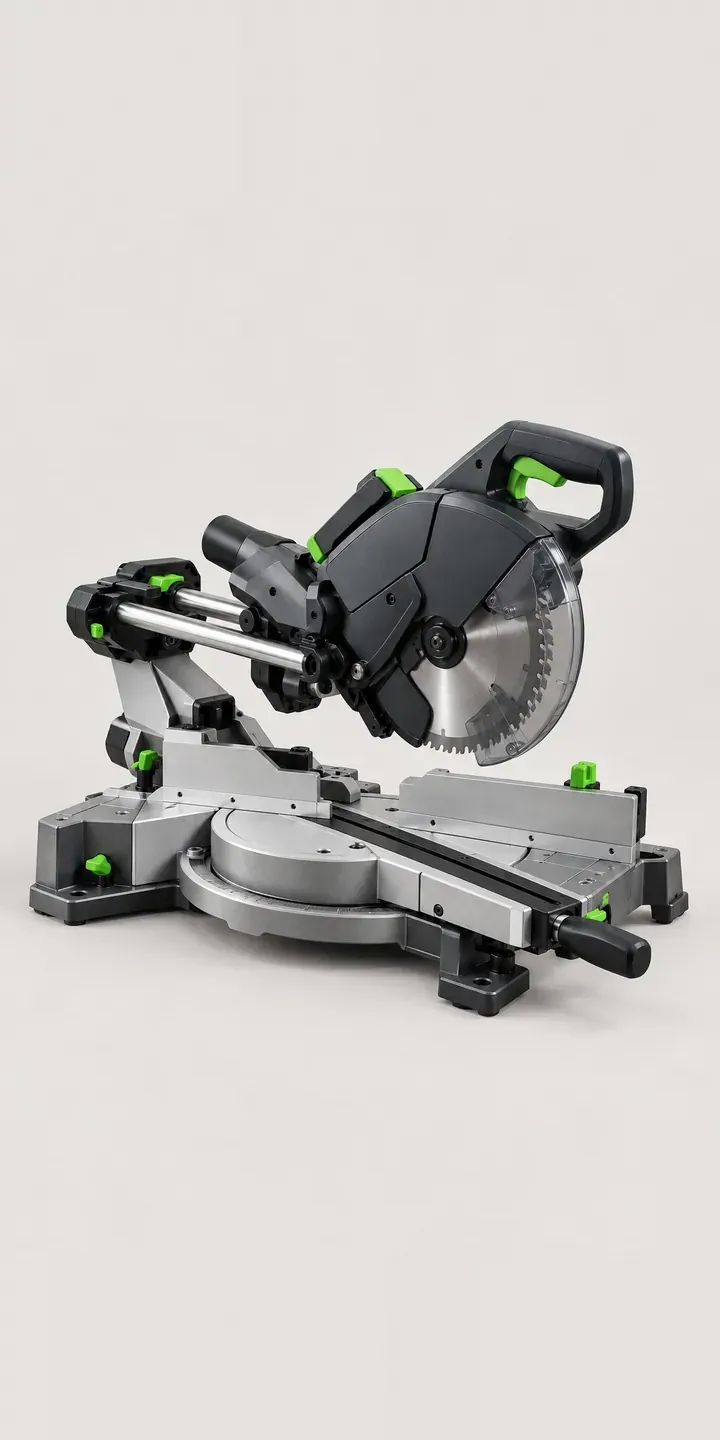
Dual-Rail Chop Saw
All tool and workshop equipment configurator demos
A configurator for your fabricators
This demo uses an illustrative product. If you sell fabricators, I can build the same experience around your own range, photography and ordering process, connected to Shopify, WooCommerce or a quote workflow. I reply to enquiries within two UK working days.