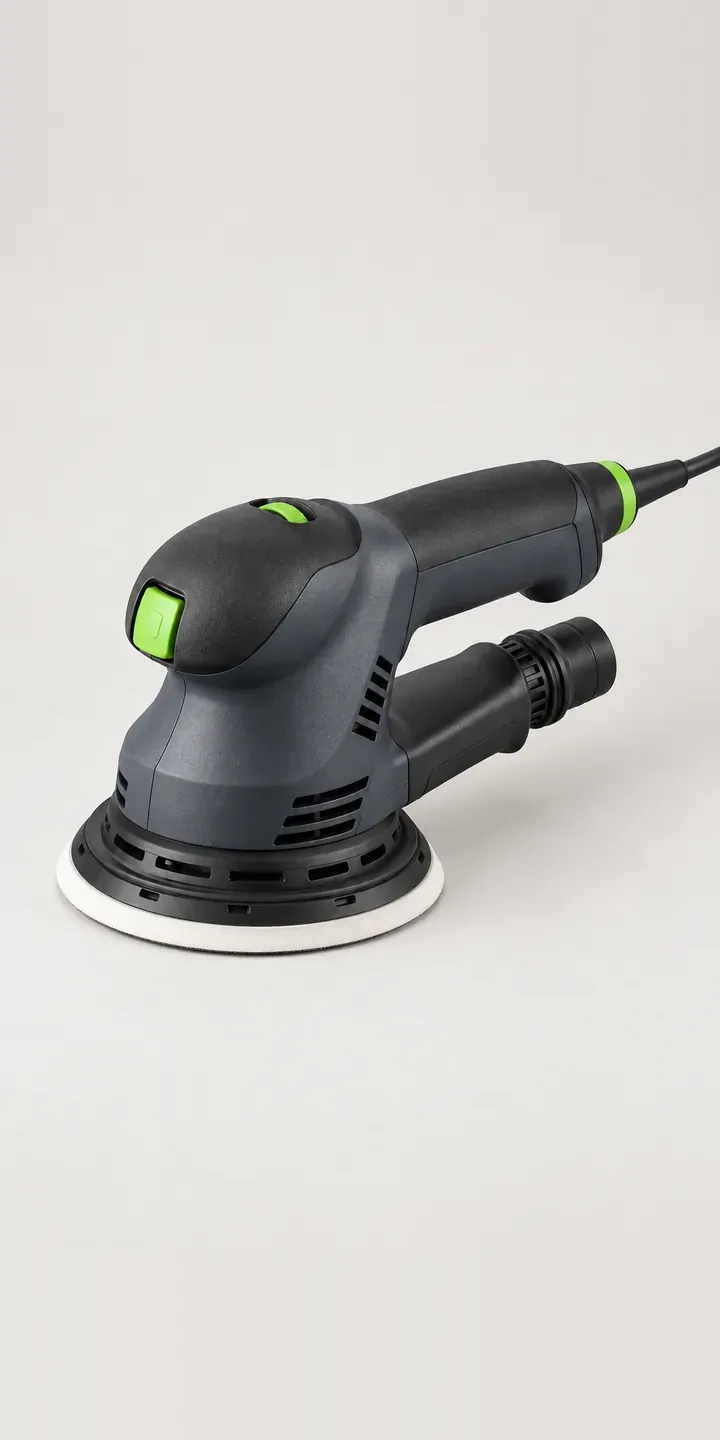
This configurator uses an illustrative random orbit sander. Choose a body finish and a pad size, and the summary keeps the build ready for a quote.
Furniture makers and restorers buy a sander for the finish it leaves, and for how many hours it can run before their hands complain. Pad size is the first real decision. A 125 mm pad gets into smaller panels and around shaped work, while a 150 mm pad covers a tabletop or a hull faster. Behind that sits a less visible choice: every abrasive disc bought afterwards has to match the pad.
Tools and workshop Configurator demo
Orbital Sanding Tool
- Product
- Orbital Sanding Tool
- Colour
- Graphite
- Pad
- 125 mm
Illustrative product. The design and images are generated examples, not a real model for sale.
What you can configure
Graphite, black, red and blue finishes are in the demo, with amber and steel grey in the wider range. Pad size is 125 mm or 150 mm. The pad choice is recorded in the summary without changing the image. A production build would show each pad from below, including the extraction hole pattern, because that is what a buyer checks before ordering discs.
- Colour: Graphite, Black, Red, Blue
- Pad: 125 mm, 150 mm
Why a configurator suits sanding tools
Sanders are sold once and fed for years. Every disc, interface pad and replacement backing pad depends on diameter and hole pattern, and buyers who mix them up lose extraction and clog their abrasives. A configurator that records the pad size can offer the correct abrasives at purchase and on every return visit.
Twelve finish and pad combinations, before abrasives, is modest. The value lies in the starter kit. A furniture maker working through the grits to a fine finish wants a box of each grade. A boat restorer stripping old varnish wants coarse grits and a soft interface pad for curved planks. Asking about the work produces a kit that fits it, rather than a generic assortment.
Extraction matters to both. A random orbit sander without a vacuum leaves dust on the work and in the air, and fine hardwood dust is a real concern in a small workshop. Offering a hose adapter or compatible extractor in the same build, matched to the port, makes the setup complete from the first disc.
How a production version would be built
Six body images with a separate pad layer, shot from one angle, let either pad sit on any finish. A second underside view per pad shows the hole pattern. Layered images like this are the approach behind the image-based configurator from the MMU Knowledge Transfer Partnership I worked on. Abrasive ranges by diameter and hole pattern, grit options, extractor compatibility and SKUs for bodies and pads make up the data. Starter kits work best as structured bundles, so the warehouse picks the right discs every time.
Build sheet for this range
- Colours in the full range: 6 (4 shown in this demo)
- Pad choices: 2
- Combinations to support: 6 × 2 = 12
- Images for one photograph per combination at 3 angles: 36
- Images if pad sizes can be shown as separate layers, at 3 angles: 24
- Data each of the 12 combinations needs: a SKU or variant ID, price, stock or lead time, and any dimensions or specification that change
Questions about sanding tool configurators
Can the configurator make sure customers buy the right abrasive discs?
Yes. Once the pad size is chosen, only discs with a matching diameter and hole pattern are offered. Returning customers can see discs for the sander they already own. That alone removes a common source of returns and frustrated reviews in sanding consumables.
Should we offer different starter kits for different trades?
It helps. A short question about the work, such as fine furniture, paint removal or boat restoration, can select a suitable grit progression and interface pad. The buyer can adjust quantities, but starts from a sensible kit rather than an empty basket and a page of grit numbers.
Can we show the difference between pad sizes visually?
Yes. An underside view of each pad at the same scale makes the size and hole pattern obvious. Some retailers add a simple overlay of both pads on a tabletop outline to show coverage. Either costs far less than reshooting the whole sander for each pad.
Could the configurator remind customers when to reorder abrasives?
It can support that, with care. The configurator records the sander and disc type, and your email or CRM system handles reminders from that record. Keep reminders tied to real purchase history and make opting out easy, so they read as helpful rather than pushy.
More tool and workshop configurator demos
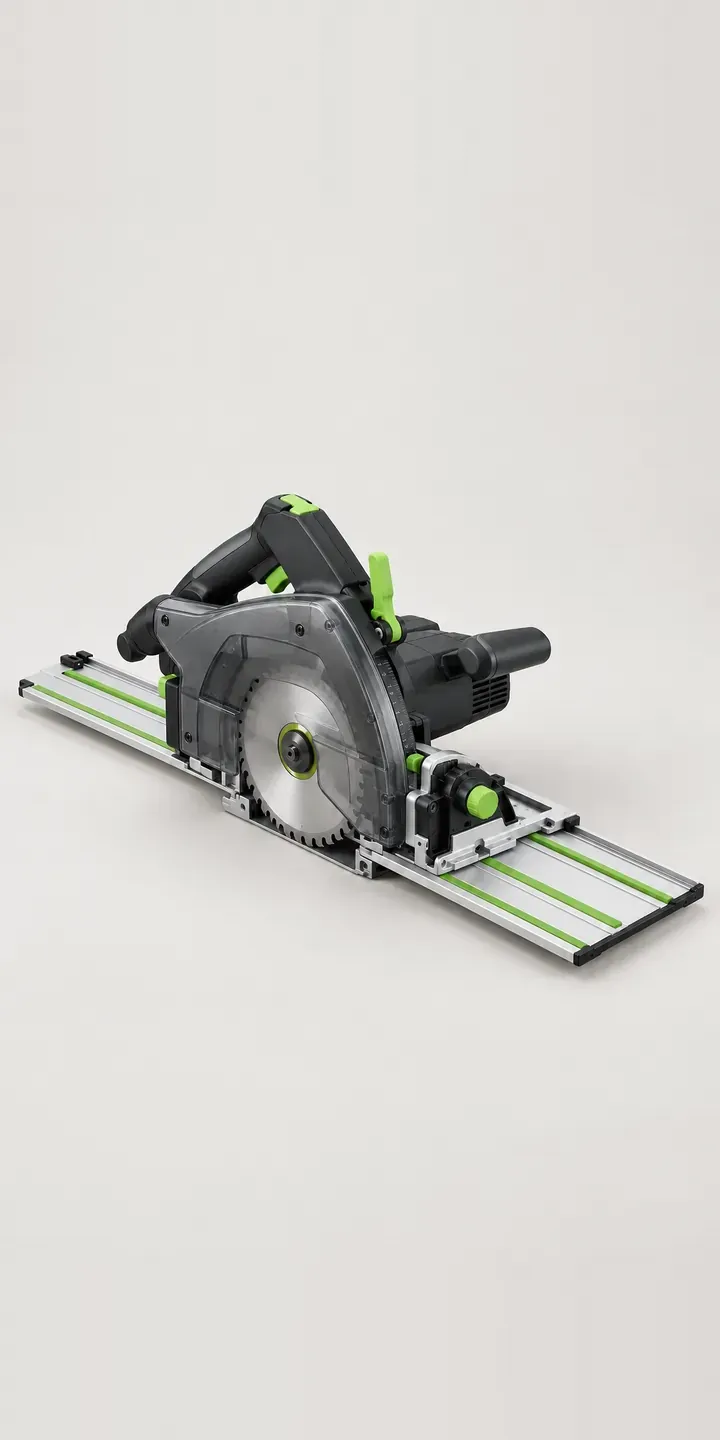
Precision Rail Saw
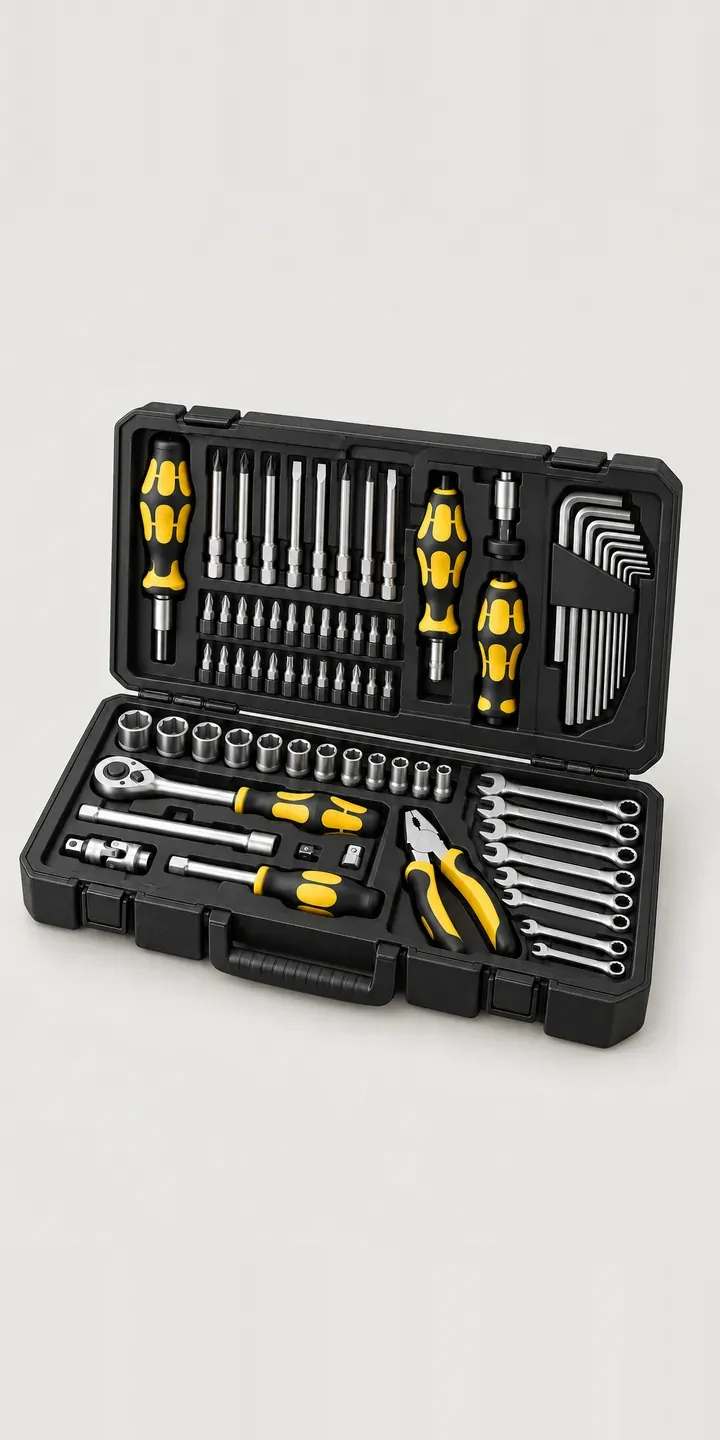
Screwdriver Kit
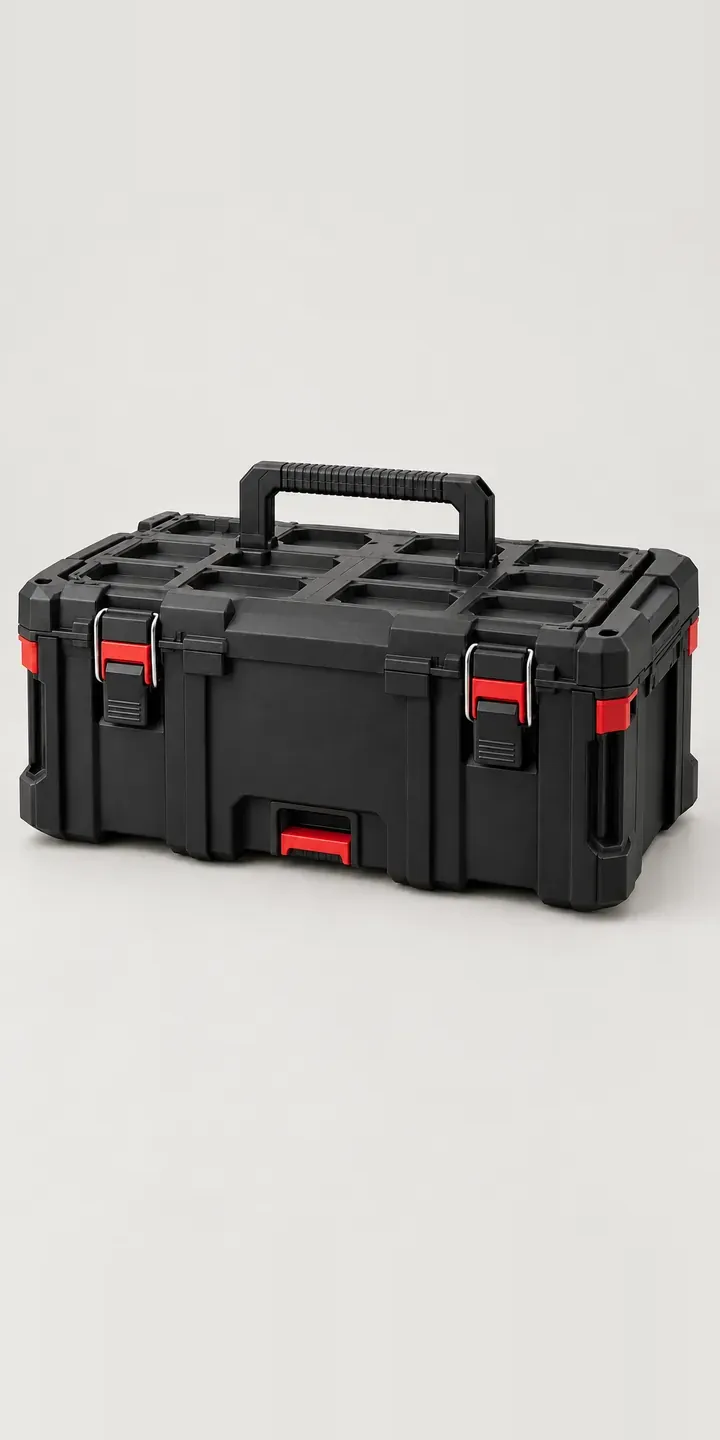
Stacking Toolbox
Twin-Nozzle Printer
3-in-1 Fabricator
Aluminium Saw Rail
All tool and workshop equipment configurator demos
A configurator for your sanding tools
This demo uses an illustrative product. If you sell sanding tools, I can build the same experience around your own range, photography and ordering process, connected to Shopify, WooCommerce or a quote workflow. I reply to enquiries within two UK working days.